You are using an outdated browser. Please
upgrade your browser to improve your experience.

ThoughtTrace Atlas helps you map, log, and analyze your mental journey with precision

ThoughtTrace Atlas
by Gonzales Isabella

What is it about?
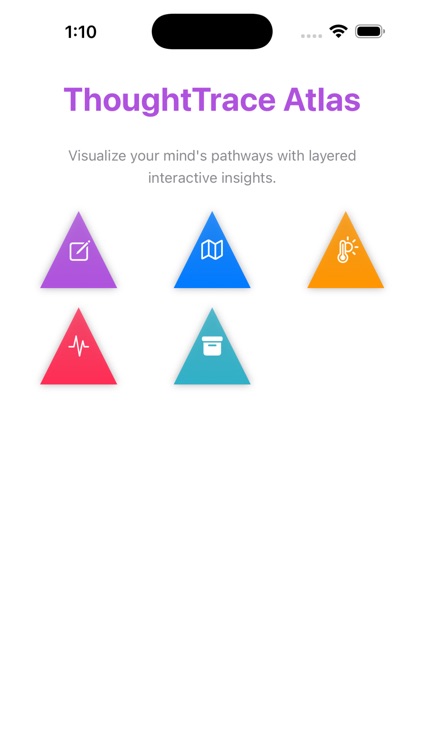
ThoughtTrace Atlas helps you map, log, and analyze your mental journey with precision. Capture your thoughts with rich contextual data like location, intensity, emotion, duration, focus, and interruptions. The app transforms your entries into interactive charts, heatmaps, and archives, empowering you to understand your cognitive patterns over time.
App Screenshots
App Store Description
ThoughtTrace Atlas helps you map, log, and analyze your mental journey with precision. Capture your thoughts with rich contextual data like location, intensity, emotion, duration, focus, and interruptions. The app transforms your entries into interactive charts, heatmaps, and archives, empowering you to understand your cognitive patterns over time.
How useful:
ThoughtTrace Atlas is ideal for anyone seeking greater self-awareness, cognitive optimization, or mental health tracking. By visualizing your thought patterns and environmental factors, you can identify conditions that improve or hinder focus, creativity, and emotional wellbeing.
Key features:
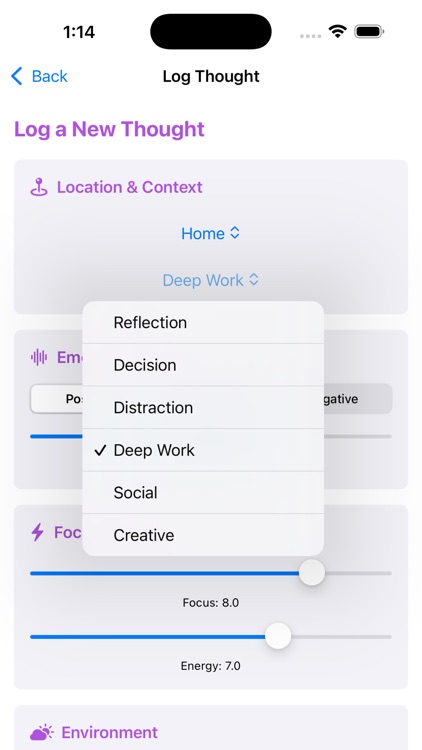
• Log thoughts with multiple dimensions including location, emotion, energy, noise level, people present, and device use.
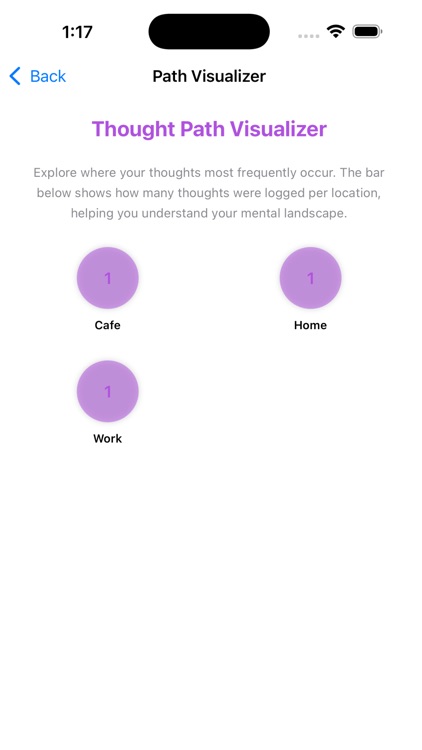
• Visualize where your thoughts occur most often using the Path Visualizer.
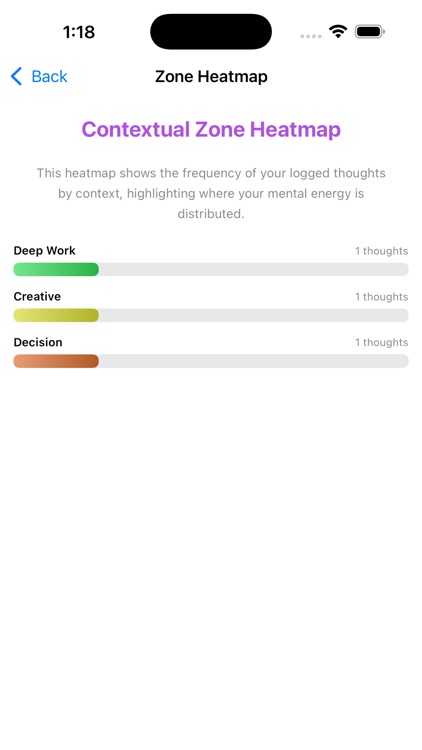
• Analyze thought context distribution through the Zone Heatmap.
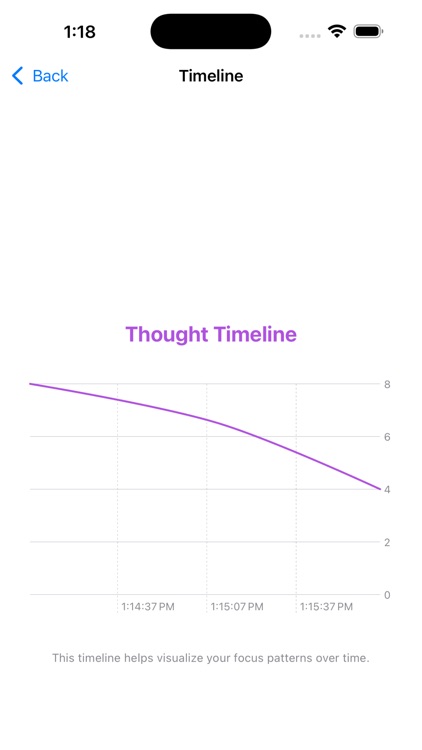
• Observe cognitive trends over time with the interactive Timeline chart.
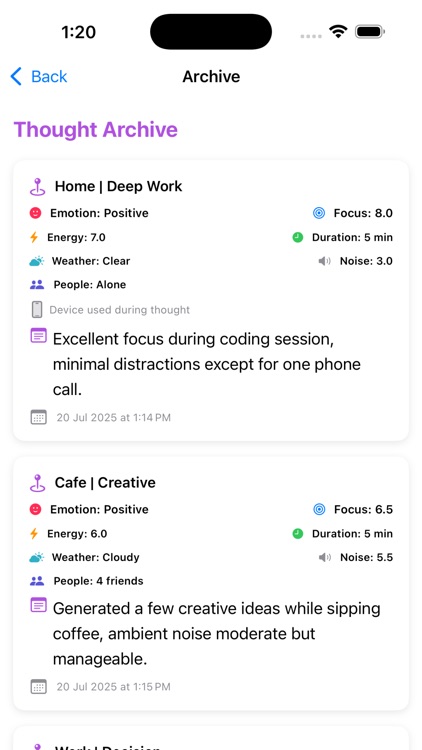
• Explore a searchable and visually organized Thought Archive.
How to use (steps):
Open the app and tap "Log Thought" to record a new thought snapshot.
Enter details such as location, context, emotion, focus level, energy, interruptions, and additional notes.
Save the thought. Your data will automatically appear in visual modules.
Explore the Path Visualizer to see the locations where your thoughts occur most frequently.
Use the Zone Heatmap to identify which contexts dominate your thinking patterns.
View the Timeline to track how your thoughts evolve over time.
Visit the Archive to review all your logged thoughts, complete with icons, bold formatting, and detailed metadata.
ThoughtTrace Atlas encourages reflection and mindfulness by turning your daily mental landscape into insightful, interactive data.
Disclaimer:
AppAdvice does not own this application and only provides images and links contained in the iTunes Search API, to help our users find the best apps to download. If you are the developer of this app and would like your information removed, please send a request to takedown@appadvice.com and your information will be removed.
AppAdvice does not own this application and only provides images and links contained in the iTunes Search API, to help our users find the best apps to download. If you are the developer of this app and would like your information removed, please send a request to takedown@appadvice.com and your information will be removed.
