You are using an outdated browser. Please
upgrade your browser to improve your experience.

Tired of complicated apps that put the burden of creating a budget on your shoulder

Thrifty - Expense Tracker
by Stefan Stuckmann


What is it about?
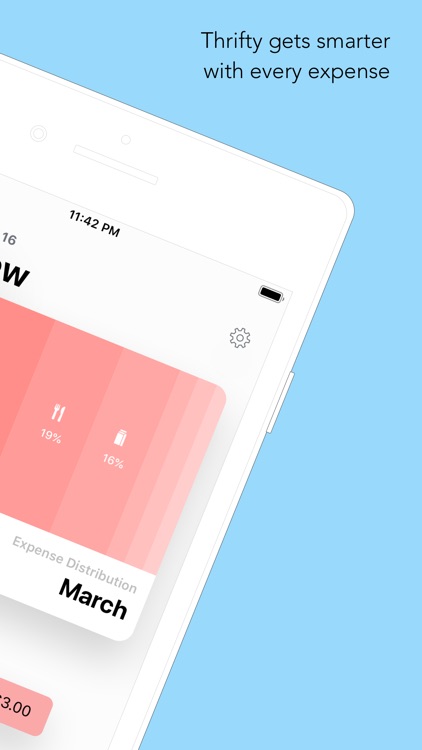
Tired of complicated apps that put the burden of creating a budget on your shoulder? Why try to come up with a fixed amount to spend on food, cloths or books every month, when each month is different anyway?

Thrifty supports Siri commands
Add
Expense
Using
Thrifty
send
a
message
to
Jenny
saying
I'm
almost
there
Add Expense
Using Thrifty send a message to Jenny saying I'm almost there
App Screenshots
App Store Description
Tired of complicated apps that put the burden of creating a budget on your shoulder? Why try to come up with a fixed amount to spend on food, cloths or books every month, when each month is different anyway?
This is how Thrifty works:
1. Enter your regular income - your salary or any other recurring payments.
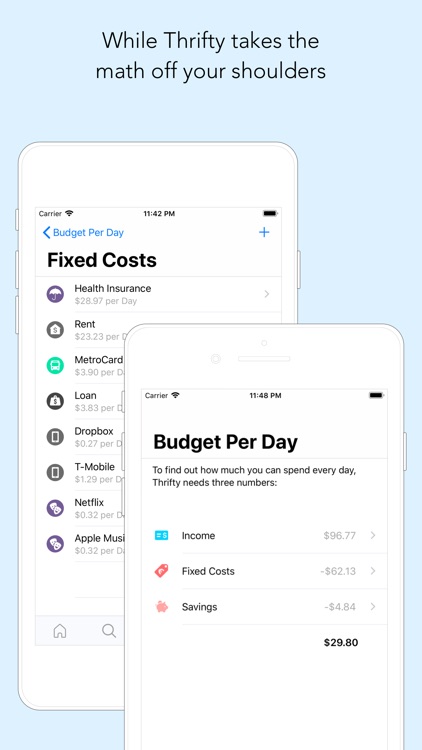
2. Enter your fixed costs - stuff like rent, Netflix or that gym membership you forgot to cancel.
3. Set a savings goal - it doesn’t have to be huge. Just 5 percent is a great start.
4. Thrifty takes all those numbers and crunches them down to one single piece of information: how much money you can spend per day.
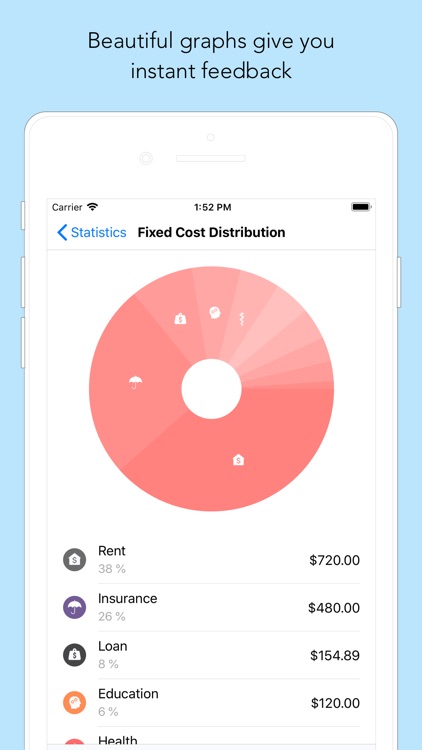
5. By providing instant feedback to your financial situation via beautiful graphs, Thrifty turns saving money into a game like experience.
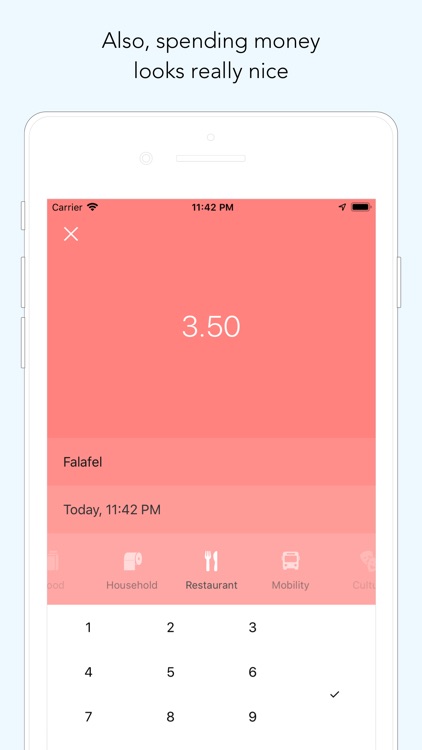
6. Suddenly, saying no to that fancy smoothie or that sweater that you might not really need but that looks kinda nice doesn’t feel frustrating anymore - it feels rewarding.
Also: Thrifty is completely private. All calculations are made on your device and no information you enter is sent back to a server. Since Thrifty’s simple process of budget keeping doesn’t need a connection to your bank account, it’s much safer to use than more complex apps, too.
And the best thing: Thrifty is completely free and will stay so. Even though we plan to add premium features in the future, all the core functions and really everything that is included right now will stay free.
Disclaimer:
AppAdvice does not own this application and only provides images and links contained in the iTunes Search API, to help our users find the best apps to download. If you are the developer of this app and would like your information removed, please send a request to takedown@appadvice.com and your information will be removed.
AppAdvice does not own this application and only provides images and links contained in the iTunes Search API, to help our users find the best apps to download. If you are the developer of this app and would like your information removed, please send a request to takedown@appadvice.com and your information will be removed.
