You are using an outdated browser. Please
upgrade your browser to improve your experience.
A Classic Calculator Gone Digital

TI-84 CE - Classic Editon
by TI 84 Calculator
Removed from the App Store
The memorable calculator is making a move to the iPhone and iPad with the same classic interface and more.
What is it about?
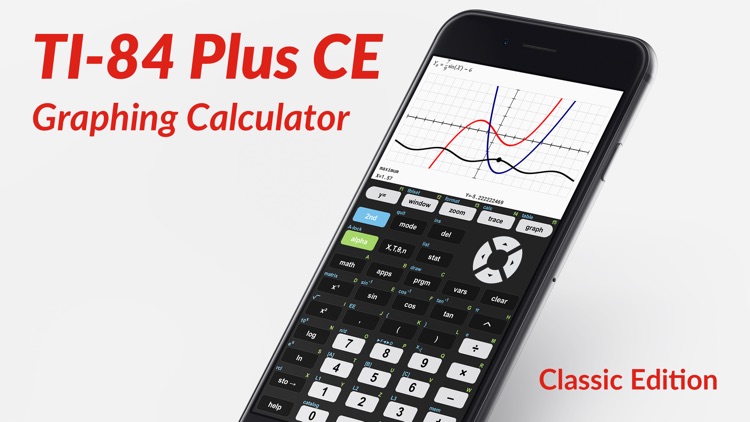
Aptly named TI-84 CE - Classic Edition, the app is designed to replicate the interface of the namesake calculator. It can cover everything needed for both high school and college math classes including pre-algebra, algebra, pre-calculus, calculus, and more.
App Screenshots
App Store Description
GRAPHING CALCULATOR CLASSIC EDITION
• Get the classic edition with the interface you know from the TI-84 graphing calculator.
• Same keys, commands, and functions.
• Use the arrow keys or your fingers to navigate inside the app.
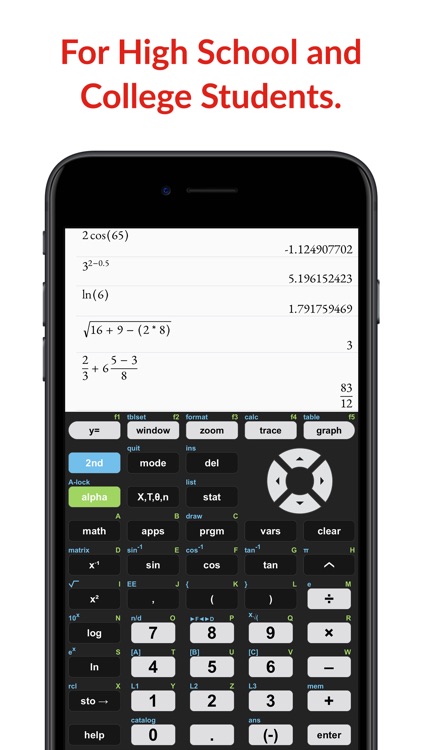
• Covers everything you need for high school and college: Pre-Algebra, Algebra 1 & 2, Statistics, Pre-Calculus, Calculus, ...
IT'S EVEN BETTER THAN AN ACTUAL CALCULATOR
• The app uses the huge calculation power of your iPhone/iPad, while handheld calculators are often slow.
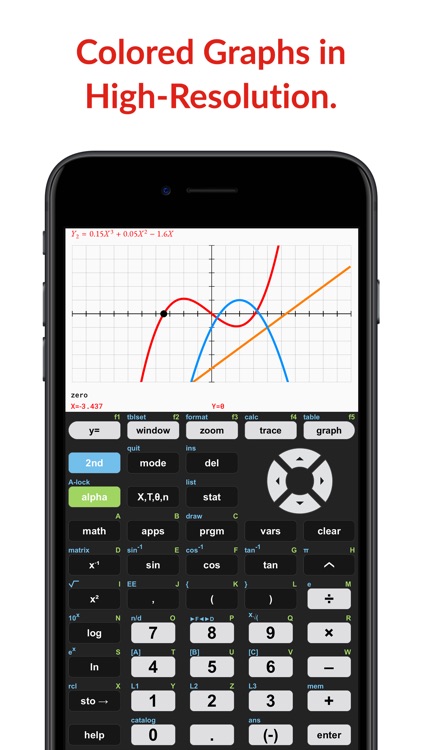
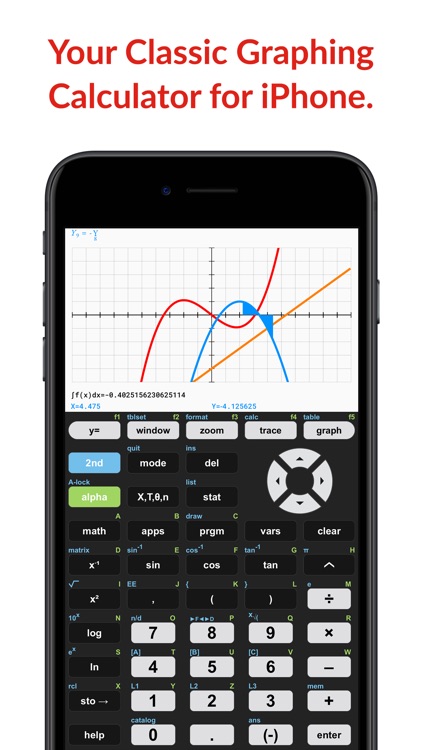
• High-resolution graphing window: Make sharp and beautiful graphs.
• Your new calculator weighs nothing and is always ready on your phone.
• Save a lot of money compared to the prices of handheld graphing calculators.
AVAILABLE FUNCTIONS
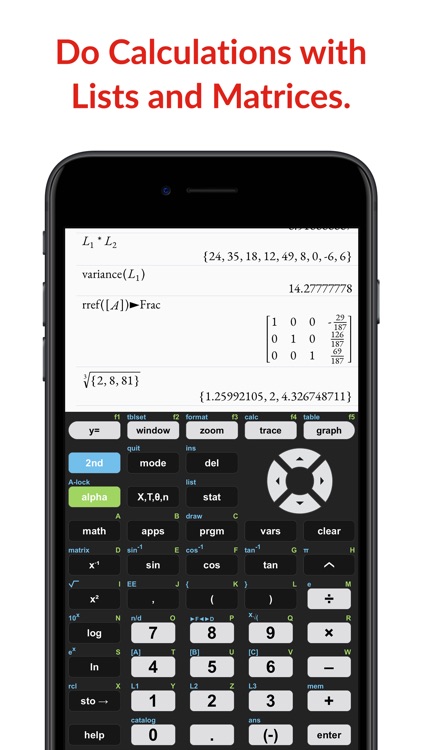
• Scientific calculator with all basic arithmetic and advanced functions with the ability to scroll through history and copy previous calculations.
• Graph every function you want and trace for X- and Y-values. Calculate intersections, zero, minimums, maximums, integrals, and derivatives.
• Store matrices and lists to use them for calculations.
• Get help with all commands with our integrated Catalog & Help section. It provides you with syntax help, examples and possible error messages.
Disclaimer:
AppAdvice does not own this application and only provides images and links contained in the iTunes Search API, to help our users find the best apps to download. If you are the developer of this app and would like your information removed, please send a request to takedown@appadvice.com and your information will be removed.
AppAdvice does not own this application and only provides images and links contained in the iTunes Search API, to help our users find the best apps to download. If you are the developer of this app and would like your information removed, please send a request to takedown@appadvice.com and your information will be removed.
