You are using an outdated browser. Please
upgrade your browser to improve your experience.

Bank anywhere, anytime

TIAA Direct Mobile Banking
by TIAA-CREF


What is it about?
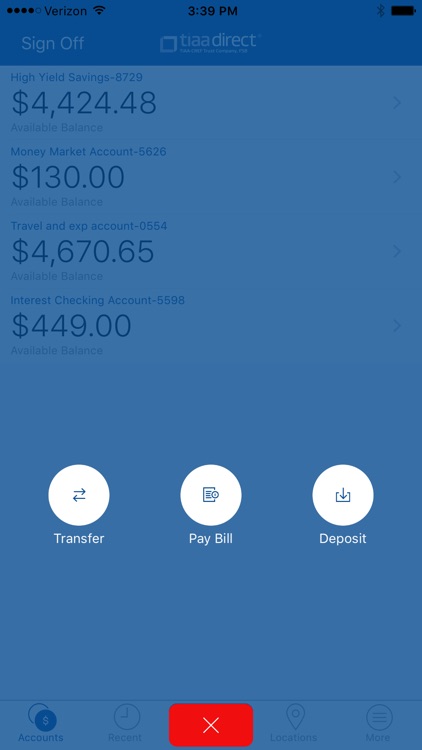
Bank anywhere, anytime. Check your balances, view account activity, deposit checks, pay bills, transfer money and find nearby ATMs.
App Details
Version
4.0
Rating
(16)
Size
19Mb
Genre
Finance
Last updated
December 8, 2016
Release date
August 5, 2011
App Screenshots

App Store Description
Bank anywhere, anytime. Check your balances, view account activity, deposit checks, pay bills, transfer money and find nearby ATMs.
WHAT YOU CAN DO
• Get real-time updates of your account activity and balances
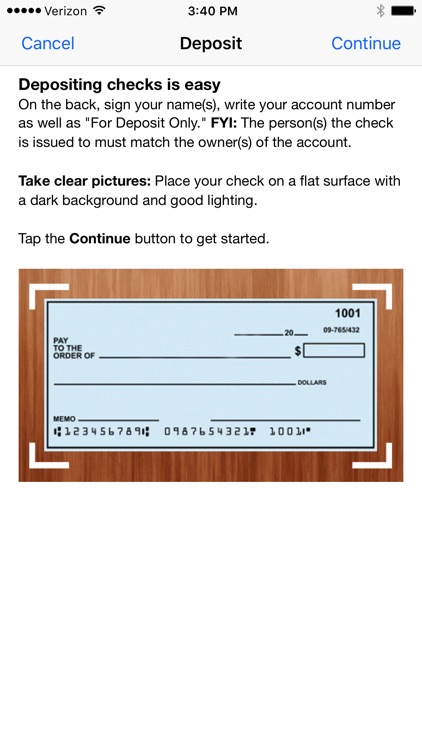
• Deposit checks
• Make payments to any payee you’ve set up online
• Transfer money immediately between your TIAA Direct accounts
• Find nearby ATMs, including 23,000 where you can get cash fee-free—just look for the SUM® or MoneyPass® logo
GETTING STARTED
1. Download the TIAA Direct® Mobile Banking app
2. Enroll in Mobile Banking by logging in at tiaadirect.com from your computer. Select Manage Mobile Banking, and follow the prompts—be sure to jot down your Activation Code
3. Open the app on your phone and enter your Activation Code
4. Log in to the app with the same User ID and Password you use to access your accounts online
Disclaimer:
AppAdvice does not own this application and only provides images and links contained in the iTunes Search API, to help our users find the best apps to download. If you are the developer of this app and would like your information removed, please send a request to takedown@appadvice.com and your information will be removed.
AppAdvice does not own this application and only provides images and links contained in the iTunes Search API, to help our users find the best apps to download. If you are the developer of this app and would like your information removed, please send a request to takedown@appadvice.com and your information will be removed.
