You are using an outdated browser. Please
upgrade your browser to improve your experience.
Would you like to feel like travelling all the time, collecting the most beautiful videocam images and memories

Travel Slideshow – Create A Short Video With Pic.s
by Miljana Vuksanovic
What is it about?
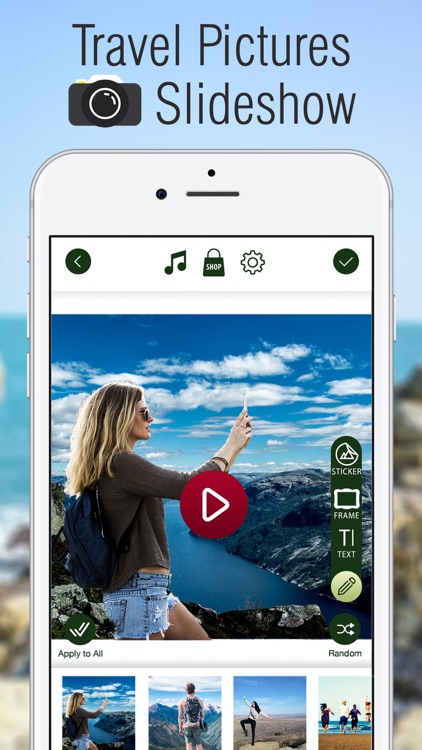
Would you like to feel like travelling all the time, collecting the most beautiful videocam images and memories? Something completely unique and awesome you haven't seen before is now at your disposal! Download “Travel Slideshow – Create A Short Video With Pic.s” and watch the most unique pictures and videos created out of your favorite trip or voyage! Create a slideshow you will remember forever! Design little pieces of art and add some entertaining stickers to your collages as well as colorful frames to make them even more wonderful!
App Screenshots
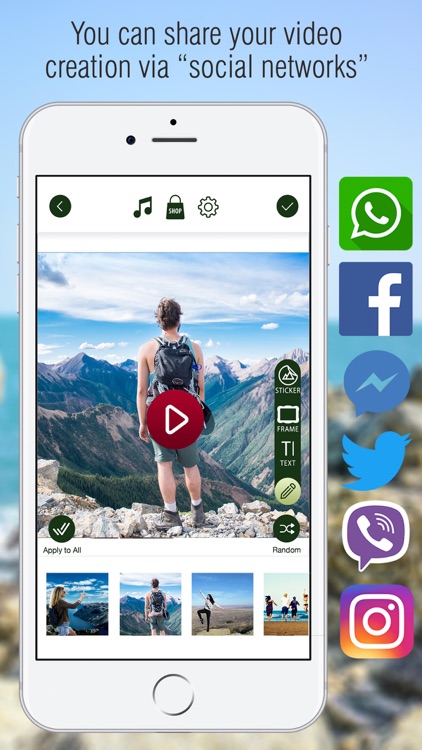
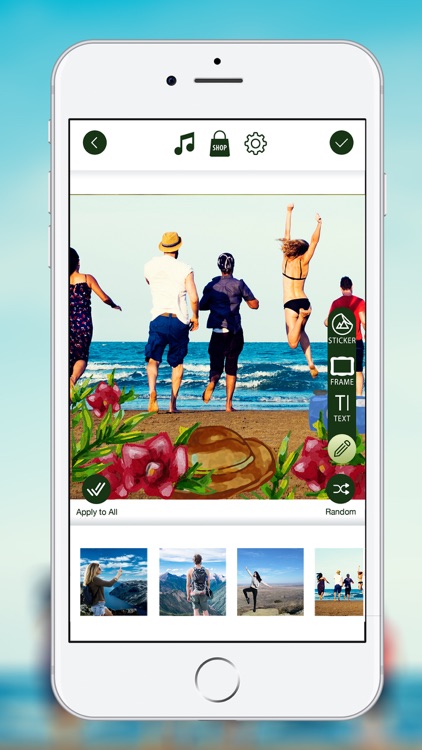
App Store Description
Would you like to feel like travelling all the time, collecting the most beautiful videocam images and memories? Something completely unique and awesome you haven't seen before is now at your disposal! Download “Travel Slideshow – Create A Short Video With Pic.s” and watch the most unique pictures and videos created out of your favorite trip or voyage! Create a slideshow you will remember forever! Design little pieces of art and add some entertaining stickers to your collages as well as colorful frames to make them even more wonderful!
- Take a picture or add a photo from your phone gallery;
- Easily pick a transition pattern that suits your taste the best;
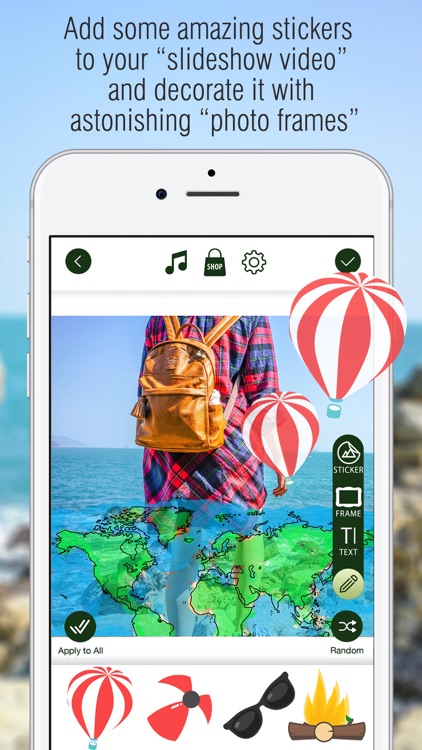
- Add some amazing emoji, emoticon and stickers to your video and decorate it with astonishing frames;
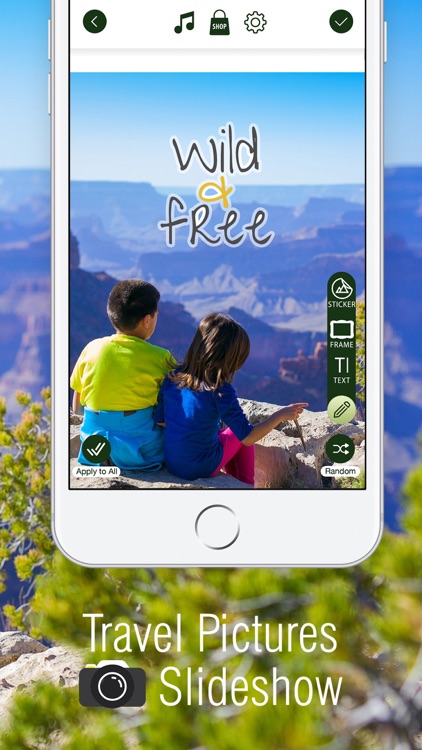
- Wake up a writer in yourself by writing whatever you like over the videos;
- If you feel like adding some music on your own choice, you can do it, and it is as simple as a piece of cake;
- Check the way all this looks like with your photos;
- You are also allowed to set a video duration and transition speed;
- Show the whole world what you have created by sharing your video via the most popular social networks.
Design some amazing videos out of your favorite funny pictures and enjoy the most beautiful slideshows created by your own artistic hands! Whether you like to travel by bus, car, plane or just walk, you can always capture the most interesting memories and convert them into everlasting videos! Create, edit and share your slideshows via our amazing app that you can download for free! And that's not all! Write a text over your newly – made video and stand out of the crowd by creating a little piece of art that you will remember forever! If you feel like adding some music on your own choice, you can do it with no effort! Make the best out of mp3 and song effects and make the show by creating the best videoclip ever! This photolab will make you feel great and making a unique video is as simple as a piece of cake! Try it yourself and become a real artist!
Disclaimer:
AppAdvice does not own this application and only provides images and links contained in the iTunes Search API, to help our users find the best apps to download. If you are the developer of this app and would like your information removed, please send a request to takedown@appadvice.com and your information will be removed.
AppAdvice does not own this application and only provides images and links contained in the iTunes Search API, to help our users find the best apps to download. If you are the developer of this app and would like your information removed, please send a request to takedown@appadvice.com and your information will be removed.
