You are using an outdated browser. Please
upgrade your browser to improve your experience.

A program for iPhones and iPads to view Tribal Environmental Exchange Network (TREX) near real time sensor parameter data for selected sites

TREX Dashboard
by Sutron Corporation

What is it about?
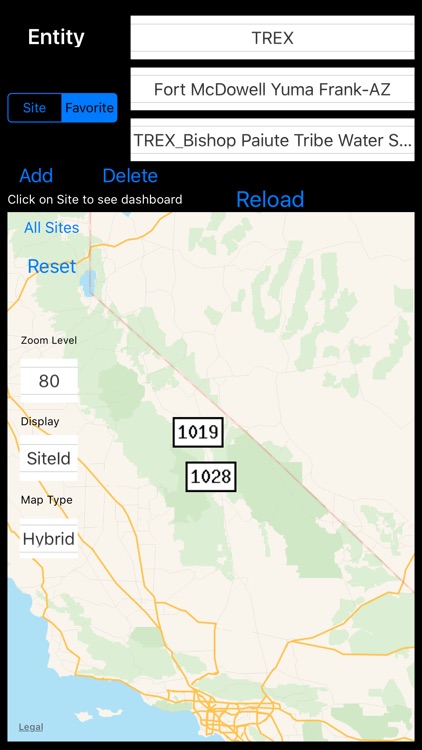
A program for iPhones and iPads to view Tribal Environmental Exchange Network (TREX) near real time sensor parameter data for selected sites. The sites are displayable on a map. A user can save sites into the Favorites Spinner for quick access. For each site which contains parameter data, the user can view the associated weather and air quality sensor dashboard components. New data is provided hourly. Selecting the Reload button is required to be selected in order to get the new data. The user can select the All Sites button and if the Site group button is selected it will resize the map and display all Sites on the Map. Otherwise, if Favorite is highlighted and All Sites is selected then the Favorite Sites will all be displayed using the given display type. Note that only sites that have the display type parameter will be displayed. All sites have a unique SiteId.
App Screenshots

App Store Description
A program for iPhones and iPads to view Tribal Environmental Exchange Network (TREX) near real time sensor parameter data for selected sites. The sites are displayable on a map. A user can save sites into the Favorites Spinner for quick access. For each site which contains parameter data, the user can view the associated weather and air quality sensor dashboard components. New data is provided hourly. Selecting the Reload button is required to be selected in order to get the new data. The user can select the All Sites button and if the Site group button is selected it will resize the map and display all Sites on the Map. Otherwise, if Favorite is highlighted and All Sites is selected then the Favorite Sites will all be displayed using the given display type. Note that only sites that have the display type parameter will be displayed. All sites have a unique SiteId.
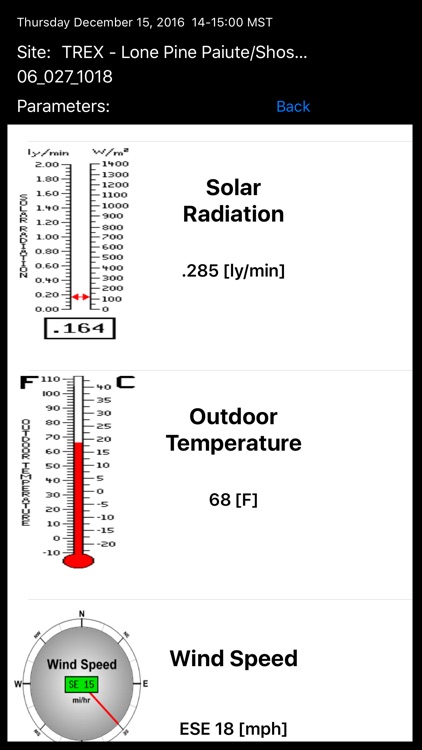
Weather parameters include:
- Dew point
- Relative Humidity
- Temperature
- 1 hour rainfall
- Total daily rainfall
- Sea level pressure
- Solar radiation
- Wind speed and direction
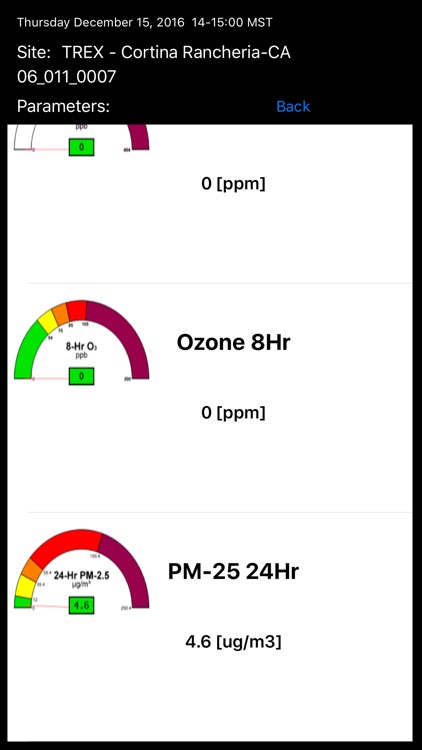
Air Quality parameters include:
- C02 8 hour
- Ozone 1 hour
- Ozone 8 hour
- N02
- S02 1 hour
- PM-2.5 24 hour
- PM-10 24 hour
Disclaimer:
AppAdvice does not own this application and only provides images and links contained in the iTunes Search API, to help our users find the best apps to download. If you are the developer of this app and would like your information removed, please send a request to takedown@appadvice.com and your information will be removed.
AppAdvice does not own this application and only provides images and links contained in the iTunes Search API, to help our users find the best apps to download. If you are the developer of this app and would like your information removed, please send a request to takedown@appadvice.com and your information will be removed.
