You are using an outdated browser. Please
upgrade your browser to improve your experience.

To get started, please locate the QR sticker on the neck of the wine bottle that you would like to scan

TWE Scan
by Treasury Wine Estates
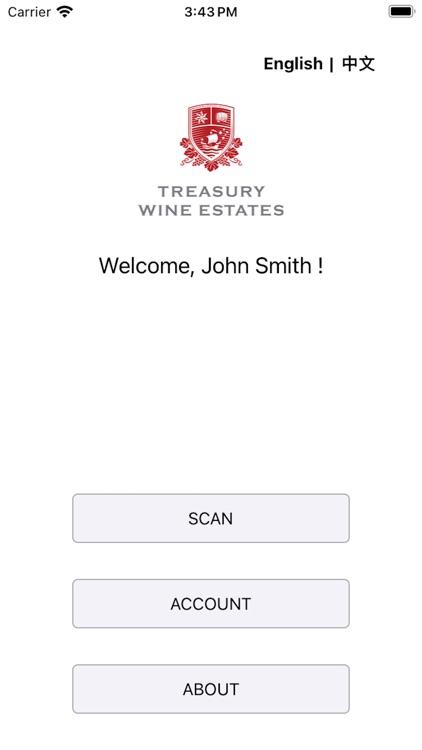

What is it about?
To get started, please locate the QR sticker on the neck of the wine bottle that you would like to scan. Please then scan the QR code displayed on this sticker to start the authentication process. If your product does not have a QR sticker, it does not necessarily mean that the product is not authentic as QR stickers are only attached across certain products to date. If you have any questions, please contact TWE Customer Service.
App Store Description
To get started, please locate the QR sticker on the neck of the wine bottle that you would like to scan. Please then scan the QR code displayed on this sticker to start the authentication process. If your product does not have a QR sticker, it does not necessarily mean that the product is not authentic as QR stickers are only attached across certain products to date. If you have any questions, please contact TWE Customer Service.
Disclaimer:
AppAdvice does not own this application and only provides images and links contained in the iTunes Search API, to help our users find the best apps to download. If you are the developer of this app and would like your information removed, please send a request to takedown@appadvice.com and your information will be removed.
AppAdvice does not own this application and only provides images and links contained in the iTunes Search API, to help our users find the best apps to download. If you are the developer of this app and would like your information removed, please send a request to takedown@appadvice.com and your information will be removed.
