You are using an outdated browser. Please
upgrade your browser to improve your experience.
Finally you can choose different lock themes for your iPhone

Un Lock It - Customizing Creative Lock Screen Images
by Rajasekhar Battu
What is it about?
Finally you can choose different lock themes for your iPhone!
App Screenshots
App Store Description
Finally you can choose different lock themes for your iPhone!
This app helps you create a specialized unlock screens that increases security. When someone messes with your phone they will think that it is locked and only you will be able to know how to unlock it as easily as it ever was.
Keep your personal data private and secure!
Over Twenty Types of Lock / Unlock Themes including:
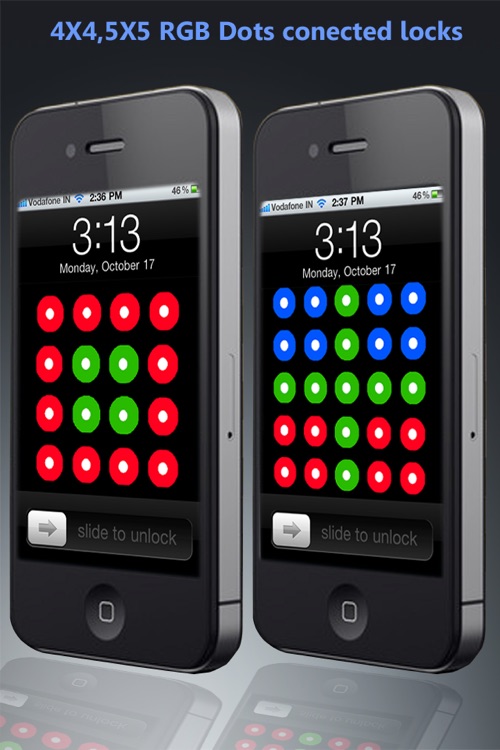
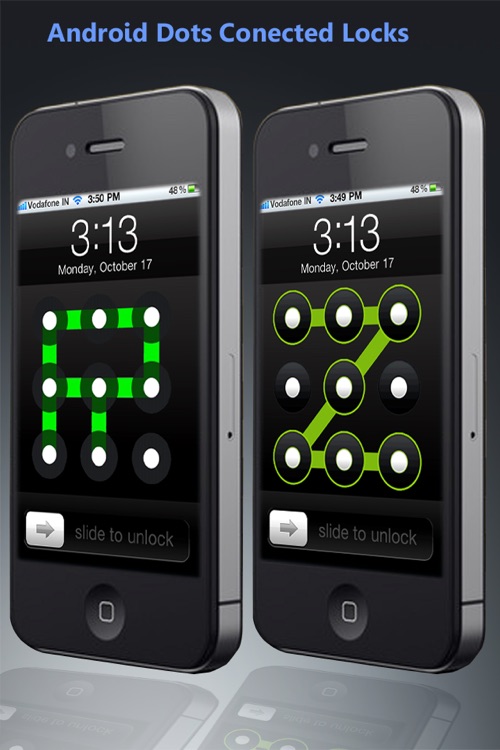
- Android-like "connect-the-dots" security
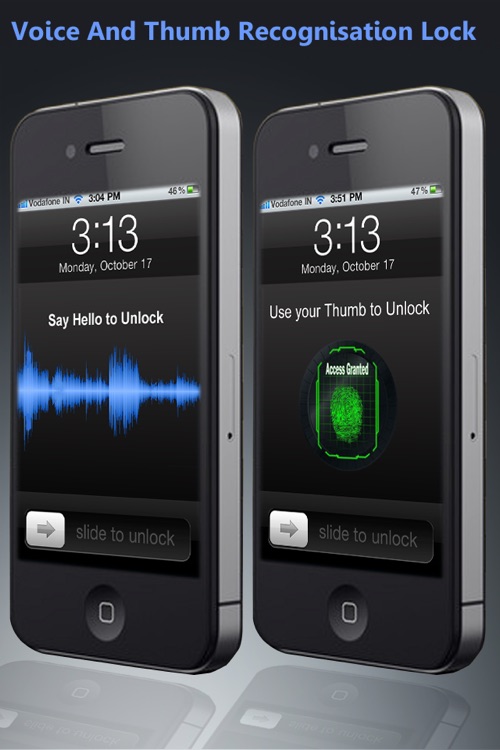
- Voice Recognition
- Fingerprint Scan
- Traditional "Drag to Unlock"
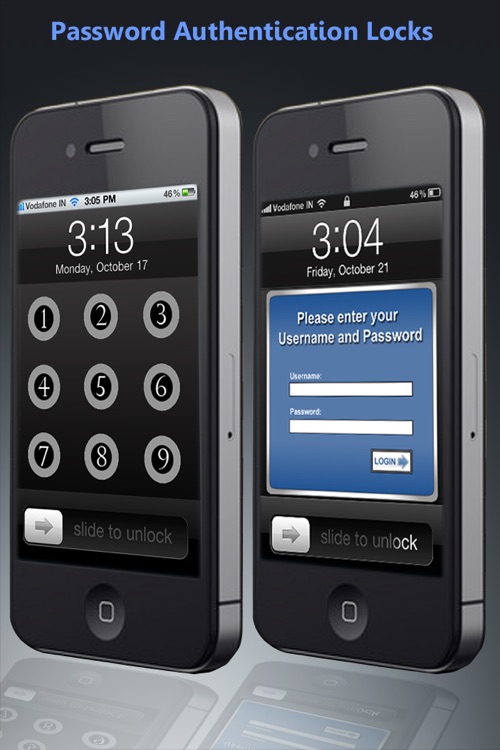
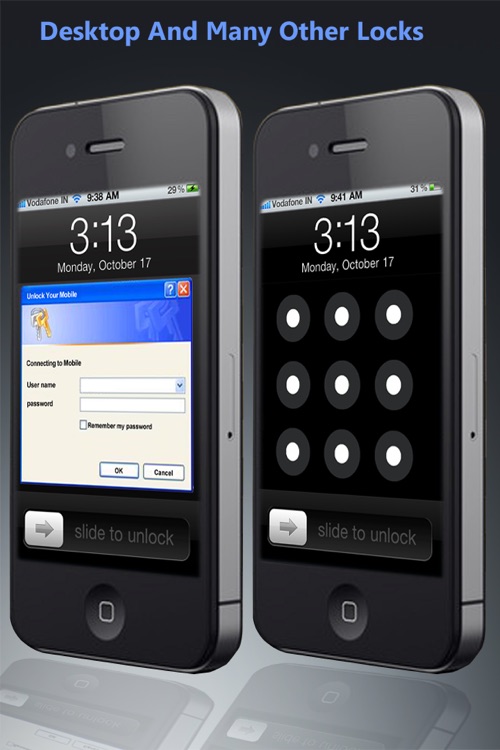
- Alpha-Numeric Password Protection
- Bank Safe Lock Wheel
- Digital Safe keypad.
- Simple Tap unlock
… And more! …
To "Lock" Your Phone:
1. Choose a built-in lock screen image, take a photo, or choose from your photo library as the background.
2. Toggle the lock mode selection and select one lock screen wallpaper.
3. Save the combined theme to your library.
4. Set the saved theme as your lock screen wallpaper.
** Disclaimer - This app is a lock screen generator not a real iPhone security system. The app helps you create a specialized lock screen wallpapers that gives the illusion of built-in security. User should treat this as a prank and is meant only to give the perception of security against the meddlesome scumpling. Please read the description carefully before purchasing this app. **
Disclaimer:
AppAdvice does not own this application and only provides images and links contained in the iTunes Search API, to help our users find the best apps to download. If you are the developer of this app and would like your information removed, please send a request to takedown@appadvice.com and your information will be removed.
AppAdvice does not own this application and only provides images and links contained in the iTunes Search API, to help our users find the best apps to download. If you are the developer of this app and would like your information removed, please send a request to takedown@appadvice.com and your information will be removed.
