You are using an outdated browser. Please
upgrade your browser to improve your experience.

Easily manage both your professional development opportunities as well as your absences with the PowerSchool Unified Talent mobile app

Unified Talent Mobile
by PowerSchool Group LLC

What is it about?
Easily manage both your professional development opportunities as well as your absences with the PowerSchool Unified Talent mobile app.
App Screenshots



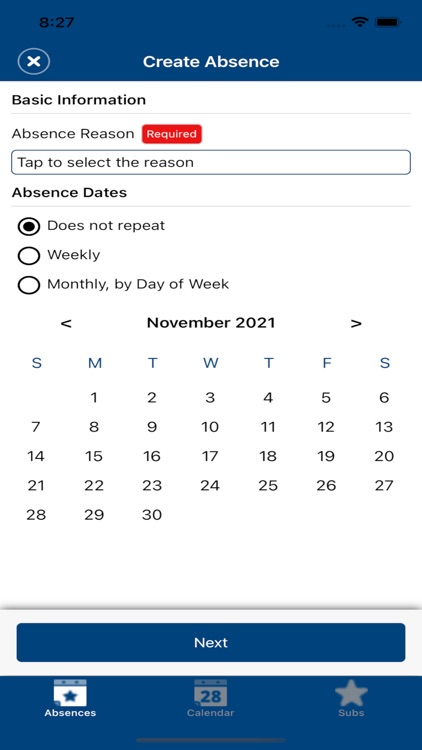
App Store Description
Easily manage both your professional development opportunities as well as your absences with the PowerSchool Unified Talent mobile app.
For staff users of SmartFind Express you can:
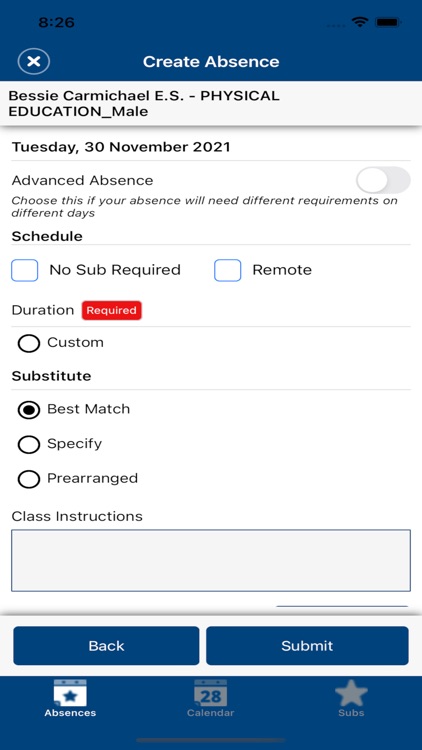
* Create, view, edit, or cancel an absence
* Set your preferred subs
* View your schedule and reason balance
* View your absences in a calendar view
For Professional Learning course instructors and attendees you can:
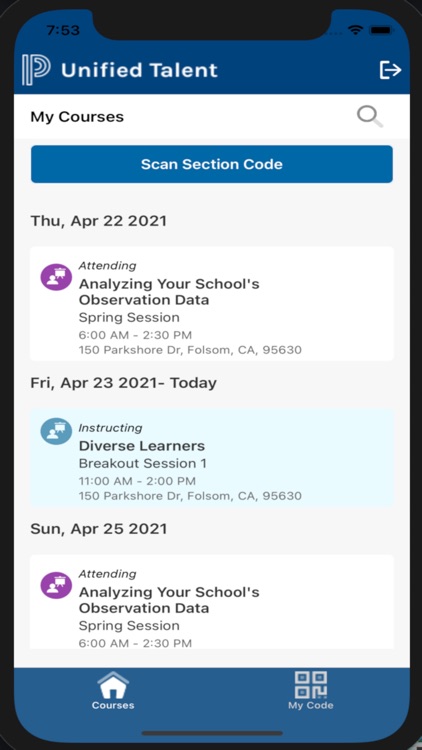
* View your upcoming professional development courses
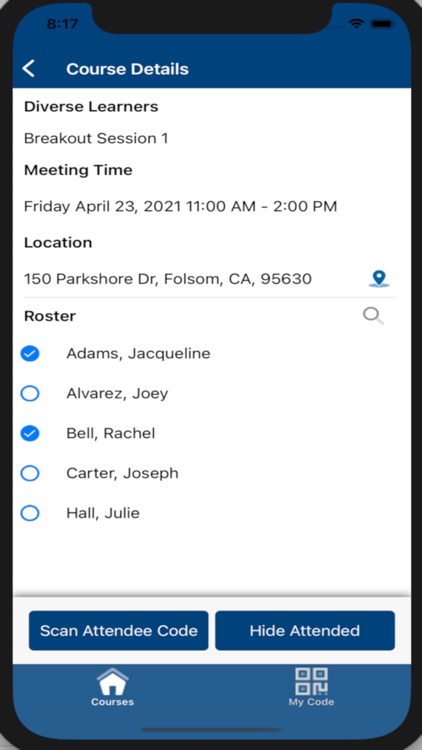
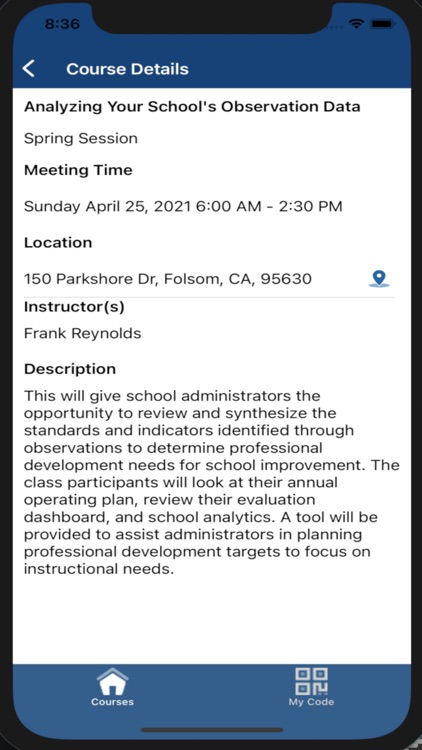
* Access course details including meeting time and location (connected to Google Maps)
* Mark class attendance
IMPORTANT
Your district must be using the PowerSchool Professional Learning or SmartFind Express application.
What’s New
* Users of the PowerSchool SmartFind Express application can now access the key absence workflows below inside of the mobile app.
* Create, view, edit, or cancel an absence
* Set your preferred subs
* View your schedule, reason balance, and absences in a calendar view
Disclaimer:
AppAdvice does not own this application and only provides images and links contained in the iTunes Search API, to help our users find the best apps to download. If you are the developer of this app and would like your information removed, please send a request to takedown@appadvice.com and your information will be removed.
AppAdvice does not own this application and only provides images and links contained in the iTunes Search API, to help our users find the best apps to download. If you are the developer of this app and would like your information removed, please send a request to takedown@appadvice.com and your information will be removed.
