You are using an outdated browser. Please
upgrade your browser to improve your experience.

Center of Balance (CB) Calculator –This app provides users a tool to expeditiously calculate the center of balance for equipment with up to 5 axles and a Pallet Train with up to 10 boxes

USAF EOS Center of Balance
by USAF Expeditionary Operations School
What is it about?
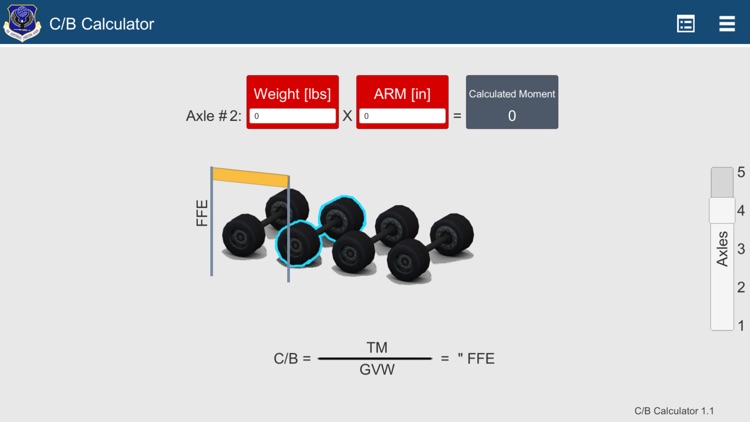
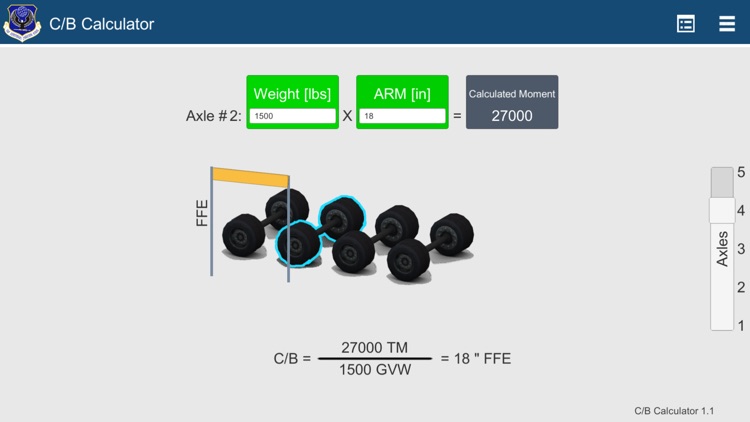
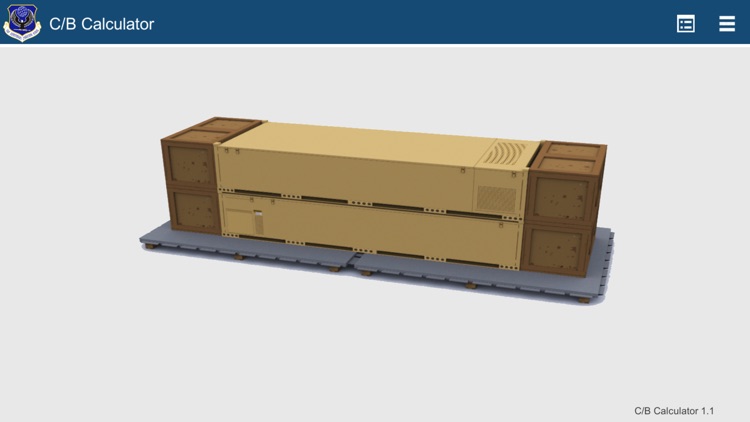
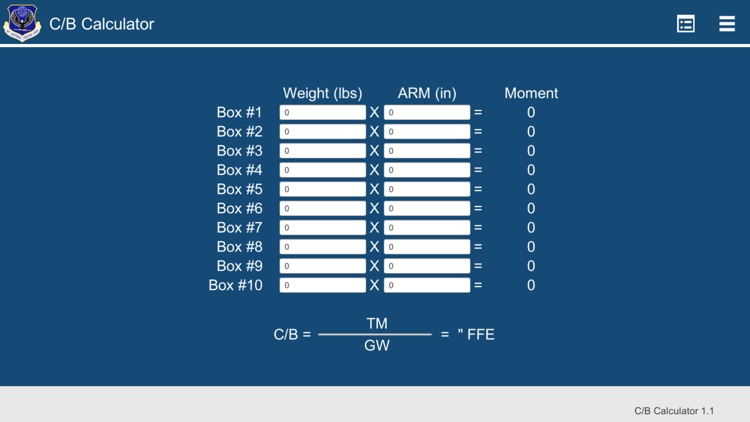
Center of Balance (CB) Calculator –This app provides users a tool to expeditiously calculate the center of balance for equipment with up to 5 axles and a Pallet Train with up to 10 boxes. The user begins by selecting the number of axles they want to figure out the center of balance for, and a representation of those axles are shown on the screen. The user then annotates the distance from front end (FFE) for each axle and the axle’s weight and the text box where the user inputs data will change from red to green when the data is correct. The user repeats the process for each axle and if all information is entered correctly, the app displays the center of balance for the user. If the data is incorrect, the center of balance will not display. Additionally, the app provides the user with a “Form view” where the numerical calculations are displayed. This is a great benefit that helps members ensure they are annotating the data correctly. After the user is complete with the vehicle or pallet train, they can either start a new vehicle, or quit the application.
App Screenshots
App Store Description
Center of Balance (CB) Calculator –This app provides users a tool to expeditiously calculate the center of balance for equipment with up to 5 axles and a Pallet Train with up to 10 boxes. The user begins by selecting the number of axles they want to figure out the center of balance for, and a representation of those axles are shown on the screen. The user then annotates the distance from front end (FFE) for each axle and the axle’s weight and the text box where the user inputs data will change from red to green when the data is correct. The user repeats the process for each axle and if all information is entered correctly, the app displays the center of balance for the user. If the data is incorrect, the center of balance will not display. Additionally, the app provides the user with a “Form view” where the numerical calculations are displayed. This is a great benefit that helps members ensure they are annotating the data correctly. After the user is complete with the vehicle or pallet train, they can either start a new vehicle, or quit the application.
Disclaimer:
AppAdvice does not own this application and only provides images and links contained in the iTunes Search API, to help our users find the best apps to download. If you are the developer of this app and would like your information removed, please send a request to takedown@appadvice.com and your information will be removed.
AppAdvice does not own this application and only provides images and links contained in the iTunes Search API, to help our users find the best apps to download. If you are the developer of this app and would like your information removed, please send a request to takedown@appadvice.com and your information will be removed.
