You are using an outdated browser. Please
upgrade your browser to improve your experience.

We specialise in Augmented Reality (AR) to give people the best experiences the ever seen

Viewmaker AR
by Toine Roks
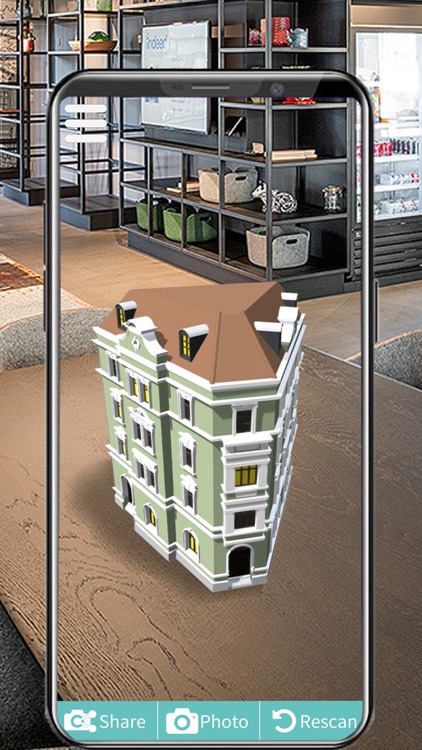
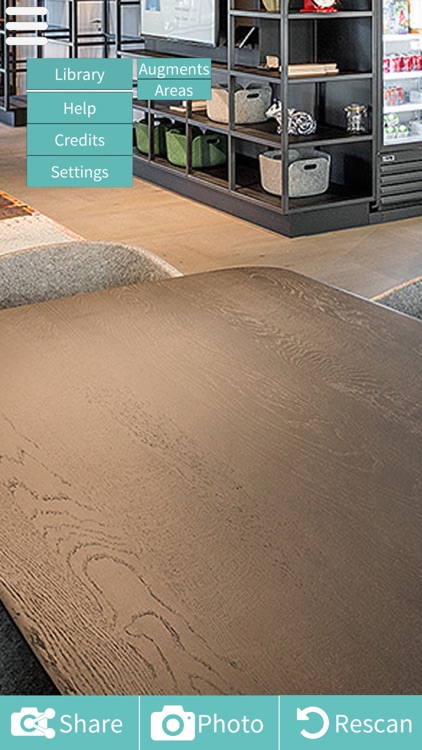
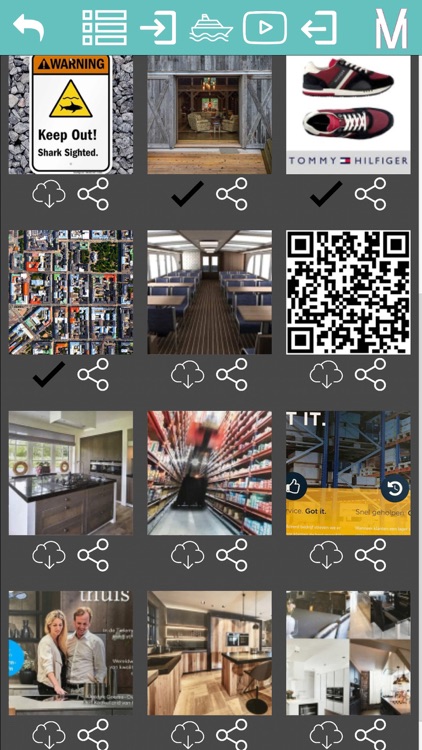
What is it about?
We specialise in Augmented Reality (AR) to give people the best experiences the ever seen.
App Screenshots

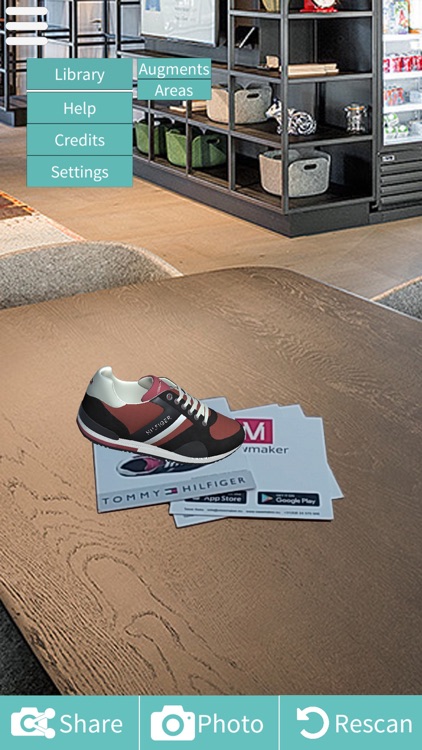

App Store Description
We specialise in Augmented Reality (AR) to give people the best experiences the ever seen.
AR with Viewmaker is very simple.
Hoe werkt Viewmaker AR
1. Download de gratis app.
2. Richt je smartphone of tablet op het drukwerk en er verschijnt een pop-up melding met de vraag “wilt u dit object downloaden?” Dit object zal na het downloaden verschijnen op het drukwerk.
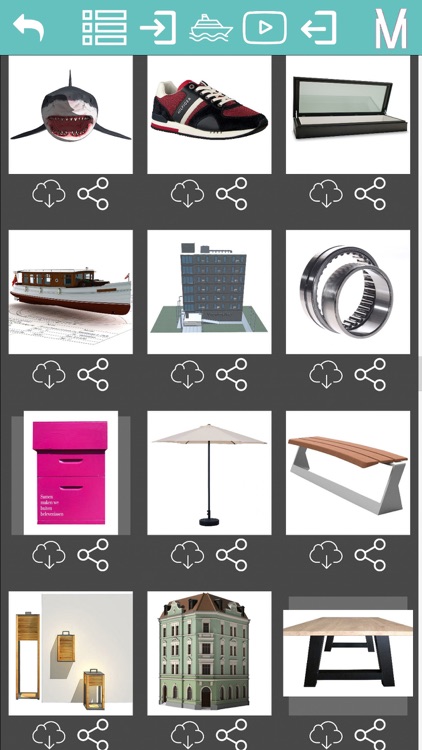
3. U kunt deze ook handmatig downloaden. Ga naar het menu en kies voor “augments”. Er verschijnt een hele reeks targets (stukjes drukwerk). Deze kunt u uitprinten en het object downloaden.
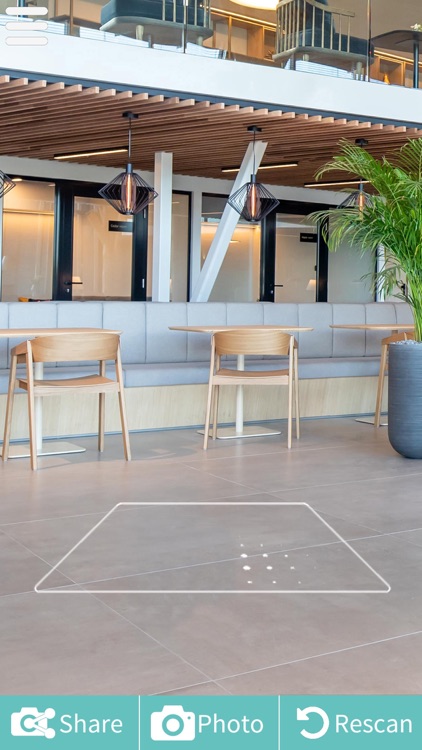
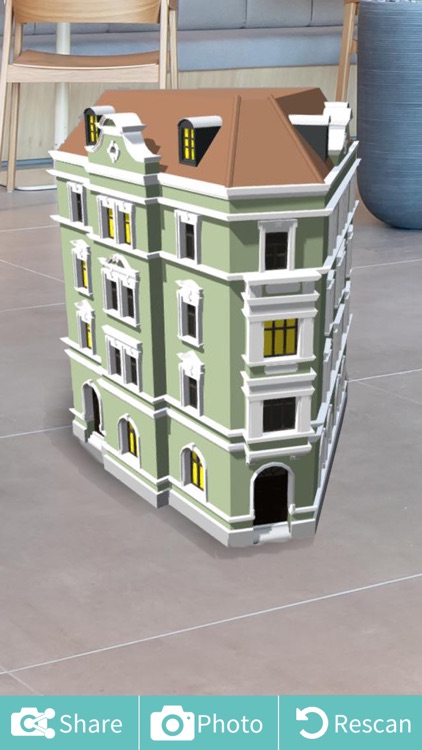
4. Kiest u in het menu voor “area” dan kunt u het object downloaden en plaatsen in uw woning of tuin. Hiervoor heeft u geen drukwerk meer nodig.
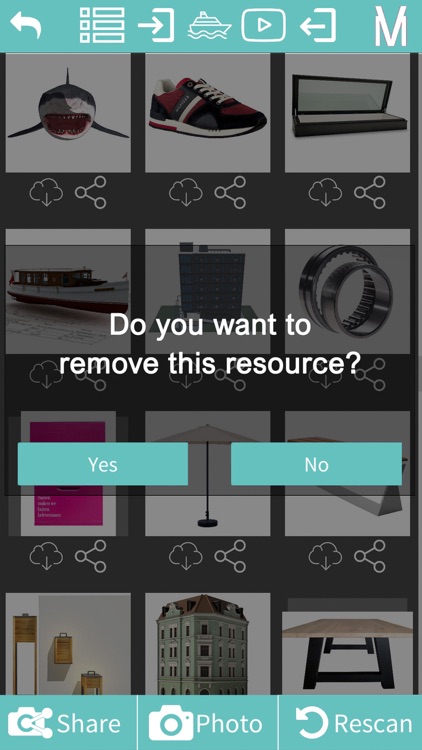
5. Via het menu kunt u de objecten weer verwijderen op dezelfde manier als hoe u deze heeft gedownload.
Meer is het niet, veel plezier.
Voor vragen of feedback kun contact opnemen met info@viewmaker.eu of ga naar onze website viewmaker.eu
How does Viewmaker AR work
1. Download the free app.
2. Focus your smartphone or tablet on a suitable magazine and a pop-up appear with the question “do you want to download this object?” This object will appear on the print after downloading.
3. You can also download it manually. Go to the menu and choose "augments". A whole series of targets (pieces of magazines) appear. You can print it out and download the object.
4. If you select “area” in the menu, you can download the object and place it in your home or garden. You no longer need printing for this.
5. Via the menu, you can remove the objects again in the same way as you downloaded them.
Have fun with it.
For questions or feedback please contact info@viewmaker.eu or go to our website viewmaker.eu
Disclaimer:
AppAdvice does not own this application and only provides images and links contained in the iTunes Search API, to help our users find the best apps to download. If you are the developer of this app and would like your information removed, please send a request to takedown@appadvice.com and your information will be removed.
AppAdvice does not own this application and only provides images and links contained in the iTunes Search API, to help our users find the best apps to download. If you are the developer of this app and would like your information removed, please send a request to takedown@appadvice.com and your information will be removed.
