You are using an outdated browser. Please
upgrade your browser to improve your experience.
Hitachi’s Visual Communication System is an easy-to-use, convenient, and high-quality video conferencing system

Visual Communication System
by Hitachi Information & Telecommunication Engineering, Ltd.



What is it about?
Hitachi’s Visual Communication System is an easy-to-use, convenient, and high-quality video conferencing system.
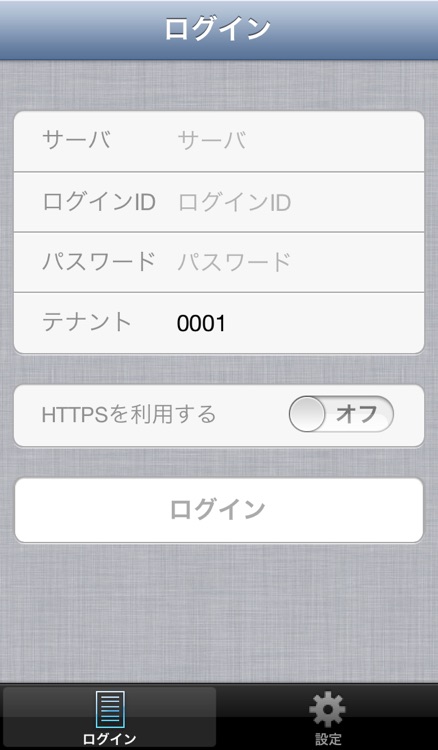
App Screenshots

App Store Description
Hitachi’s Visual Communication System is an easy-to-use, convenient, and high-quality video conferencing system.
When installed on an iPad/iPhone, this product lets you hold multi-point video conferences with PC terminals (Visual Communication System Desktops), while sharing video, audio, and other data.
Conditions of use
- Device used to test operation (supported device): iPhone 5, iPhone 5s, iPhone 5c, iPad 3, iPad 4, iPad Air, iPad mini & iPad mini with Retina display
-Supported iOS version: 6.0, 6.1, 7.0, 7.1
- This application is provided to customers who have installed Hitachi's Visual Communication System.
- For Visual Communication System (version 02-08 or later) conferencing servers, you need a smartphone connection license, a seat license, and a download license to use this application.
Note that the first time you log in to a conferencing server, one download license on the conferencing server is used up.
-Depending on usage environment, echo may occur when a user joins a conference without using headphones. If the echo is still present even after adjusting speaker volume, it is recommended to use headphones during the conference.
Notes
- For audio calls, we recommend using headphones.
- Hitachi, Ltd. is not responsible for any damages caused by using this application.
- iPad is a trademark of Apple Inc., registered in the U.S. and other countries.
- iPhone is a trademark of Apple Inc., registered in the U.S. and other countries.
- App Store is a service mark of Apple Inc.
- Company names, trade names, product names, etc. are trademarks or registered trademarks of the respective companies.
- Screenshots are images.
- Screen display varies depending on iOS versions.
- The information here is subject to change without notice due to an improvement to products.
(C) Hitachi Information & Telecommunication Engineering, Ltd. 2014. All rights reserved.
Disclaimer:
AppAdvice does not own this application and only provides images and links contained in the iTunes Search API, to help our users find the best apps to download. If you are the developer of this app and would like your information removed, please send a request to takedown@appadvice.com and your information will be removed.
AppAdvice does not own this application and only provides images and links contained in the iTunes Search API, to help our users find the best apps to download. If you are the developer of this app and would like your information removed, please send a request to takedown@appadvice.com and your information will be removed.
