You are using an outdated browser. Please
upgrade your browser to improve your experience.

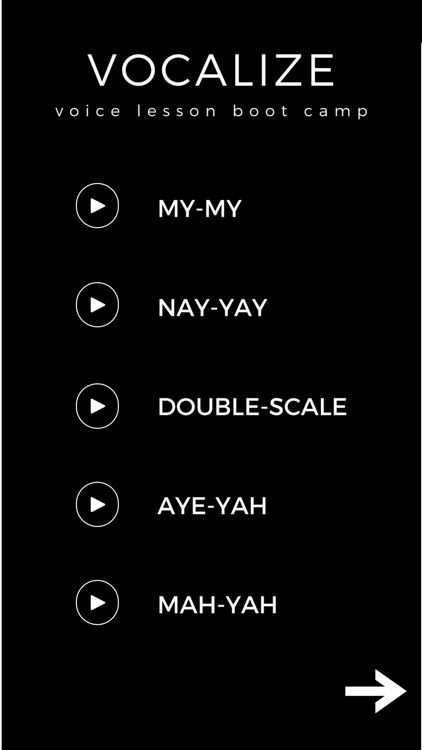
To vocalize on our range extension exercises, use our first "VOCALIZE" screen

VLBC
by McCall Jones
What is it about?
To vocalize on our range extension exercises, use our first "VOCALIZE" screen.
App Store Description
To vocalize on our range extension exercises, use our first "VOCALIZE" screen.
Click on each play button to start and stop each vocalization exercise. Once you have played the exercise, your play button will switch from white to red, indicating that you have completed that exercise. This will reset each time you exit the screen so that you can complete your vocalization list as many times as you want.
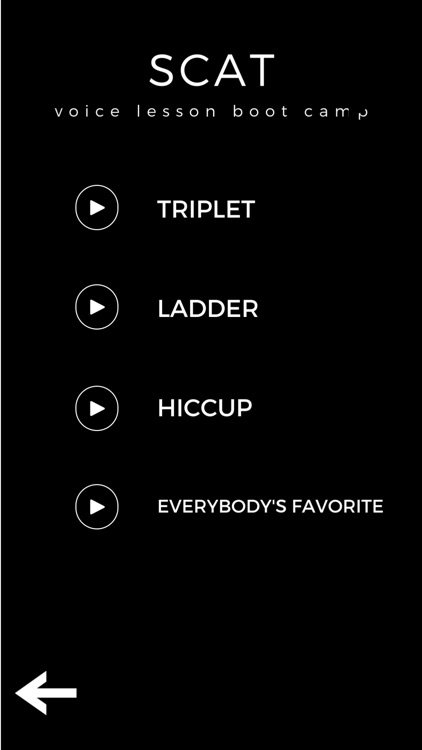
To vocalize on harder exercises including scat exercises, click the arrow at the bottom of your screen to take you to our second screen, "SCAT".
Disclaimer:
AppAdvice does not own this application and only provides images and links contained in the iTunes Search API, to help our users find the best apps to download. If you are the developer of this app and would like your information removed, please send a request to takedown@appadvice.com and your information will be removed.
AppAdvice does not own this application and only provides images and links contained in the iTunes Search API, to help our users find the best apps to download. If you are the developer of this app and would like your information removed, please send a request to takedown@appadvice.com and your information will be removed.
