You are using an outdated browser. Please
upgrade your browser to improve your experience.

VS File Manager is a free File Management tool from Visuality Systems

VS File Manager
by Visuality Systems Ltd.
What is it about?
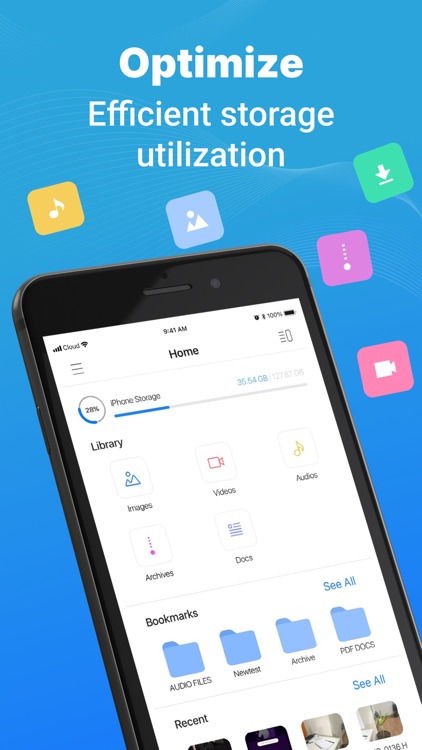
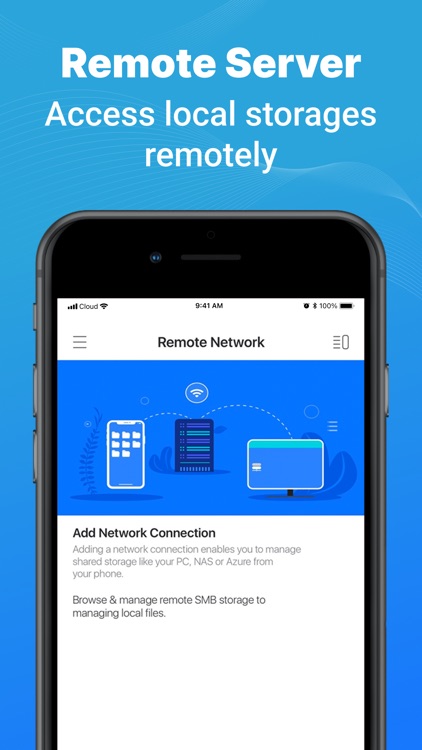
VS File Manager is a free File Management tool from Visuality Systems. It brings a very powerful manager for your files on the local and remote storage. Manage and explore data files and folders on your iPhone easily just like you do on your desktop or laptop.
App Screenshots

App Store Description
VS File Manager is a free File Management tool from Visuality Systems. It brings a very powerful manager for your files on the local and remote storage. Manage and explore data files and folders on your iPhone easily just like you do on your desktop or laptop.
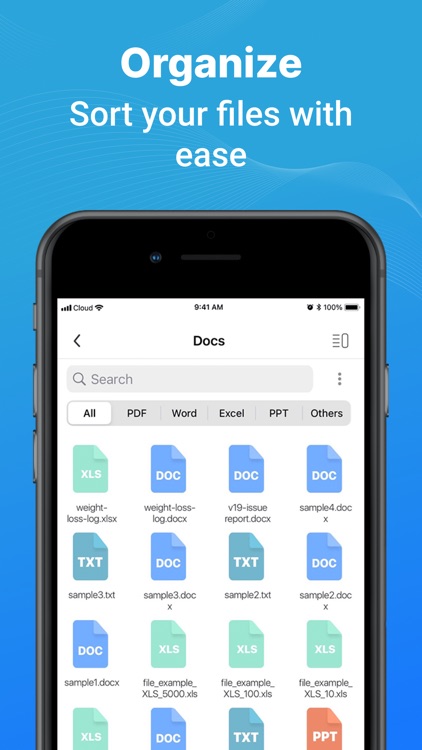
With VS File Manager, it is very simple and easy to efficiently organize files on your devices across local and cloud storage. It supports multiple formats of data files like PDF, JPG, MP3, MP4, PNG, Zip, APK, DOC, and many others. You can safely store your data such as music, documents, images, and APKs on remote storage and encrypt it with the latest encryption used in the file management system.
The app makes it very easy to manage and organize your data files like on your laptop or desktop. You can use the advanced clipboard actions such as create, copy, paste, select, move, hide, delete, rename and bookmark files very easily. You can even clean storage by saving up huge files on remote storage.
Here is the list of many powerful features VS File Manager brings to you:
* Global Search to find remote and local files quickly just by entering a keyword.
* Local search to explore locally saved data.* Clean huge amounts of space by saving data on cloud storage.
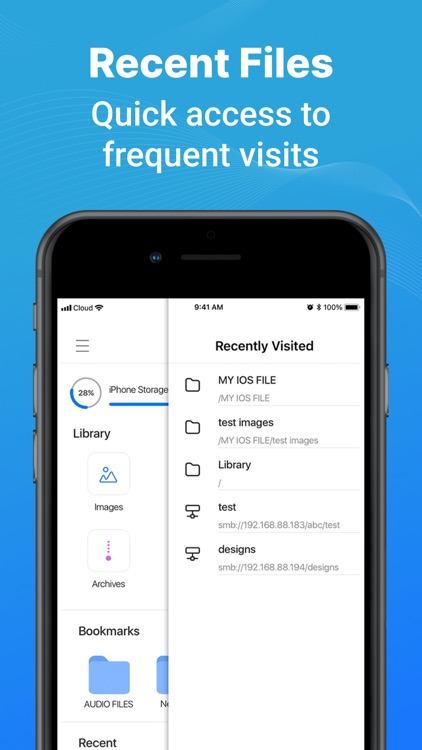
* Use Recent Files Viewer to find recently accessed or last worked documents.
* Bookmark your favorite or most used folders to access them quickly.
* Automatically organize your data in categories such as images, videos, documents, APKs, and others to explore the most accessed files quickly and easily.
* Always stay in control of your data with updated storage stats.
* Move, rename, paste, delete, and copy your data easily across cloud and local storage.
VS File Manager & Explorer also brings to you very powerful premium features if you are a power user and want to take control of your data. With premium features, you can push the efficiency of the file manager tool to work like a pro when organizing files and folders.
You can access compelling premium features in the file explorer and manager tool such as:
* QUIC protocol support: connect your Windows servers (2022) and your Azure account without a VPN connection.
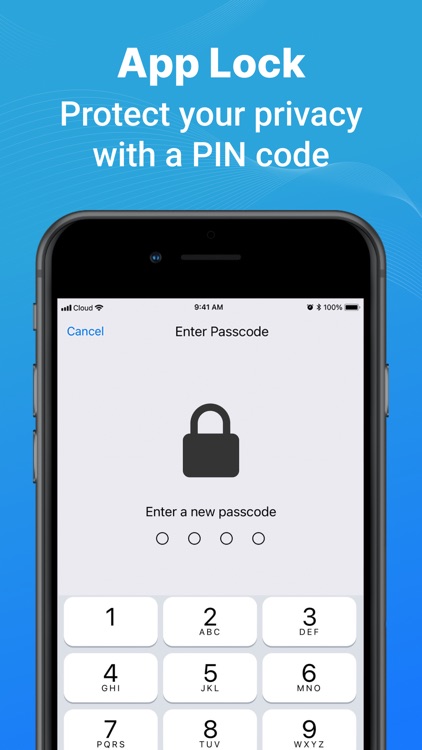
* App Level locking: Password and Fingerprint protection to secure your files and protect your data storage against cybercriminals and thefts.
* Support remote connect in an encrypted way (AES-GCM)
* Get and Set File Manager.
The team of data engineers at Visuality Systems is striving every day to bring the most effective and useful file organizer, explorer, and manager features to you. Some of the most coveted upcoming features in 2022 include:
VS File Manager can help you increase your efficiency and productivity 10X by helping you to manage, organize, and explore files. You can use local and cloud/remote storage to easily work with your data. Its sleek and clean UI makes work easy, simple, and professional.
Subscription Info:
- Payment will be charged to iTunes Account at confirmation of purchase
- Subscription automatically renews unless auto-renew is turned off at least 24 hours before the end of the current period
- The account will be charged for renewal within 24 hours prior to the end of the current period, and identify the cost of the renewal
– The user and auto-renewal may manage subscriptions may be turned off by going to the user’s Account Settings after purchase
- You may cancel a subscription during its free trial period via the subscription setting through your iTunes account. This must be done 24 hours before the end of the subscription period to avoid being charged.
- You may turn off the auto-renewal of your subscription via your iTunes Account Settings. However, you are not able to cancel the current subscription during its active period
- Any unused portion of a free-trial period will be forfeited when the user purchases a subscription
Privacy Policy: https://visualitynq.com/privacy-policy/
Terms & Conditions: https://visualitynq.com/terms-conditions
Disclaimer:
AppAdvice does not own this application and only provides images and links contained in the iTunes Search API, to help our users find the best apps to download. If you are the developer of this app and would like your information removed, please send a request to takedown@appadvice.com and your information will be removed.
AppAdvice does not own this application and only provides images and links contained in the iTunes Search API, to help our users find the best apps to download. If you are the developer of this app and would like your information removed, please send a request to takedown@appadvice.com and your information will be removed.
