You are using an outdated browser. Please
upgrade your browser to improve your experience.
NOTE: This app is not affiliated or endorsed by any weather, traffic or any web site

Washington/Seattle NOAA with Traffic Cameras All In One - Great Road Trip
by Calvin Chen
What is it about?
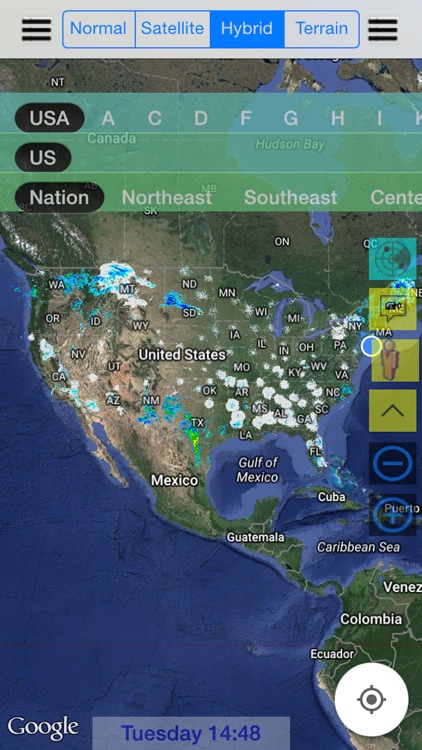
NOTE: This app is not affiliated or endorsed by any weather, traffic or any web site. This app fully integrates NOAA, traffic, rest areas, traffic cameras, state parks, POI, tools and utilities etc. Our goal is to improve your daily life and ready for the bad weather.
Washington/Seattle NOAA with Traffic Cameras All In One is FREE but there are more add-ons
-
$1.99
Full Version/Washington NOAA
App Screenshots
App Store Description
NOTE: This app is not affiliated or endorsed by any weather, traffic or any web site. This app fully integrates NOAA, traffic, rest areas, traffic cameras, state parks, POI, tools and utilities etc. Our goal is to improve your daily life and ready for the bad weather.
This app has the following free features:
- The latest traffic and real time radar images across the US including your state, nearby states and any other supported states.
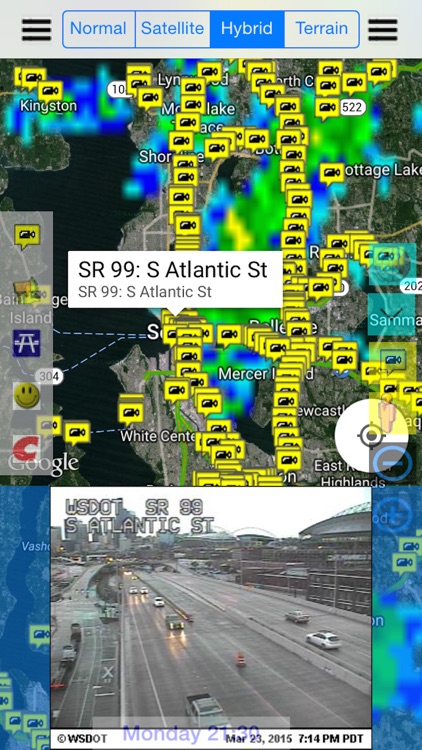
- The latest traffic cameras with one camera view for each location
This app has the following paid features:
- National real time radar images
- Multiple camera views for each location.
- Radio stations
- Radar image (static and loop images)
- NOAA Mobile Site
- Alarm
- Flash
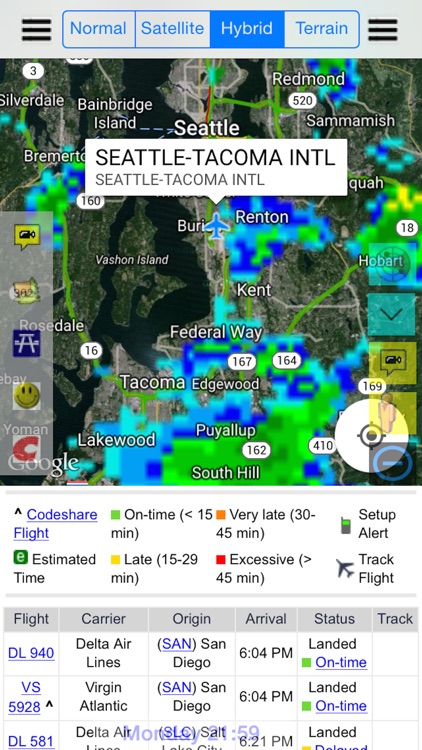
- Airports and real time arrival/departure schedule
- State Parks with state park information
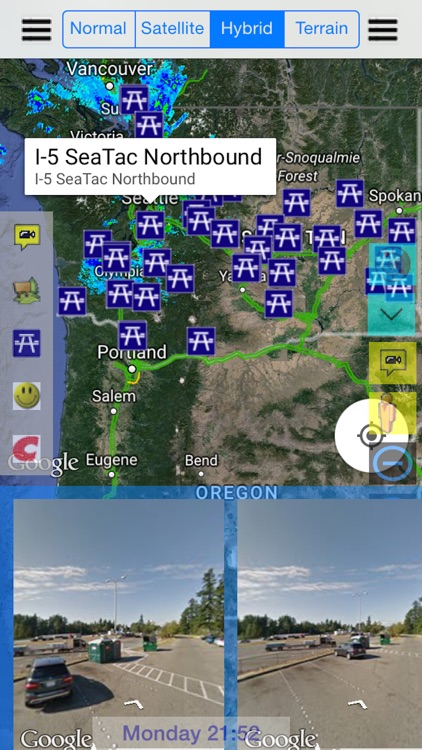
- Rest Areas with street view (if applicable)
- Walmart with street view (if applicable)
- Costco with street view (if applicable)
How to use this app:
> Real Time Radar
- Click on menu to select a radar
- Click on the Radar icon to show/hide radar images
- Click on the menu button to show/hide the radar selection menu
> Traffic Cameras
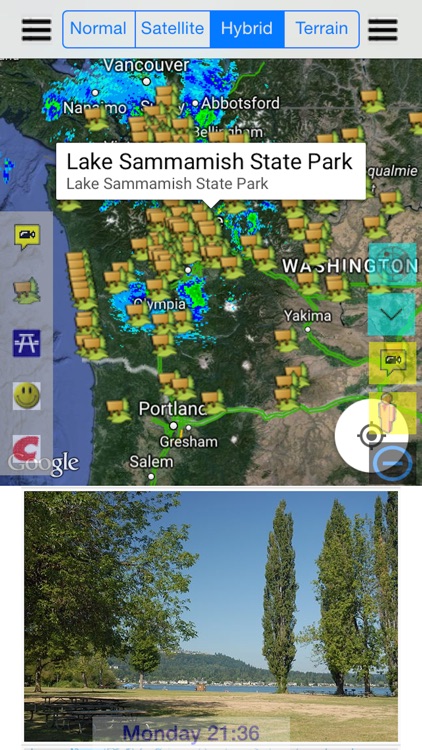
- Click on the left sidebar to select traffic cameras.
- Click on the right sidebar to zoom into a location
- Click on a camera to view the camera images on the bottom display area. Click on anywhere on the map to hide the display.
- Select the traffic cameras or click on the camera button to hide/display traffic cameras.
> Airport, State Parks, Rest Areas, Walmart and Costco
- Click on the sidebar to hide/display selected feature.
- Select an airport to display airport flight schedule
- Select a state park to see the state park wikipedia
- Select a rest area, Walmart or Costco to see the street view (if applicable)
Disclaimer:
AppAdvice does not own this application and only provides images and links contained in the iTunes Search API, to help our users find the best apps to download. If you are the developer of this app and would like your information removed, please send a request to takedown@appadvice.com and your information will be removed.
AppAdvice does not own this application and only provides images and links contained in the iTunes Search API, to help our users find the best apps to download. If you are the developer of this app and would like your information removed, please send a request to takedown@appadvice.com and your information will be removed.
