You are using an outdated browser. Please
upgrade your browser to improve your experience.

—————————————————————————

Wedding Sticker Emojis
by Nurlan Ispayev
What is it about?
—————————————————————————
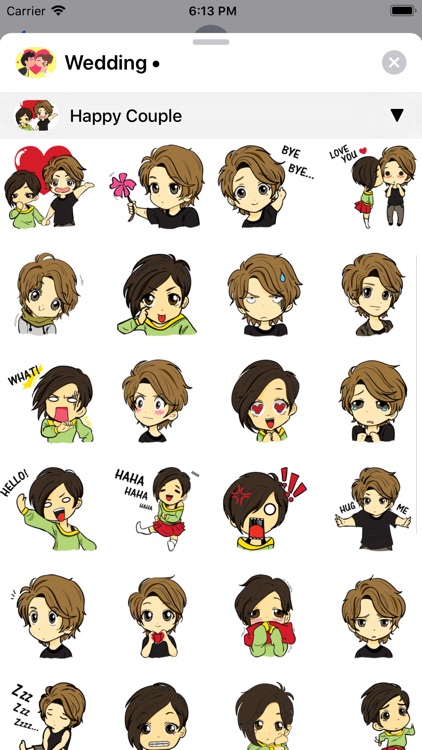
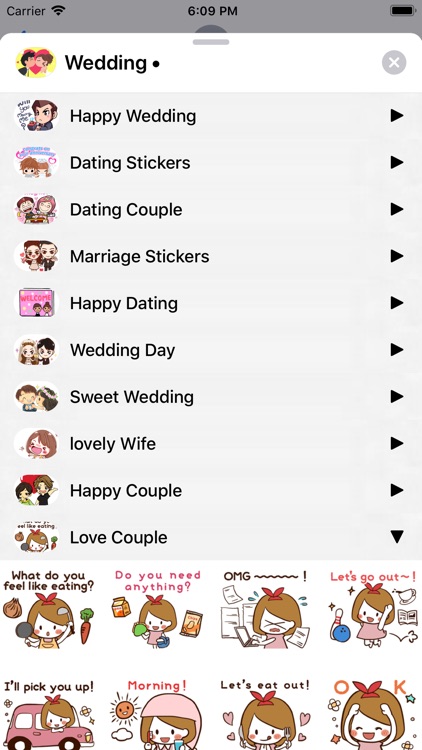
App Screenshots
App Store Description
—————————————————————————
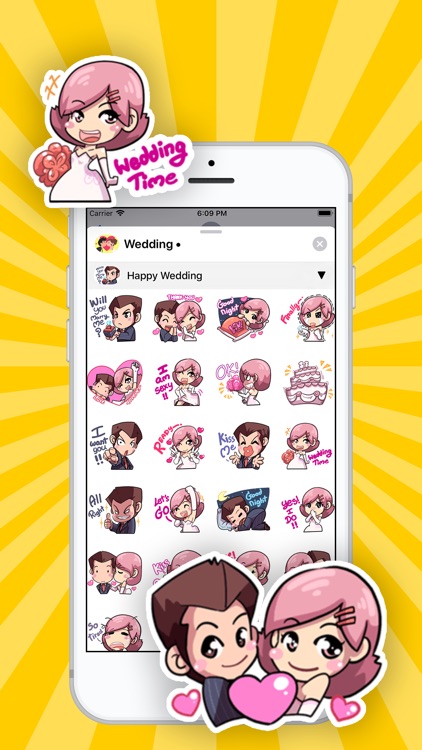
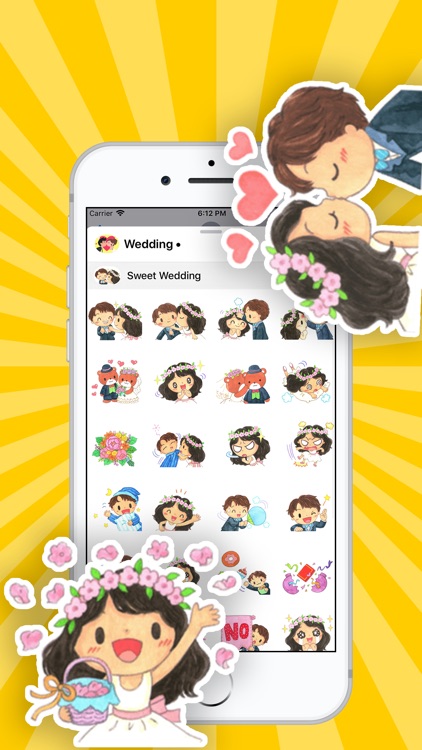
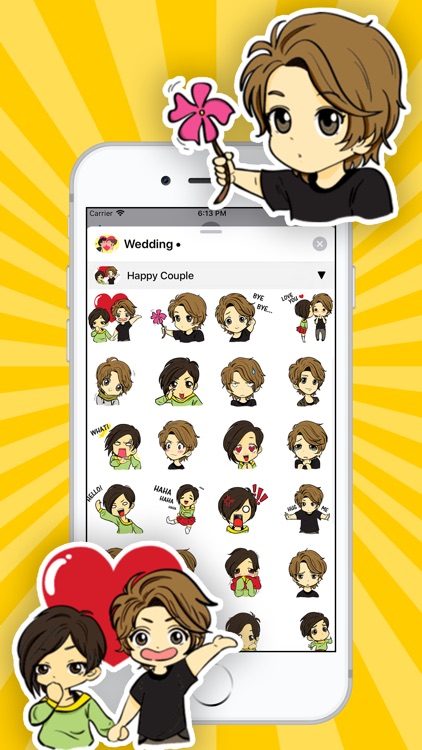
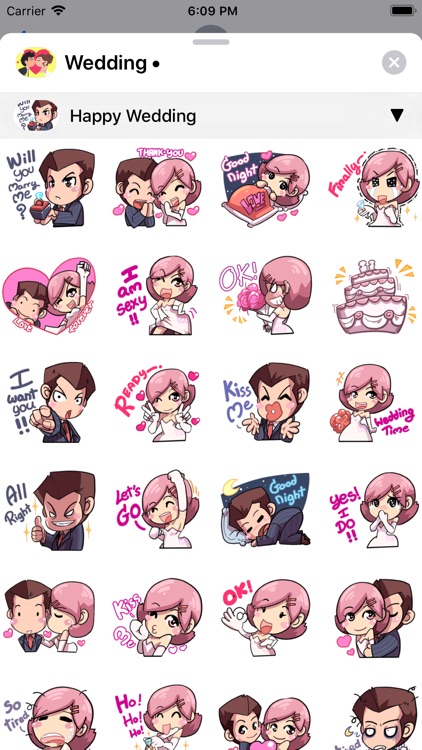
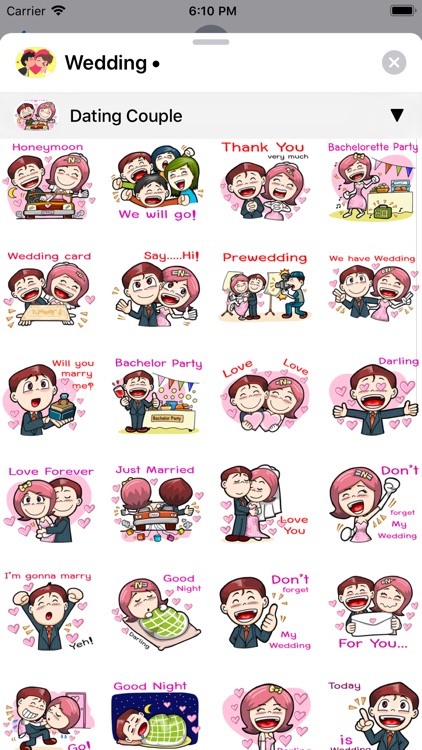
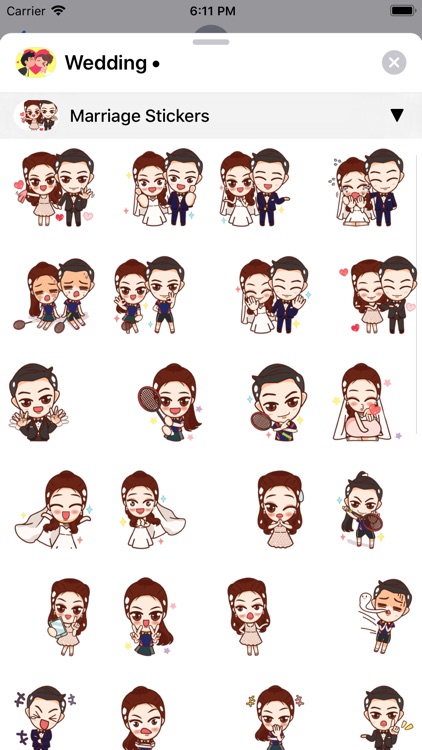
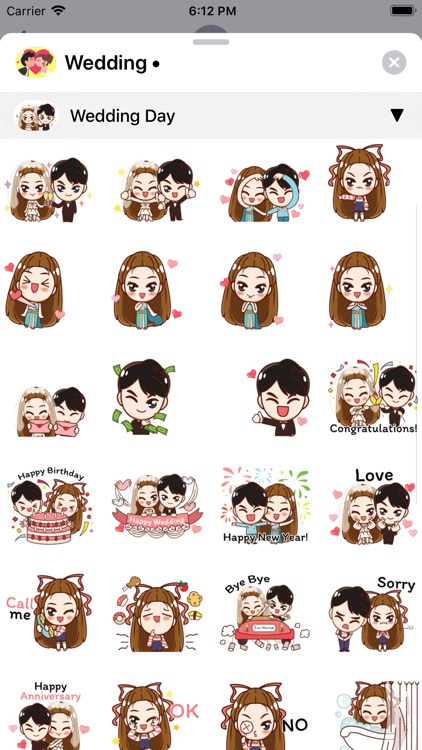
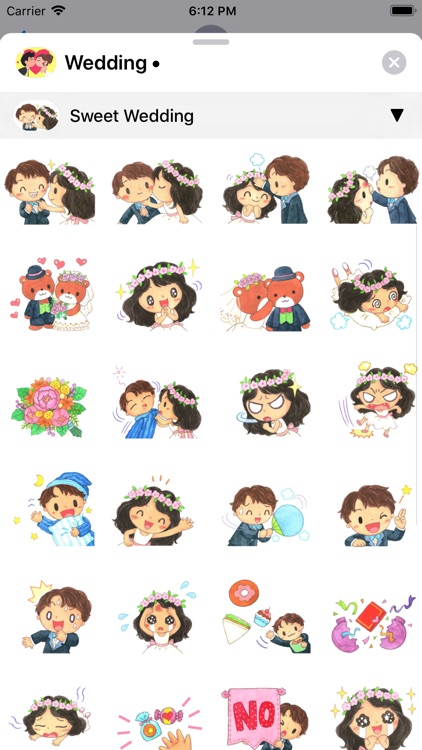
400+ Wedding Stickers for iMessage!
STICKERS PACKS INCLUDE:
• Happy Wedding
• Dating Stickers
• Dating Couple
• Marriage Sticke
• Happy Dating
• Wedding Day
• Sweet Wedding
• Lovely Wife
• Happy Couple
• Love Couple
HOW TO USE:
• SEND dynamic and animated stickers in chat
• PLACE stickers anywhere on your iMessages
• CUSTOMIZE your photos with stickers in chat
• LAYER stickers over each other, in chat, and on photos
• SCALE & ROTATE stickers
HOW TO FIND YOUR STICKERS:
• Access iMessage apps— Enter a contact to message, then tap the App Store icon beside the chat field to see your most recently used iMessage app.
• Find new stickers—First tap the App Store icon, then tap the 4-ovals icon in the lower left to bring up the app drawer. Then, tap the + icon to access the Store.
• If you are not seeing Stickers that you have purchased, you may need to change your settings. Tap the App Store icon, then tap the 4-ovals icon in the lower left to bring up the app drawer. Then click the + symbol to open the store, and select the Manage button top right. Make sure the app you are looking for is turned on.
• Use stickers in chat—Tap to send, or touch and hold to put stickers on top of a bubble, other stickers, photos, and videos.
• Apple Watch (iOS 3), iPhone & iPad users (iOS 10)—Transform your chat with animated stickers! Earlier iOS versions and other platforms will see static stickers in chat.
CONTACTS: pianistoshow@gmail.com
Disclaimer:
AppAdvice does not own this application and only provides images and links contained in the iTunes Search API, to help our users find the best apps to download. If you are the developer of this app and would like your information removed, please send a request to takedown@appadvice.com and your information will be removed.
AppAdvice does not own this application and only provides images and links contained in the iTunes Search API, to help our users find the best apps to download. If you are the developer of this app and would like your information removed, please send a request to takedown@appadvice.com and your information will be removed.
