You are using an outdated browser. Please
upgrade your browser to improve your experience.

Bank anywhere, anytime with, Whitney Bank’s Business Mobile Banking App for the iPhone/iTouch

Whitney Business
by Whitney Bank
What is it about?
Bank anywhere, anytime with, Whitney Bank’s Business Mobile Banking App for the iPhone/iTouch!
App Screenshots

App Store Description
Bank anywhere, anytime with, Whitney Bank’s Business Mobile Banking App for the iPhone/iTouch!
Manage your accounts with the flexibility and convenience that Whitney’s Business Mobile Banking offers and let Whitney Bank help you with your Business’s financial goals. Just another way to bring convenient banking directly to you!
Available features include:
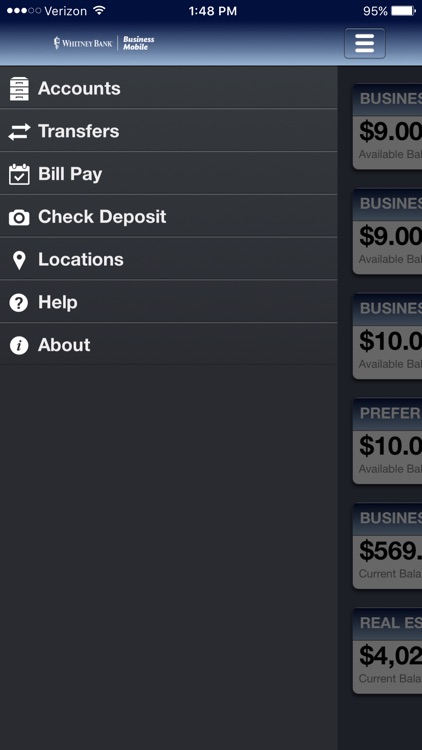
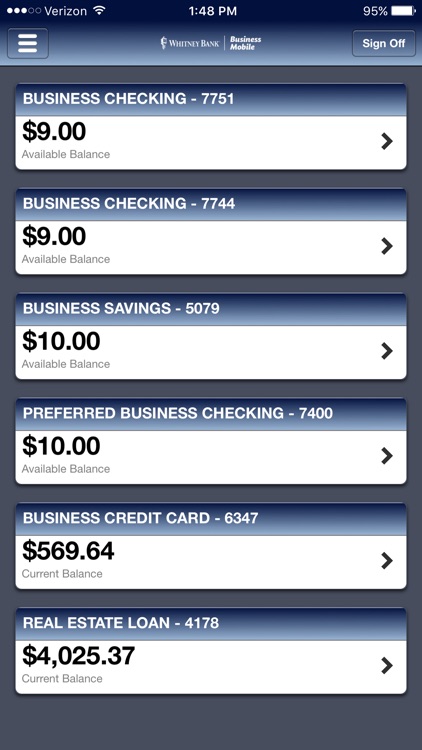
• Account Balances and History – Check your latest account balance and search for recent transactions by date, amount or check number.
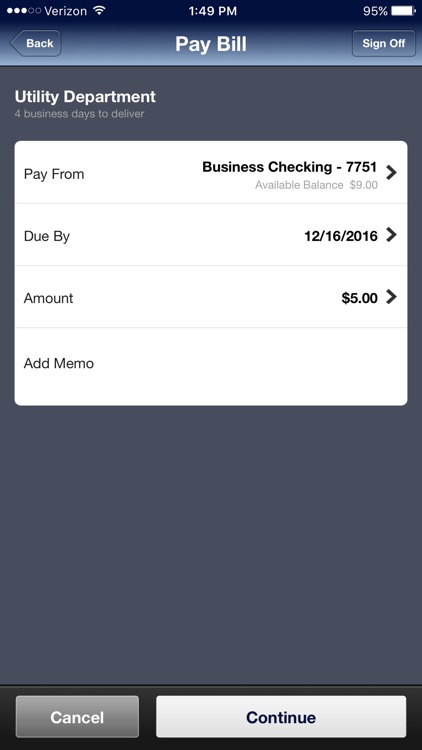
• Pay Bills using Bill Pay – Pay your bills from anywhere and search for recent and schedule payments.
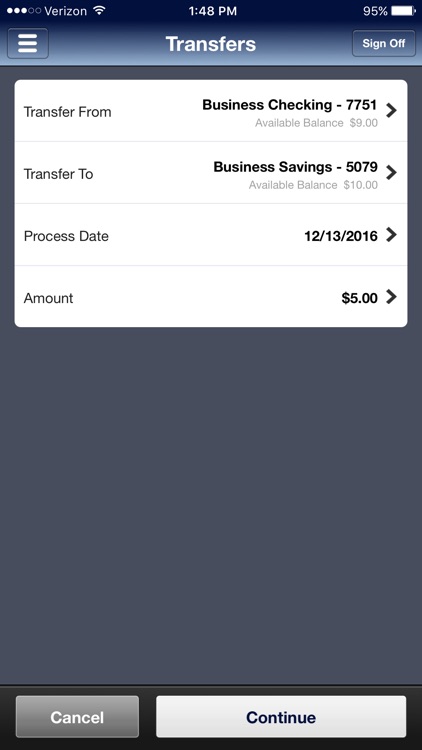
• Transfer Funds between Eligible Accounts – Transfer cash immediately or schedule a future dated transfer between your accounts.
• Mobile Check Deposit – Deposit checks right from your phone.
• Locate Branches and ATMs – Find nearby branches and ATMs using the iPhone/iTouch built in GPS. Additionally, you can search by zip code or address.
To activate Whitney Bank Business Mobile Banking on your iPhone/iTouch, login to Online Banking and enroll in Mobile Banking to get an activation code.
Enrolling is as Easy as 1-2-3
Follow these three easy steps to enroll in Mobile Banking and bring all of your Whitney Bank accounts to the palm of your hand:
1. Download the app.
2. Go to www.whitneybank.com on your computer. Sign on to your Online Banking account and choose Mobile Banking.
3. Follow the activation instructions.
• Enter some brief information about your mobile device and get an activation code.
• Use the activation code provided to activate your mobile banking app.
Already downloaded the app and registered for mobile banking but have not activated the app? Simply login to Online Banking, choose Mobile Banking and click on “Get Activation Code”. Use the activation code provided to activate your mobile banking app.
Enjoy the freedom of banking whenever and wherever you want with Whitney Bank Business Mobile Banking!
Disclaimer:
AppAdvice does not own this application and only provides images and links contained in the iTunes Search API, to help our users find the best apps to download. If you are the developer of this app and would like your information removed, please send a request to takedown@appadvice.com and your information will be removed.
AppAdvice does not own this application and only provides images and links contained in the iTunes Search API, to help our users find the best apps to download. If you are the developer of this app and would like your information removed, please send a request to takedown@appadvice.com and your information will be removed.
