You are using an outdated browser. Please
upgrade your browser to improve your experience.

XFINITY TV X1 Remote lets you control your TV from your iPhone

XFINITY TV X1 Remote
by Comcast

What is it about?
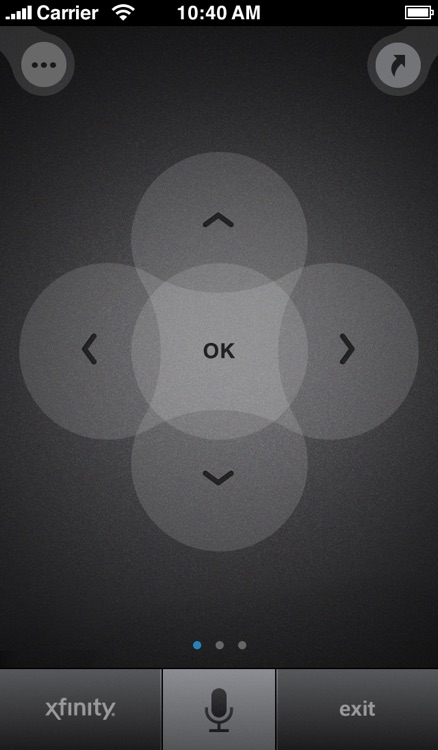
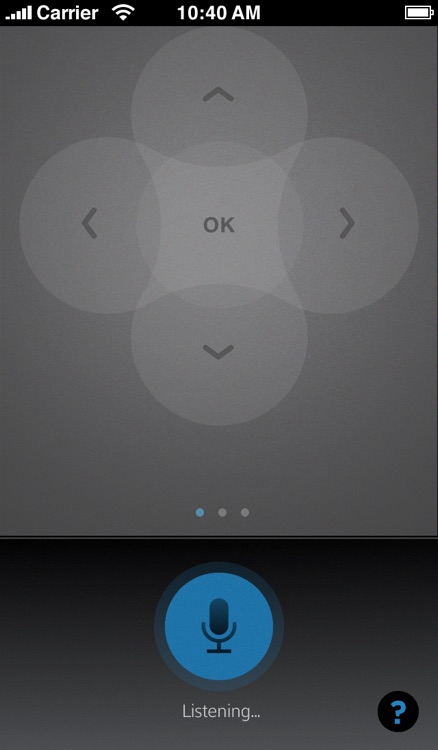
XFINITY TV X1 Remote lets you control your TV from your iPhone. Use simple voice commands to find something to watch easily.
App Screenshots
App Store Description
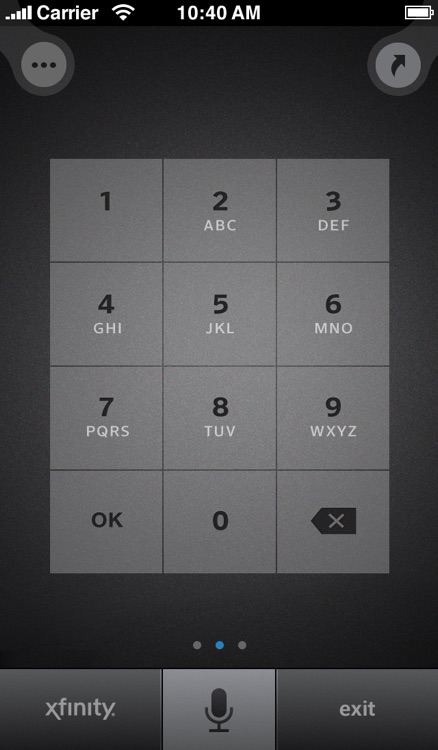
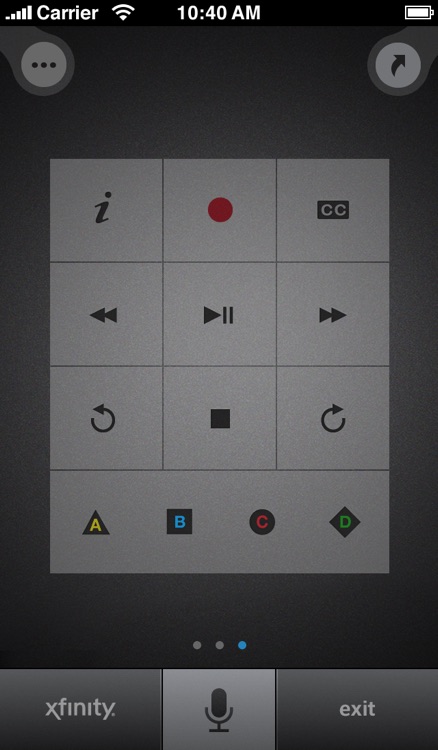
XFINITY TV X1 Remote lets you control your TV from your iPhone. Use simple voice commands to find something to watch easily.
VOICE COMMANDS
- Tap the mic and say what you are looking for, without typing
- Search for shows, movies, sports teams and channels using voice commands, e.g., “Find Big Bang Theory” or “When are the Sixers playing?”
- Browse XFINITY On Demand content by asking for a specific genre or network, e.g., “Show me all NBC On Demand” or “Do you have any funny movies”
- Get recommendations for what to watch by asking for “More like this” or “What should I watch?” or “What’s on tonight at 8?”
- Suggestions for what to say can be found within Help
OTHER X1 REMOTE COMMANDS
- Press the XFINITY button to open the main menu on your TV
- Use the D-pad to navigate the guide
- Swipe up and down to page up and page down
- Add Shortcuts for frequently requested lists of XFINITY On Demand content
REQUIREMENTS
- XFINITY TV subscription
- XFINITY TV on the X1 Platform set-top box
- Comcast ID or Comcast.net email address (Need your Comcast ID? go to http://customer.comcast.com/help-and-support/account/)
Disclaimer:
AppAdvice does not own this application and only provides images and links contained in the iTunes Search API, to help our users find the best apps to download. If you are the developer of this app and would like your information removed, please send a request to takedown@appadvice.com and your information will be removed.
AppAdvice does not own this application and only provides images and links contained in the iTunes Search API, to help our users find the best apps to download. If you are the developer of this app and would like your information removed, please send a request to takedown@appadvice.com and your information will be removed.
