You are using an outdated browser. Please
upgrade your browser to improve your experience.

You can use Yaware

Yaware.TimeTracker Viewer
by MagneticOne
What is it about?
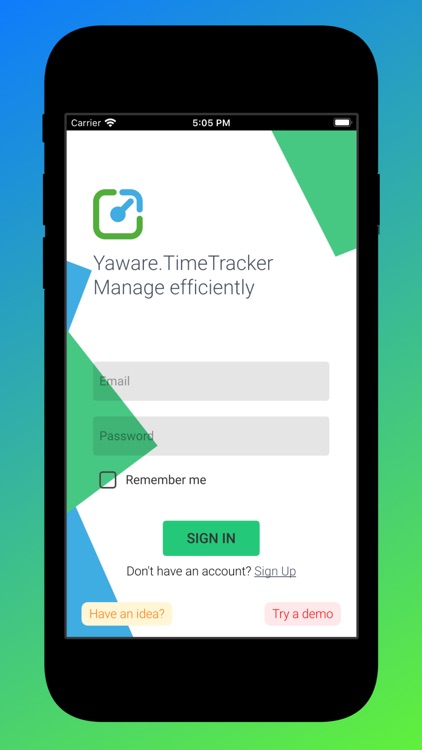
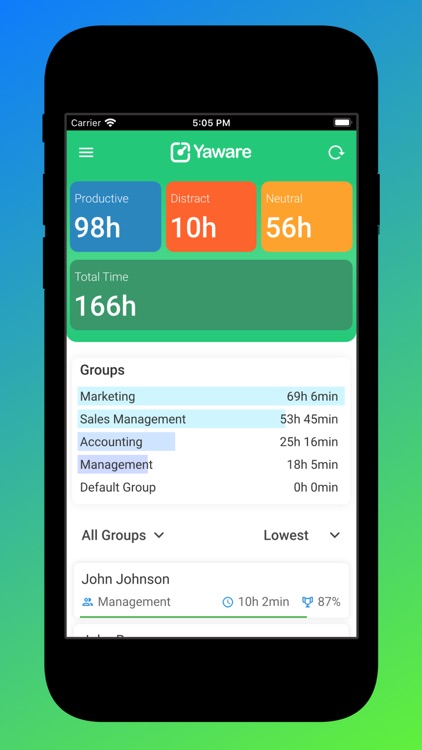
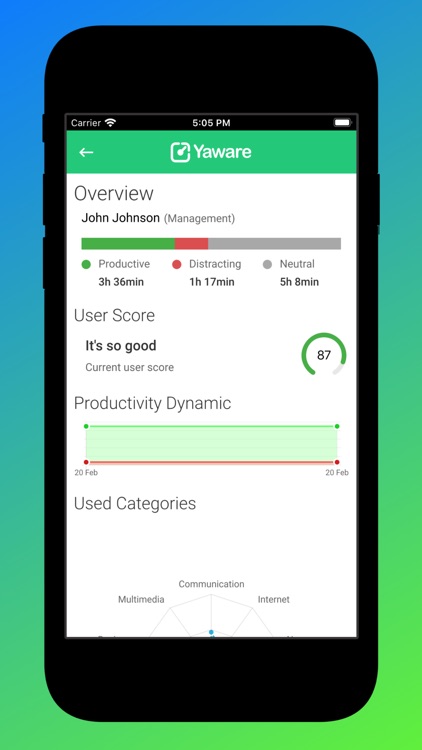
You can use Yaware.TimeTracker remotely via Yaware.TimeTracker Viewer. This app enables you to check out any reports generated by Yaware.TimeTracker directly on your cell phone.
App Screenshots
App Store Description
You can use Yaware.TimeTracker remotely via Yaware.TimeTracker Viewer. This app enables you to check out any reports generated by Yaware.TimeTracker directly on your cell phone.
Go through 3 simple and quick steps to start analyzing the necessary data via Yaware.TimeTracker Viewer right away:
1. Sign up to timetracker.yaware.com.
2. Install the app on your employees’ computers.
3. Install Yaware.TimeTracker Viewer on your cell phone (just enter the same login credentials you’ve already used to sign up to timetracker.yaware.com).
Now all data on your staff’s productivity is available directly on your cell phone.
With Yaware.TimeTracker you can track:
- attendance, late arrivals, breaks;
- total worked time and overtime;
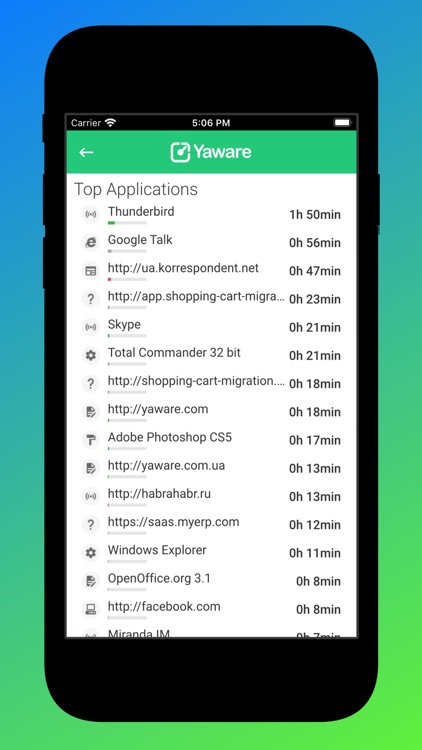
- apps and websites employees use at work.
Any questions? Please write us back to contact@yaware.com
Disclaimer:
AppAdvice does not own this application and only provides images and links contained in the iTunes Search API, to help our users find the best apps to download. If you are the developer of this app and would like your information removed, please send a request to takedown@appadvice.com and your information will be removed.
AppAdvice does not own this application and only provides images and links contained in the iTunes Search API, to help our users find the best apps to download. If you are the developer of this app and would like your information removed, please send a request to takedown@appadvice.com and your information will be removed.
