You are using an outdated browser. Please
upgrade your browser to improve your experience.

To know your status, you can check out both your paid and unpaid invoices

Younify App
by Sonic+Pay
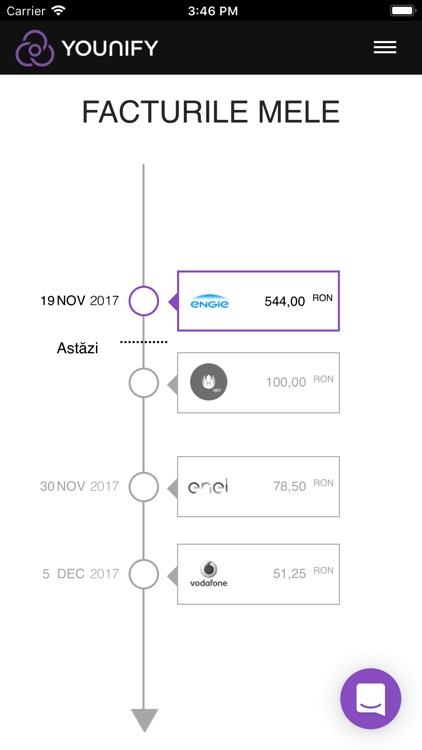
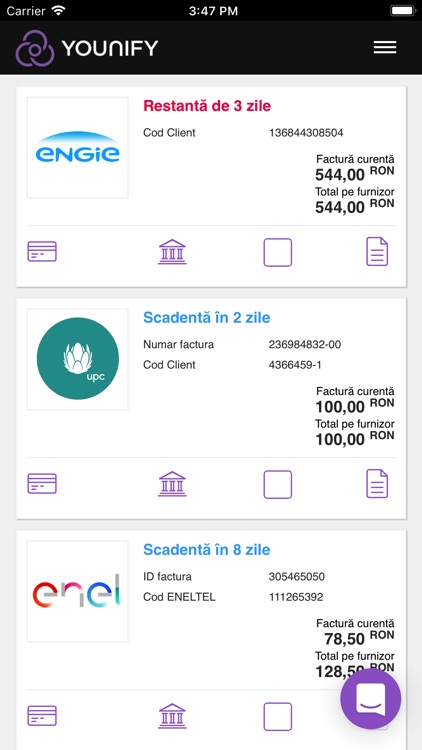
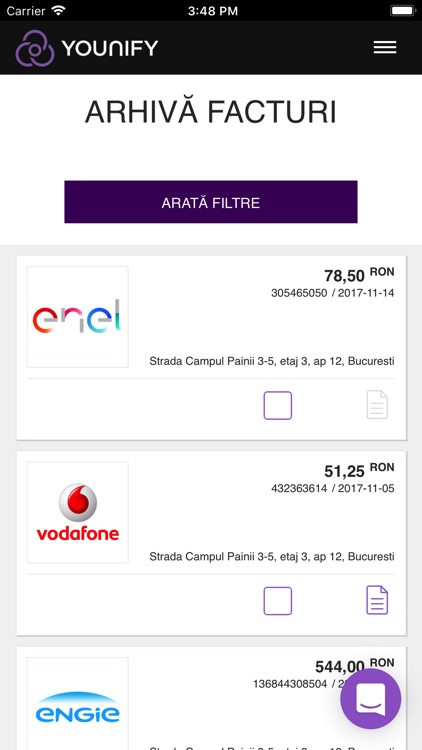
What is it about?
To know your status, you can check out both your paid and unpaid invoices.
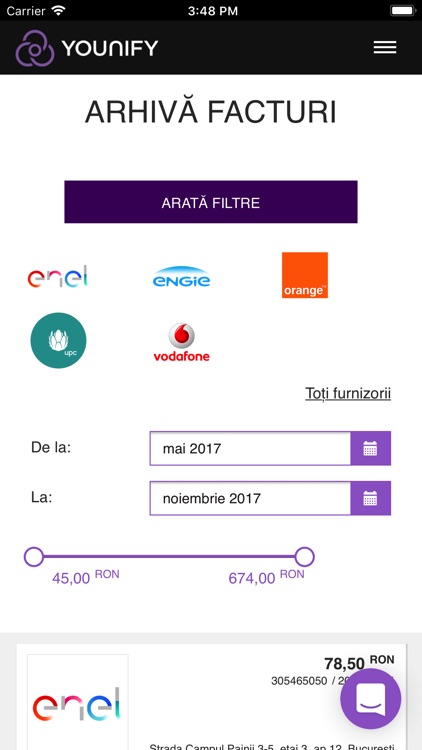
App Screenshots
App Store Description
To know your status, you can check out both your paid and unpaid invoices.
Fully automated: We collect and store the invoices. We sort and prepare them for you. We display all the information in your Younify account.
INVOICE NOTIFICATIONS
Forget about digital reminders and colored post-its. We will let you know immediately that you received an invoice, for you to precisely schedule your expenses.
PRIORITISATION OF YOUR INVOICES
When you access your Younify account the invoices are structured according to the due dates, for you to permanently know which has priority.
PERSONAL ARCHIVE OF ALL INVOICES, BOTH PAID AND UNPAID
For you, we archive all the invoices you receive from your suppliers, so you can access them anytime you want.
SETUP YOUNIFY:
1. Download Younify for free.
2. To register fill in your profile data.
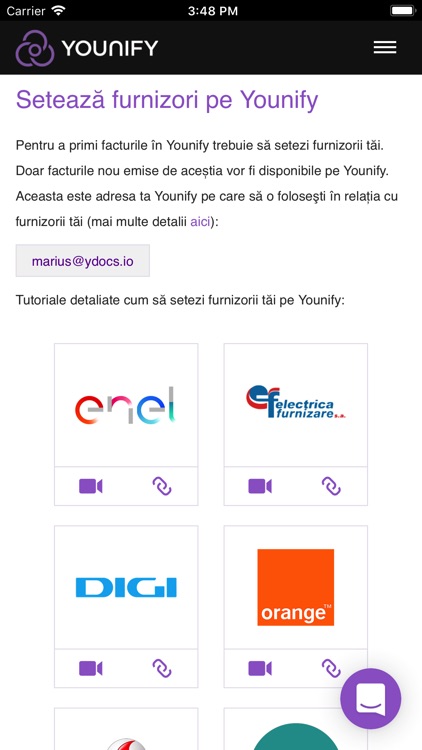
3. Setup the suppliers from which you receive invoices.
That's it! Your new invoices will be available on Younify. You can pay them simply and quickly.
Disclaimer:
AppAdvice does not own this application and only provides images and links contained in the iTunes Search API, to help our users find the best apps to download. If you are the developer of this app and would like your information removed, please send a request to takedown@appadvice.com and your information will be removed.
AppAdvice does not own this application and only provides images and links contained in the iTunes Search API, to help our users find the best apps to download. If you are the developer of this app and would like your information removed, please send a request to takedown@appadvice.com and your information will be removed.
