You are using an outdated browser. Please
upgrade your browser to improve your experience.

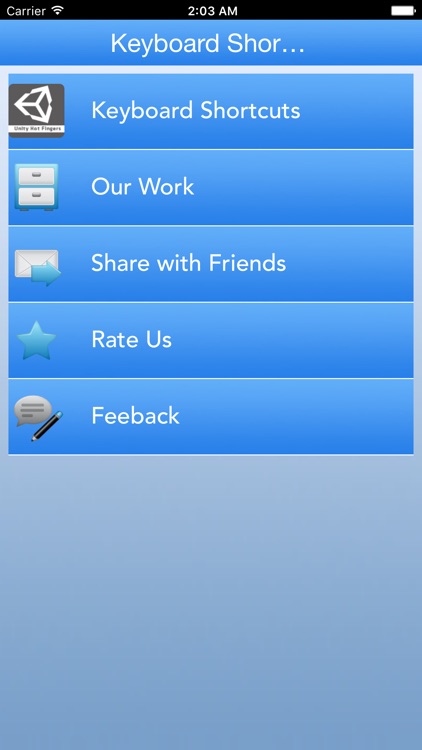
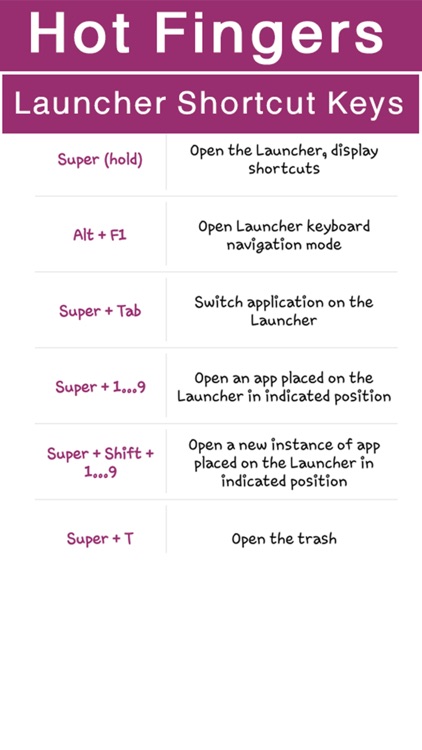
This application provides complete keyboard shortcuts for Windows and It's Default programs that are unknown to user that can make it easier to interact with your computer by saving your time and effort when you work on these

Zul Manage
by Luminous Interactive
What is it about?
This application provides complete keyboard shortcuts for Windows and It's Default programs that are unknown to user that can make it easier to interact with your computer by saving your time and effort when you work on these.
App Screenshots

App Store Description
This application provides complete keyboard shortcuts for Windows and It's Default programs that are unknown to user that can make it easier to interact with your computer by saving your time and effort when you work on these.
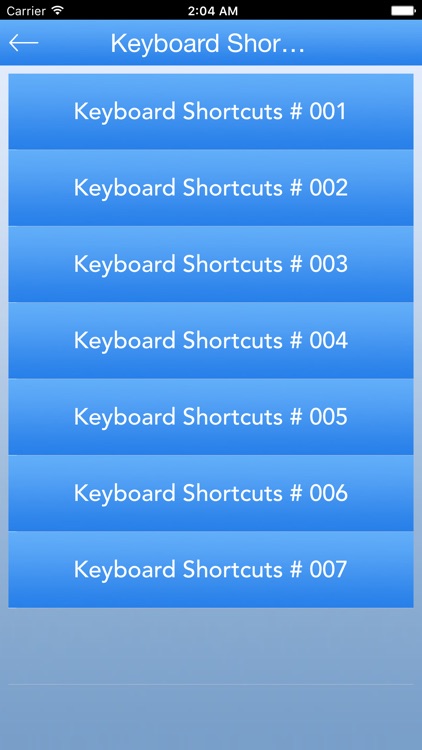
All the shortcuts are divided in 14 categories.
Note:
Plus sign (+) between two or more keys indicates that those keys should be pressed in combination.
For example,
Ctrl+A means to press and hold Ctrl and press A.
Ctrl+Shift+A means to press and hold Ctrl and Shift and then press A.
Disclaimer:
AppAdvice does not own this application and only provides images and links contained in the iTunes Search API, to help our users find the best apps to download. If you are the developer of this app and would like your information removed, please send a request to takedown@appadvice.com and your information will be removed.
AppAdvice does not own this application and only provides images and links contained in the iTunes Search API, to help our users find the best apps to download. If you are the developer of this app and would like your information removed, please send a request to takedown@appadvice.com and your information will be removed.
