







You are using an outdated browser. Please upgrade your browser to improve your experience.

Apps That
Went Free on
2013-09-25

Create custom workout plans and log your progress with Workout Plan. We also have a colorful sliding puzzle game, and an artsy photography app.

Workout Plan: Fitness Schedule
iPhone
Workout Plan: Fitness Schedule

Workout Plan: Fitness Schedule

RCR Solutions Ltd

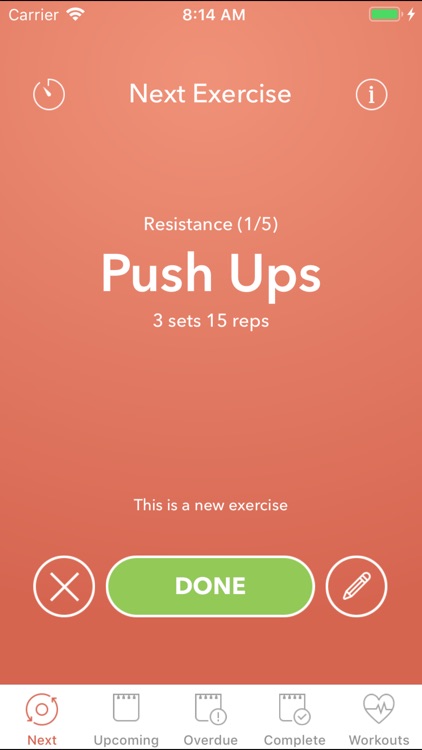
Create your own custom workout plan from scratch with this fitness app.
FREE ($2.99) For a limited time FREE ($2.99) For a limited time
Why we picked this?

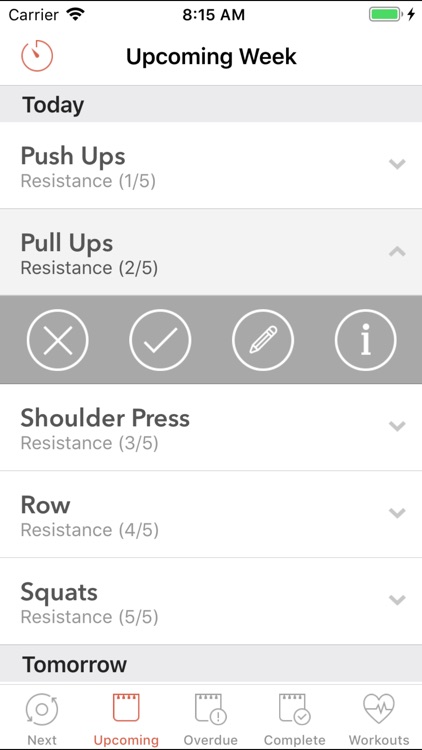
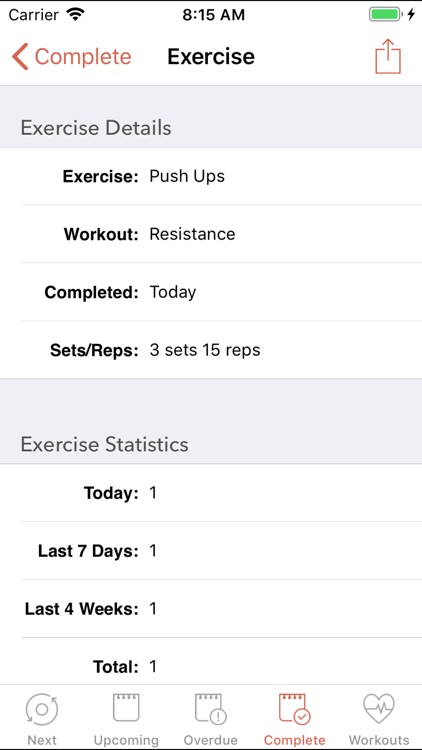
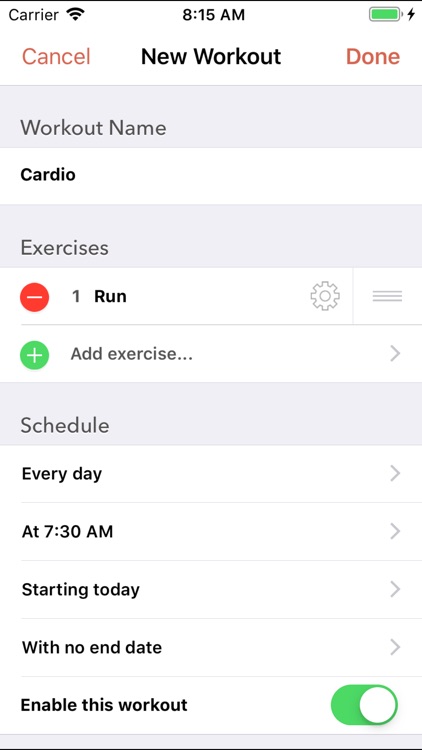
Workout Plan allows you to create and manage your own set of exercises, so you won't have to go digging around through a limited selection just to find what you're looking for. Exercises can include different reps, sets, quantities, and units. You can also schedule workouts to repeat, view upcoming, overdue, and completed exercises, and quickly log, skip, or edit exercises from a single screen.

Flip Clock - Beautiful Weather Clock for iPad
iPad
Flip Clock - Beautiful Weather Clock for iPad

Flip Clock - Beautiful Weather Clock for iPad

Lifelike Apps, Inc

If you're tired of the same old view, this alarm clock is just for you.

$2.99 $2.99
Why we picked this?

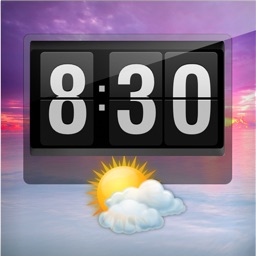
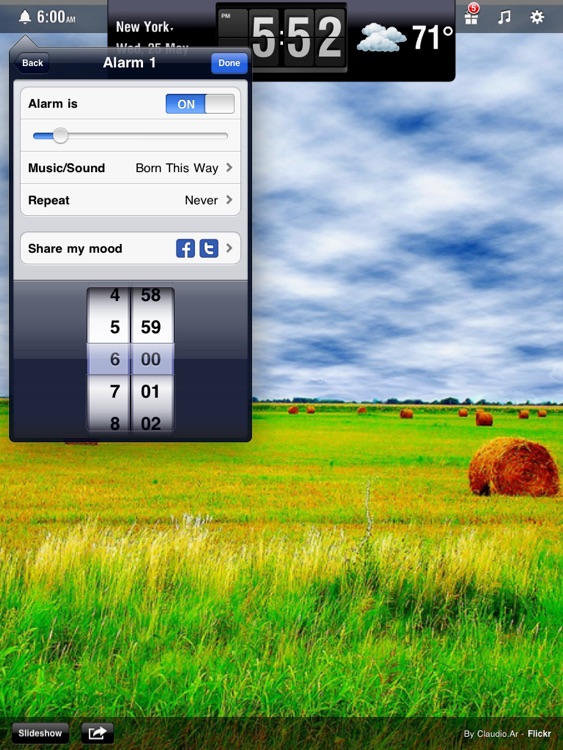
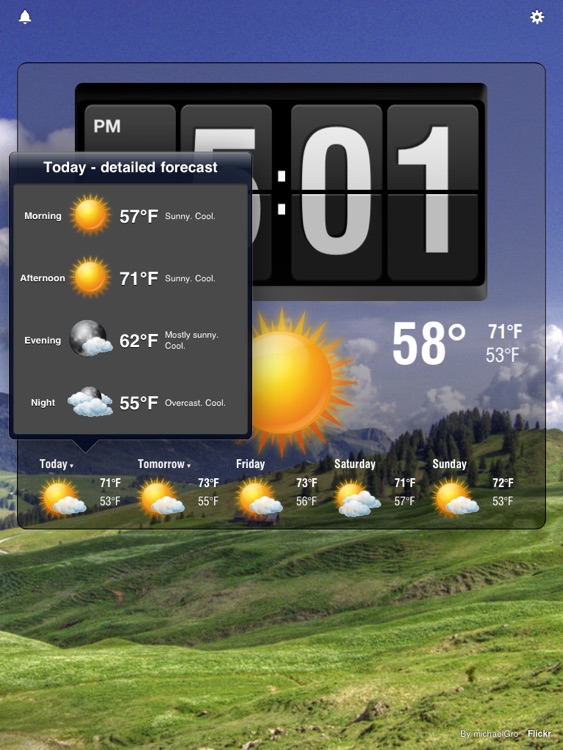
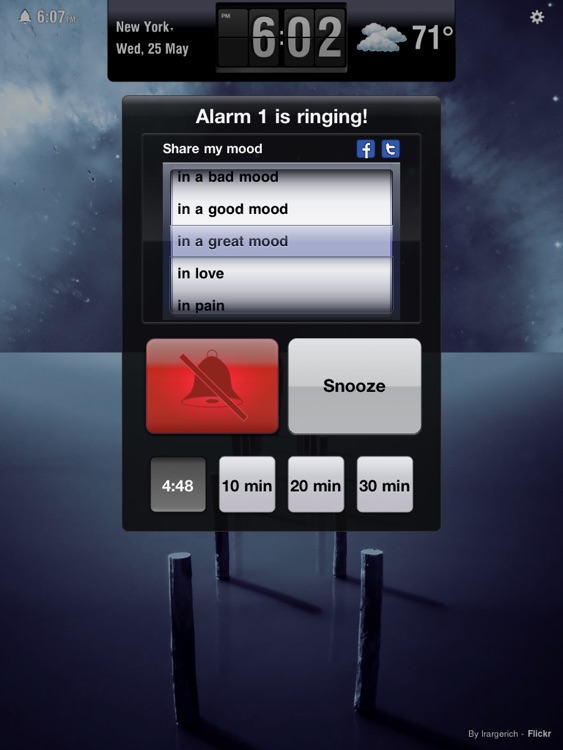
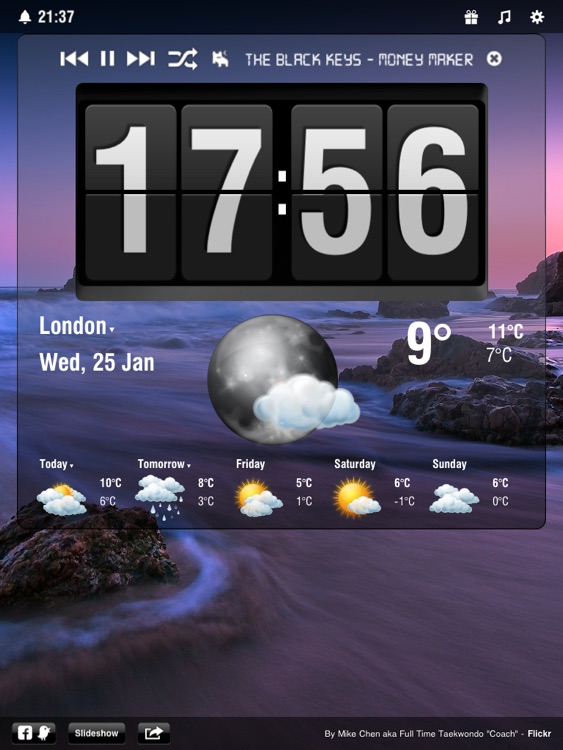
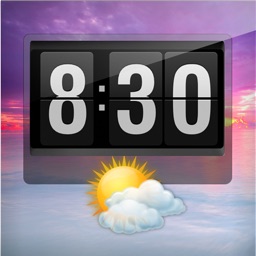
It pulls images from Flickr that correspond with your weather or part of the day. If you have your own Flickr account, you can have it use those images instead. The app also boldly displays the time, date, current temp, highs and lows for the day, and a five-day forecast. You can collapse the display to get a better view of the beautiful images with a tap. The app also includes repeating alarms, the ability to dim the screen with a swipe, and relaxing built-in sounds to help you fall asleep.

Flip Clock - Weather Alarm Clock and Nightstand for iPhone
iPhone
Flip Clock - Weather Alarm Clock and Nightstand for iPhone

Flip Clock - Weather Alarm Clock and Nightstand for iPhone

Lifelike Apps, Inc

If you're tired of the same old view, this alarm clock is just for you.

$2.99 $2.99
Why we picked this?

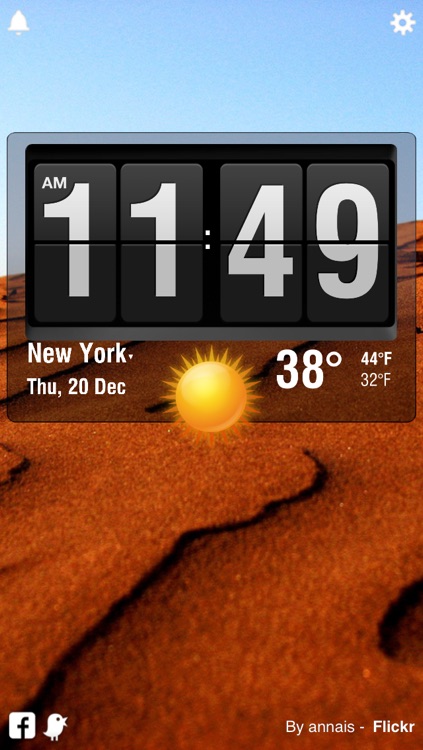
It pulls images from Flickr that correspond with your weather or part of the day. If you have your own Flickr account, you can have it use those images instead. The app also boldly displays the time, date, current temp, highs and lows for the day, and a five-day forecast. You can collapse the display to get a better view of the beautiful images with a tap. The app also includes repeating alarms, the ability to dim the screen with a swipe, and relaxing built-in sounds to help you fall asleep.

Coowl
iPhone
Coowl

Coowl

Nostalgika LTDA - ME

Create cool blended photo combinations with this artsy effects app.

$1.99 $1.99
Why we picked this?

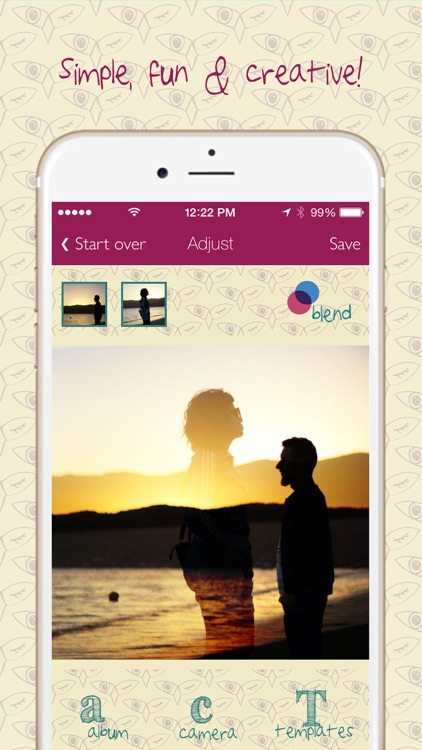
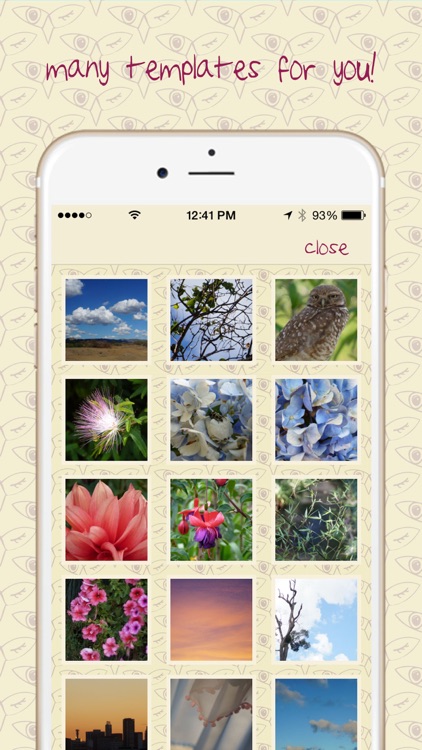
You're able to blend together up to three separate photos. Photos can be imported from your library or snapped within the app, and then cropped down before being used. To blend your photos, just slide them across the screen. You can change the order of the layers by dragging the thumbnails at the top left and right. You can also choose from three different blend effects by tapping the owl face in the bottom right corner of the screen. Once everything is to your liking, share your unique creation via Instagram, Twitter, or Facebook.
SLUZZULS — Puzzle Game
iPhone
iPad
SLUZZULS — Puzzle Game

SLUZZULS — Puzzle Game

Mochi Development, Inc.

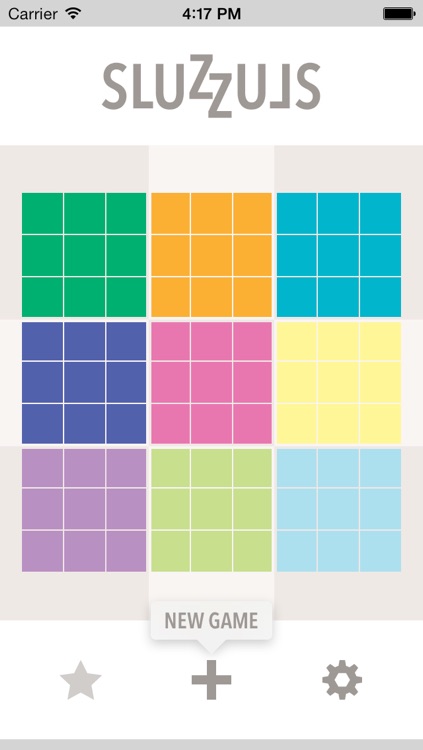
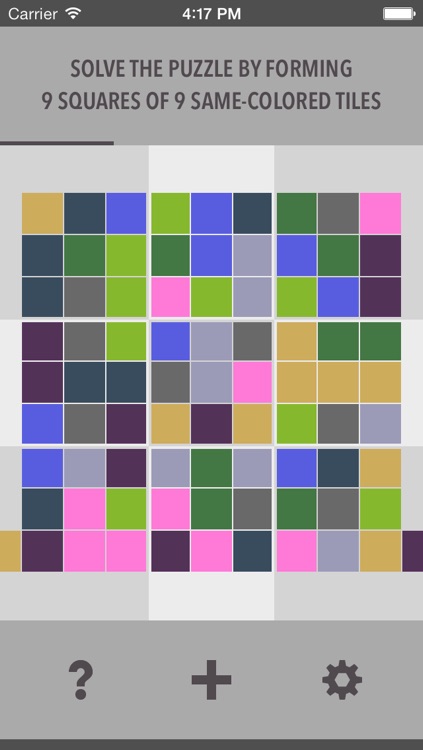
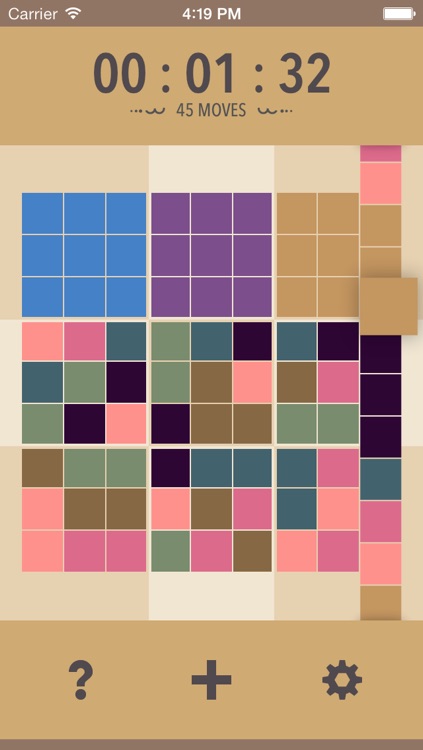
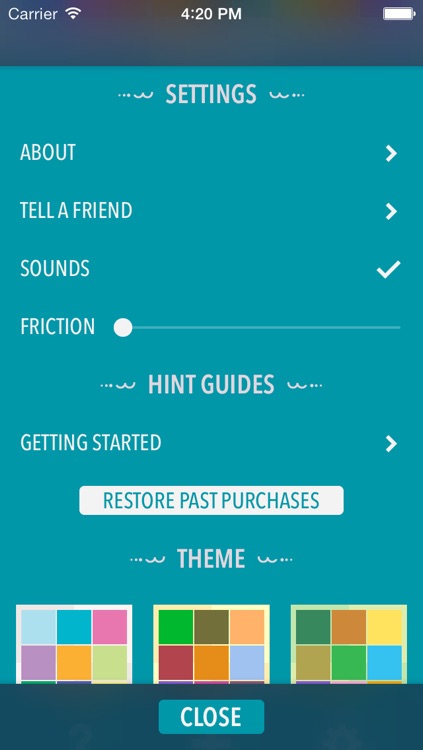
A slick sliding puzzle game that requires you to create nine squares of nine same-colored tiles.

$1.99 $1.99
Why we picked this?

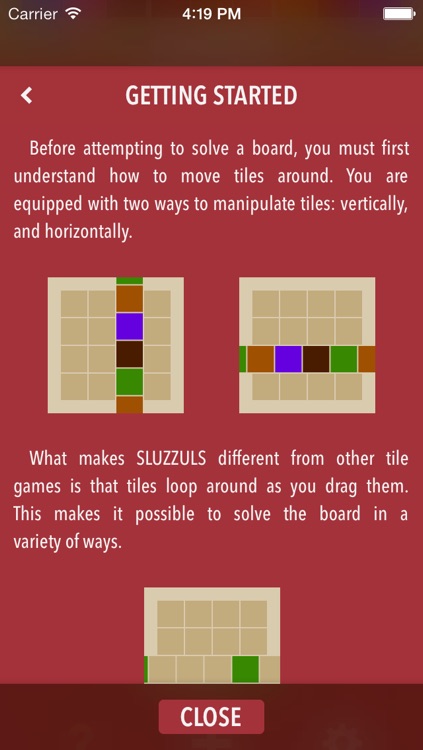
Just slide your finger across rows and columns to realign the tiles. Try to solve the puzzle as quickly as possible to climb the leaderboards. The game includes a total of nine themes, three difficulty settings, and achievements and leaderboards via Game Center.

Cardup - Free Chat & The Most Affordable & Cheap Local Voice, Talk & Call, International, Roaming and Long Distance Calling App
iPhone
Cardup - Free Chat & The Most Affordable & Cheap Local Voice, Talk & Call, International, Roaming and Long Distance Calling App

Cardup - Free Chat & The Most Affordable & Cheap Local Voice, Talk & Call, International, Roaming and Long Distance Calling App

Richard Aberefa

Make outbound calls to anyone in the world without racking up a huge phone bill with this social networking app.

$2.99 $2.99
Why we picked this?

You'll first need to create a Cardup ID before you can make calls. This process requires a valid mobile number and a text messaging plan. Once you're set up, you're able to make calls to anyone in the world at rates as low as $0.0025 depending on location. If you sign up today with the coupon "APPSGONEFREE" you'll receive up to 200 free minutes! You can also earn additional free minutes by sharing Cardup with friends and family. The app also includes access to your contacts, and the ability to create favorites.

Bord
iPhone
iPad
Bord

Bord

Pixle

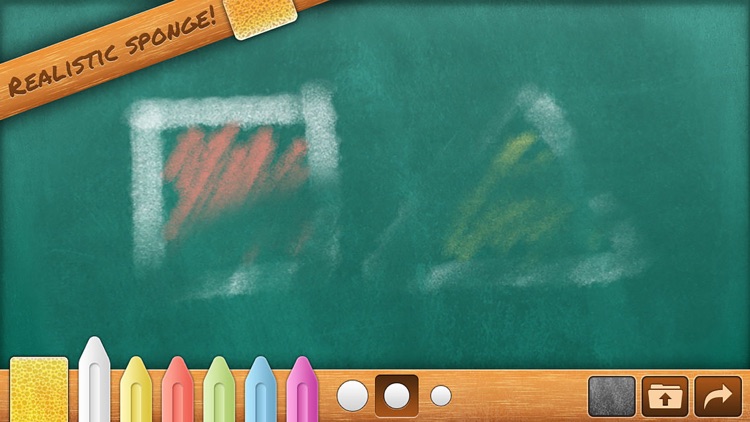
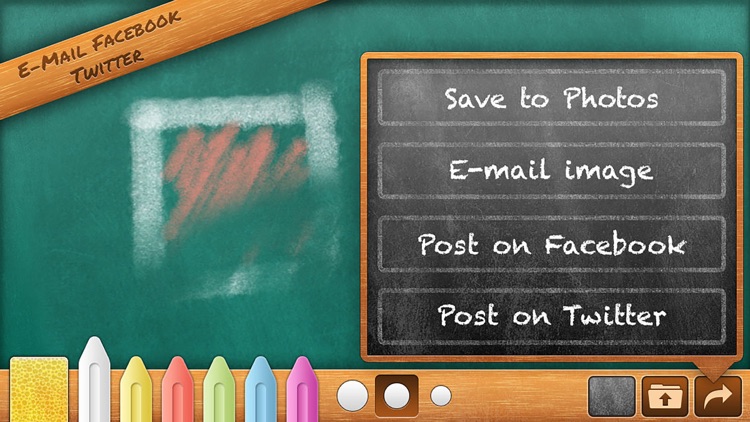
An entertainment app that turns your iPhone or iPad into a virtual chalkboard.

$1.99 $1.99
Why we picked this?

It includes realistic chalk effects, six colors, three thickness levels, full multitouch support, shake to erase, drawing playback, and the ability to share your work via email or Facebook.