



You are using an outdated browser. Please upgrade your browser to improve your experience.

Apps That
Went Free on
2013-12-18

Today we are focused on apps that help you manage all of your tasks, whether they are personal or professional. Apps like Priority Matrix, Lister 2, and Tody.

Priority Matrix
iPhone
Priority Matrix

Priority Matrix

Appfluence Inc

Organize and prioritize all of the tasks in your life with this powerful productivity app.

FREE ($2.99) For a limited time FREE ($2.99) For a limited time
Why we picked this?

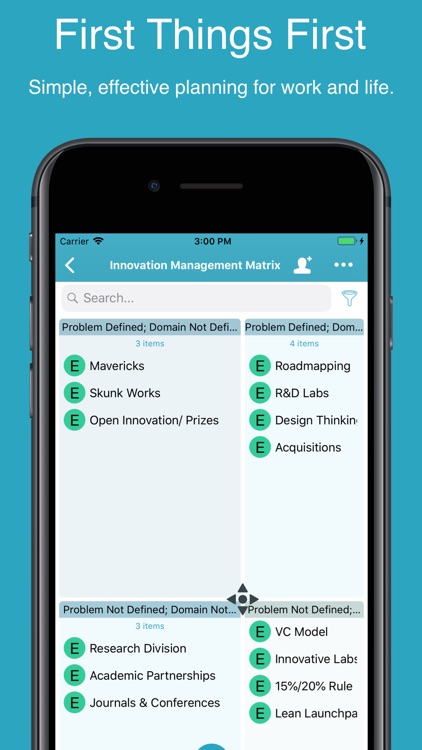
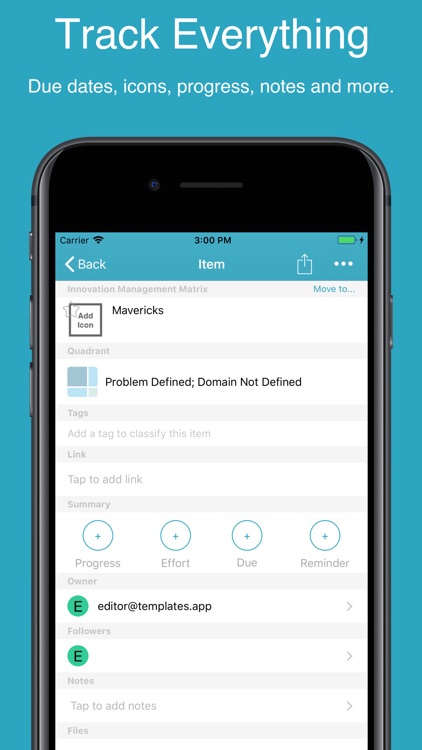
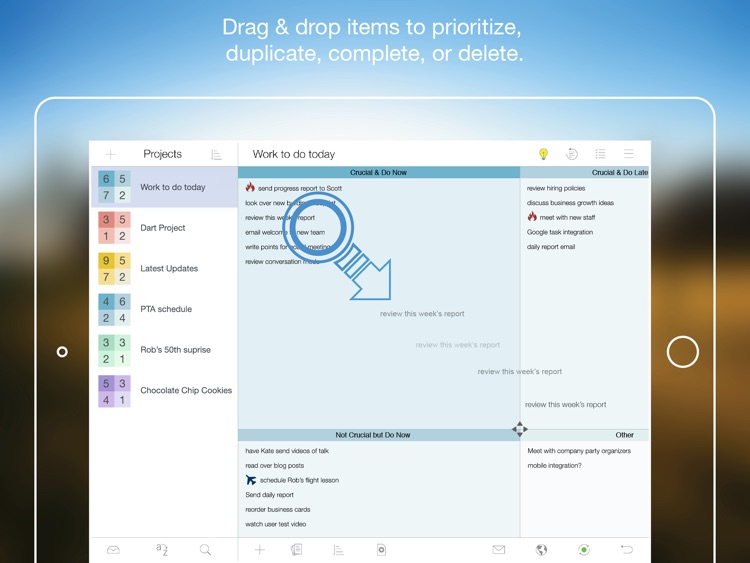
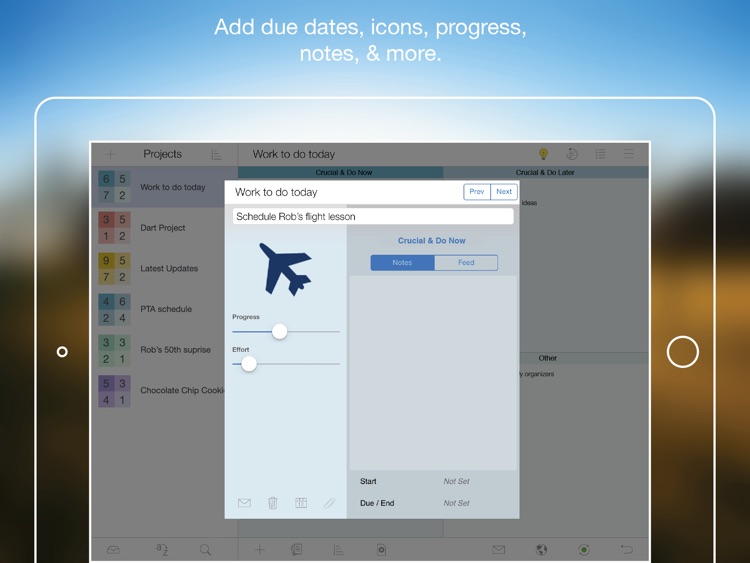
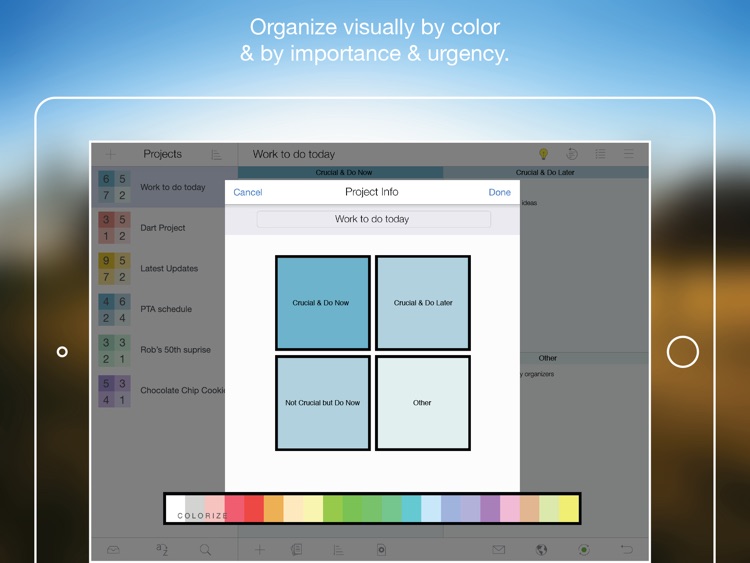
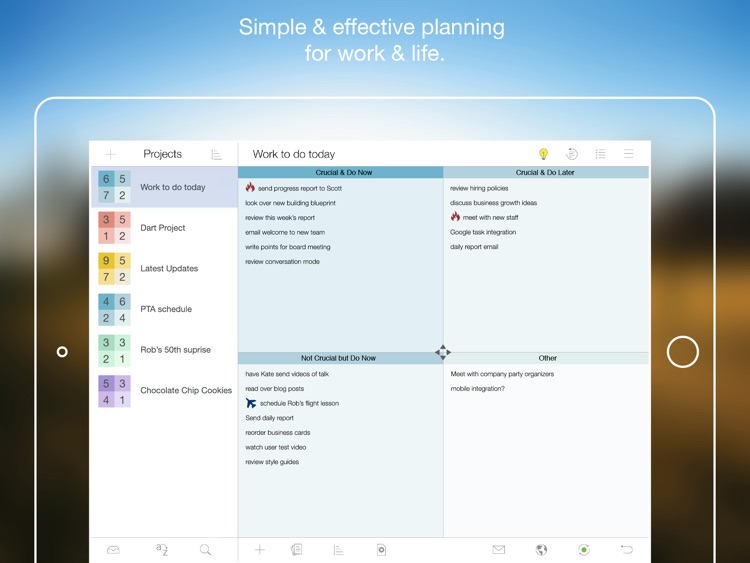
It features four customizable quadrants, allowing you to stay focused on the tasks that need to be completed first. The quadrants can be resized by just dragging your finger over the borders. You can also drag and drop tasks between quadrants. The app includes the ability to create recurring tasks, cloud syncing, loads of icons to help you visualize your tasks, progress tracking, and Twitter integration for sharing tasks.

Priority Matrix for iPad - Manage Effectively
iPad
Priority Matrix for iPad - Manage Effectively

Priority Matrix for iPad - Manage Effectively

Appfluence LLC

Organize and prioritize all of the tasks in your life with this powerful productivity app.

FREE ($4.99) For a limited time FREE ($4.99) For a limited time
Why we picked this?

It features four customizable quadrants, allowing you to stay focused on the tasks that need to be completed first. The quadrants can be resized by just dragging your finger over the borders. You can also drag and drop tasks between quadrants. The app includes the ability to create recurring tasks, cloud syncing, loads of icons to help you visualize your tasks, progress tracking, and Twitter integration for sharing tasks.

Tody
iPhone
Tody

Tody

LoopLoop

Take control of your cleaning tasks with this productivity app.

FREE ($2.99) For a limited time FREE ($2.99) For a limited time
Why we picked this?

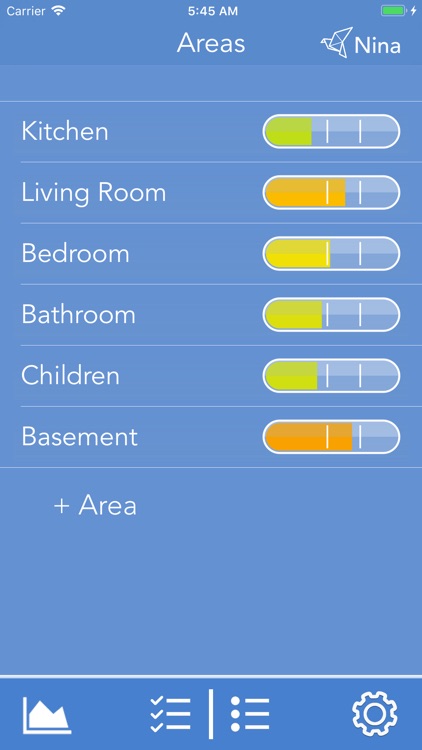
Your tasks are broken down by areas of your home or office. You're able to choose areas from a predefined list or create your own. Then add tasks to each area and decide on a frequency. Each task has a visual indicator to help you get a quick idea of whether it's time to clean or relax. Areas and tasks can be sorted based on different factors to ensure you keep everything looking tidy. The app also includes three themes to choose from, and two indicator options.

PDF it All Document Converter
iPhone
iPad
PDF it All Document Converter

PDF it All Document Converter

DIGISET LLC

Tired of dealing with those other convoluted PDF converters? Then you need to give PDF it All a try.

FREE ($4.99) For a limited time FREE ($4.99) For a limited time
Why we picked this?

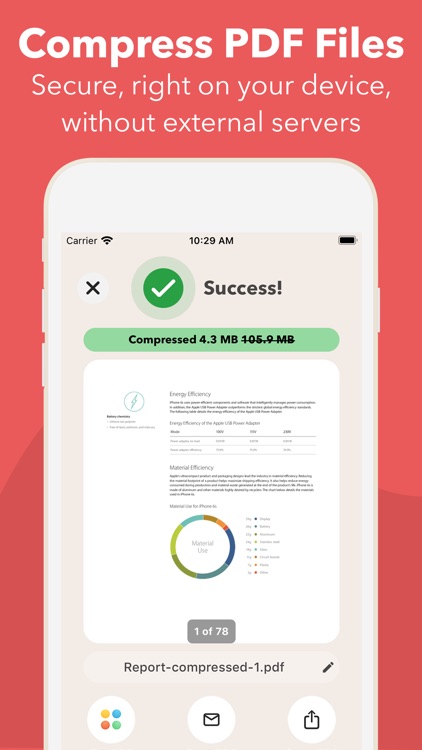
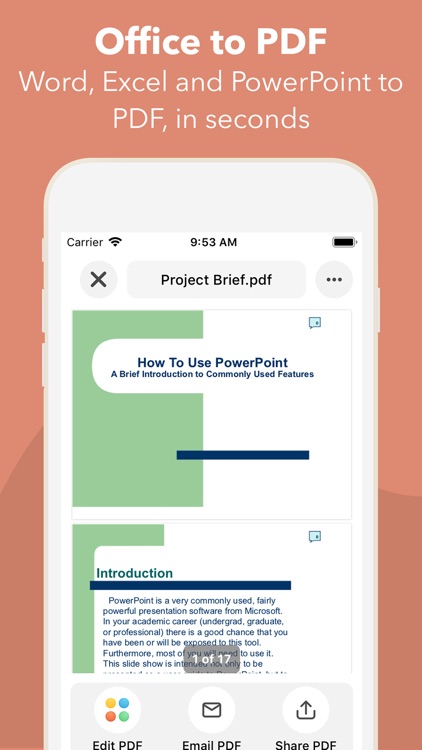
Its simplified, tile-based interface makes it ridiculously easy to convert documents, photos, messages, contacts, web pages, and emails into PDF files. After creating a new PDF you're able to open it in another app, merge it with another PDF, move it to a folder or your favorite cloud service, or share it via email, AirDrop, or Messages. You're also able to print directly to any AirPrint compatible printer.

Legend Dary: Classic
iPhone
iPad
Legend Dary: Classic

Legend Dary: Classic

ParkPill

A charming platformer that has you playing as Dary, a mercenary hero hired to get the dragon’s horn.

$0.99 $0.99
Why we picked this?

You’re able to control Dary via two on-screen directional buttons and two action buttons. You start off with a very basic weapon that needs to constantly cool down to fire. Collect the coins scattered throughout the levels and those dropped from your enemies to upgrade to more powerful weapons of destruction. You’ll also want to hunt down all three stars in each level to earn a perfect rating. The game includes 36 stages, two vehicles to unleash carnage with, two boss battles, and 15 enemy types.

Foolproof Art Studio (iPhone)
iPhone
Foolproof Art Studio (iPhone)

Foolproof Art Studio (iPhone)

Studio Mee

They say nothing is foolproof, but this is as close as you'll come to applying mistake-free oil painting effects to your photos.

$2.99 $2.99
Why we picked this?

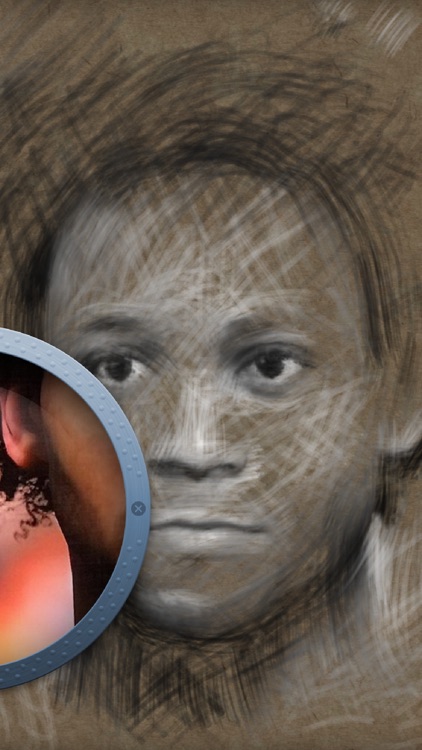
You're able to import a photo from a variety of sources or snap a new one in-app. Then just drag your finger all over the canvas to add a nifty oil painting effect. The quicker you move your finger, the more blurry the effect will turn out. You're able to customize the brush size and effect as well. Your final creation can be shared via social networks, or you can save the entire process as a video and put each stroke on display.

Lister 2: Shopping and To Do Lists
iPhone
Lister 2: Shopping and To Do Lists

Lister 2: Shopping and To Do Lists

30 South LLC

Put together entire shopping or to-do lists in a snap with this productivity app.

$1.99 $1.99
Why we picked this?

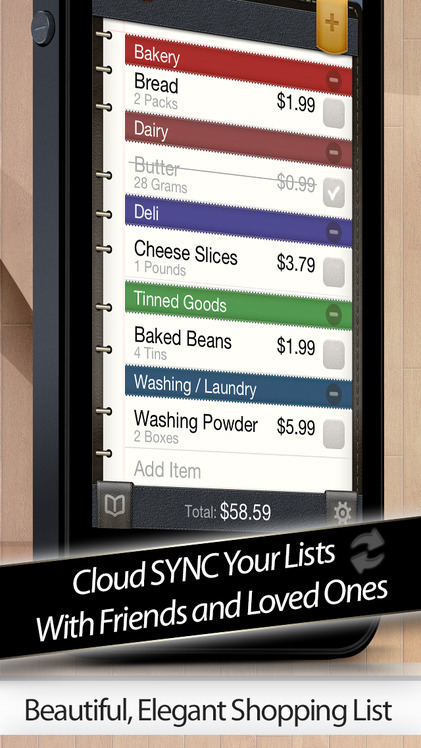
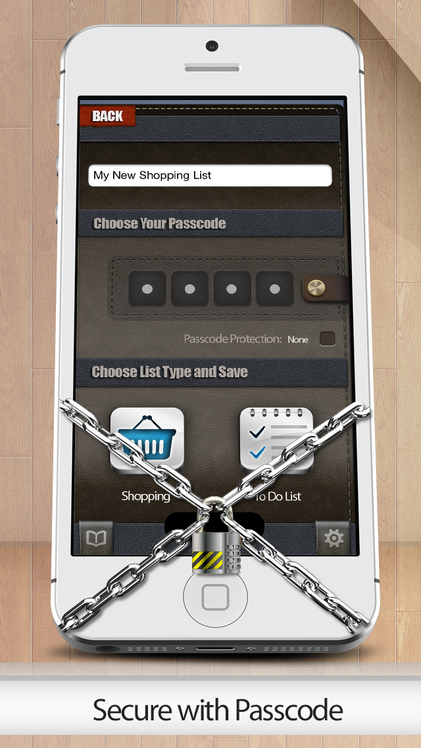
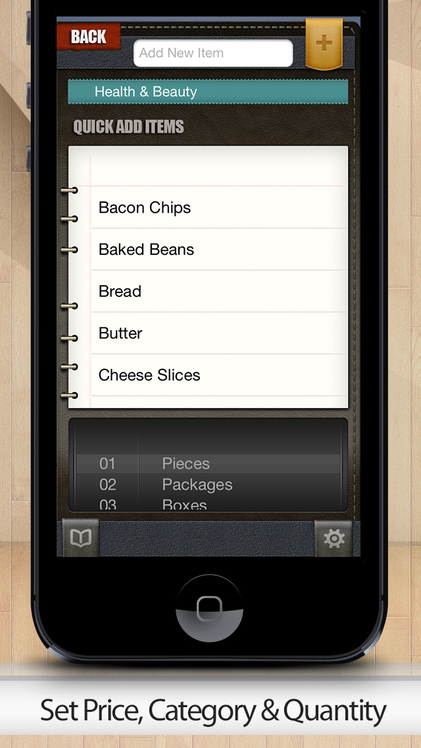
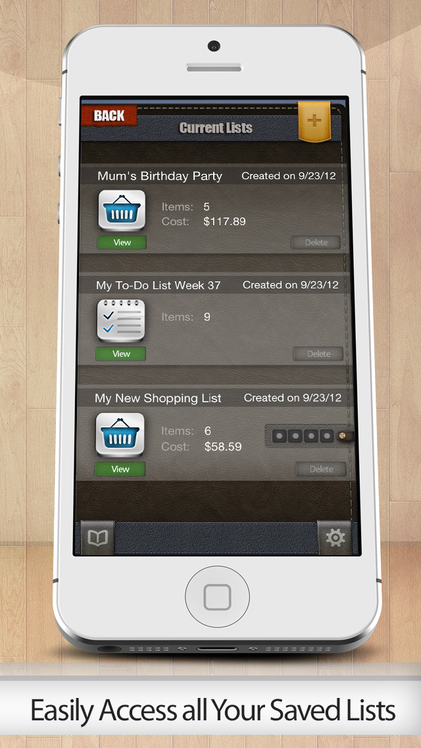
Lister 2 allows you to create and manage as many lists as you want. When creating a new list you’re able to title it, add a passcode, and choose between shopping and to-do list formats. The shopping list format allows you to attach prices and quantities to each item. The to-do list format features a clean and streamlined interface that allows you to quickly add previously created items. The app also includes Dropbox support, allowing you to sync lists across multiple devices.

EPOCH.
iPhone
iPad
EPOCH.

EPOCH.

Uppercut Games Pty Limited

Take cover and take down some robots in this visually stunning shooter.

$0.99 $0.99
Why we picked this?

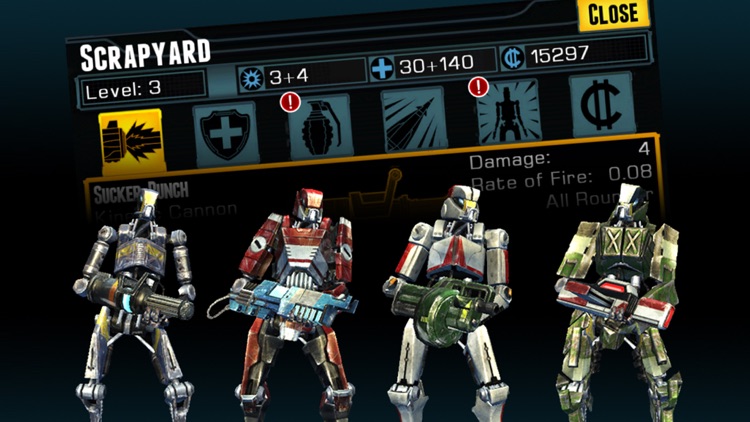
You’re able to make split-second tactical decisions, like taking cover, dodging fire, and unleashing special attacks, via intuitive swipe gestures. Lock on to a target with a tap and don’t back down until the job is done. You’re able to upgrade your robot with pieces torn from your fallen foes, and put together unique combinations of weapons, armor, boosters, and counters. The single player campaign will take you across various post-apocalyptic locations and introduce a large cast of characters, while an arena mode allows you to show off your skills. The game includes a total of four arenas, and achievements and leaderboards via Game Center.