



iPhone
iPad
RealVNC Viewer: Remote Desktop
RealVNC
Control your computer from anywhere in the world with VNC Viewer.
Why we picked this?
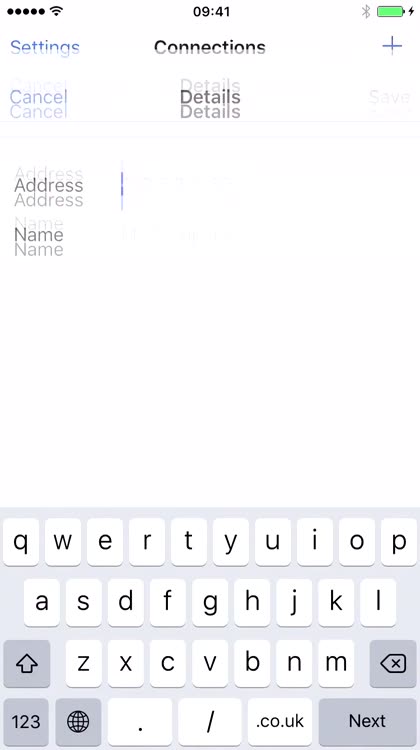
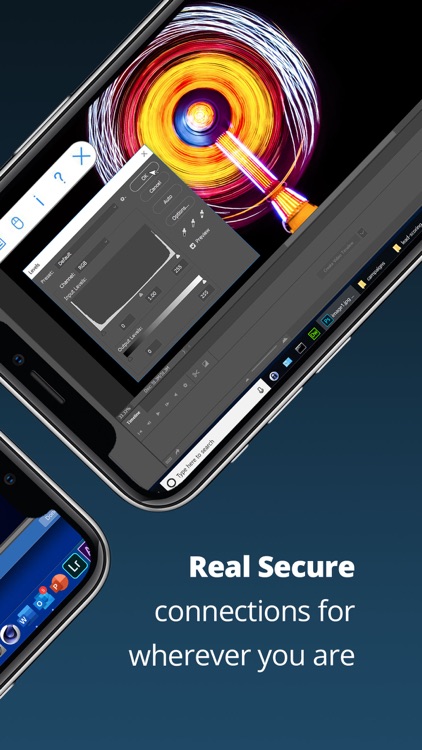
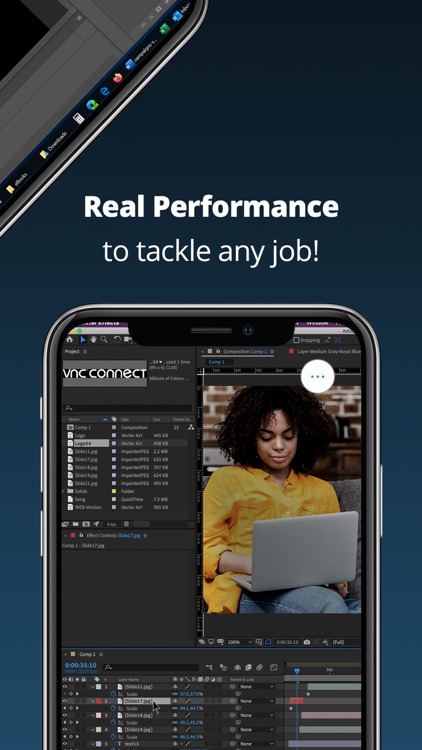
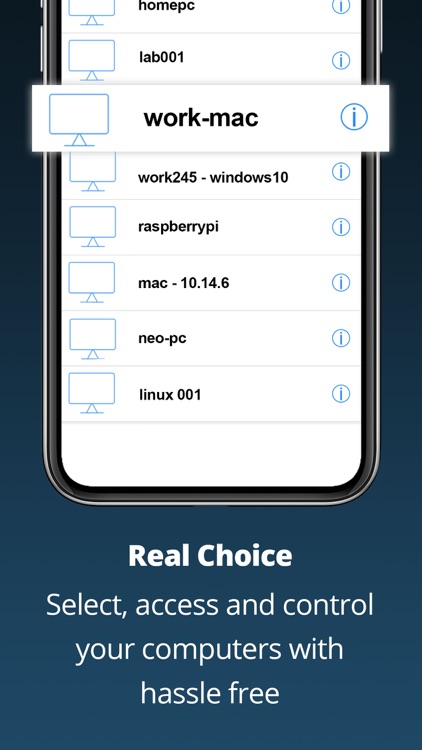
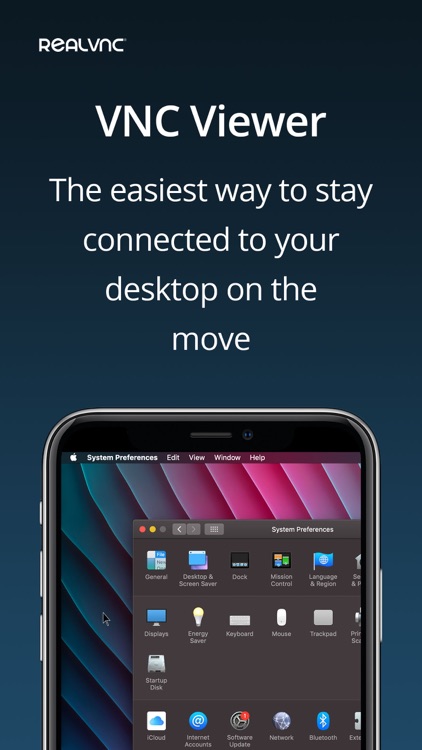
Just launch VNC Viewer and create an active connection with your computer. You’re able to utilize any VNC-compatible app or service you want including VNC 5 or even Bonjour on your Mac. You’re able to give each connection a custom name for quick discovery, and see desktop previews. Once connected, just drag your finger all over the screen to control your computer’s mouse. You’re able to utilize common gestures to zoom in and out, and you can tap on the screen for button clicks. The app also includes a mouse mode for more precise control, an on-screen keyboard, and the ability to adjust the desktop size and image quality manually.