


You are using an outdated browser. Please upgrade your browser to improve your experience.

Apps That
Went Free on
2014-01-26

Quickly send content from your computer to your iDevice with today’s AppBump featured app, myPhoneDesktop. This is the first time ever myPhoneDesktop has been offered for free, so make sure to take advantage of this opportunity while you can! We also have a fantastic video editing app, and a kid-safe video streaming app.

Audious - Discover Your Music
iPhone
iPad
Audious - Discover Your Music

Audious - Discover Your Music

Lukas Burgstaller

Ditch your iDevice’s built-in music player for Audious.

FREE ($0.99) For a limited time FREE ($0.99) For a limited time
Why we picked this?

You’re able to set up a play queue to keep the music flowing. If Audious runs out of songs to play, it will randomly fill your queue and help you rediscover your favorites. You’re able to control almost everything within the app with common gestures like vertical swipes for volume and horizontal for changing tracks. The app also includes large cover art for all of your albums, the ability to filter music, and search.


THX tune-up™
iPhone
iPad
THX tune-up™

THX tune-up™

THX Ltd.

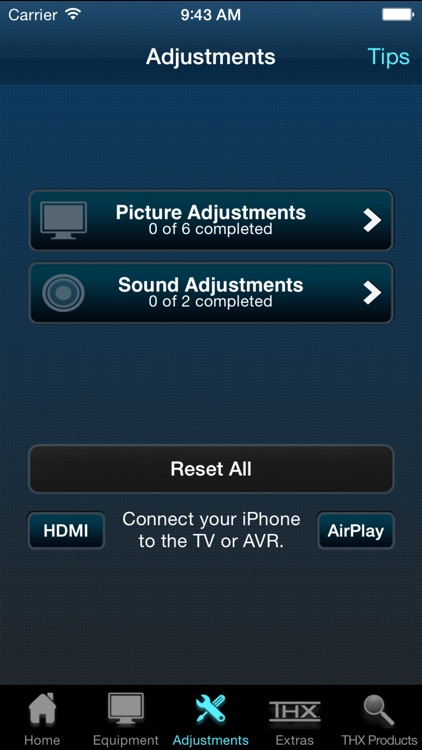
Adjust your TV, projector, and speakers to get the most out of your entertainment system with this utility app.

FREE ($1.99) For a limited time FREE ($1.99) For a limited time
Why we picked this?

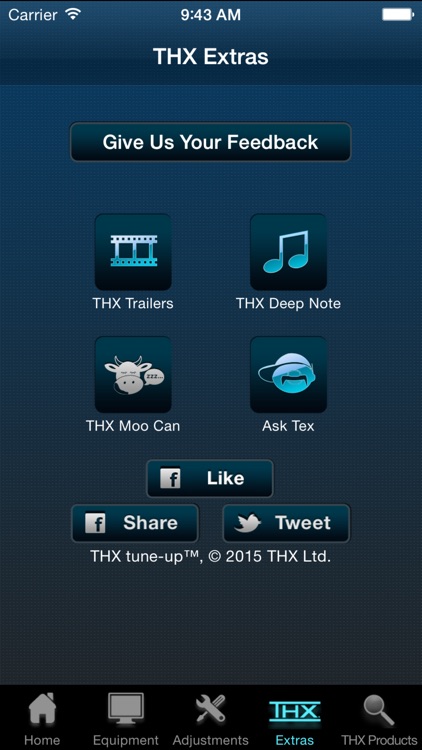
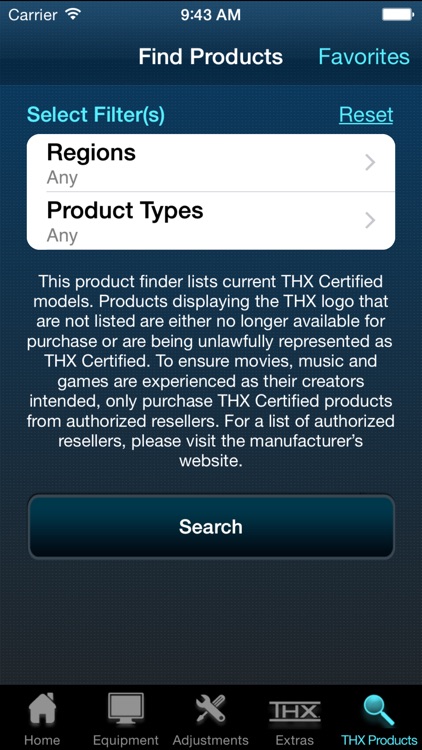
You must first choose your type of display, speakers, and mobile connection. Then connect your iDevice to your media device via an adapter or AirPlay. The app will walk you through the tune-up process and offer you all kinds of tips on how to enjoy your entertainment system even more. The app also includes full set-up tutorials, test audio, and access to THX trailers.

myPhoneDesktop
iPhone
iPad
myPhoneDesktop

myPhoneDesktop

jProductivity, LLC

An app so handy you’ll wonder how you ever lived without it.

$4.99 $4.99
Why we picked this?

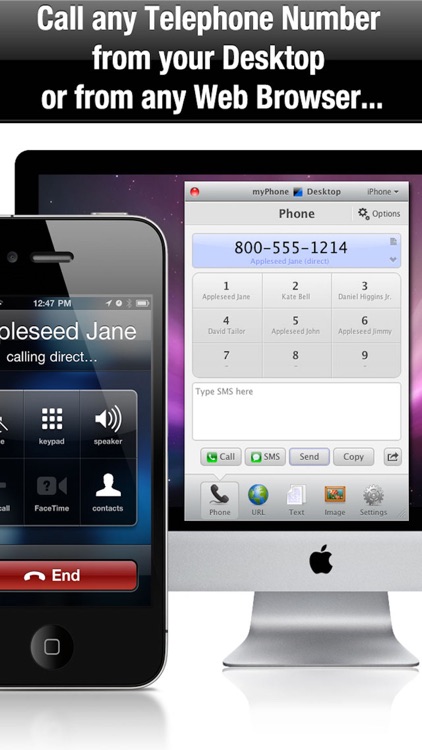
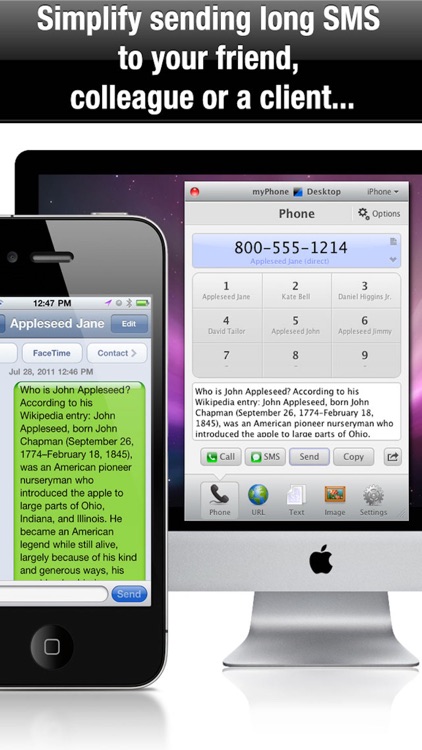
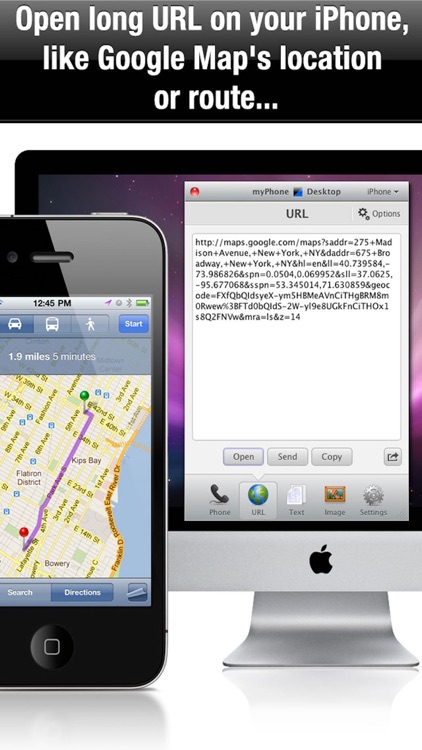
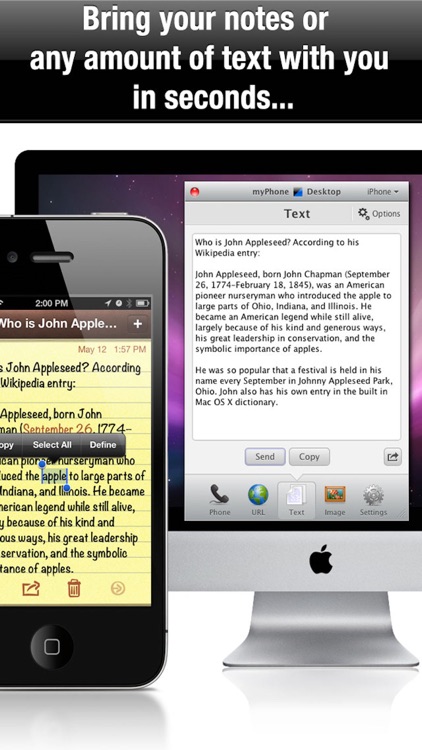
It allows you to send content from your computer to your iDevice, like links, photos, files, and phone numbers, with little effort. You must first set up an account through the app so your computer can discover it. You’ll then need to either download a free desktop client for your computer from the developer’s website, or you can use their super handy web client. Then paste or drag and drop your content onto the virtual iPhone or iPad on your computer, and watch as it magically pops-up within the app. Calls will be initiated immediately if the app is open on your iDevice, otherwise you will receive a push notification that can be accepted or declined. Links, text, photos, and files that are sent over can be copied and saved. The app includes the ability to work over 3G, 4G, and Wi-Fi, and allows you to open content within other apps.

Little Conquest
iPhone
iPad
Little Conquest

Little Conquest

BattleBit

Overtake all of the structures on the battlefield before your opponent is able to in this real time strategy game.

$2.99 $2.99
Why we picked this?

Build up an army and send it across the battlefield to conquer your opponents. You’ll see numbers attached to each structure, which indicates how many units are required to overtake them. If your enemy holds a structure, the unit count will continue to increase, so you’ll have to keep throwing whatever you have at them. You’re able to utilize various types of structures and units like mythological creatures, special heroes, and siege weapons to earn victory. The game includes two separate campaigns, online multiplayer with voice chat, three difficulty levels, and achievements and leaderboards via Game Center.

Gravie - Text on Video
iPhone
iPad
Gravie - Text on Video

Gravie - Text on Video

Bucket Labs

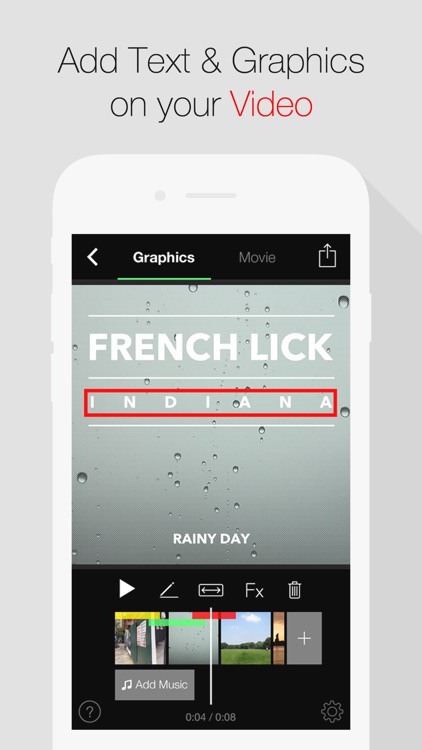
Craft personalized videos with custom text and clipart with Gravie.

$1.99 $1.99
Why we picked this?

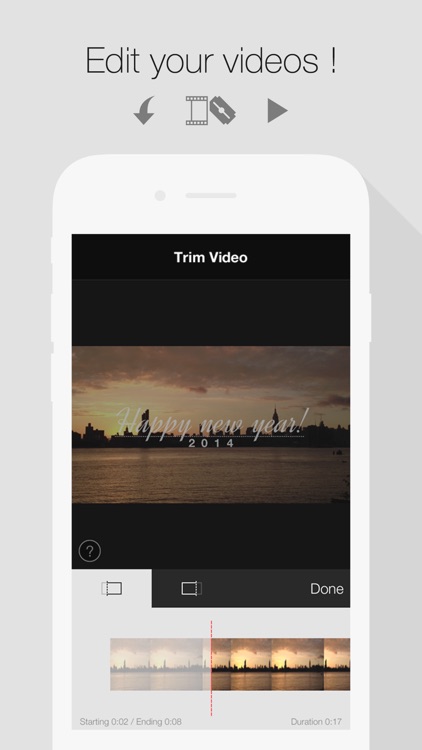
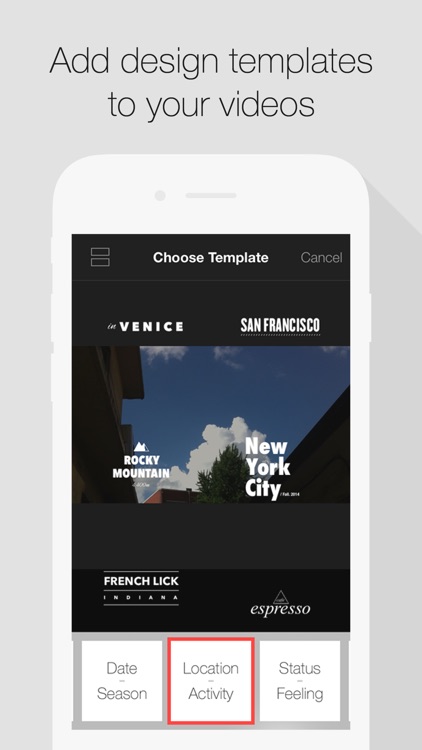
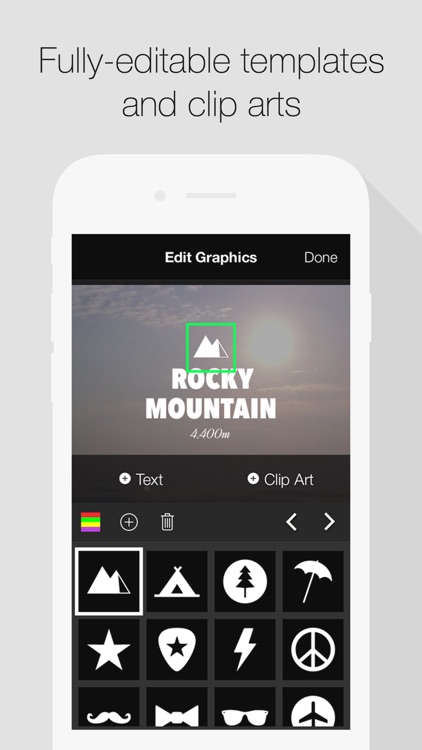
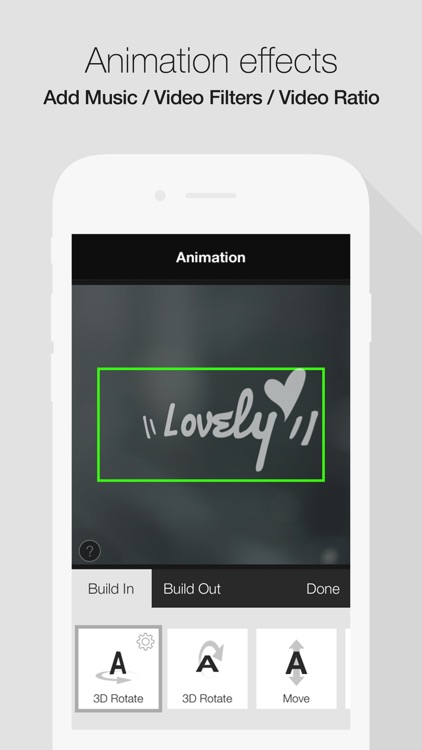
You’re able to import videos from your library or record new ones from within the app. Videos can be trimmed down, stitched together, and repeated with little effort. You’re then able to add your own music, text, clip art, and background. You’re also able to utilize 88 different customizable templates, 20 themes, 12 animation effects, and five video filters. As you can tell, there's a lot of content here, so just play around and see what you can come up with. After previewing your new video, share it with the world via Facebook or YouTube.

Ellie's TV - Kid Safe Videos
iPhone
iPad
Ellie's TV - Kid Safe Videos

Ellie's TV - Kid Safe Videos

Ellie's Games, LLC

A collection of kid-safe videos and movies that your little ones are sure to enjoy.

$2.99 $2.99
Why we picked this?

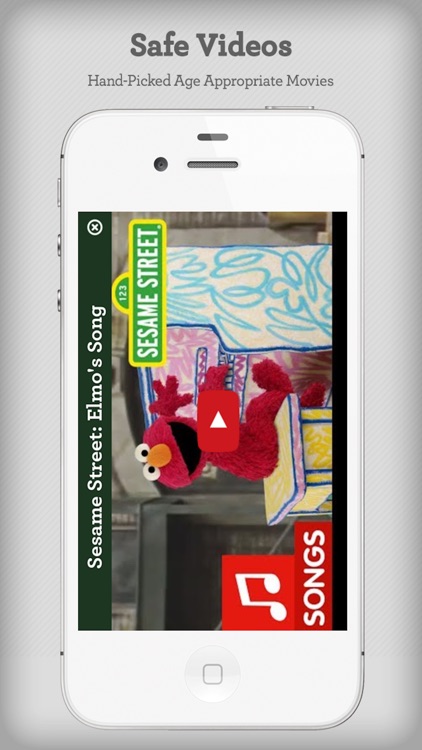
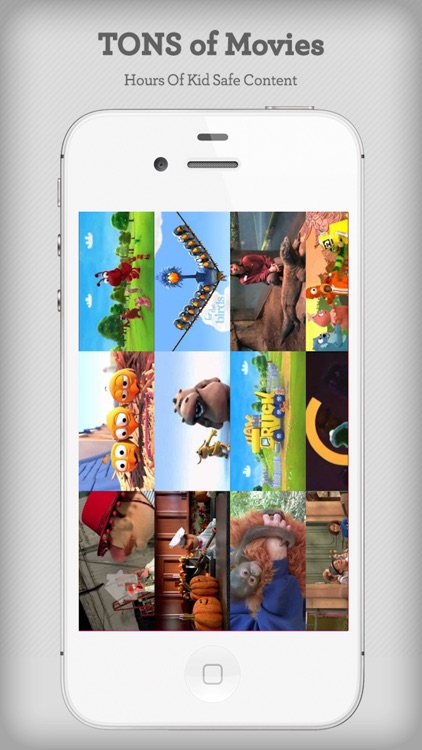
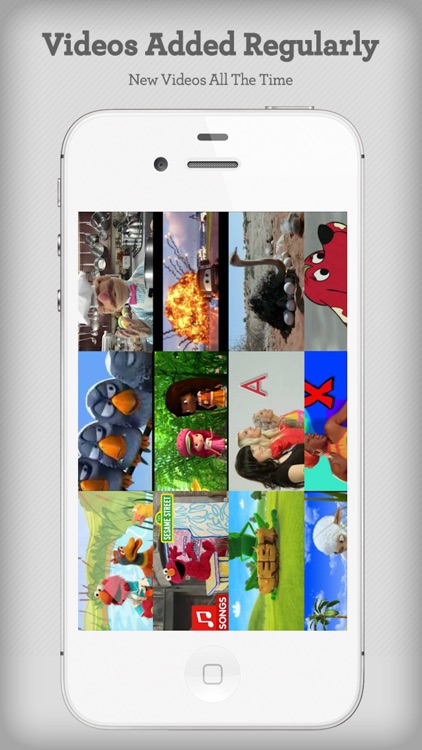
Ellie’s TV features hand-picked and age appropriate videos and movies pulled straight from YouTube. It’s completely free of outside links and content, so you can rest assured your child will be entertained in a safe environment. The app is loaded with content from Sesame Street, Disney, Pixar, PBS, and Nickelodeon, with more being added all of the time.

Decide Now! — Random Wheel
iPhone
iPad
Decide Now! — Random Wheel

Decide Now! — Random Wheel

Catforce Studio

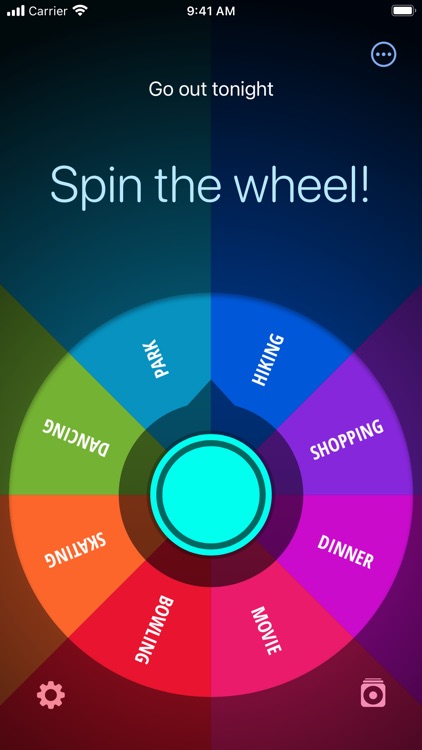
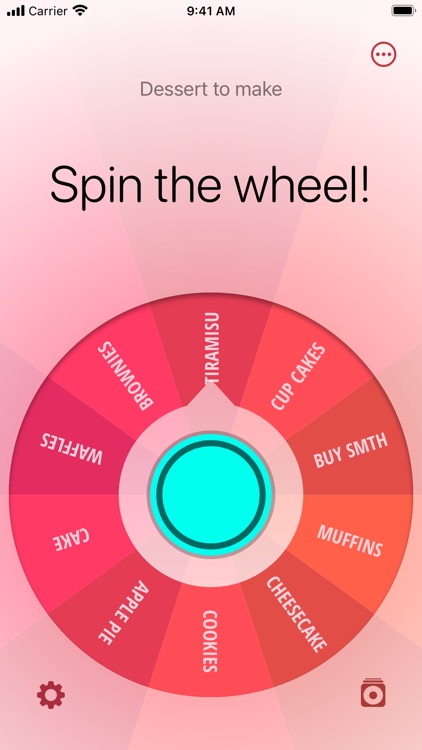
This handy app helps you come to a decision on what to do next.

$1.99 $1.99
Why we picked this?

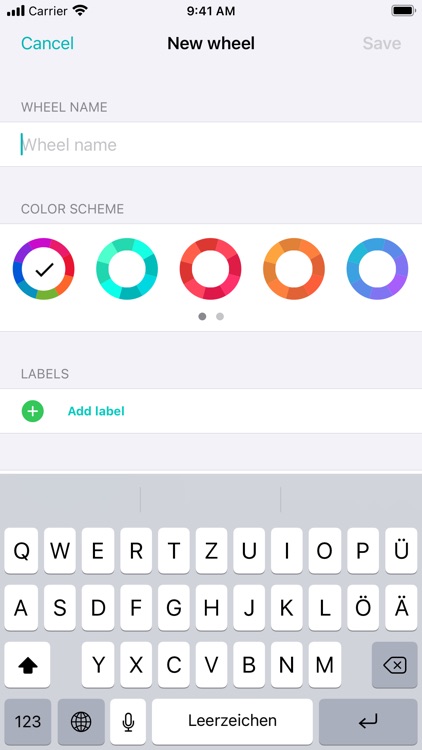
You can create custom idea templates or just utilize the 10 included ones. Then spin the wheel by tapping on the middle and wait to see which idea it lands on. The app includes eight color schemes, and the ability to create an unlimited number of templates.