


You are using an outdated browser. Please upgrade your browser to improve your experience.

Apps That
Went Free on
2014-01-28

Protect your photos and videos with gesture-based drawings with Photo Password. We also have a camera app that allows you to capture life’s precious moments within single image, and an app that will inspire you.

Photo Password - No#1 Secret Private Vault
iPhone
Photo Password - No#1 Secret Private Vault

Photo Password - No#1 Secret Private Vault

Revolutionary Concepts

Protect your photos and videos with gesture-based drawings with Photo Password.

FREE ($0.99) For a limited time FREE ($0.99) For a limited time
Why we picked this?

Instead of futzing with pin codes and passwords, you’re able to store your content behind gesture-based drawings. Just import any photo from your library or snap a new one from within the app. Then use visual cues within the photo to place dots, circles, and lines. The next time you want to access your protected content you’ll have to repeat the same gesture-based drawings. You’re able to import content from a variety of sources, and organize it all within custom folders. The app also includes AirPlay support, intruder alerts, and a slideshow option with built-in transition effects.

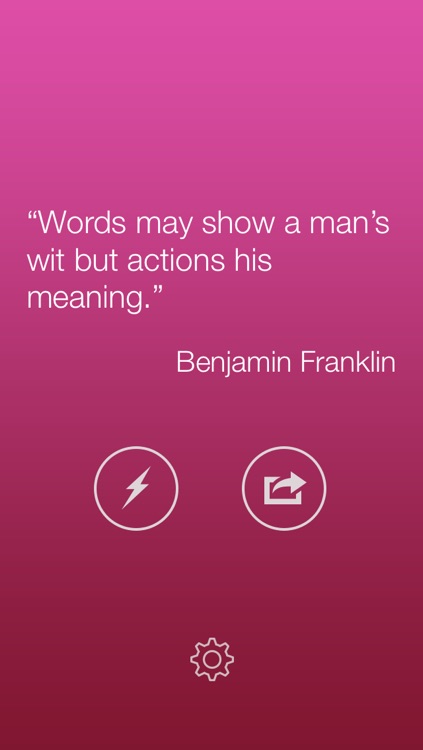
Quotes. Get Inspired
iPhone
Quotes. Get Inspired

Quotes. Get Inspired

Andrea Fabbri

Receive daily inspiration from this colorful reference app.

FREE ($0.99) For a limited time FREE ($0.99) For a limited time
Why we picked this?

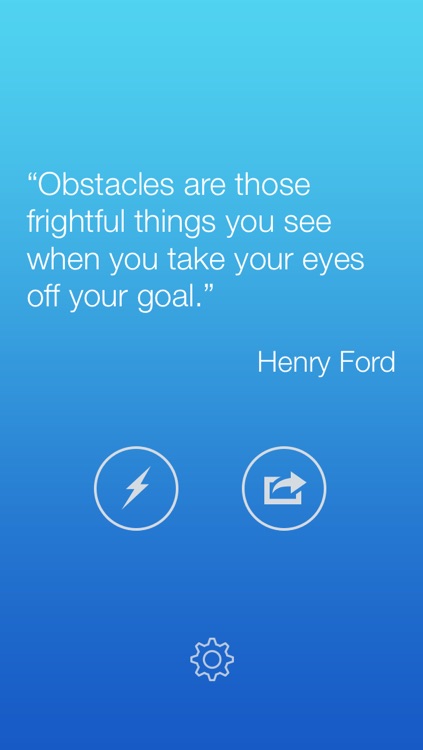
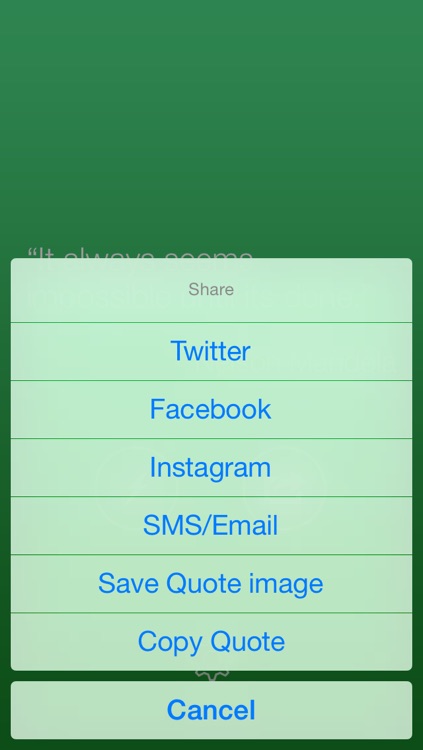
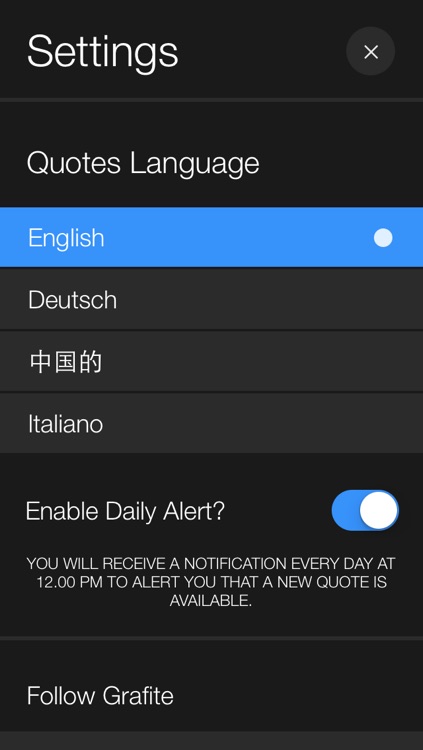
Each and every day you launch Quotes you’ll receive a quote of the day. You’re then able to share the quote via Twitter, Facebook, Messages, Instagram, email, or simply save it as an image. You’re also able to have the app send you a push notification every day at a specified time so you don’t miss your daily quote. Tap the lightning button to get a random quote from previous days. The app also includes a variety of themes that can be scrolled through with a swipe.

ScrapPad - Scrapbook for iPad
iPad
ScrapPad - Scrapbook for iPad

ScrapPad - Scrapbook for iPad

Album tArt LLC

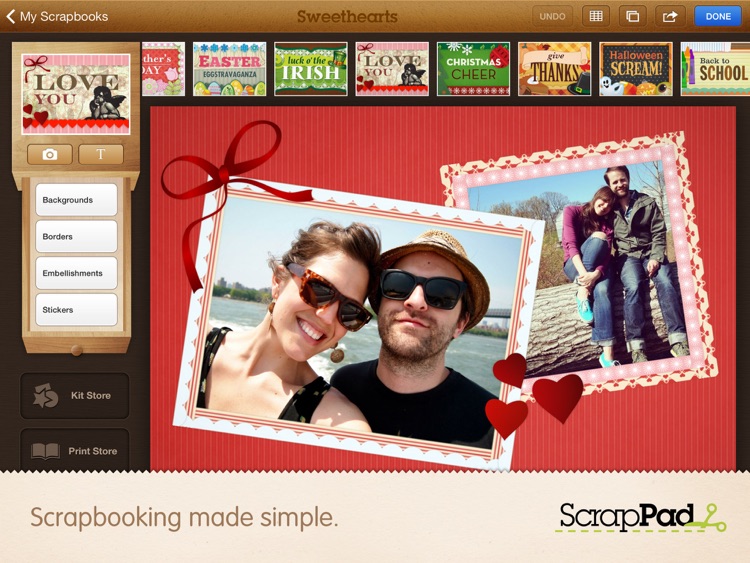
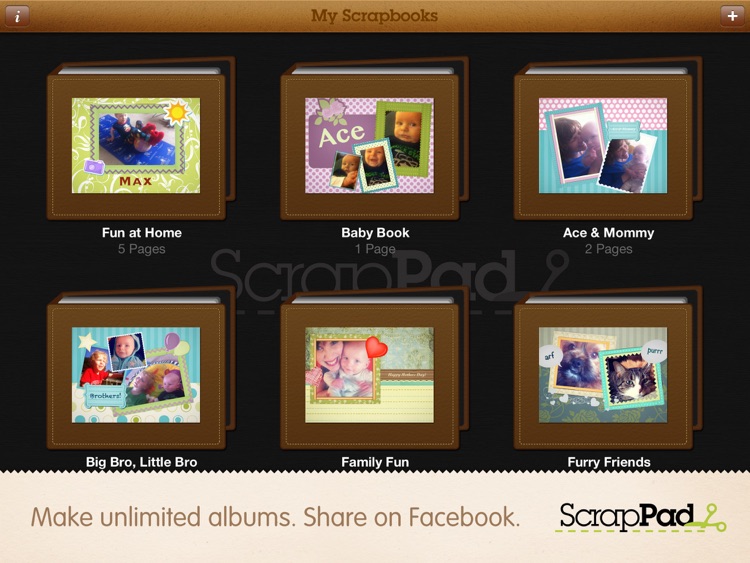
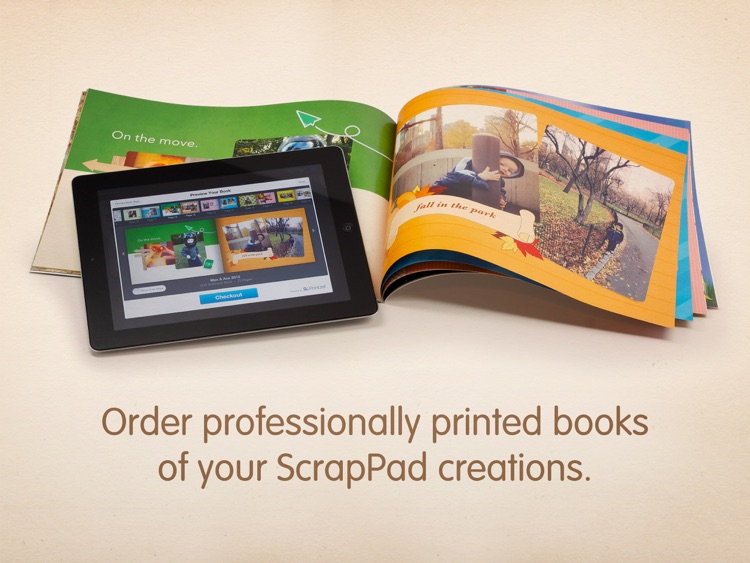
Create and share gorgeous digital scrapbooks with this photography app.

FREE ($4.99) For a limited time FREE ($4.99) For a limited time
Why we picked this?

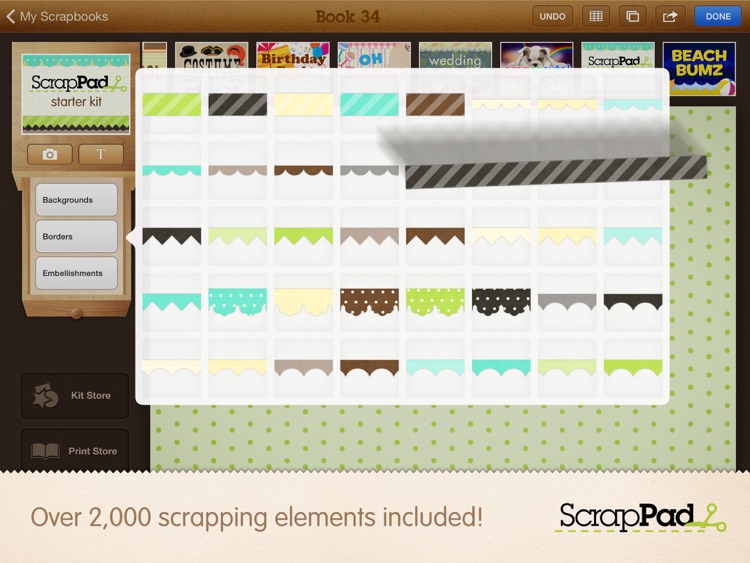
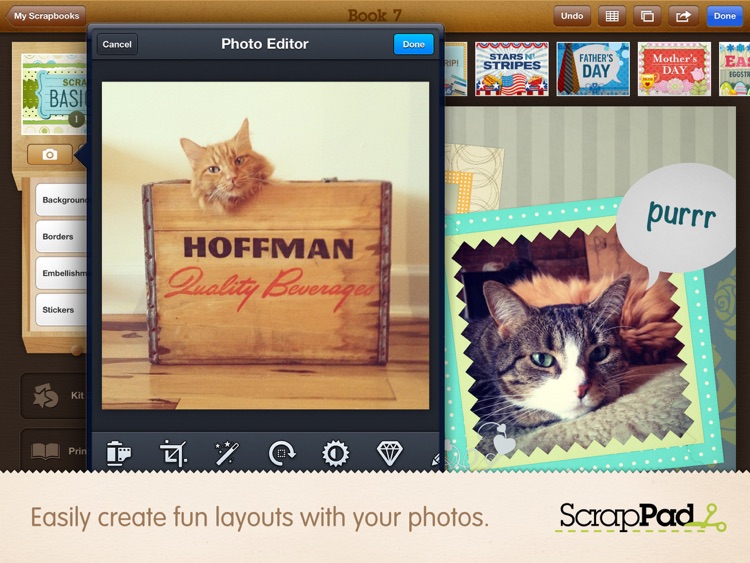
It includes more than 2,000 elements to scrap with, like different backgrounds, borders, embellishments, text, and stickers. Each item can be moved, resized, and rotated via multitouch controls. You can add photos from your own library as well. The app also includes a layer manager, the ability to add multiple pages, undo, and the ability to share your creations via Facebook or email. Additional kits are available via in-app purchase.

littleBIG History
iPad
littleBIG History

littleBIG History

VariaMedia GmbH

Work your way through the entire history of the world with this education app.

FREE ($4.99) For a limited time FREE ($4.99) For a limited time
Why we picked this?

The timeline begins with the Big Bang, and you’re able to work your way forward with a swipe. You’re able to adjust the scale of the timeline with common pinch and pull gestures, and learn about events with a tap. You’re also able to filter data down by topic of interest. Specific events can be searched for by keyword as well. The app includes more than 90 categories, 700 images, and 1,300 events, so you better get started!

Wonderful Days - Diary with Style
iPhone
Wonderful Days - Diary with Style

Wonderful Days - Diary with Style

HandyPadSoft

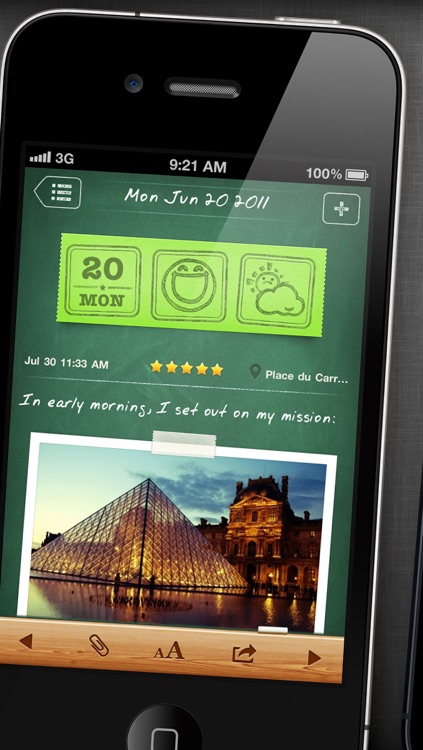
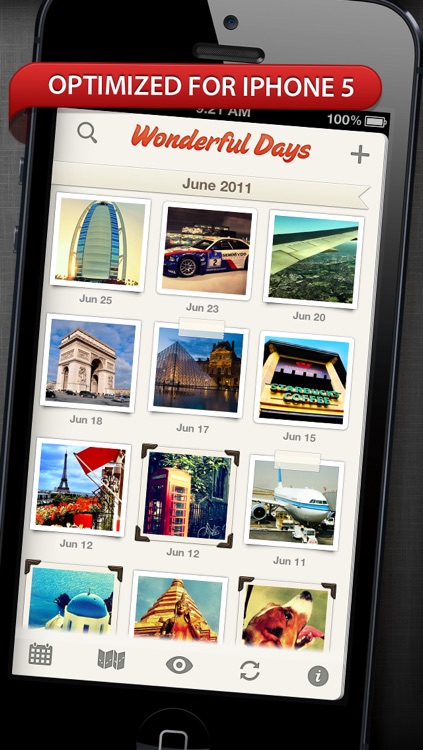
A stunning and intuitive journaling app.

$2.99 $2.99
Why we picked this?

When creating an entry for your journal you're able to choose from a variety of themes, text fonts and sizes, mood icons, and photo frames. Entries can also be geo-tagged and rated. Journal entries can be organized in list, preview, photo, or calendar form, or you can search for something specific. The app also includes passcode protection, Evernote integration, the ability to share your entries via email, and AirPrint support.

Grid Lens
iPhone
iPad
Grid Lens

Grid Lens

Bucket Labs

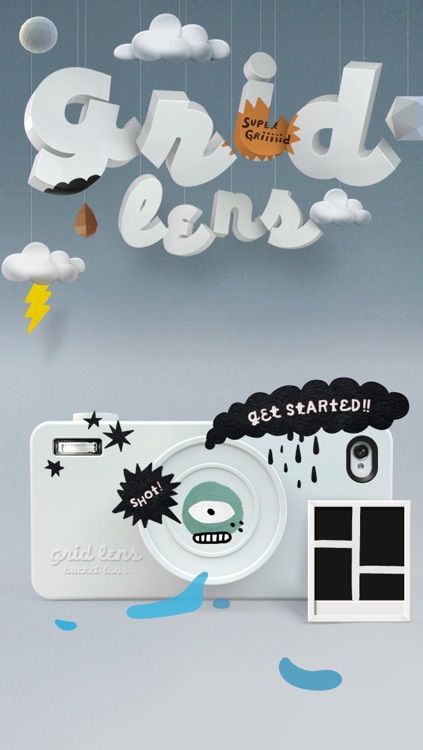
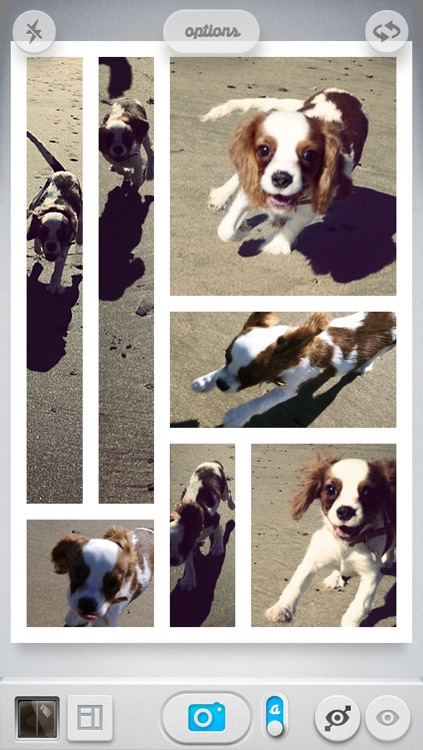
Capture all of life’s precious moments within a single image with Grid Lens.

$0.99 $0.99
Why we picked this?

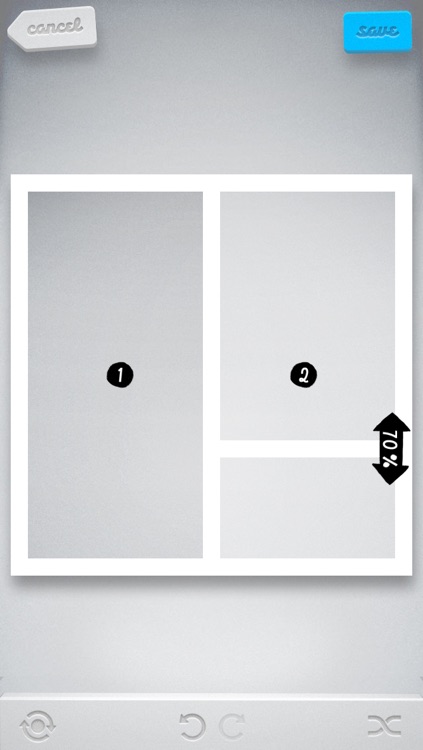
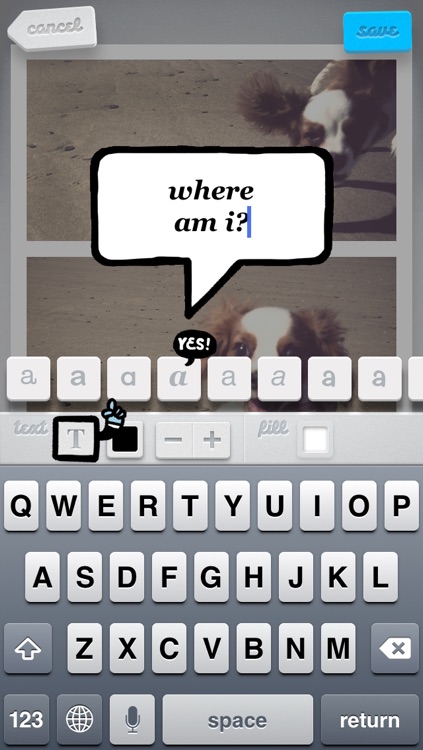
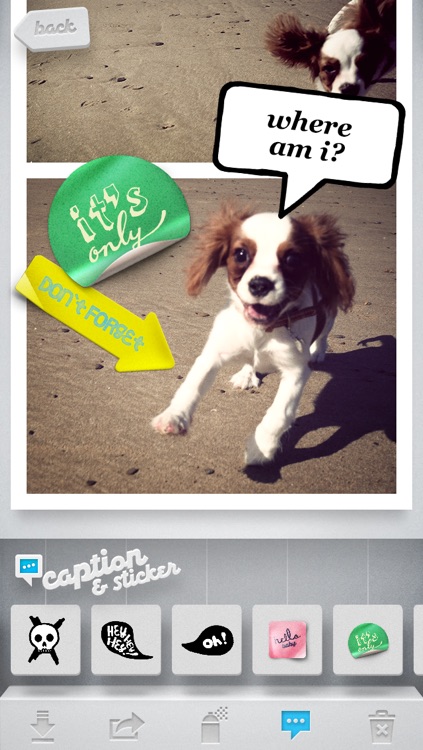
You’re able to create your own custom frame by generating horizontal and vertical grid lines, or you can simply select one from the set of built-in frames. The aspect ratio, border color, and thickness of your frame can be adjusted as well. You’re then able to populate each cell by tapping and holding to import a photo from your library, or you can take new photos by tapping each cell. Multiple camera modes are available, like single lens, multi lens, burst shot, and manual shot. You can apply different filters and captions before sharing your final creation via Twitter, Facebook, Instagram, Flickr, or email.

Craigslist from Smobile for iPhone and iPad
iPhone
iPad
Craigslist from Smobile for iPhone and iPad

Craigslist from Smobile for iPhone and iPad

Smobile Factory LLC

Improve your mobile Craigslist experience with this lifestyle app.

$0.99 $0.99
Why we picked this?

You’re able to find Craigslist listings in your area by manually entering your zip code or by allowing the app to automatically locate your position. You’re also able to store as many locations as you like. The listings are presented as thumbnails, and you’re able to find something specific by keyword or narrow your search down with a filter. Once you’ve found something you’re interested in you’re able to view its location on a map, favorite it, or contact the person who posted it via email, text, or phone. The app also allows you to post new listings from your account, save images, view original listings, and save frequent searches.