


You are using an outdated browser. Please upgrade your browser to improve your experience.

Apps That
Went Free on
2014-01-31

Make letter tiles come crashing down in Spell Collapse. We also have a humorous reaction-based game, and an app that will turn your photos into blocky works of art.

Convertible: Unit Converter
iPhone
iPad
Convertible: Unit Converter

Convertible: Unit Converter

Efecto Pty Ltd

This is not your standard unit conversion app.
FREE ($1.99) For a limited time FREE ($1.99) For a limited time
Why we picked this?

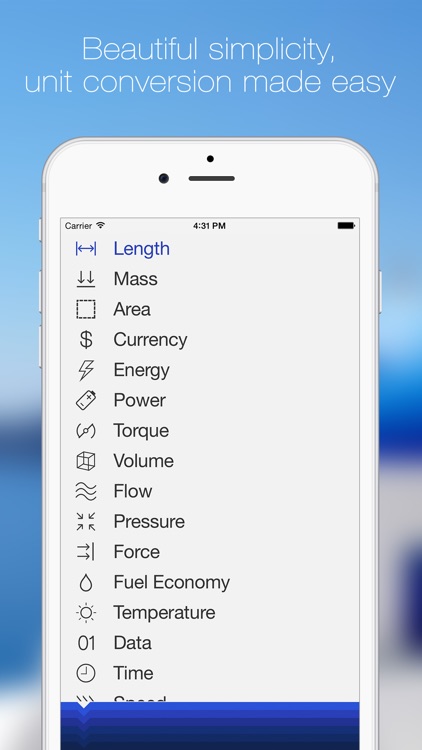
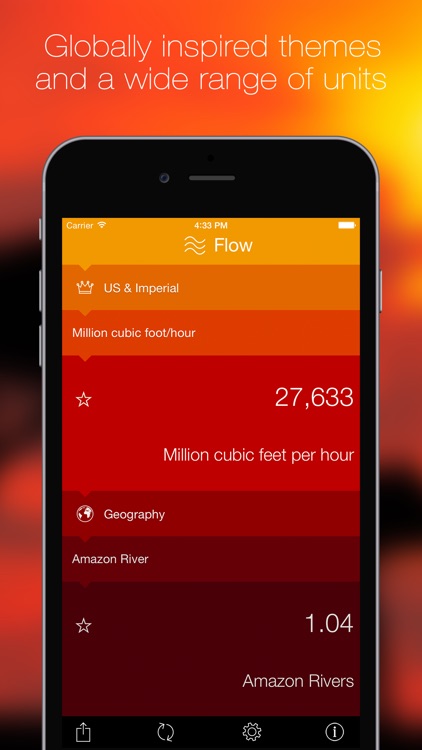
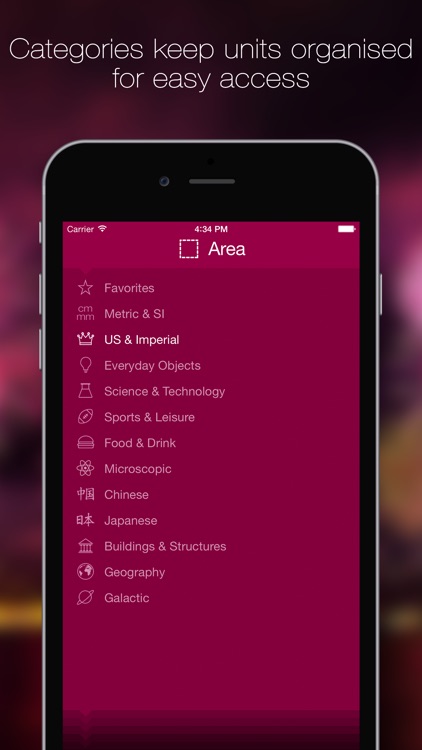
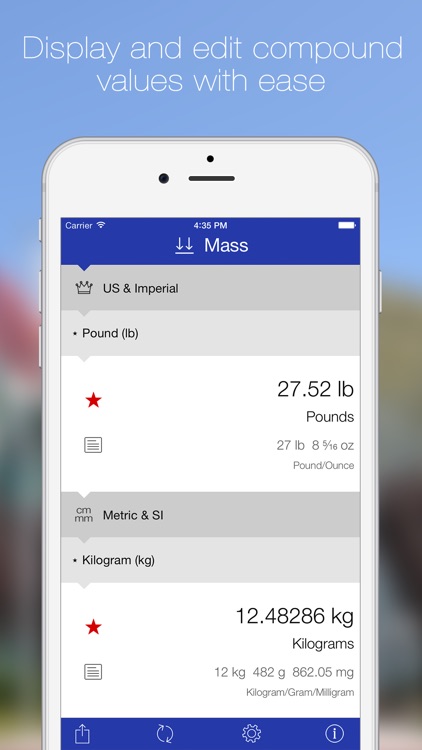
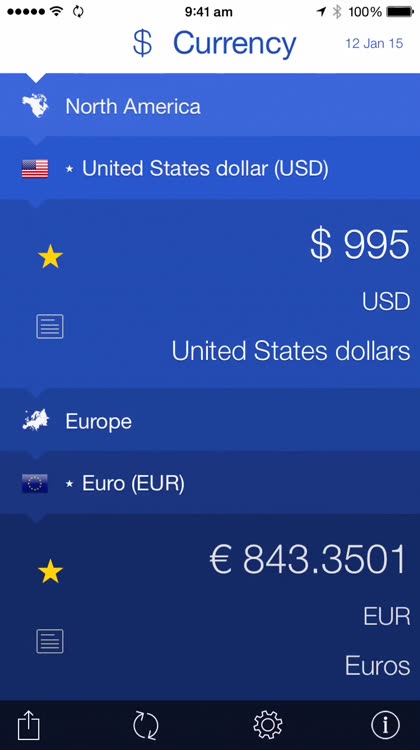
Convertible is able to convert units of measurement, currency, and a whole bunch of non-standard and real-world units. Non-standard and real-world units consist of things like tigers, red blood cells, AAA batteries, and baseball bats. The app's intuitive interface allows you to just slide the unit categories and measurements left and right to choose them. Conversions can be swapped and shared via Twitter or email. The app also includes 15 themes to choose from.

BlockCam
iPhone
BlockCam

BlockCam

ThirtyFive Inc.

Turn your photos into blocky works of art with BlockCam.
$0.99 $0.99
Why we picked this?

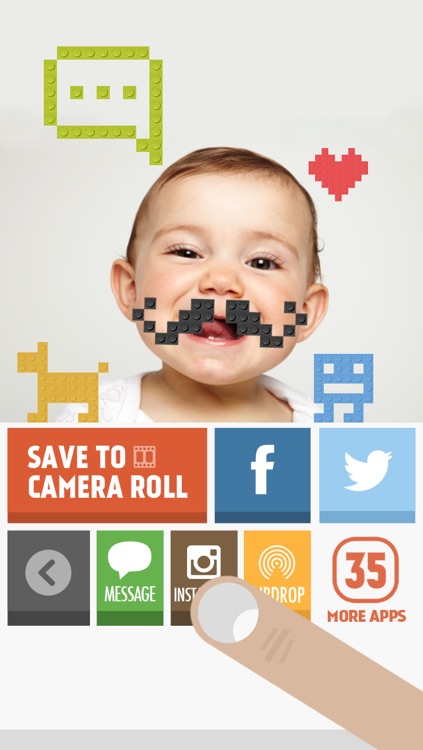
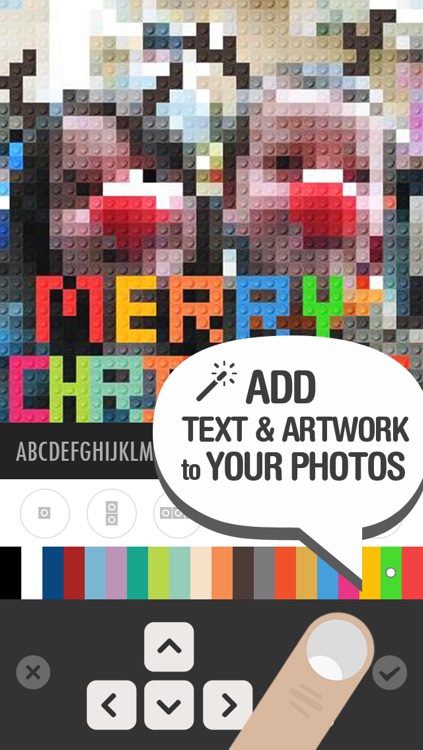
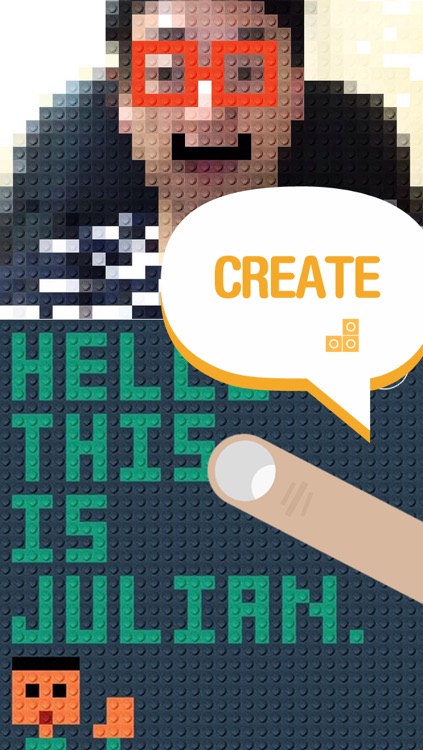
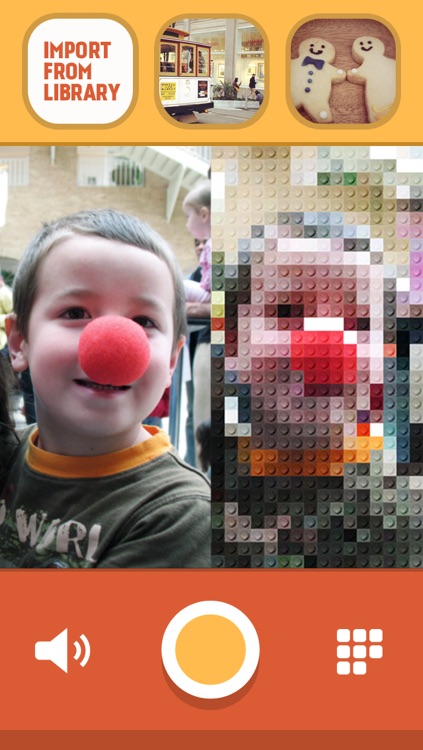
You’re able to snap a new photo from within the app or import one from your library. BlockCam will automatically turn it into a blocky masterpiece. You can then personalize your work of art by placing different colored blocks right over the top. The blocks can be positioned every which way, allowing you to write and draw with them. There’s also an icon pack available via-in app purchase in case you don’t want to do all of the work yourself. When you’re finished blocking your photo, share it via Facebook, Twitter, AirDrop, or email.

Spell Collapse
iPhone
iPad
Spell Collapse

Spell Collapse

Glenn Nissen

Bring it all crashing down in this word game.

$1.99 $1.99
Why we picked this?

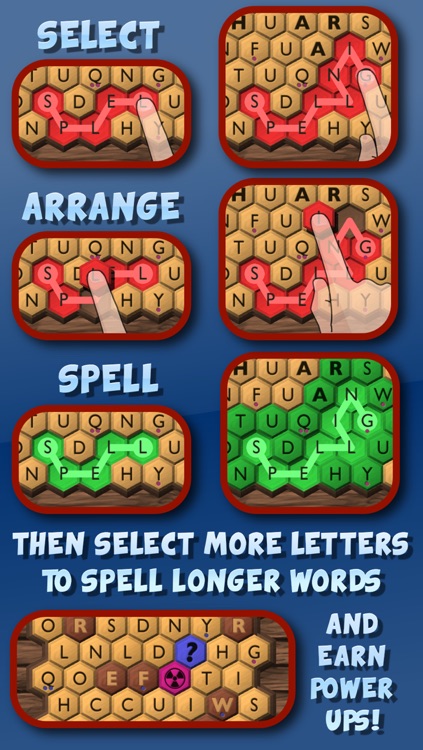
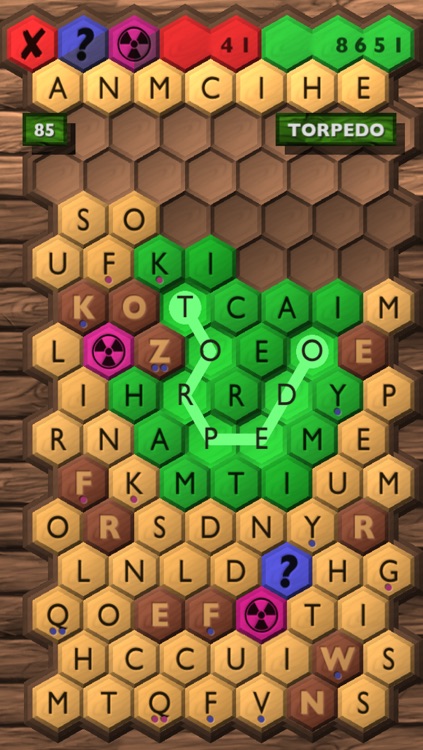
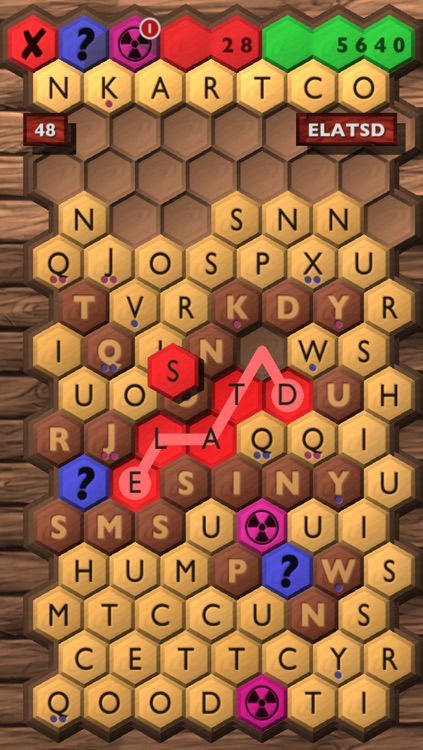
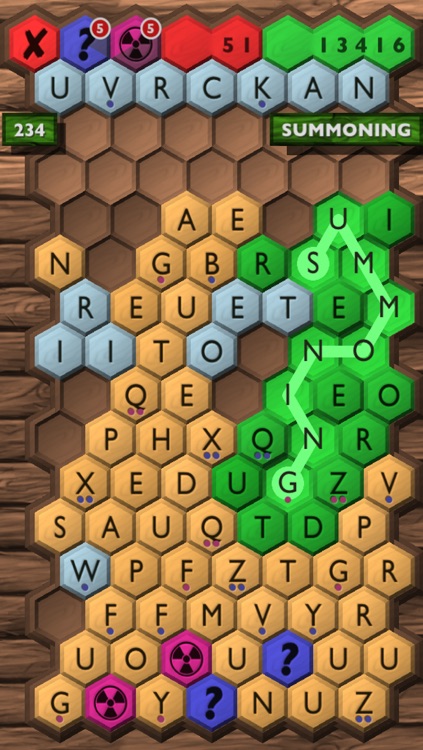
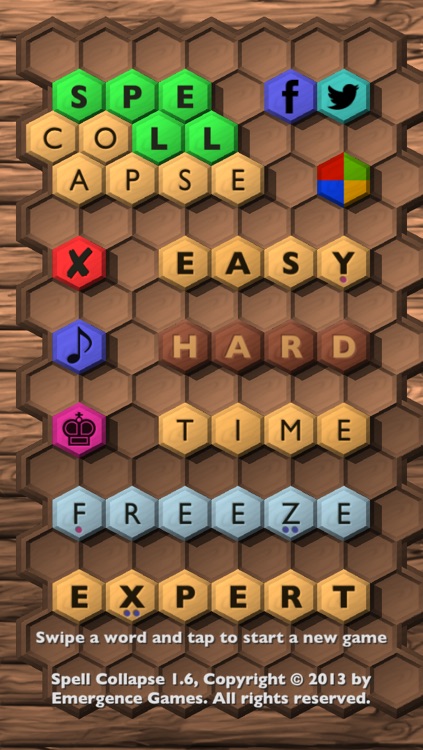
The game board is made up of a whole bunch of hexagonal letter tiles. Your job is to connect them by dragging your finger over the top in order to form valid words. Valid words cause the tiles to turn green, and you can tap on them to remove them from the board. You’re also able to swap tiles by dragging and dropping them into place. Each move you make will cause a new row of letters to come crashing down, so you want to try to create as large of words as possible to keep them from touching the top. You’ll also come across tiles that cannot be connected to each other and those that need to be used twice before they can be removed. Power-ups can also be earned throughout the game by collecting dots. The game includes four modes, four types of power-ups, and achievements and leaderboards via Game Center.

Ready Steady Bang
iPhone
iPad
Ready Steady Bang

Ready Steady Bang

Cowboy Games

Find out if you have the fastest draw in the West with this surprisingly humorous reaction-based game.

$0.99 $0.99
Why we picked this?

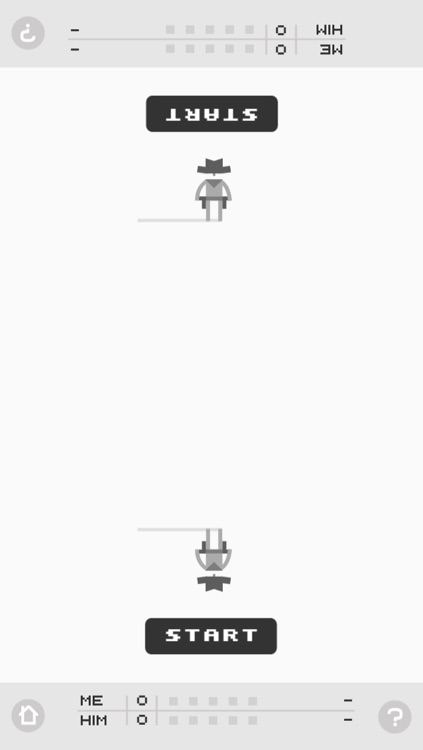
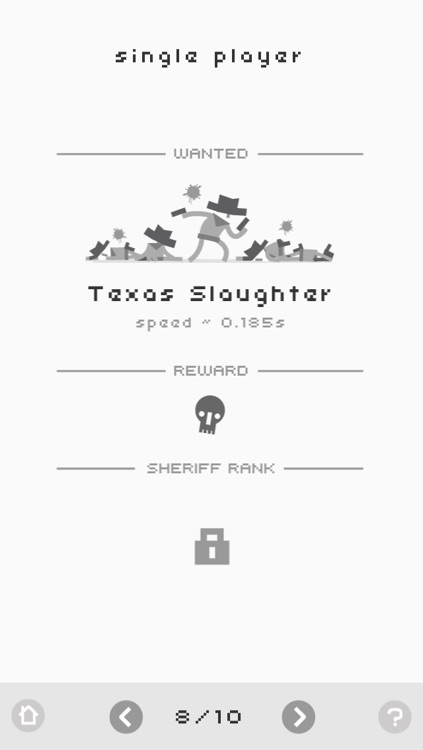
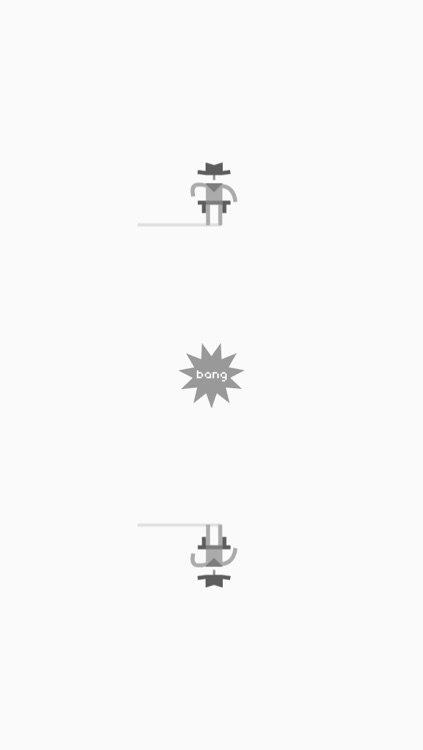
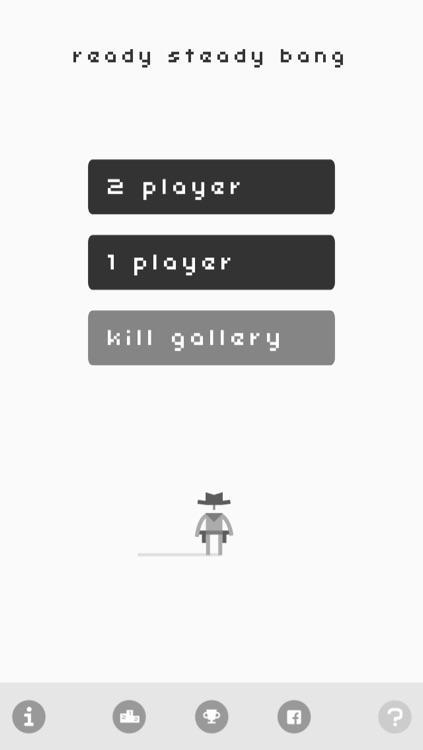
Face off with computer-controlled opponents or your own friends and be the first to pull the trigger by tapping on the screen. But you don't want to pull the trigger too early, otherwise you'll be a sitting duck. The game includes 31 goofy death animations to unlock, a kill gallery, 10 opponents, and achievements and leaderboards via Game Center.

Cooking Dash: Thrills and Spills Deluxe
iPad
Cooking Dash: Thrills and Spills Deluxe

Cooking Dash: Thrills and Spills Deluxe

PlayFirst, Inc.

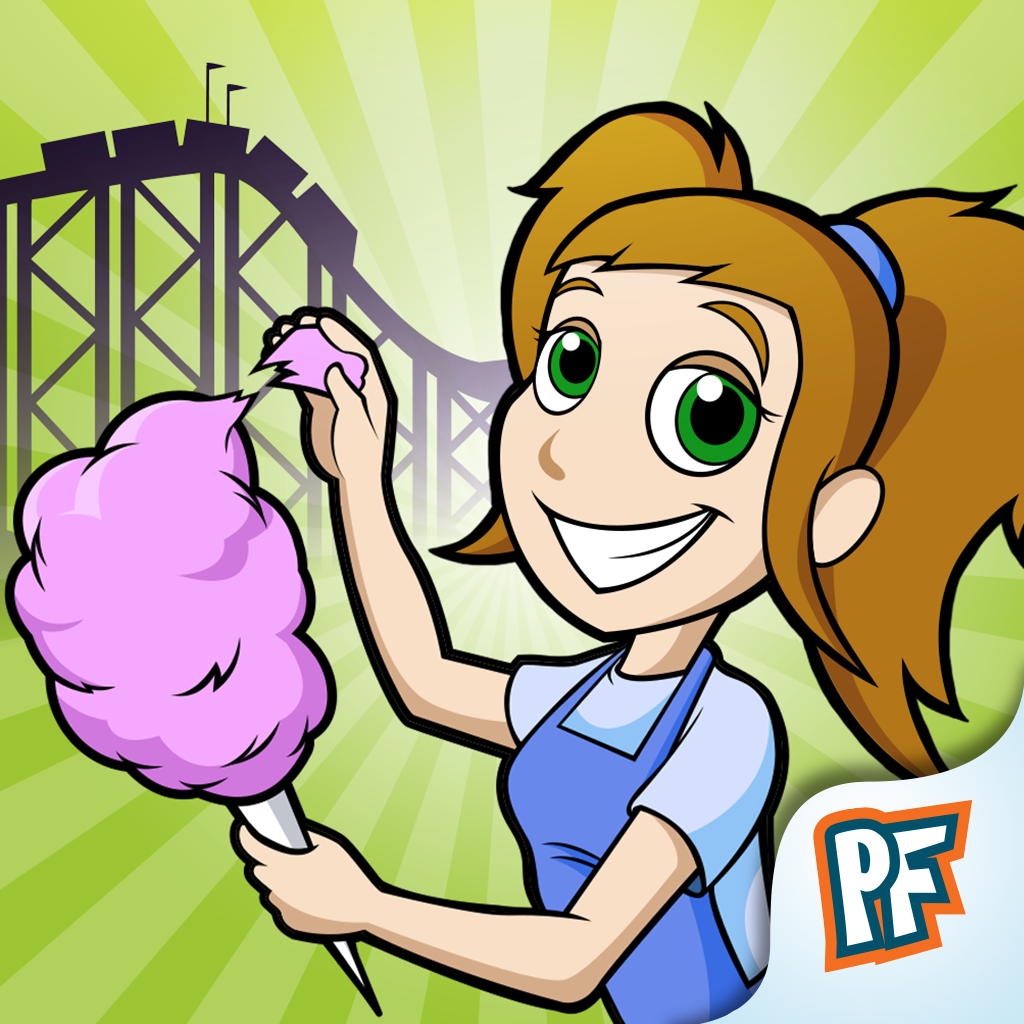
Whip Mr. Big's theme park into shape in this time management game.

$2.99 $2.99
Why we picked this?

Help Flo take orders, throw together theme park favorites, and serve the hungry visitors as quickly as possible. The game includes three venues, 30 levels, nine customer types, and four types of mini-games.

Duckie Deck Collection
iPhone
iPad
Duckie Deck Collection

Duckie Deck Collection

Duckie Deck Development

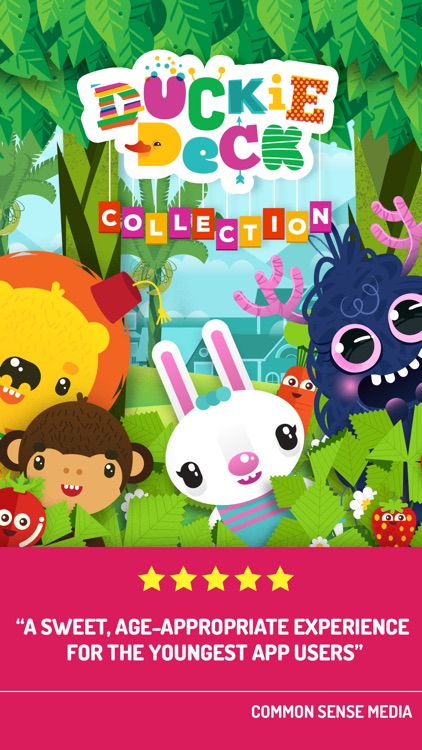
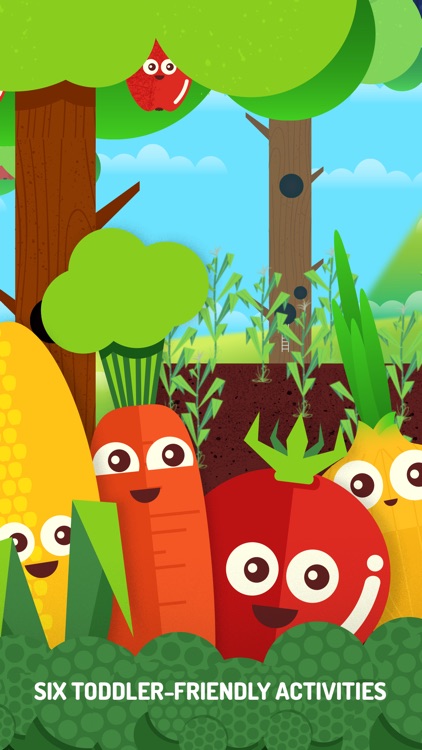
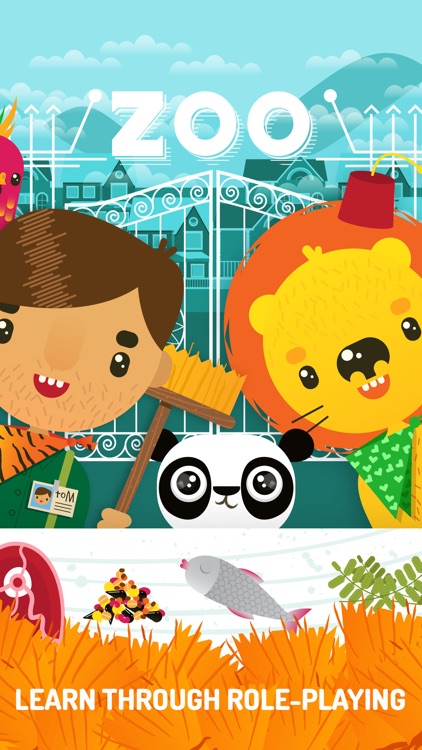
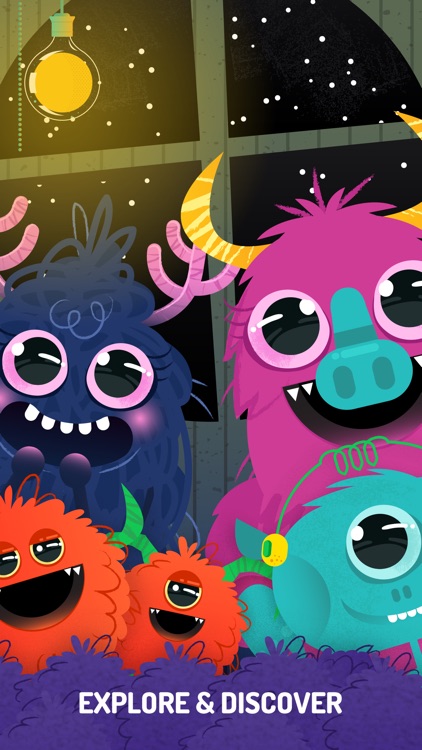
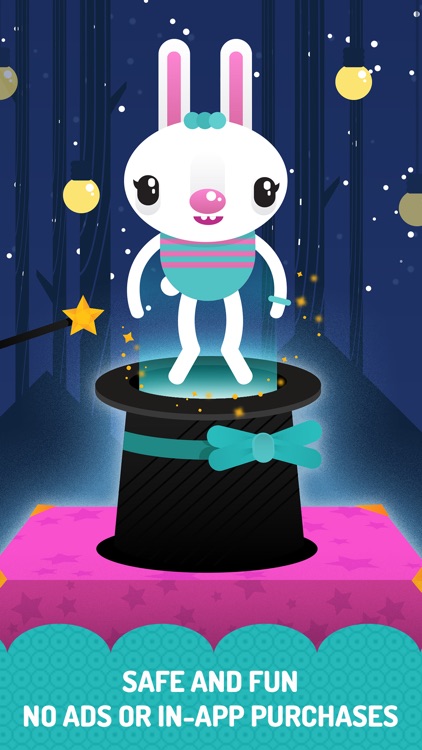
A collection of six fun preschool games that will help your child develop creativity and support healthy habits.

$2.99 $2.99
Why we picked this?

All six games feature colorful characters, interactive elements to discover, and catchy sound effects to keep your child engaged. The app was designed for children ages two through five, and is completely free of ads, in-app purchases, and external links.

MyStoryTime - Personalized Story Books for Kids
iPad
MyStoryTime - Personalized Story Books for Kids

MyStoryTime - Personalized Story Books for Kids

Austin Archibald

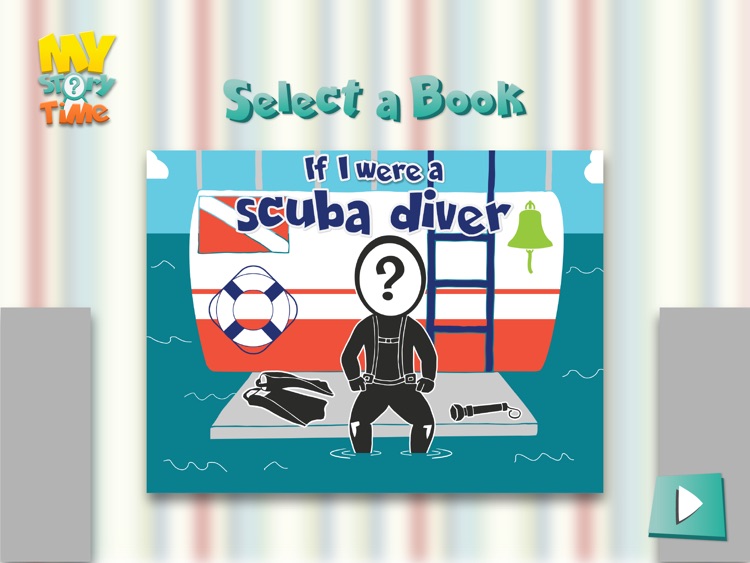
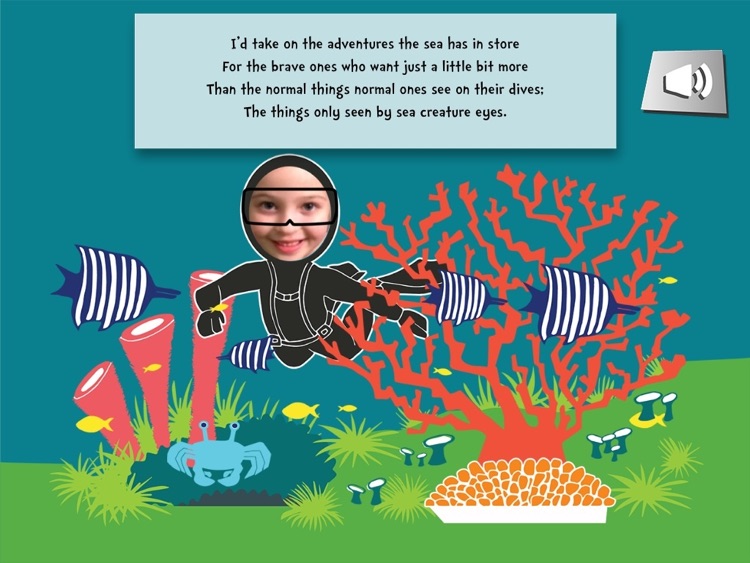
Your child can become the main character in an underwater fairytale with this interactive storybook app.

$1.99 $1.99
Why we picked this?

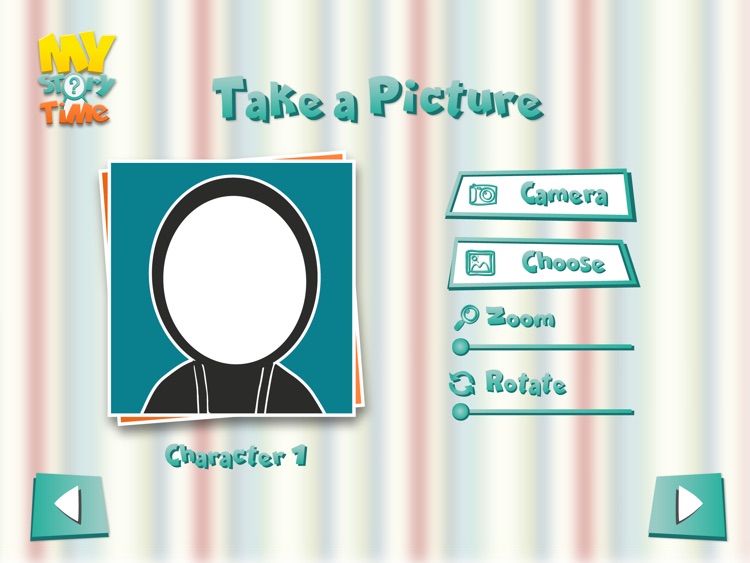
Before the tale begins, your child is able to become the hero or heroine by placing their face on-screen. There's also a second character in case you want to join in on the fun. Then turn the page and follow along with the story. Each page also includes interactive items and animations.

Kids Learn First Words
iPhone
iPad
Kids Learn First Words

Kids Learn First Words

Read 'n' Learn

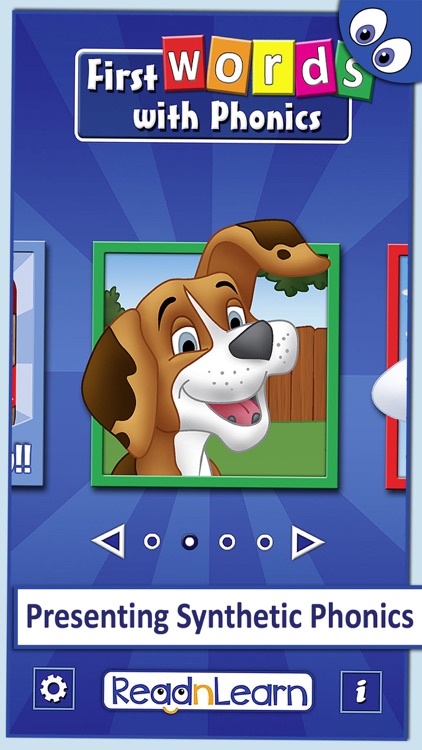
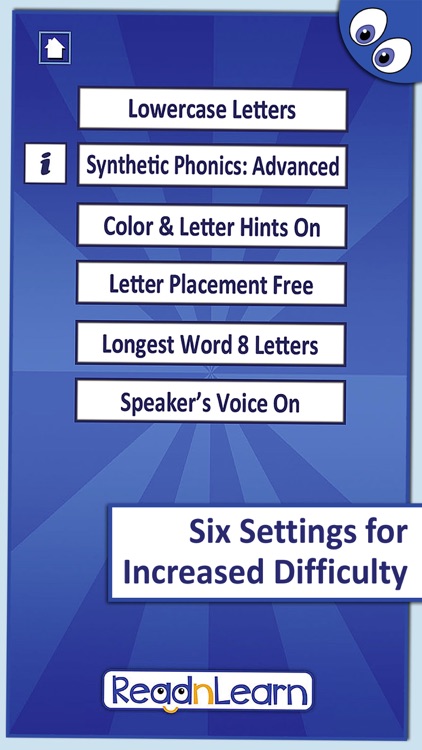
An educational game that will help your child learn to read through synthetic phonics.

$1.99 $1.99
Why we picked this?

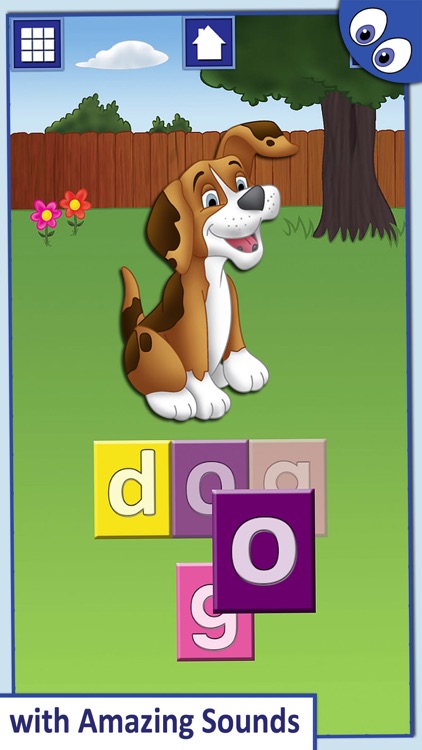
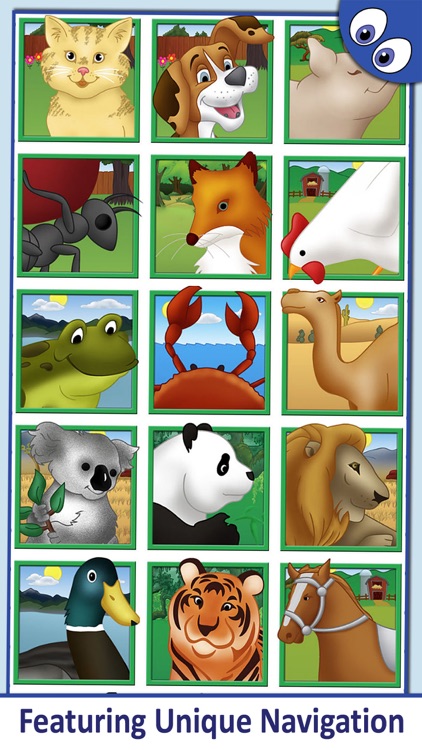
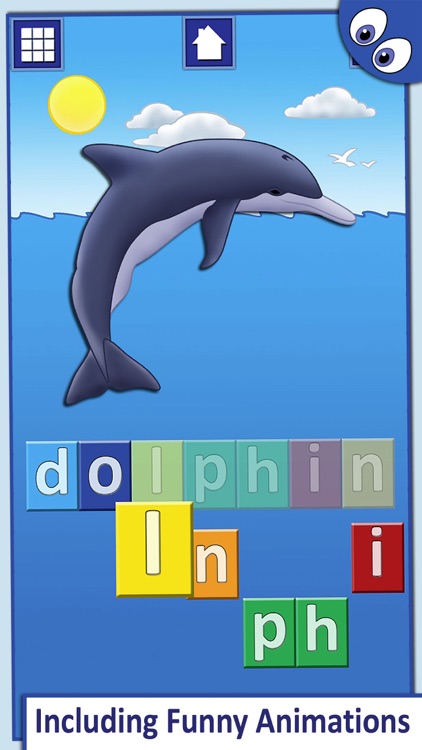
Your child is presented with an animal and its name. They must tap and drag the letters into place to complete the puzzle. When a letter is tapped on, your child will hear the sound it makes. When its name is completed, your child will hear it pronounced. The app includes 30 animals, upper and lowercase letters, and a variety of customization options. Additional categories are available via in-app purchase.

Number Games Match Fun Educational Games for Kids
iPhone
iPad
Number Games Match Fun Educational Games for Kids

Number Games Match Fun Educational Games for Kids

Eggroll Games LLC

Designed with your little one in mind, this educational app is the perfect tool for working on number identification, counting skills, and color matching.

$3.99 $3.99
Why we picked this?

The app is loaded with fun and colorful items to count and match. Depending on their ability level, your child can either play with the cards face down or face up to make things easier. Hints are also available if need be. The game includes professional narration for every item, positive feedback, and parental controls.