




You are using an outdated browser. Please upgrade your browser to improve your experience.

Apps That
Went Free on
2014-02-22

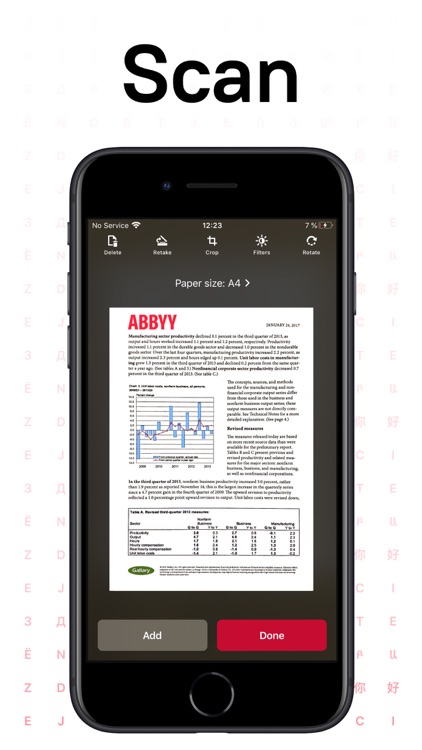
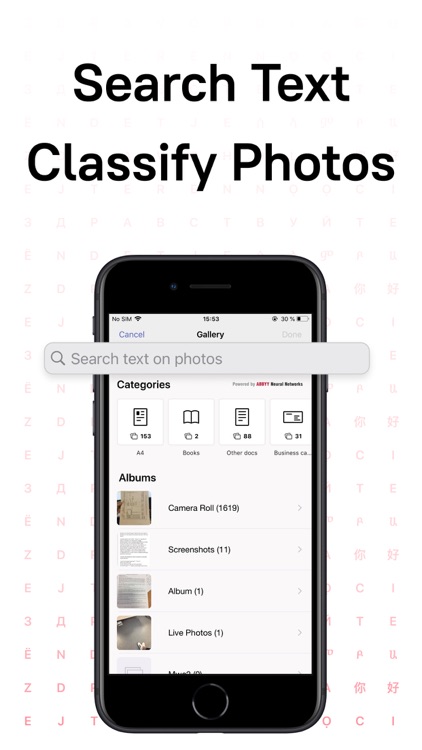
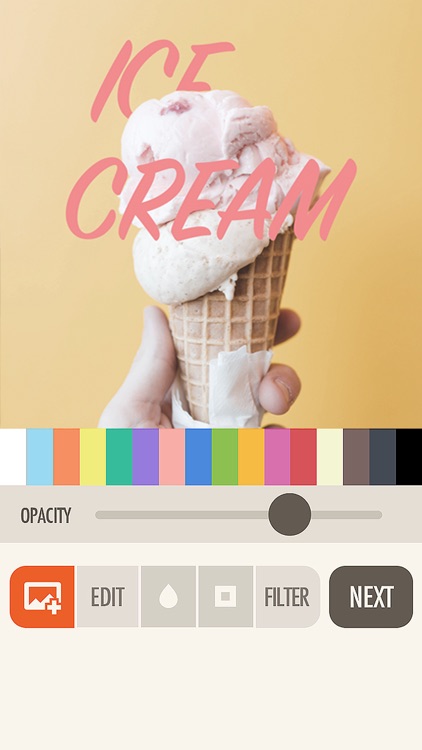
Scan printed and hand-written documents while on the go with today’s AppBump featured app, FineScanner. We also have an app that allows you to add stylish text to your photos, and an app that allows you to save all of your favorite locations in a Pinbox.

FineReader: PDF Scanner & OCR
iPhone
iPad
FineReader: PDF Scanner & OCR

FineReader: PDF Scanner & OCR

ABBYY USA Software House Inc

Turn your iDevice into an all-purpose mobile scanner with this business app.

FREE ($1.99) For a limited time FREE ($1.99) For a limited time
Why we picked this?

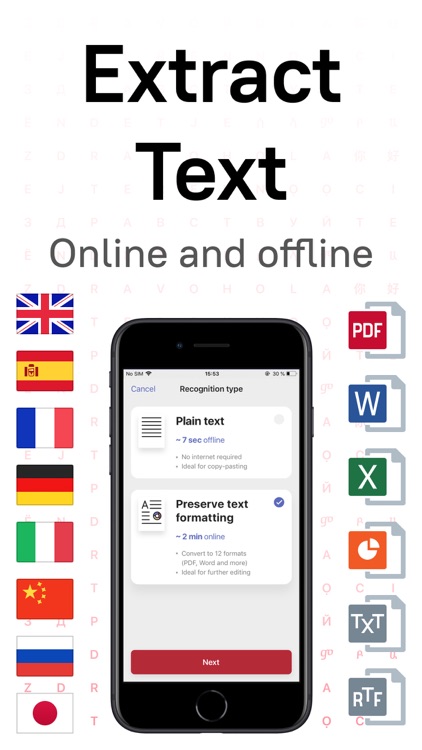
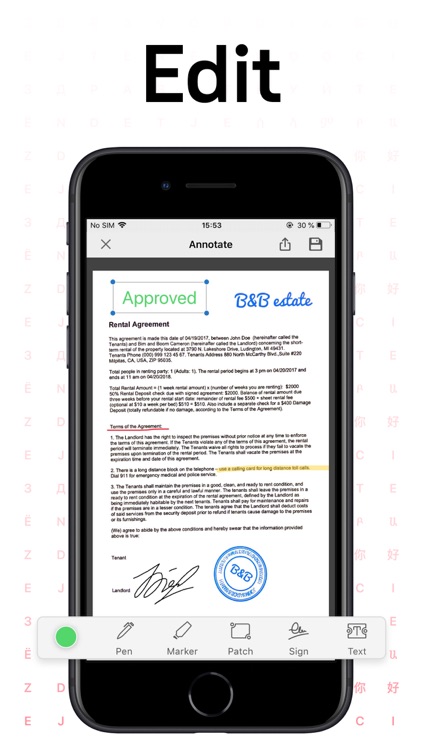
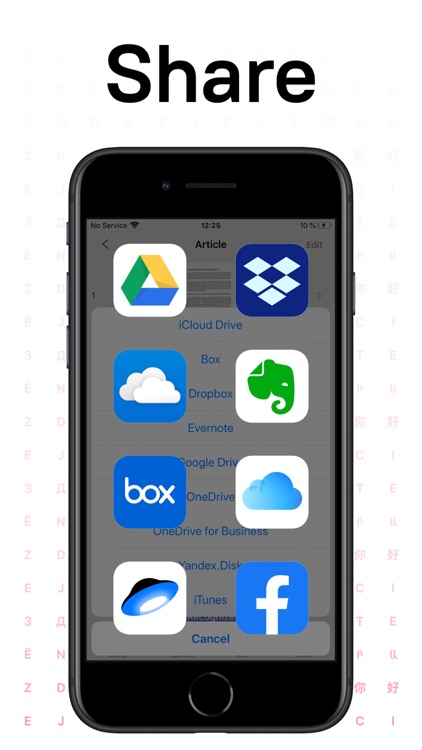
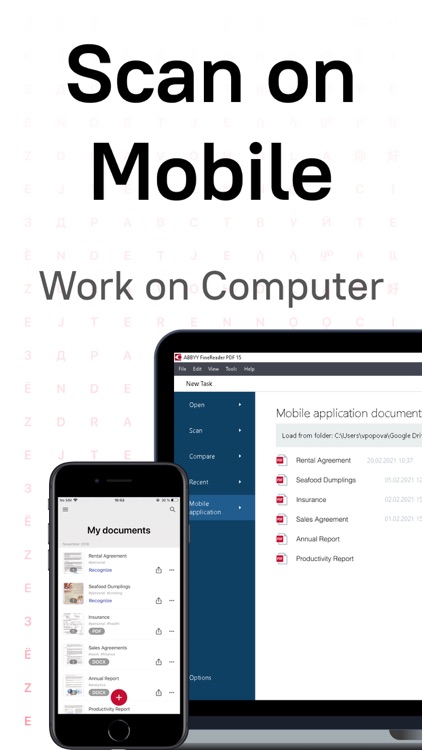
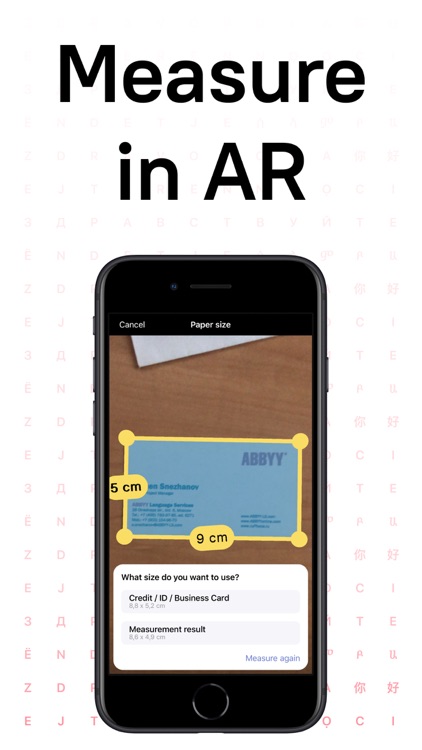
It allows you to scan any printed or hand-written document using only your iDevice’s camera. FineScanner will then automatically crop the page boundaries, or you can manually drag the points. You can then enhance the color, contrast, and brightness before archiving it. You’re able to share your scans as a PDF or JPEG via email or Facebook, or send them off to Evernote, Google Drive, Dropbox, or Box. The app also includes iTunes File Sharing and AirPrint support.

Fonta - Little Design Studio
iPhone
Fonta - Little Design Studio

Fonta - Little Design Studio

ThirtyFive Inc.

Add stylish text to your favorite photos with Fonta.

FREE ($0.99) For a limited time FREE ($0.99) For a limited time
Why we picked this?

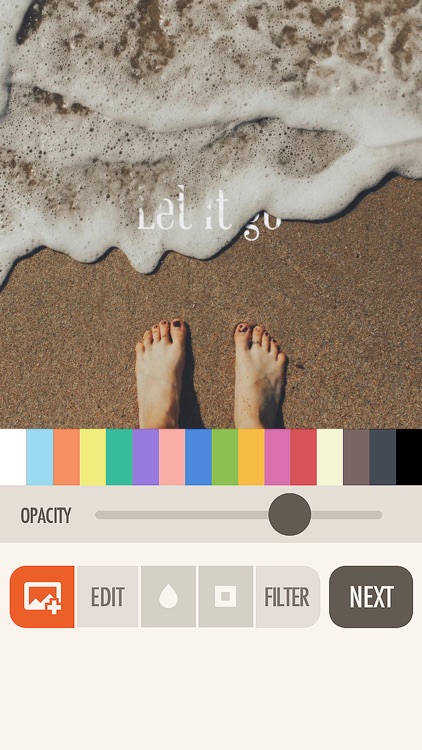
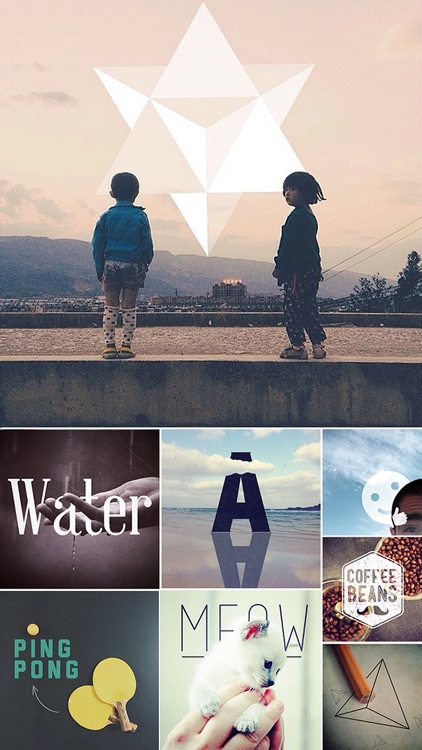
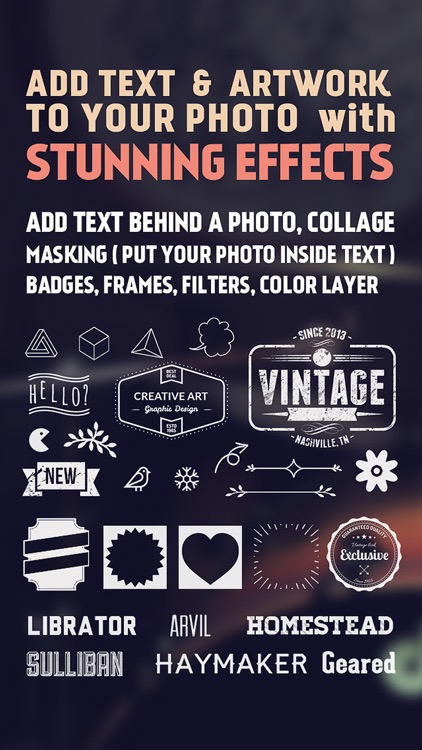
You’re able to import any photo from your library or take a new one within the app. You can then crop, rotate, flip, blur, and add filters to your photo. To add a layer of text, tap the “T” square and double-tap to change it. You’re able to move, rotate, resize, and change the spacing and opacity of the text. You’re also able to choose from 40 awesome fonts and a variety of colors. You’re even able to add some custom artwork and a frame before sharing your final creation via Instagram, Twitter, Facebook, Tumblr, Messages, or email.

Go To Bed
iPhone
Go To Bed

Go To Bed

Daylen Yang

Get to bed on time with this utility app.

FREE ($0.99) For a limited time FREE ($0.99) For a limited time
Why we picked this?

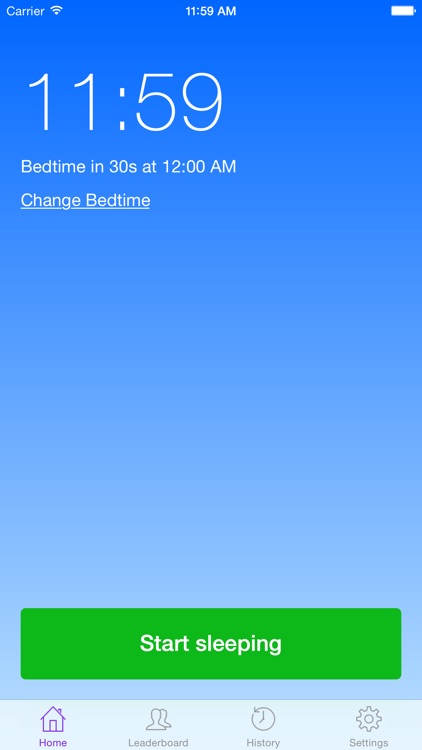
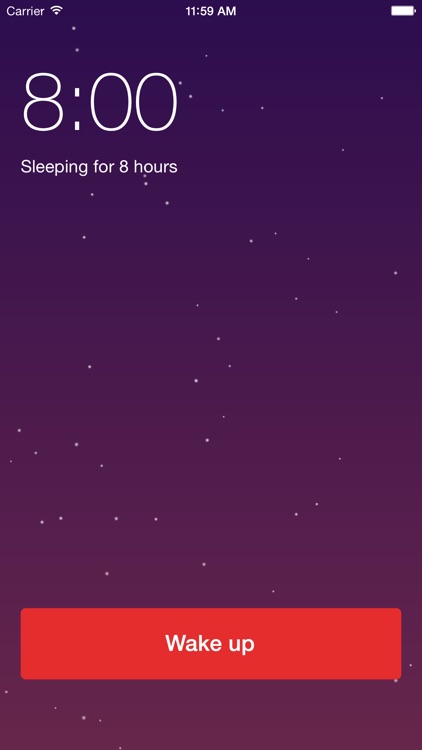
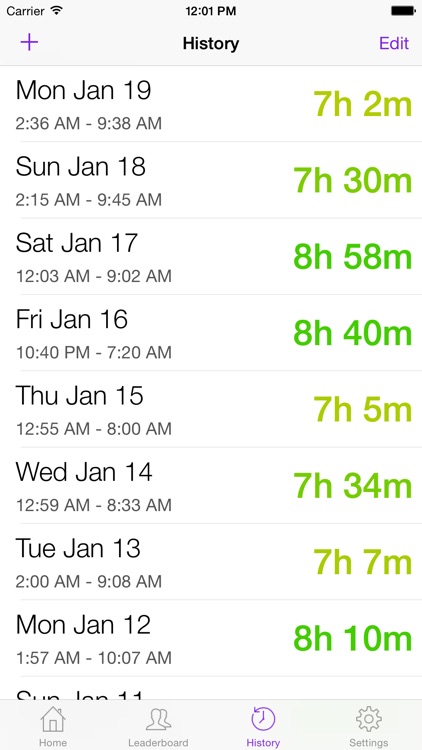
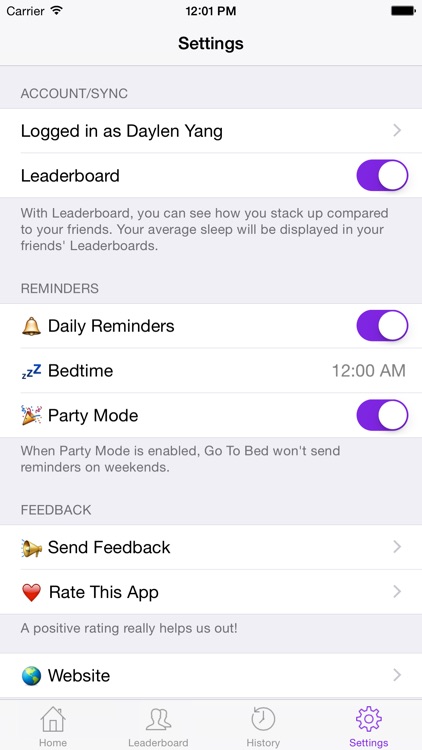
You’re able to choose your preferred bedtime and Go To Bed will remind you to go to sleep via a push notification. You can also activate the Dynamic sleep mode, which is able to change your bedtime based on events in your calendar. The app also includes the ability to dismiss notifications for the night in case you already are in bed.

Atomic+
iPhone
iPad
Atomic+

Atomic+

Ahmed Khalifa

You’re going to need some quick reflexes to survive the onslaught of bullets in this simple yet challenging arcade game.

FREE ($1.99) For a limited time FREE ($1.99) For a limited time
Why we picked this?

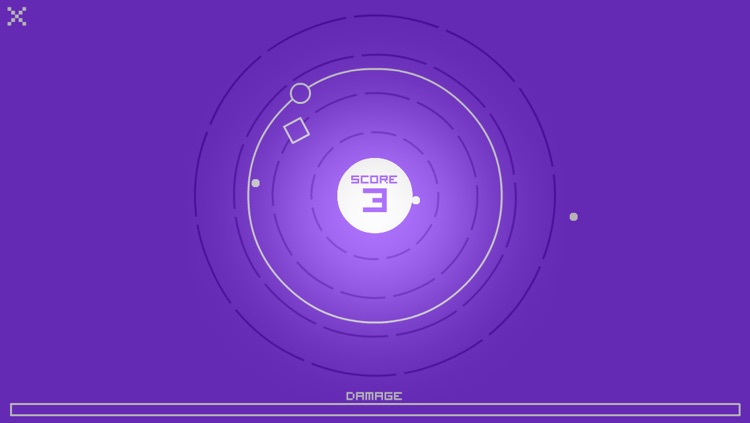
You’re put in control of a large circle that goes around a ring all on its own. As it goes spinning, bullets will fly out from the middle of the screen. To dodge the bullets and collect the squares, just hold your finger on the screen to expand the ring and release to contract it. Running into bullets will cause damage, while collecting the squares will reduce it. Try to survive for as long as possible. The game includes a handful of control options, allowing you to experiment and see what works best for you. It also includes two difficulty settings, and leaderboards via Game Center.

Sky Aces
iPhone
iPad
Sky Aces

Sky Aces

Game Dev Team

Become an ace of the sky in this fantastic arcade game.

FREE ($0.99) For a limited time FREE ($0.99) For a limited time
Why we picked this?

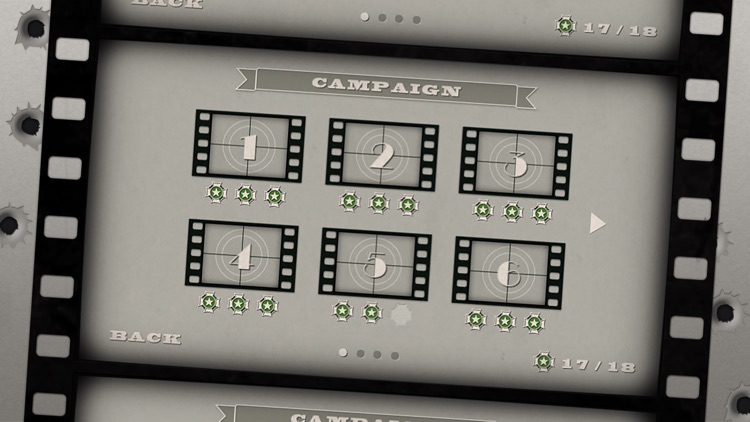
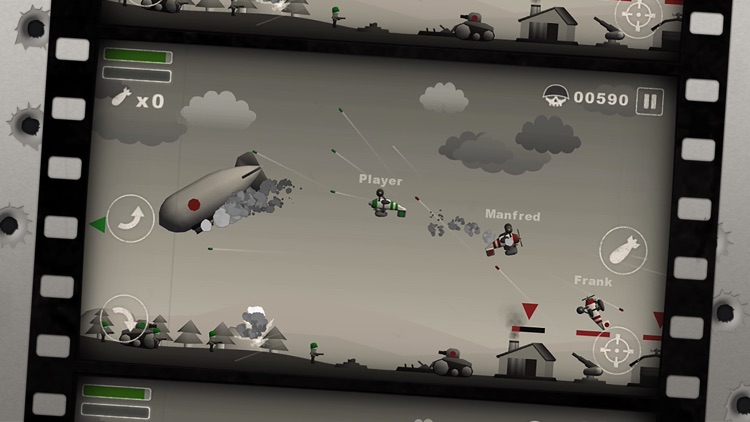
Jump into your aircraft and take to the skies to complete various missions. You’re able to control your plane’s ascent and descent via two arrow buttons in the bottom left corner of the screen. Your machine gun and bomb controls are located on the right. Take out air and ground forces to complete missions to earn medals and unlock new planes. The game includes a single player campaign, online multiplayer, and achievements and leaderboards via Game Center.

Peekaboo Fridge™
iPhone
iPad
Peekaboo Fridge™

Peekaboo Fridge™

BHHC LLC

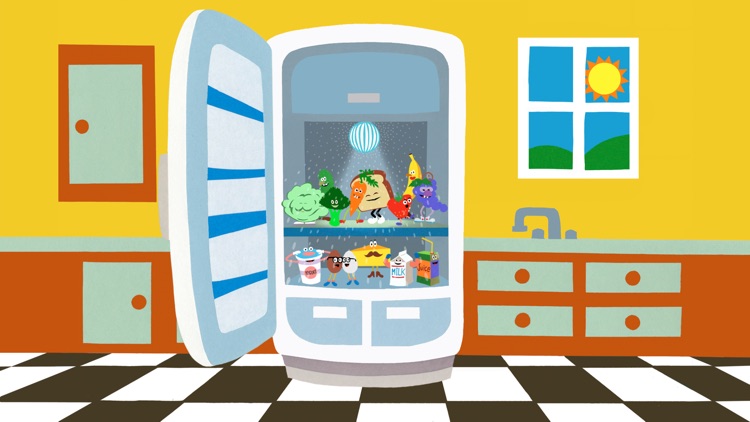
Peek into the fridge to see who's behind the door with this educational app.

$1.99 $1.99
Why we picked this?

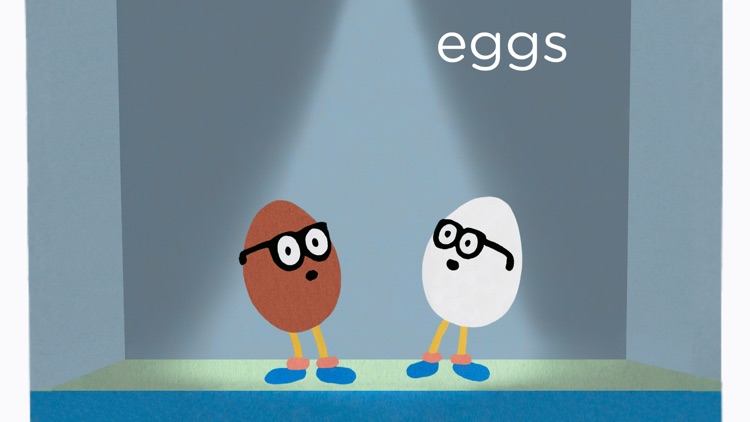
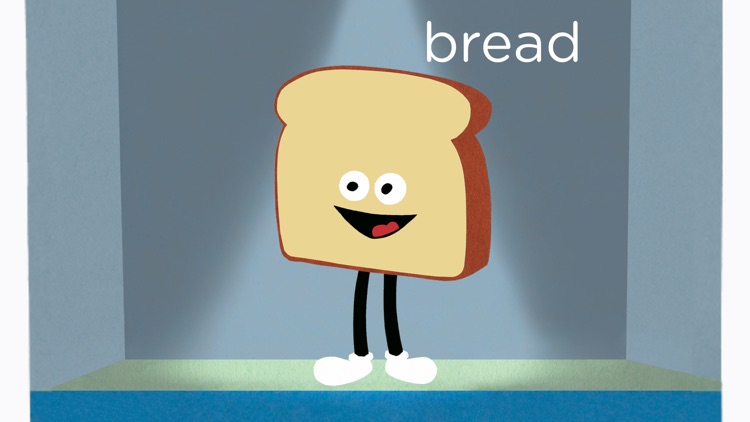
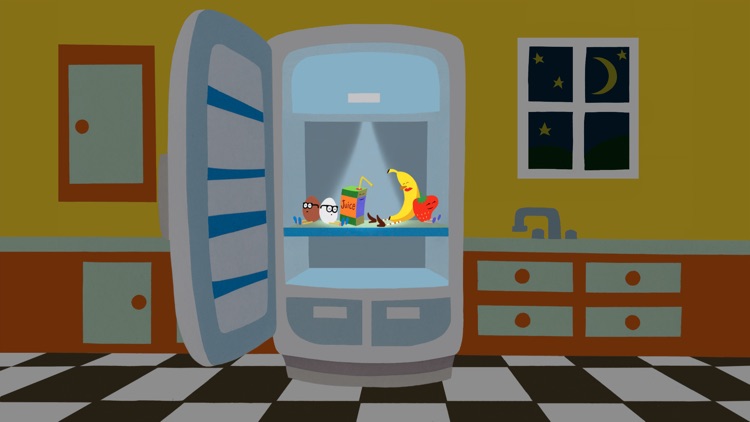
Your child can swing open the fridge door to find a new fruit, vegetable, or other healthy treat. The name of the item will be pronounced in either a child's or adult's voice, and the character will say hello and break out in dance. The looped mode will continue to play through all 13 items, while the story mode will end with all of the characters going to sleep.

Pinbox - Map Your World
iPhone
Pinbox - Map Your World

Pinbox - Map Your World

Seasonal Spring

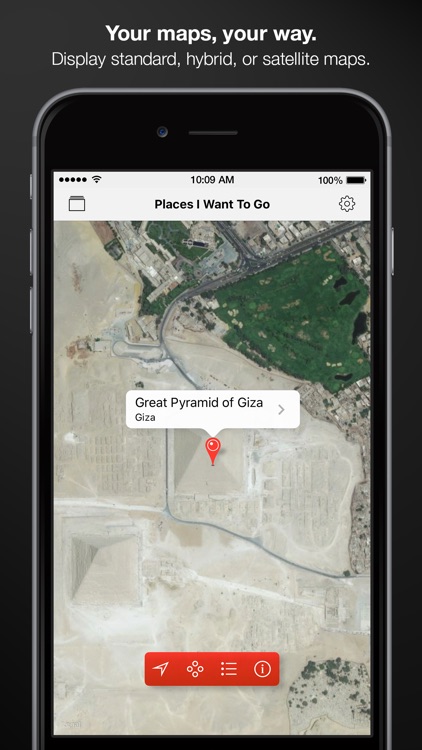
Drop pins to map your world with this navigation app.

$3.99 $3.99
Why we picked this?

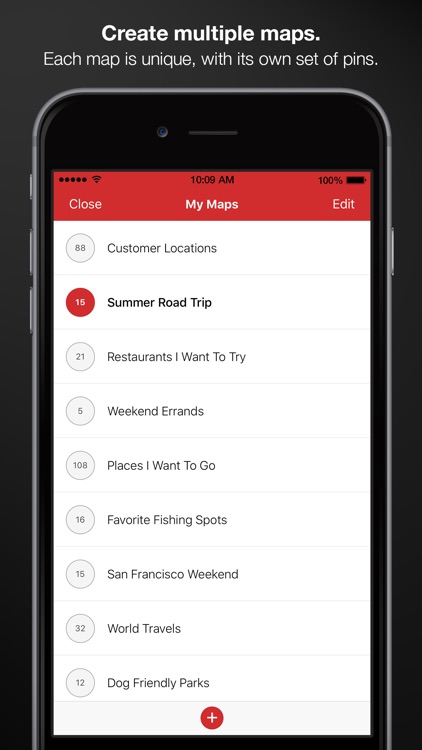
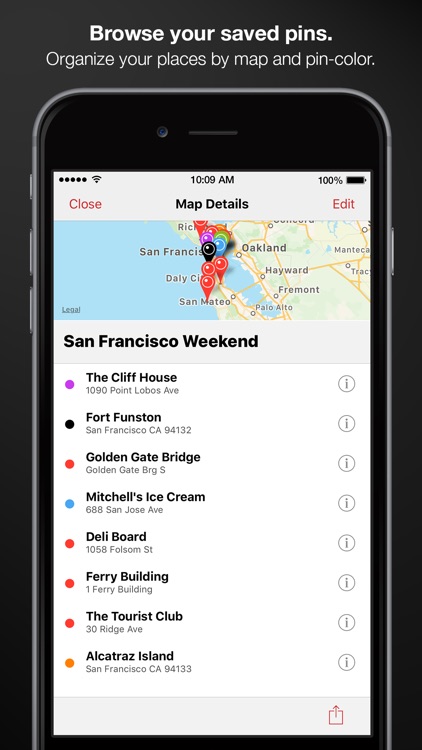
Pinbox is the perfect app for vacation planning or simply marking places you want to remember. You’re able to create different maps for different occasions. Then drop pins manually be tapping and holding on the map, or you can search for something specific. Pins can include detailed information like an address, phone number, URL, and latitude and longitude. You’re also able to view a list of all of your pins for each specific map, and share your pins via Messages or email. The app also includes support for up to 1,000 pins, and three different map views.

Typic - Text on Photos
iPhone
Typic - Text on Photos

Typic - Text on Photos

Hi Mom S.A.S

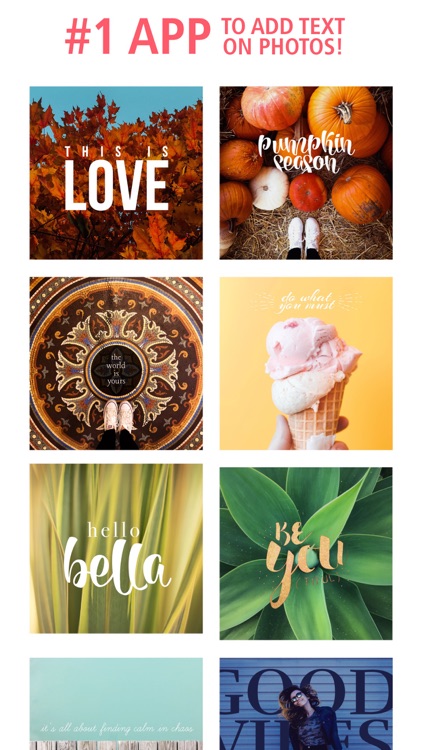
Add a little flare to your favorite photos with this effects and captioning app.

$2.99 $2.99
Why we picked this?

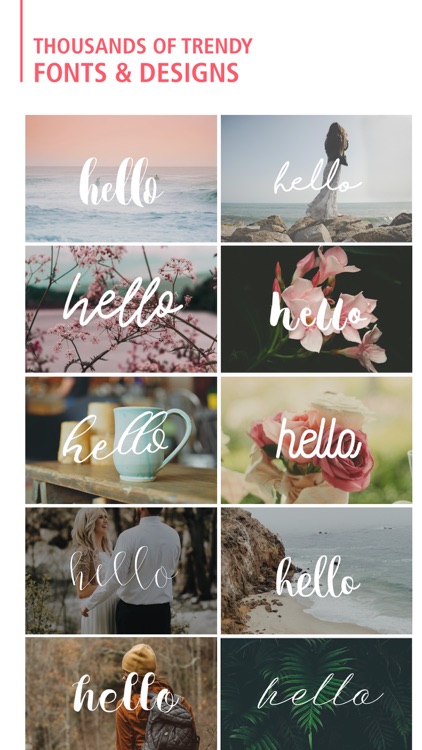
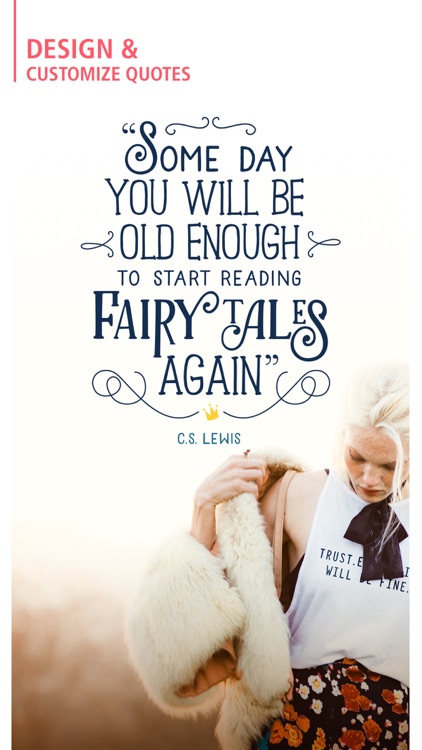
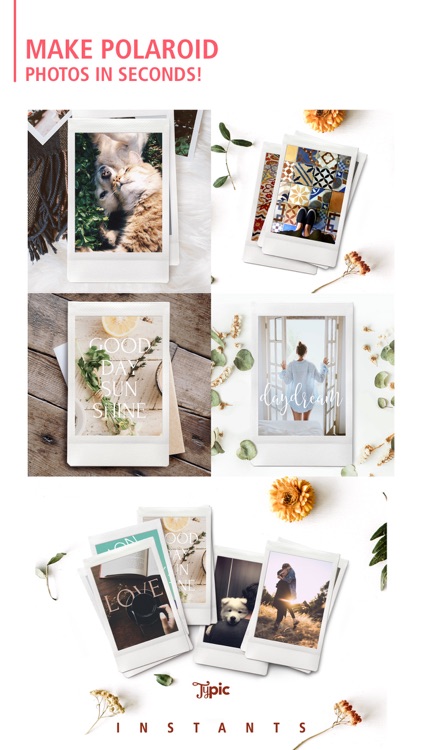
You're able to import any photo from your library or snap a new one in-app. Typic Pro will then take you step-by-step through the editing process. You can apply filters, caption your photo with different fonts and colors, and add a frame and other design elements. You're able to share your unique creation via Twitter, Facebook, or Instagram. Additional fonts, design elements, and frames are available via in-app purchase.