




You are using an outdated browser. Please upgrade your browser to improve your experience.

Apps That
Went Free on
2014-03-07

Take notes and create lists more efficiently with UpWord Notes. We also have a colorful arcade game that will put your reflexes to the test, and a collaborative productivity app.

Notes, Notepad & Memo - UpWord
iPhone
Notes, Notepad & Memo - UpWord

Notes, Notepad & Memo - UpWord

Curious Creators Co.

The most elegant and efficient note taking app you may ever use.

FREE ($0.99) For a limited time FREE ($0.99) For a limited time
Why we picked this?

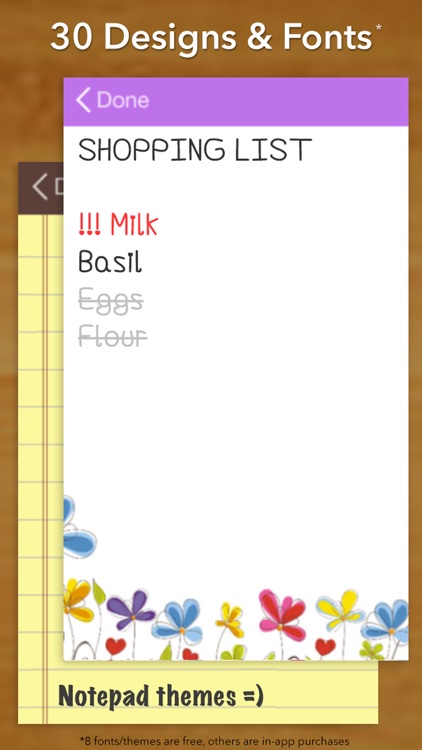
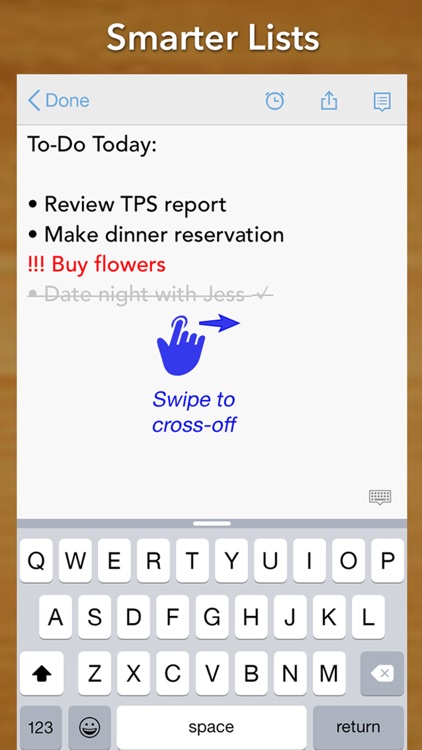
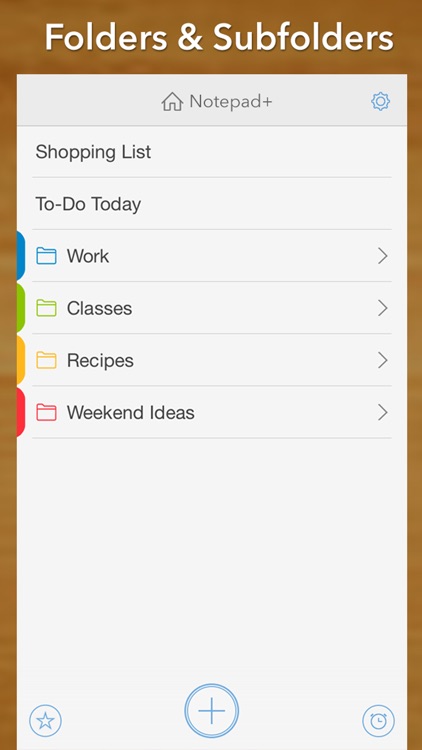
It only takes a single tap to start jotting down notes or a list of tasks for the day. Want to turn your regular text into a list? Swipe right to left right over the top of it. Swipe right to left again to highlight the text. You can also swipe left to right to cross off text and mark it as complete. Notes and lists can be organized within folders, shared via a variety of methods, synced with Dropbox, and searched for. You’re also able to attach reminders to your notes. The app includes multiple font sizes to choose from, undo and redo, TextExpander support, word count, and landscape support.


MolaSync - Cloud note
iPad
MolaSync - Cloud note

MolaSync - Cloud note

Molamola Inc.

Get in sync with your classmates or coworkers with this fantastic collaborative productivity app.

FREE ($0.99) For a limited time FREE ($0.99) For a limited time
Why we picked this?

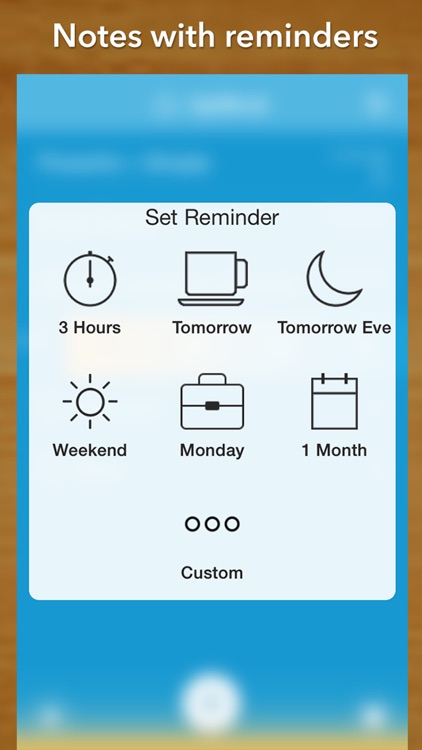
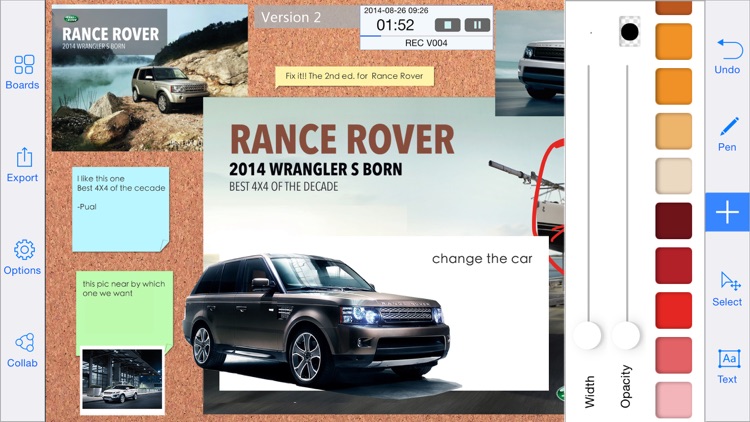
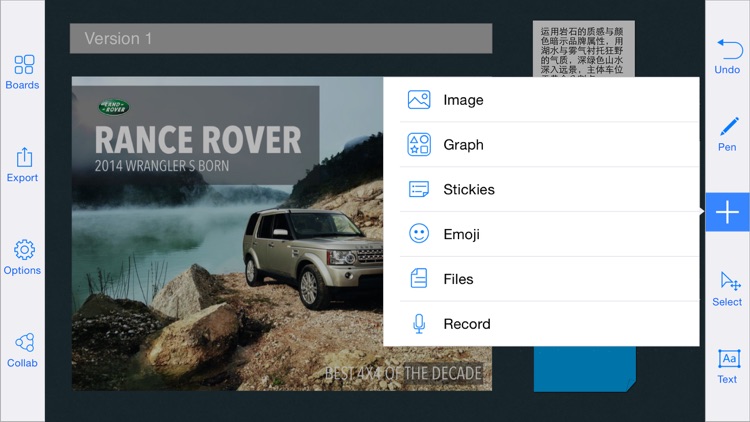
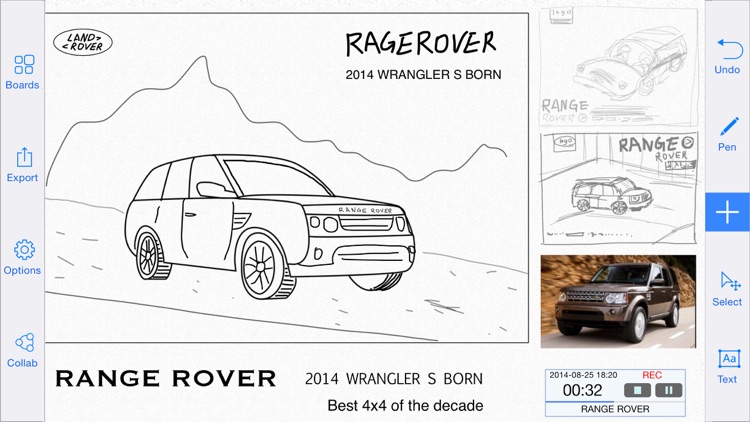
Your canvas, like your ideas, are infinite. Just put your finger to screen and start working. You’re able to draw, scribble, and write freely on the canvas, and move around and zoom in using common gestures. You’re also able to insert pre-designed graphics, import photos, record audio, and attach location information. Whatever you do offline will be synced with your team automatically the moment you’re reconnected. Everything you create can be managed and shared via email or iTunes File Sharing, or you can upload it to Dropbox, Google Drive, or SkyDrive.

Font Nerd
iPhone
Font Nerd

Font Nerd

Instinkt ApS

The one and only game for typography nerds.

$1.99 $1.99
Why we picked this?

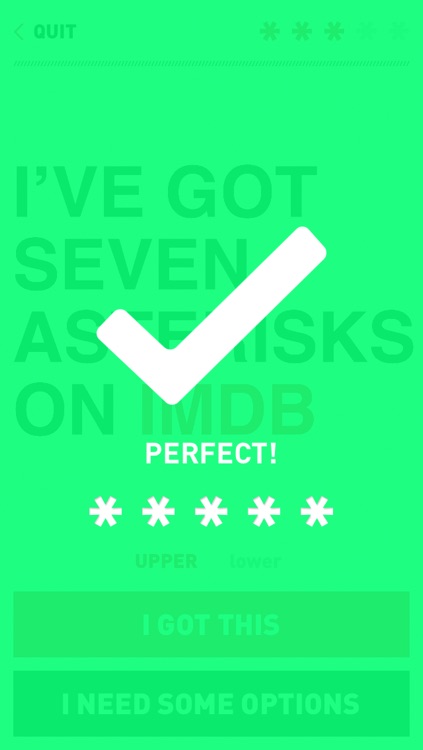
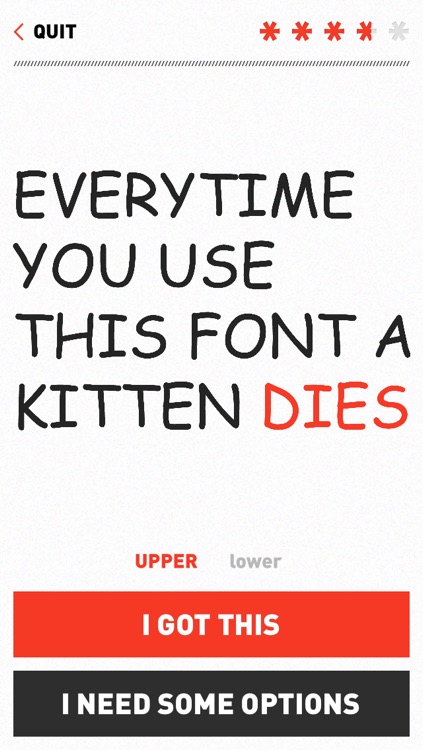
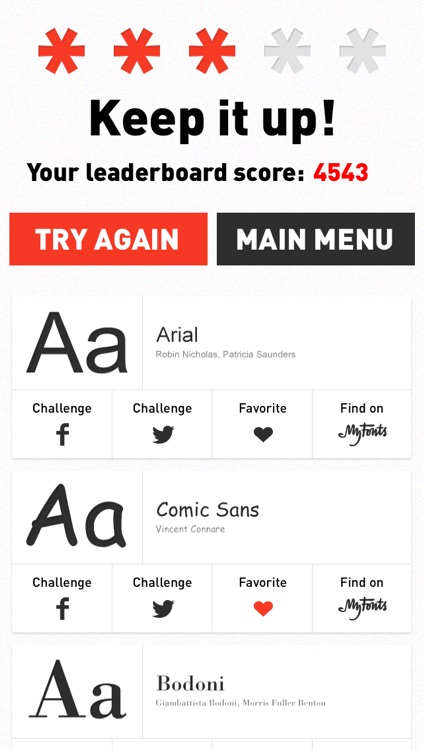
In each round you’re presented with a clue that takes the form of the font you’re trying to guess. If you’re certain you know which font is being presented to you, simply type it out. If you aren’t totally sure, take a look at the multiple choice list. You’re also able to switch between uppercase and lowercase letters. At the end of each round, you’ll be provided with a star rating and the ability to save your favorite fonts. The game includes six levels with loads of fonts in each, and leaderboards via Game Center.
Perfect Cut
iPhone
Perfect Cut

Perfect Cut

zaglab

Make the perfect cut in this entertaining casual game.

$0.99 $0.99
Why we picked this?

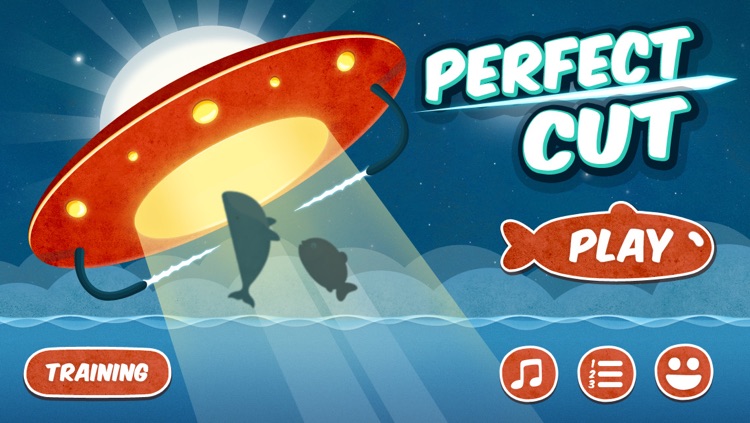
Creatures of the sea will pop into view, and you must cut them with a swipe according to the percentage at the top of the screen. The closer you get to the percentage, the higher your score. If you make a perfect cut, an octopus will leap across the screen. Tap it to earn bonus time. You’ll need it too since you only start with 60 seconds. The game includes leaderboards via Game Center as well.

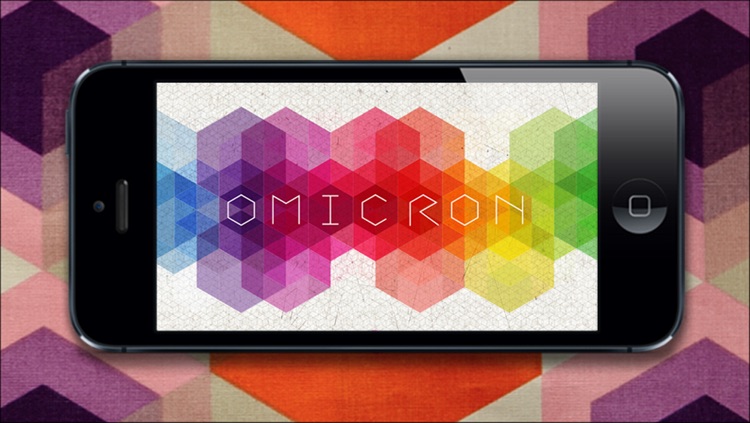
Omicron
iPhone
Omicron

Omicron

Canupa

Put your reflexes to the test with this fast-paced arcade game.

$0.99 $0.99
Why we picked this?

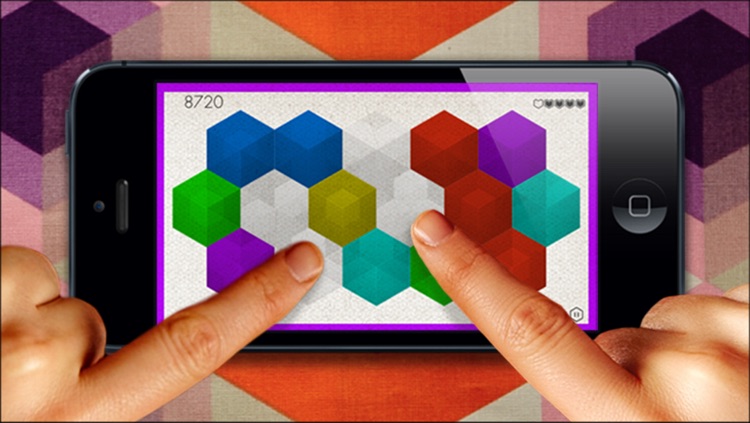
You're presented with a color before each round begins. You must try to tap on the tiles while they are that color to remove them from the board. They won't stay in their same positions for long, so you must be quick about it. Remove all tiles before time expires to move on to the next round. You're able to choose from three different modes, including a same-device multiplayer mode. The game also includes achievements and leaderboards via Game Center.

Build A Word - Easy Spelling with Phonics
iPhone
iPad
Build A Word - Easy Spelling with Phonics

Build A Word - Easy Spelling with Phonics

@Reks

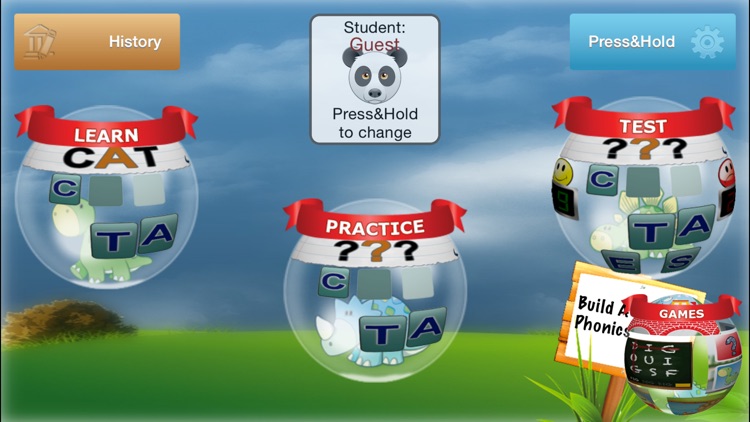
An app designed to help your child learn new words and identify letter sounds.

$2.99 $2.99
Why we picked this?

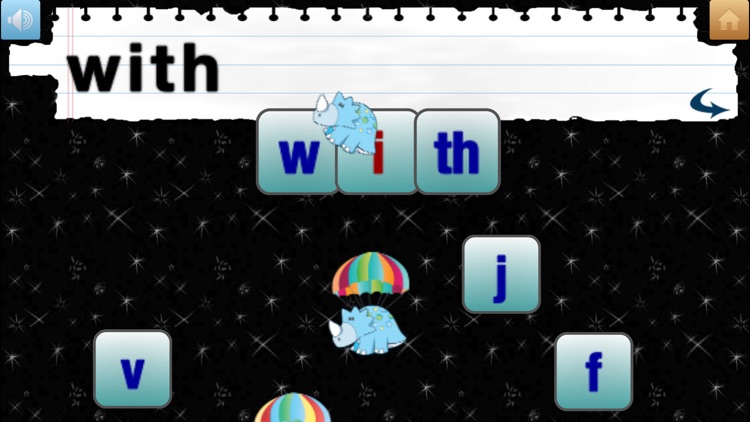
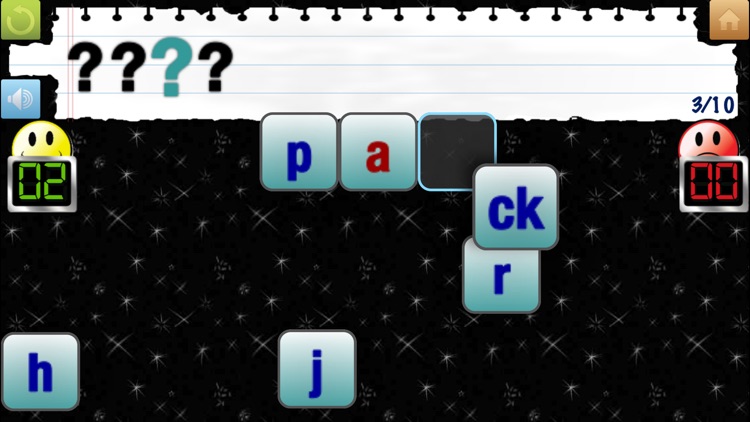
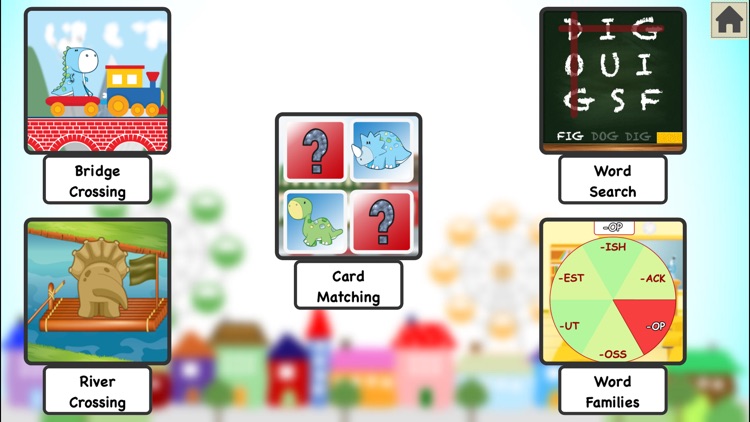
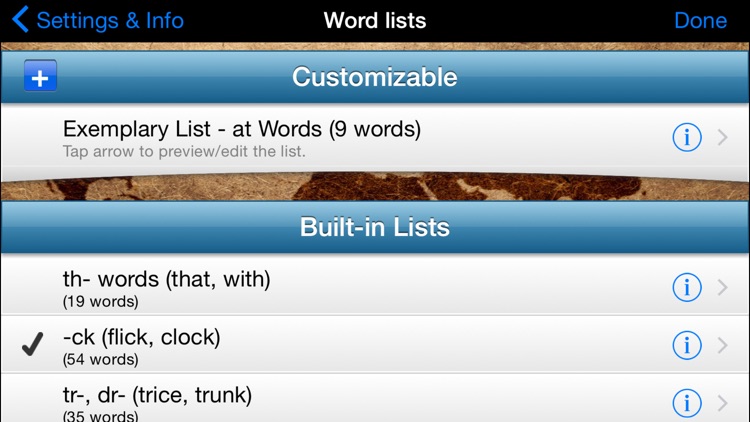
They’re able to learn new words by first seeing them spelled out and hearing them pronounced. They can then test their knowledge by jumping into practice mode where the words are simply pronounced and your child must spell them using the pool of letters available. The app includes a test mode as well, support for multiple accounts, history, the ability to create custom word lists, and optional Montessori-style color coding of vowels and consonants.

AR Flashcards Space
iPhone
iPad
AR Flashcards Space

AR Flashcards Space

Peak Reality, LLC

This education app will make flash cards much more entertaining.

$2.99 $2.99
Why we picked this?

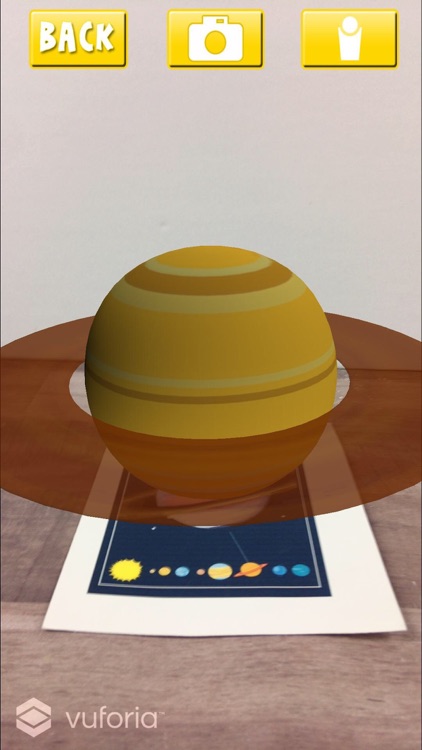
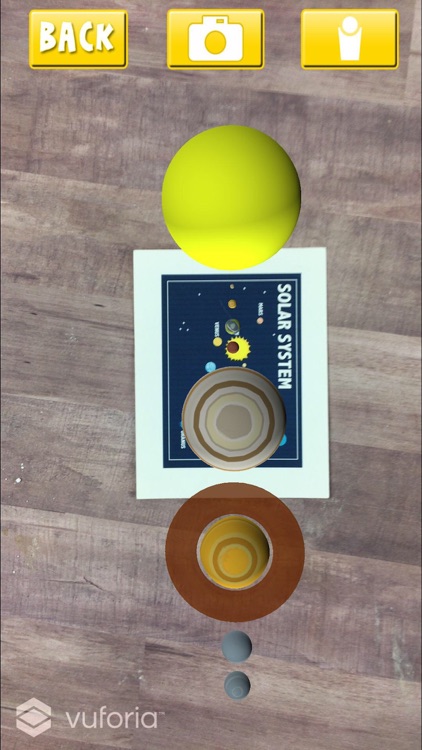
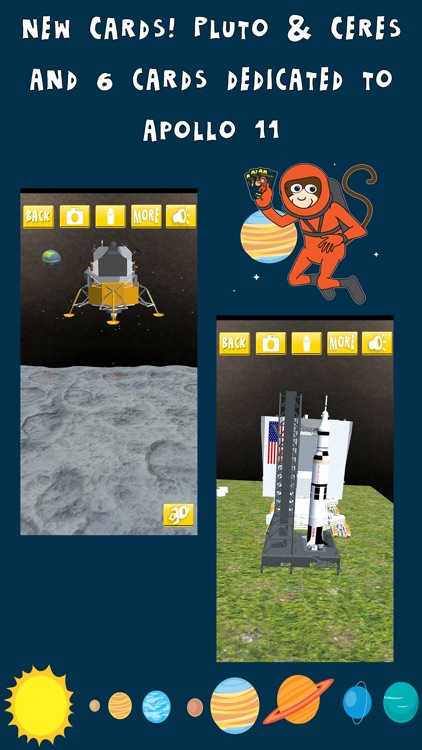
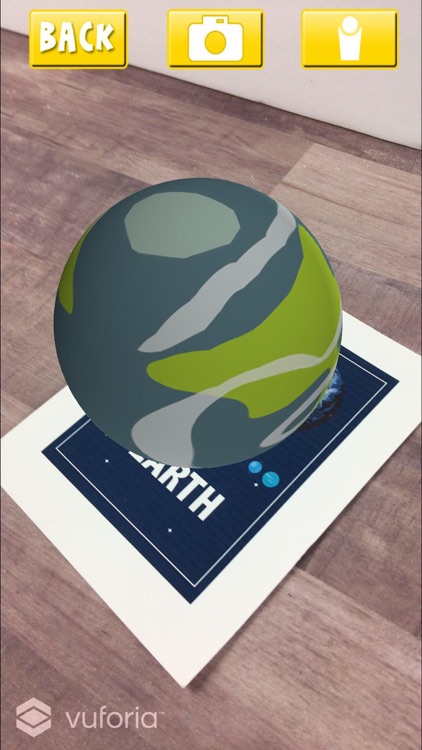
You must first head to arflashcards.com to download and print off the free flashcard markers. Without the markers, the app simply won’t work. You must also make sure to print them in color. When you point your iDevice at the markers you’ll see a beautifully rendered 3-D planetary object pop up on the screen. You can tap on the object to hear its name, and tap on the info button to learn about it. The app includes 10 planetary objects to discover.

Tower of Fortune
iPhone
Tower of Fortune

Tower of Fortune

Game Stew

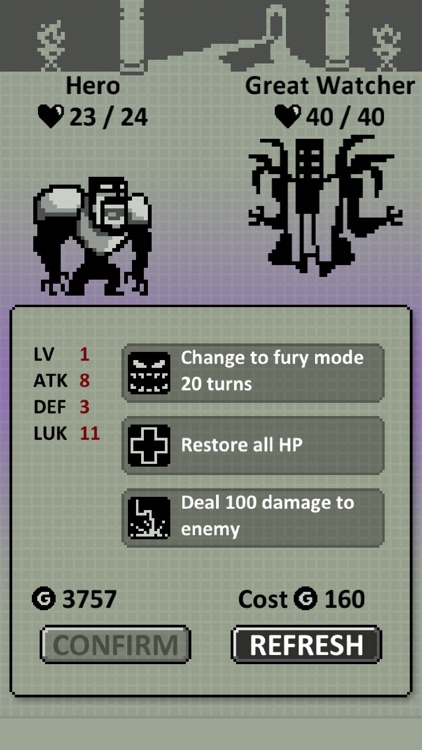
A retro-style RPG with a nifty slot machine mechanic.

$1.99 $1.99
Why we picked this?

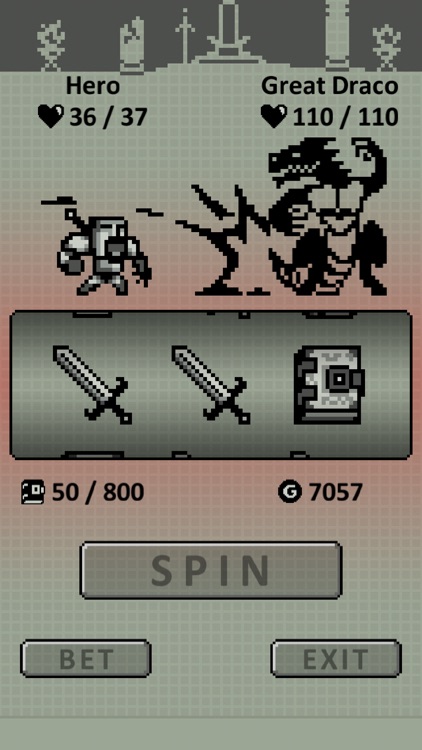
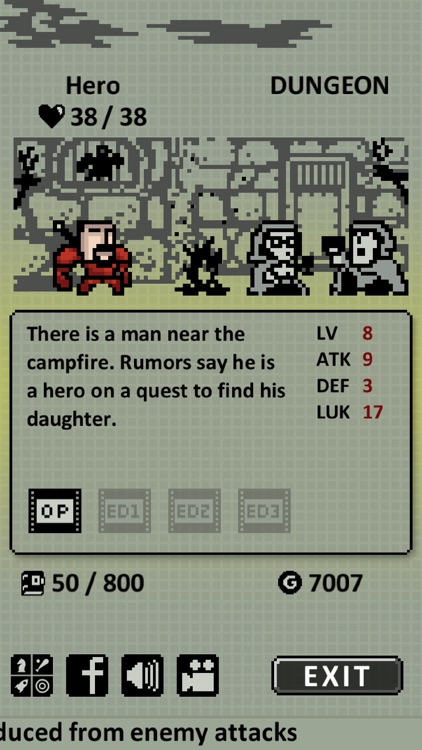
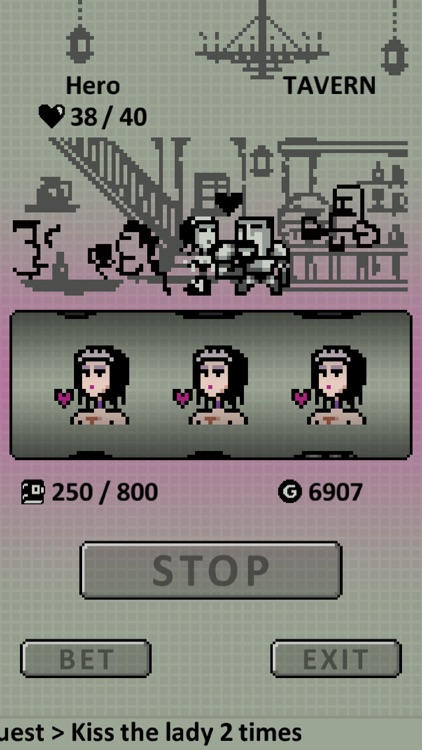
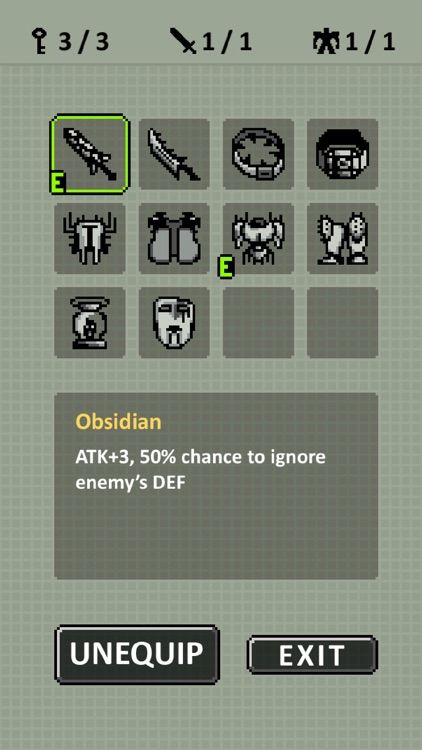
Play as a retired hero who is forced to draw his sword once again when his daughter is taken by an unknown power. Spin the wheel to battle opponents, earn gold, and obtain special items. The game includes 39 different enemies, 37 types of equipment, 39 combat quests, 12 tavern quests, and three different endings.