





You are using an outdated browser. Please upgrade your browser to improve your experience.

Apps That
Went Free on
2014-03-16

Create awesome time lapse videos with today’s AppBump featured app, Lightspeed. This is the first time Lightspeed has ever been offered for free, so make sure to take advantage of this opportunity while you can! We also have a slick calculator app for iPad, and a music player that allows you to create dynamic playlists.

Discovr Movies - discover new movies
iPhone
iPad
Discovr Movies - discover new movies

Discovr Movies - discover new movies

Filter Squad Pty Ltd

Discover new movies to watch based on what you already enjoy with this entertainment app.

FREE ($3.99) For a limited time FREE ($3.99) For a limited time
Why we picked this?

Tapping on a movie will display an interactive web of other similar movies. Double tap on a movie to view its synopsis, cast, and other details. The movie detail view also allows you to add the movie to your favorites, or share it via Facebook, Twitter, or email.

Couch Music Player
iPad
Couch Music Player

Couch Music Player

Clever & Son

Put your feet up and create dynamic playlists from the comfort of your couch with this music player.

$2.99 $2.99
Why we picked this?

Your entire music library is presented on the left side of the screen. You’re able to sort your library by artist, album, or song. Then just drag and drop content from the left side into the queue on the right to create a playlist. You’re able to drag and drop single songs and entire albums, and reorder them within the queue at any time. You can also create and save multiple queues, swap out tabs, search for music, and view album art in full-screen.

Lightspeed Camera
iPhone
iPad
Lightspeed Camera

Lightspeed Camera

WaterSoft

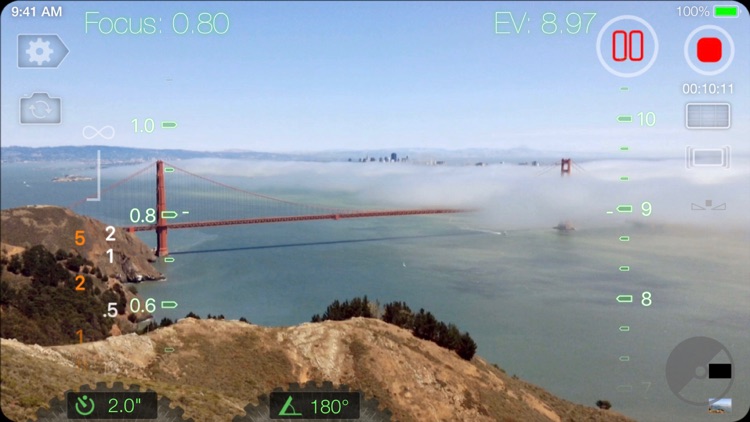
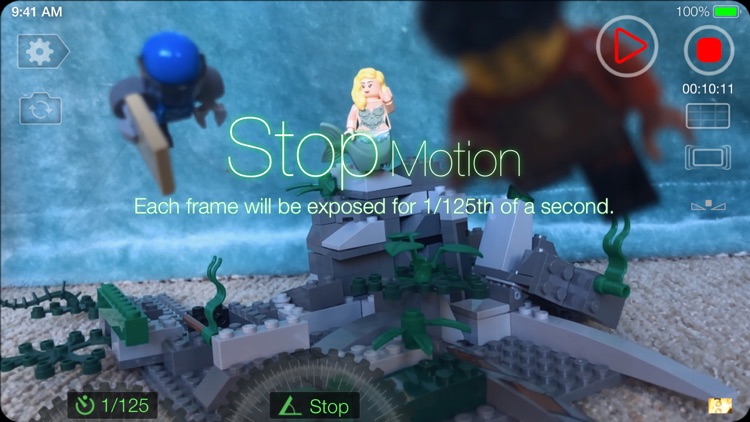
The easiest to use time lapse camera app you’ll ever find.

$2.99 $2.99
Why we picked this?

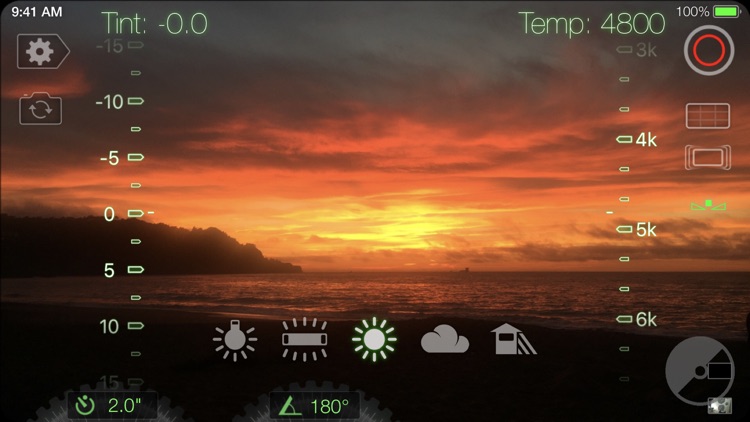
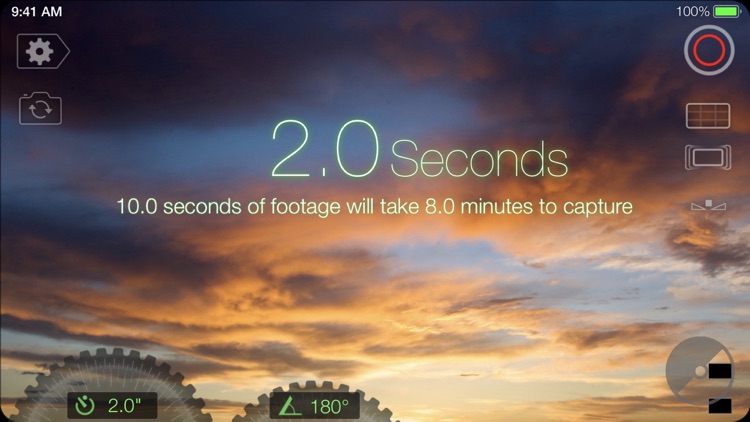
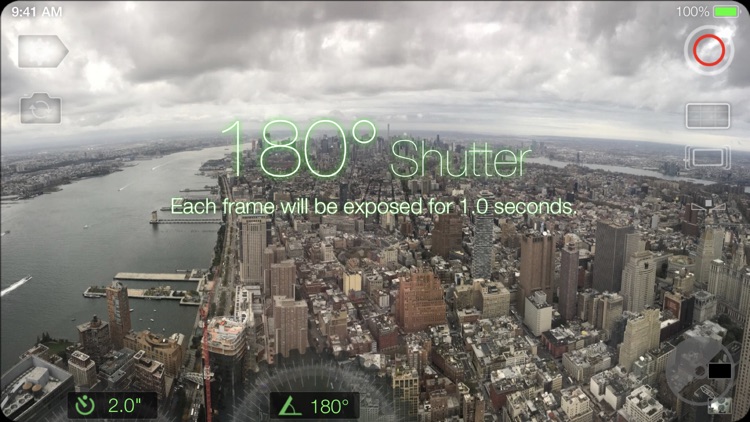
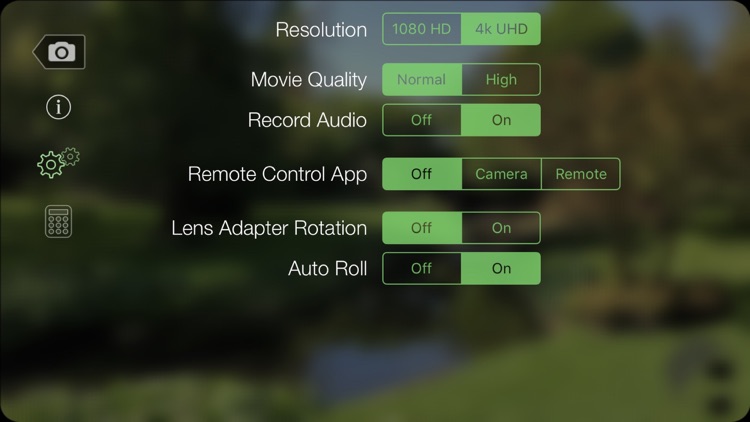
Lightspeed provides you with complete control over the shooting speed and shutter angle. Both can be adjusted by tapping their values at the bottom of the screen and spinning their dials. As you rotate the dials, you’re provided with real-time data on how many seconds it will take to finish capturing and how long each frame will be exposed. When you’re finished recording your project will automatically be saved to your camera roll. Lightspeed also allows you to set recording timers, adjust the video quality, and lock exposure and focus. There’s even a remote option where you can utilize another iDevice to start and stop recording.

iBouquiniste
iPhone
iPad
iBouquiniste

iBouquiniste

Sandr

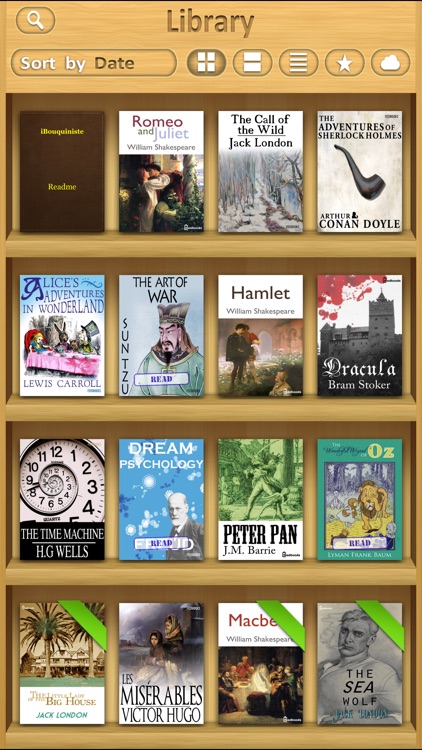
An ebook reader like none you’ve ever seen before.

$3.99 $3.99
Why we picked this?

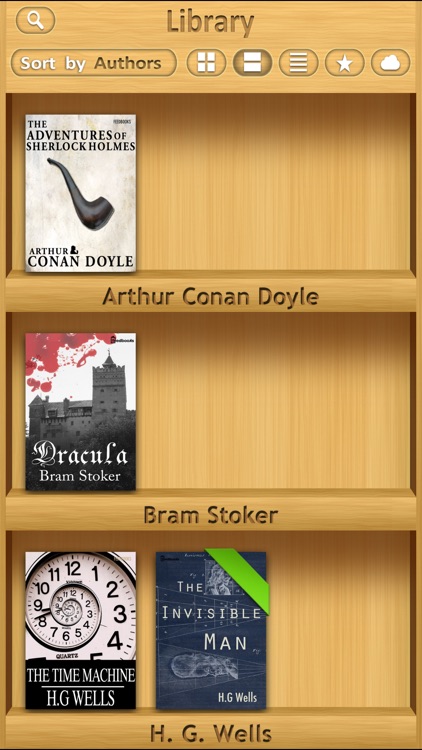
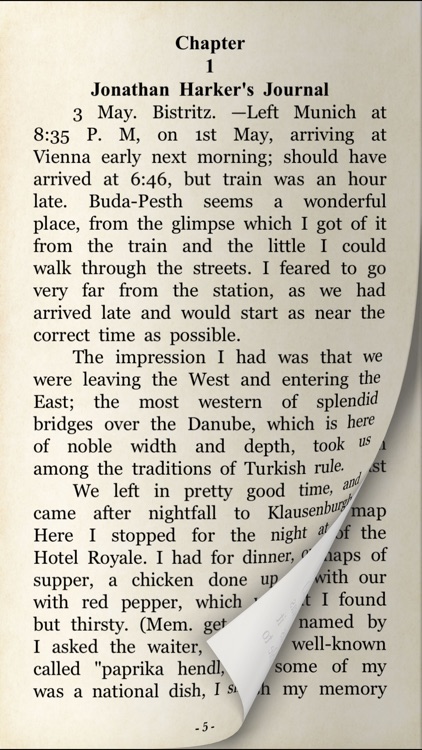
It’s able to read FB2, EPUB, MOBI, PDF, DJVU, and TXT formats. Your content can be organized by date, title, or author, and presented in list form or on bookshelves. While reading you’re able to adjust the font size, line spacing, paragraph indents, margins, and paper type. Tap and hold on a word or sentence to translate, copy, or cite. The app also includes search, bookmarking, iCloud support, the ability to import content via iTunes File Sharing or any supported file transfer app, and the ability to share books via email.

Matching - Two Player Card Game
iPhone
iPad
Matching - Two Player Card Game

Matching - Two Player Card Game

Ellie's Games, LLC

A memory training game for your little ones.
$2.99 $2.99
Why we picked this?

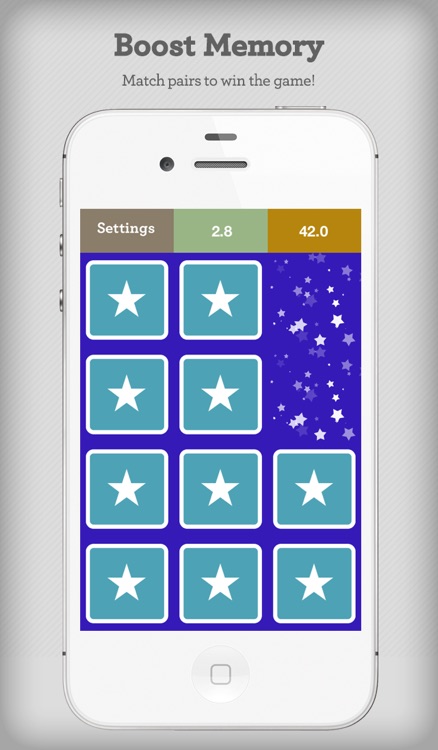
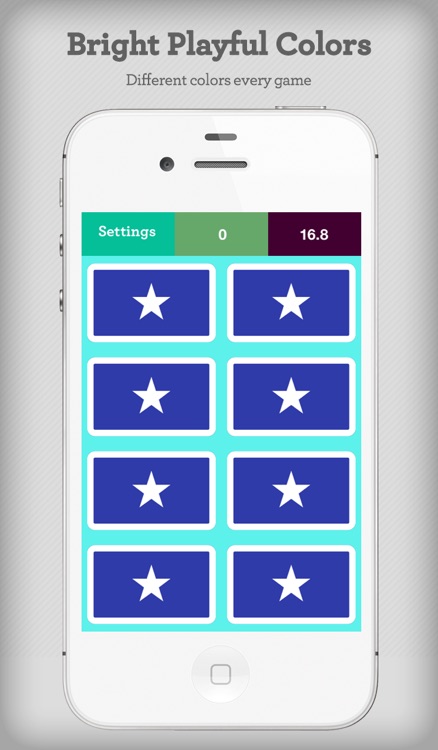
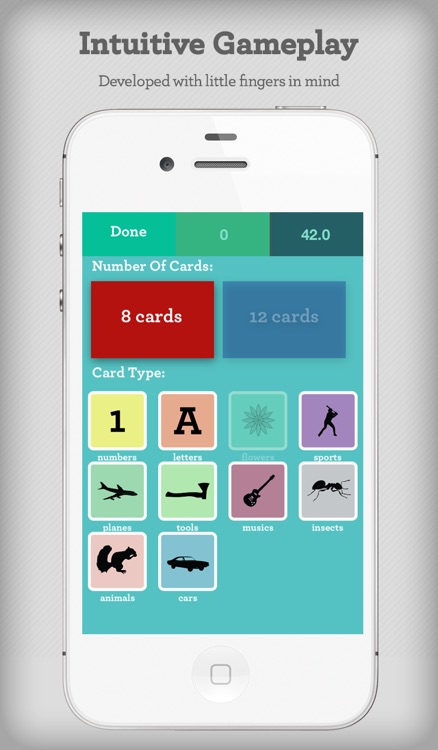
You’re able to play eight, 12, and 20 card games. The 20 card game option is only available on iPad, however. You’re also able to pick from 10 different card types. When the game begins, tap on a downward facing card to reveal it and try to match it with another as quickly as possible. After a game has completed, you’ll see a message of success and a new game will begin. The iPad version of Matching also includes a two player split screen mode to double the fun.

Tadaa SLR
iPhone
Tadaa SLR

Tadaa SLR

menschmaschine Publishing GmbH

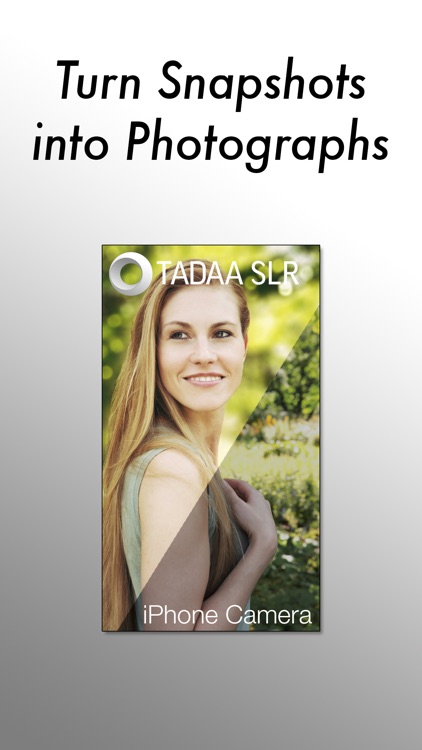
Take fantastic SLR quality photos with Tadaa SLR.

$3.99 $3.99
Why we picked this?

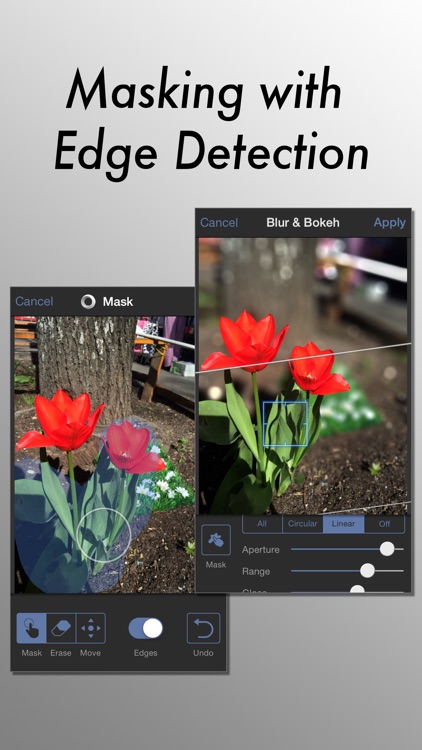
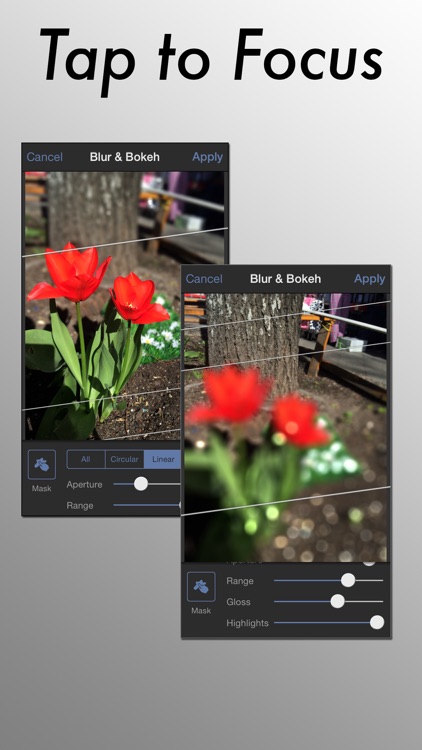
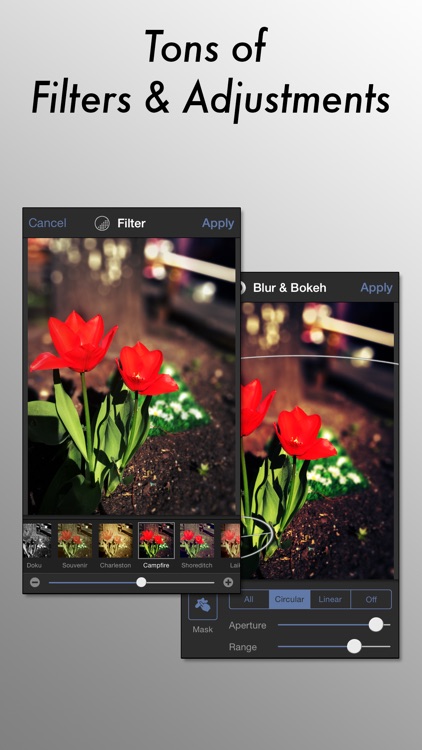
Tadaa SLR includes a grid option to help you perfectly align your shot. Focus on your subject and keep a steady hand while your photo is captured. You will then have the option to apply a mask to your subject manually or have the app automatically detect the edges. The aperture, highlight and gloss levels, and range of your blur effect can all be adjusted via sliders. You’re also able to choose circular, linear, or complete blurs. With your subject fully in focus and background blurred, go ahead and add some filters. You’re able to share your completed works of art via Facebook or Twitter.

Silly Owls
iPhone
iPad
Silly Owls

Silly Owls

Chang Kian Boon

Not one, not two, but three full games in one.

$0.99 $0.99
Why we picked this?

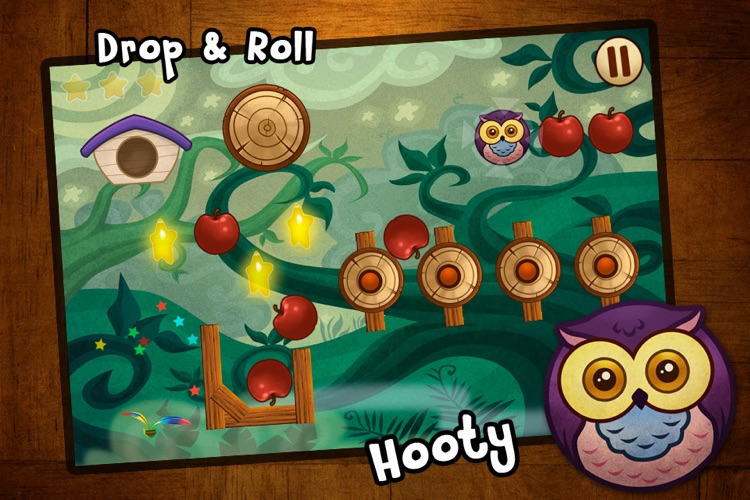
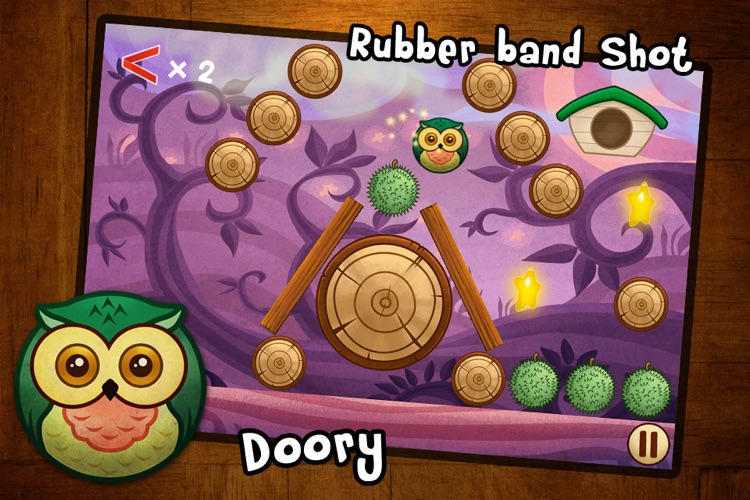
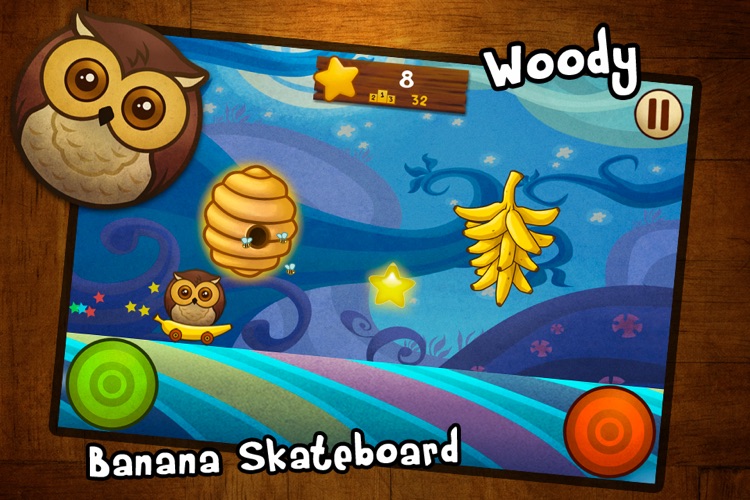
Each of the three silly owls have their own game to play. Doory's is a physics-based puzzle game that requires you to fling him around the screen to collect stars. Hooty's game requires you to interact with different objects in order to get him to roll into stars. Woody's game requires you to jump and slide around obstacles on a banana skateboard for as long as possible. Silly Owls also includes achievements and leaderboards via Game Center.

Calculator Pro+ for iPad.
iPad
Calculator Pro+ for iPad.

Calculator Pro+ for iPad.

Apalon Apps

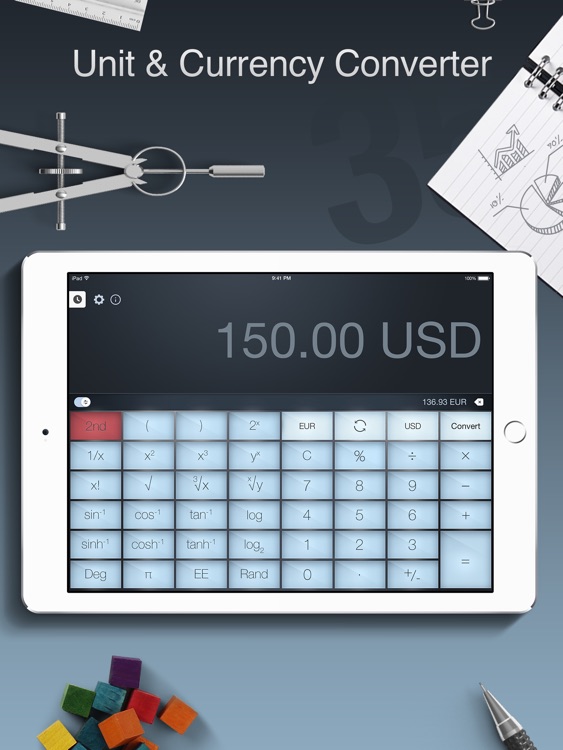
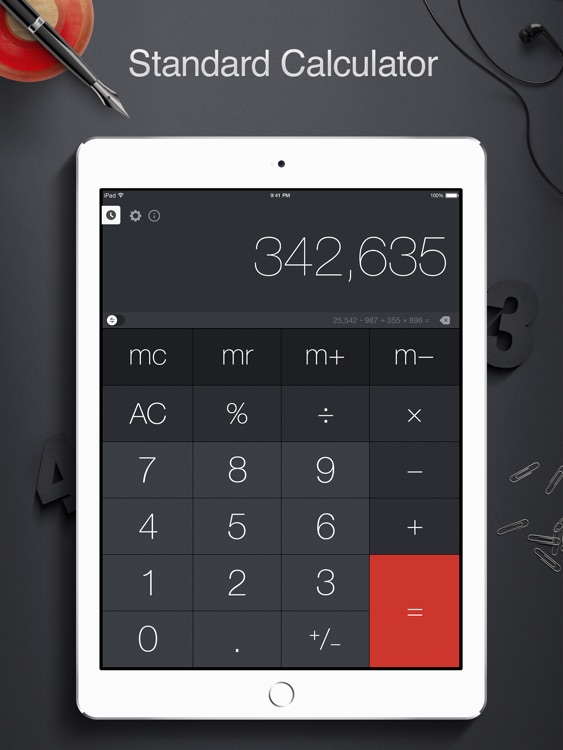
A themed calculator app for your iPad.

$2.99 $2.99
Why we picked this?

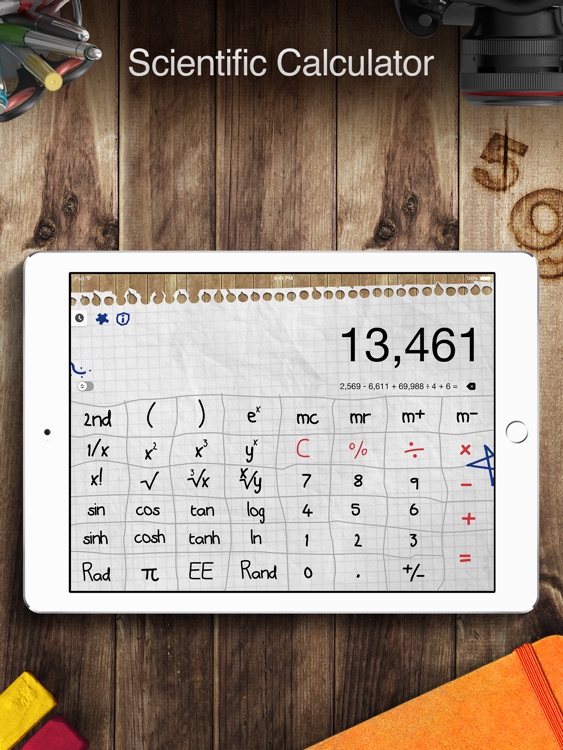
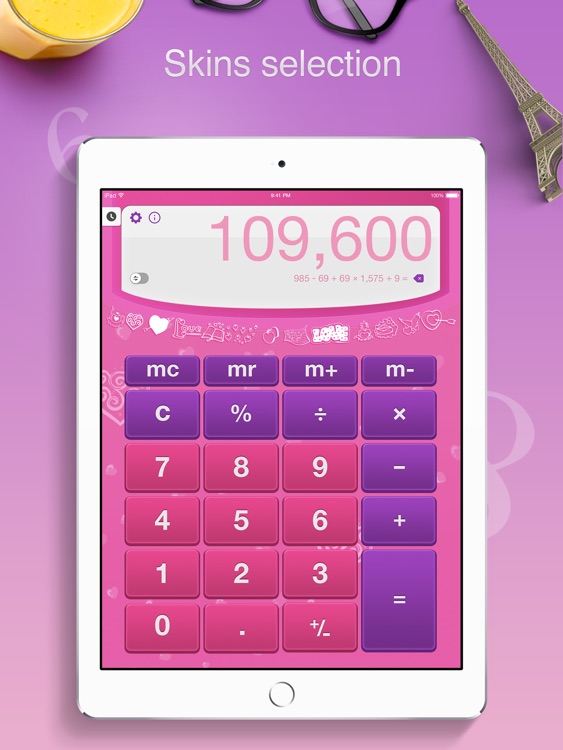
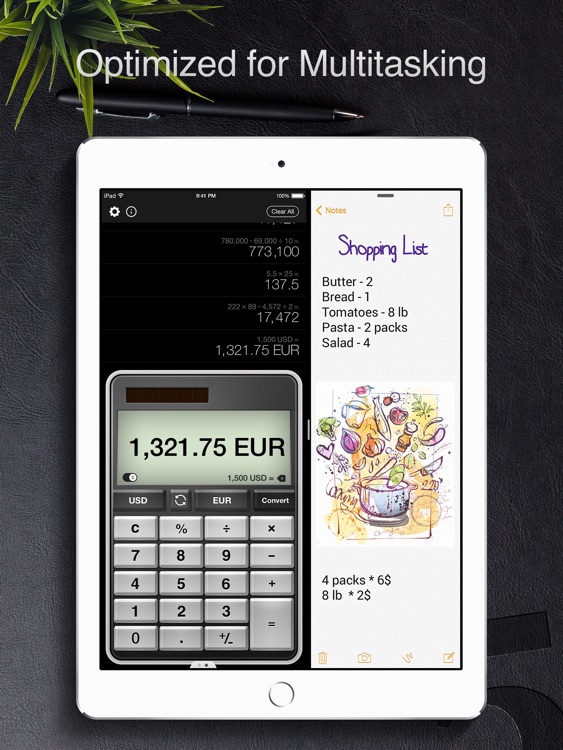
You’re able to choose from 10 different calculator themes, ranging from practical to kind of funky. Portrait orientation allows you to do basic calculators while landscape turns your iPad into a full-fledged scientific calculator. You’re also able to view your entire calculator history and save, copy, and delete calculations.