







iPhone
Fonta - Little Design Studio
ThirtyFive Inc.
Add stylish text to your favorite photos with Fonta.





Why we picked this?
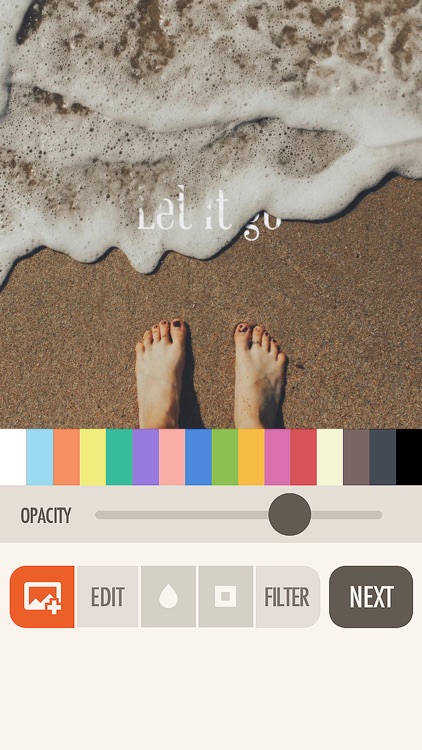
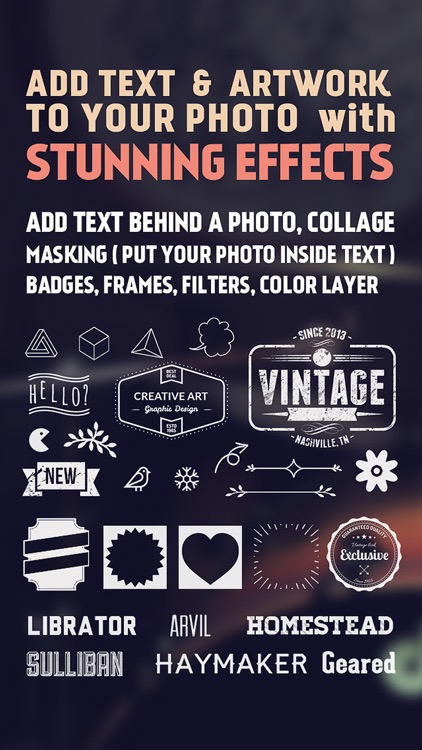
You’re able to import any photo from your library or take a new one within the app. You can then crop, rotate, flip, blur, and add filters to your photo. To add a layer of text, tap the “T” square and double-tap to change it. You’re able to move, rotate, resize, and change the spacing and opacity of the text. You’re also able to choose from hundreds of awesome fonts and a variety of colors. You’re even able to add some custom artwork and a frame before sharing your final creation via Instagram, Twitter, Facebook, Tumblr, Messages, or email.