



You are using an outdated browser. Please upgrade your browser to improve your experience.

Apps That
Went Free on
2014-05-05

Create custom presentations and share them with the world with WiPoint HD Pro. We also have an explosive physics puzzler, and an app for creating and managing your bucket list.

Atomic Frogs
iPhone
iPad
Atomic Frogs

Atomic Frogs

Cocos

Join the frog army and rid the world of evil robots in this explosive physics puzzler.

FREE ($0.99) For a limited time FREE ($0.99) For a limited time
Why we picked this?

Toxic runoff from nuclear plants has penetrated the local water supply that an army of frogs frequently bath in. The thing is, instead of killing off the frogs, the mixture mutated and provided them with an explosive ability. Evil robots have invaded and taken that precious supply of toxic water and the frogs want it back! Help the frogs by launching them through the air and setting off chain reactions. The game includes 80 levels, lovable frog characters with different abilities, simple pull back and tap controls, and achievements and leaderboards via Game Center.

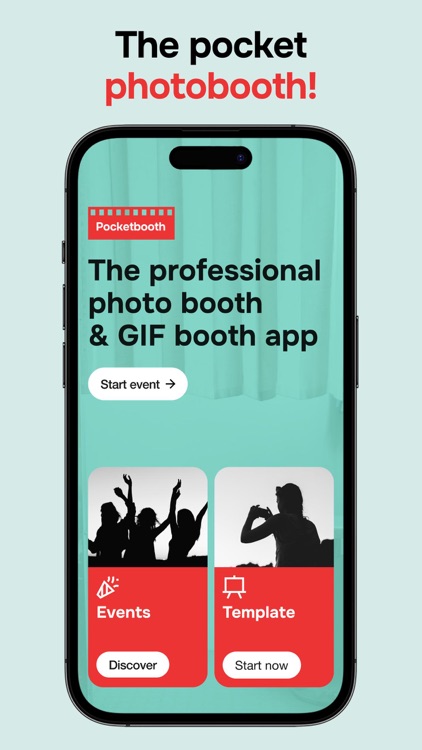
Pocketbooth Photo Booth
iPhone
iPad
Pocketbooth Photo Booth

Pocketbooth Photo Booth

AI Photo Editor Lab SRL

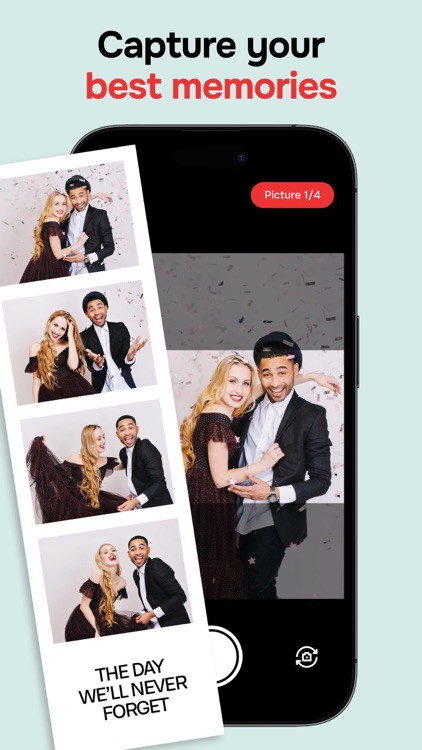
Turn your iDevice into a portable photo booth with this fun photography app.

FREE ($0.99) For a limited time FREE ($0.99) For a limited time
Why we picked this?

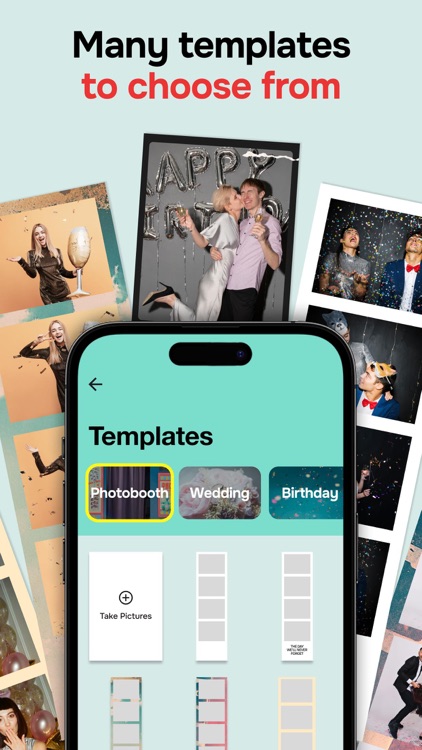
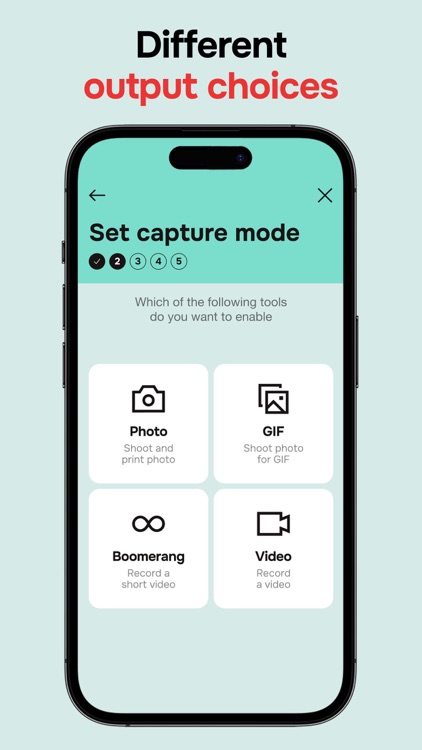
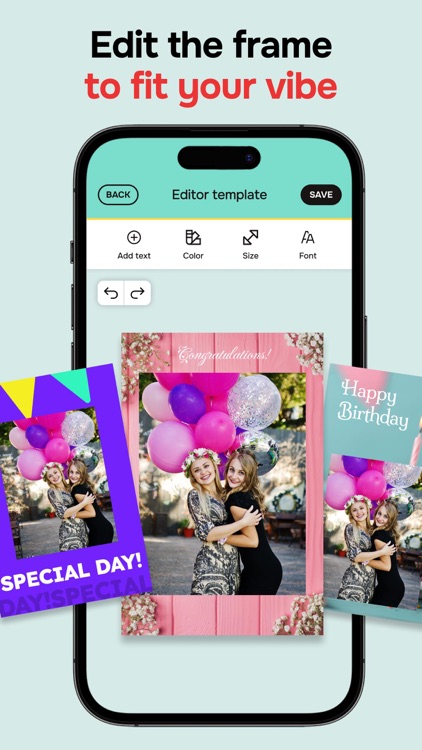
The app is able to snap three to four photos in a row, and then strings them together into a photo strip. Your strip can then be shared via social networks, printed off via AirPrint, or printed and shipped right to your door (for an added cost). The app also includes five photo filters to choose from, black and white border options, the ability to change the duration between shots, and front and rear camera support.

Number Games Match Fun Educational Games for Kids
iPhone
iPad
Number Games Match Fun Educational Games for Kids

Number Games Match Fun Educational Games for Kids

Eggroll Games LLC

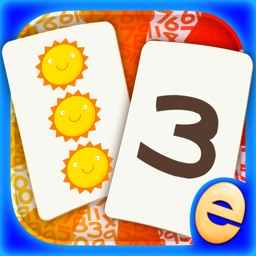
Designed with your little one in mind, this educational app is the perfect tool for working on number identification, counting skills, and color matching.

$3.99 $3.99
Why we picked this?

The app is loaded with fun and colorful items to count and match. Depending on their ability level, your child can either play with the cards face down or face up to make things easier. Hints are also available if need be. The game includes professional narration for every item, positive feedback, and parental controls.

Closet Fashions Wardrobe Manager
iPhone
Closet Fashions Wardrobe Manager

Closet Fashions Wardrobe Manager

Anthony Tran

Put together and schedule your outfits for the week with this lifestyle app.

$0.99 $0.99
Why we picked this?

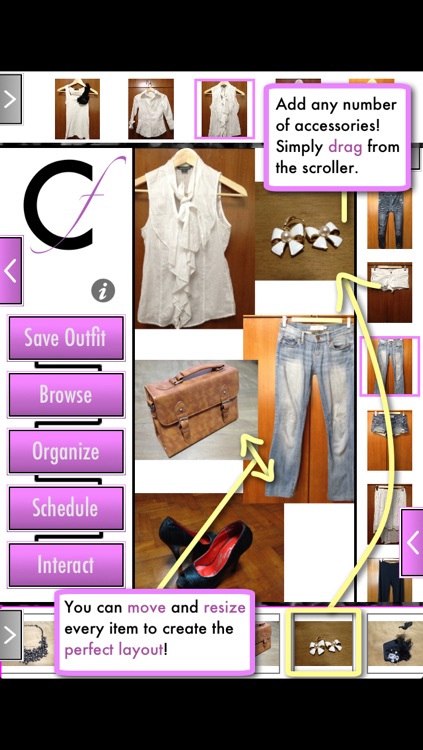
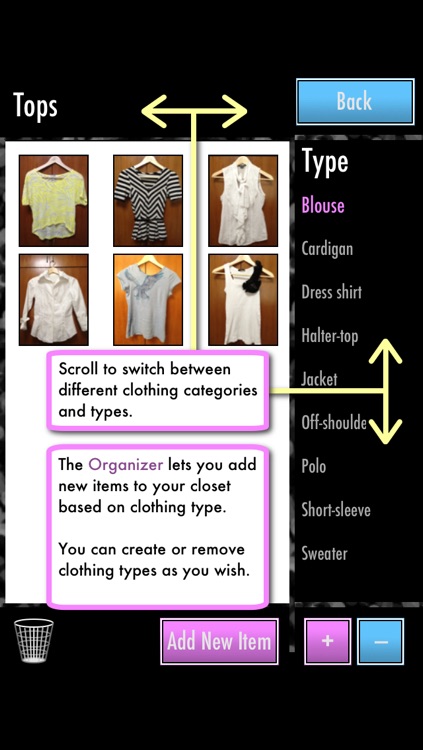
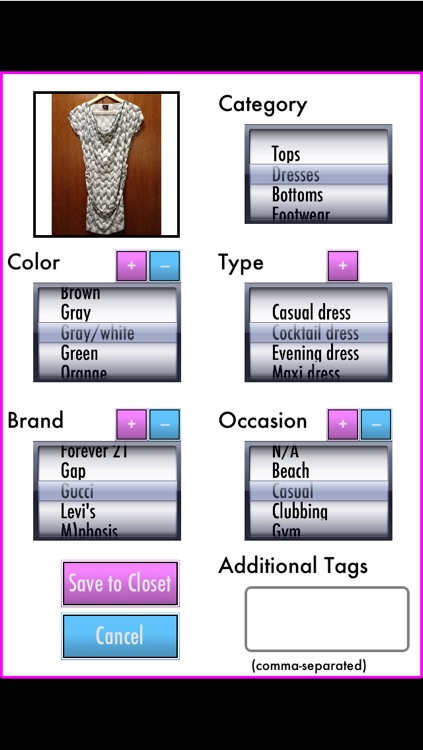
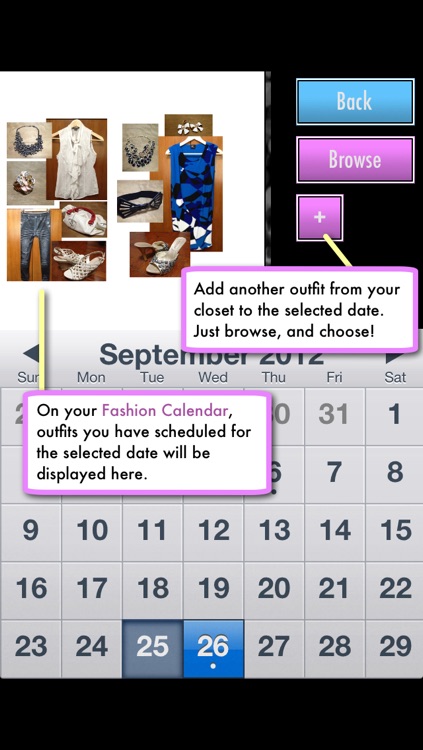
Its unique quadruple-scroller interface allows you to capture and combine different tops, bottoms, shoes, and outerwear with ease. Once you get the hang of it, that is, which isn't too difficult since the app includes an in-depth tutorial. It also includes the ability to schedule outfits on a calendar, share your favorite combinations via Facebook, and backup and restore your data.

WiPoint HD Pro - Make HD video presentation & photo slideshow
iPad
WiPoint HD Pro - Make HD video presentation & photo slideshow

WiPoint HD Pro - Make HD video presentation & photo slideshow

Omer Ahmad

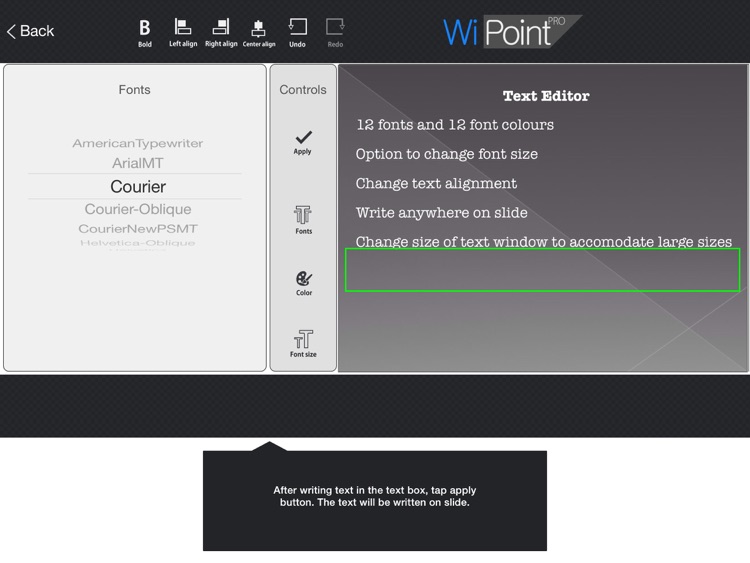
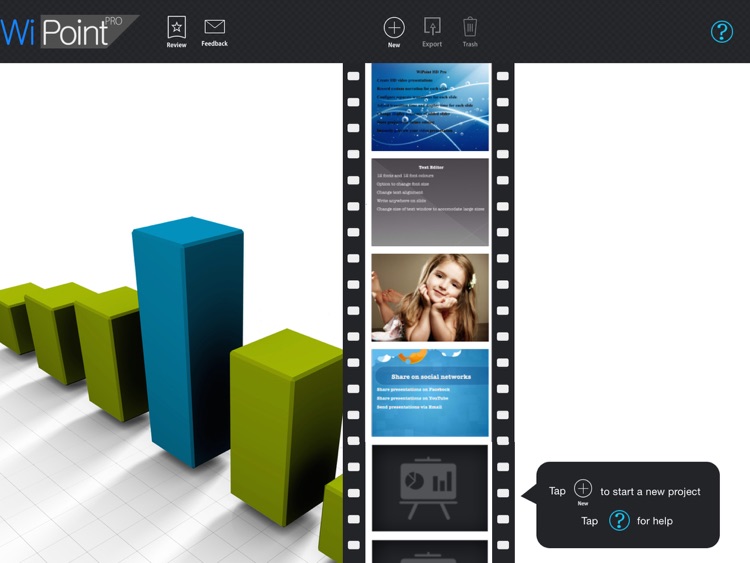
Create custom presentations and share them with the world with WiPoint.

$0.99 $0.99
Why we picked this?

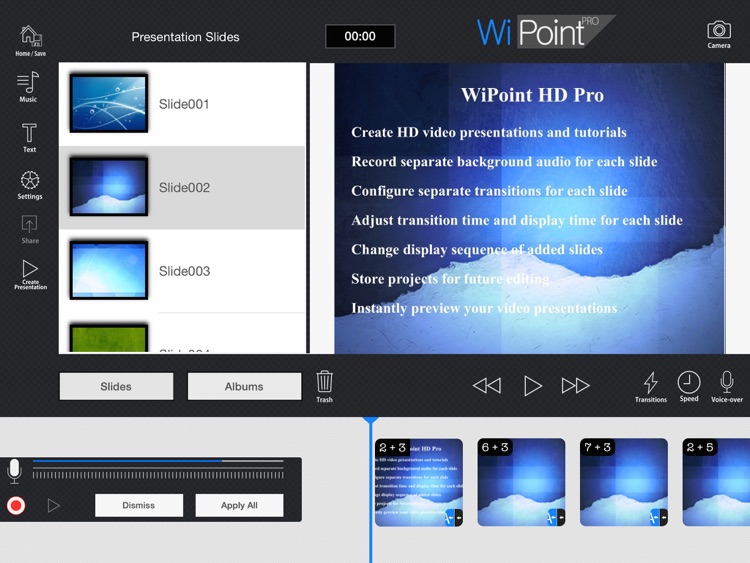
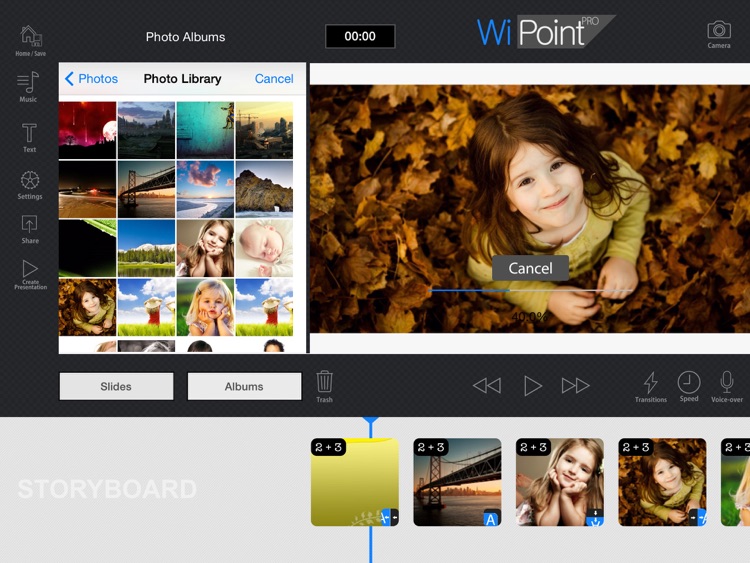
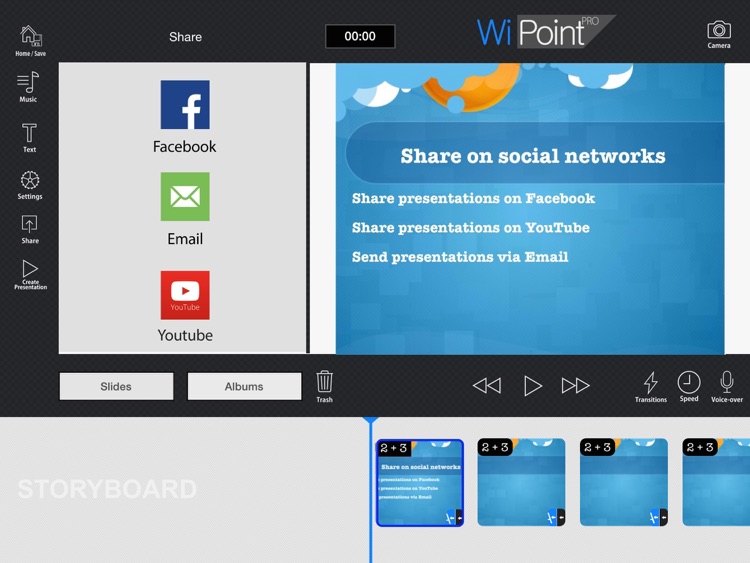
Start the creation process by choosing one of the 29 built-in themes. You can then add your own photos, music, text, and voice-overs. You’re also able to choose from the six built-in music themes in case nothing in your library meshes with your presentation. You can then adjust the playback speed before previewing your presentation. Your final projects can be shared via email, Facebook, or YouTube.

My Ultimate Bucket List
iPhone
iPad
My Ultimate Bucket List

My Ultimate Bucket List

Lakshay Agarwal

Create the ultimate bucket list and manage it with this lifestyle app.

$1.99 $1.99
Why we picked this?

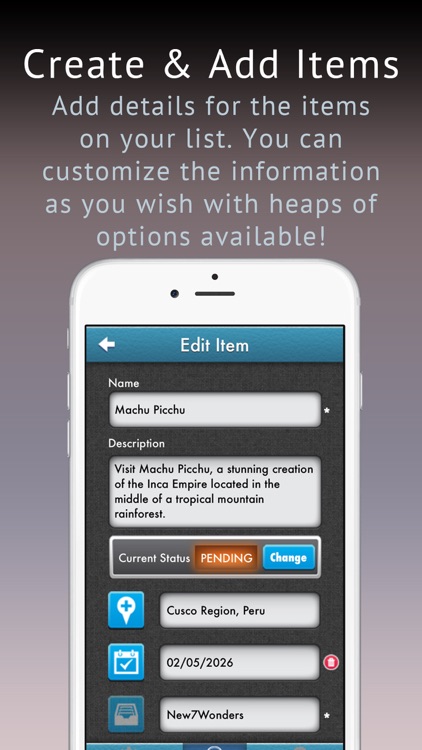
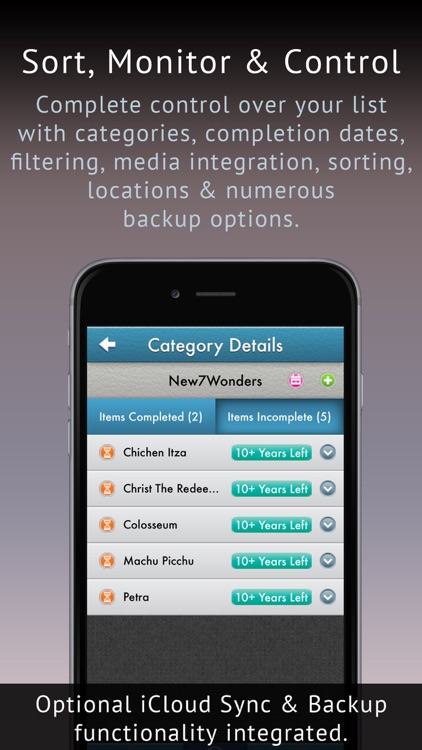
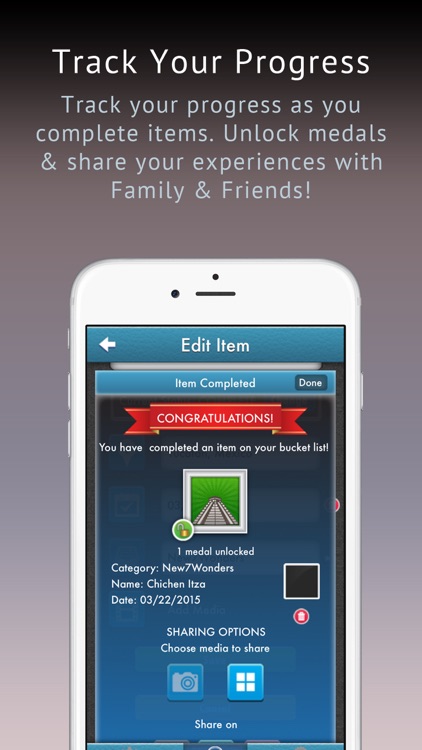
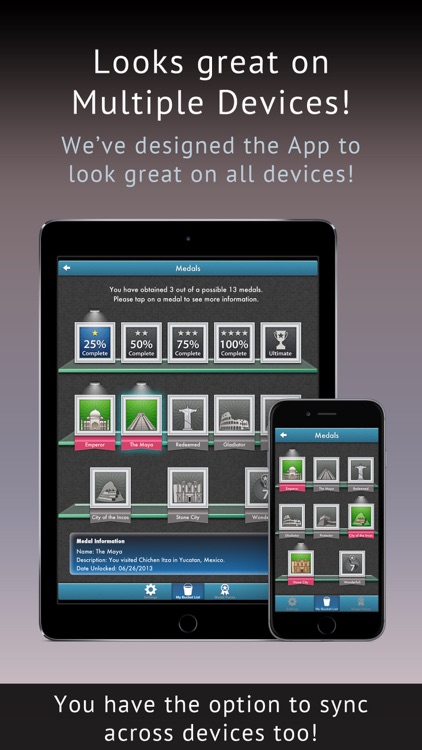
You’re able to create separate categories to keep your bucket list tidy and easy to manage. Then populate them with events you want to accomplish in your lifetime. When adding an event to a list you’re able to title it, create a description, attach a location and any media, and define an estimated completion date. You’re able to follow all of your progress on the main screen, and share any accomplishments via Facebook, Twitter, or Tumblr. The app also includes passcode protection, iCloud integration, the ability to export and import data via iTunes File Sharing, and all kinds of medals to earn.

PDF Converter and Printer Pro : PDF Scanner , scan document, receipt,pdf annotation
iPhone
iPad
PDF Converter and Printer Pro : PDF Scanner , scan document, receipt,pdf annotation

PDF Converter and Printer Pro : PDF Scanner , scan document, receipt,pdf annotation

Jagwinder singh

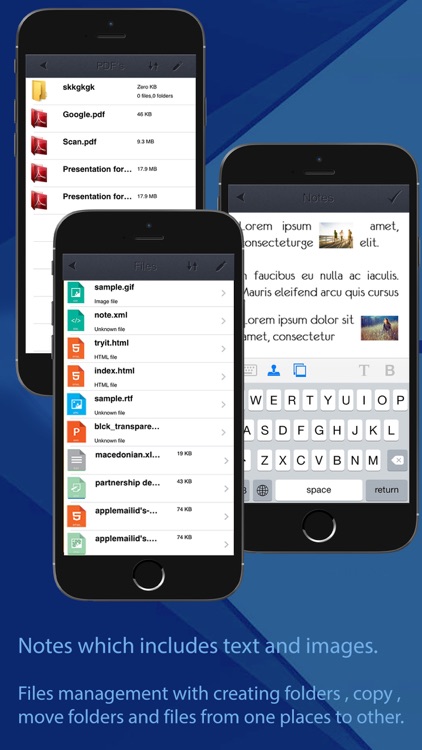
A productivity app that allows you to convert files into PDFs and share them right from your iPhone.

$2.99 $2.99
Why we picked this?

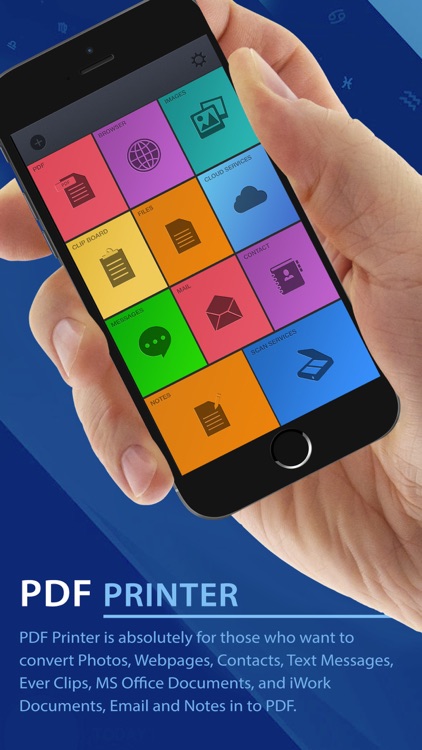
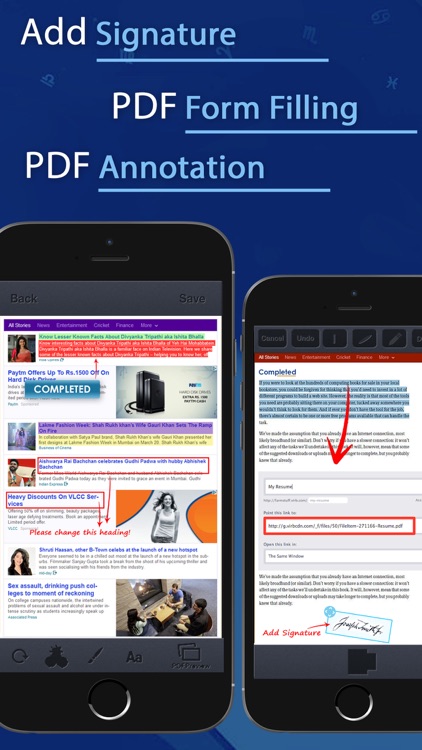
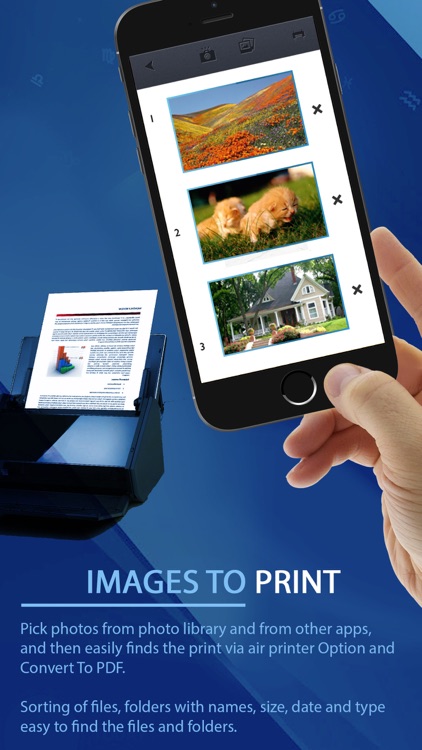
You’re able to import files from a variety of sources including your computer, email, contacts, iMessage, clipboard, photo library, and the Internet. Printer Pro allows you to convert a bunch of different file types like Word, Excel, PowerPoint, Pages, Numbers, and Keynote as well as images and contacts. Converted PDFs can be shared via Dropbox, email, or iTunes FIle Sharing, or you can print them off via AirPrint or open them in another app.