

You are using an outdated browser. Please upgrade your browser to improve your experience.

Apps That
Went Free on
2014-05-07

Discover, follow, and listen to stations from all over the world with TuneIn Radio Pro. We also have a colorful task manager, and an easy to use currency converter.

Loopseque Mini
iPhone
Loopseque Mini

Loopseque Mini

Casual Underground

Turn patterns into awesome beats with this music app.
FREE ($3.99) For a limited time FREE ($3.99) For a limited time
Why we picked this?

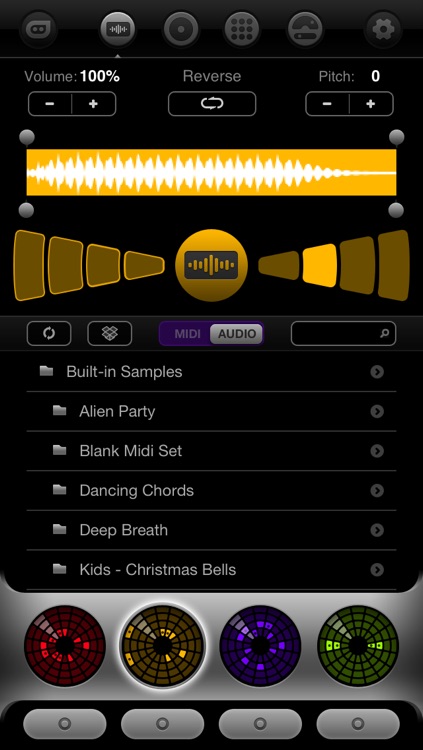
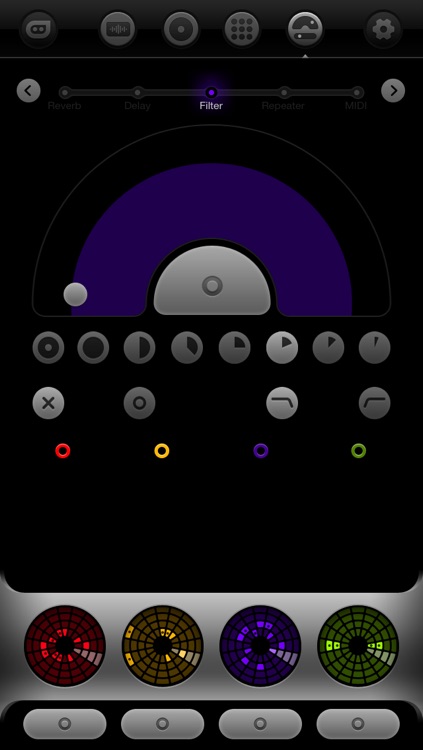
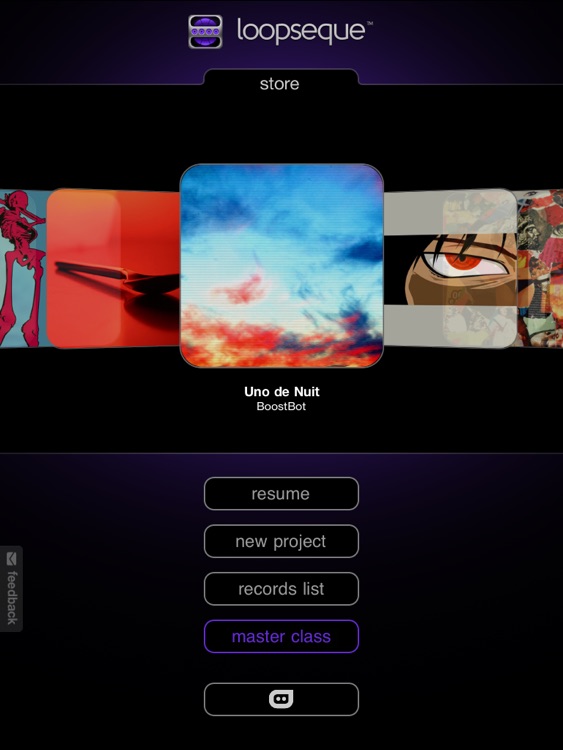
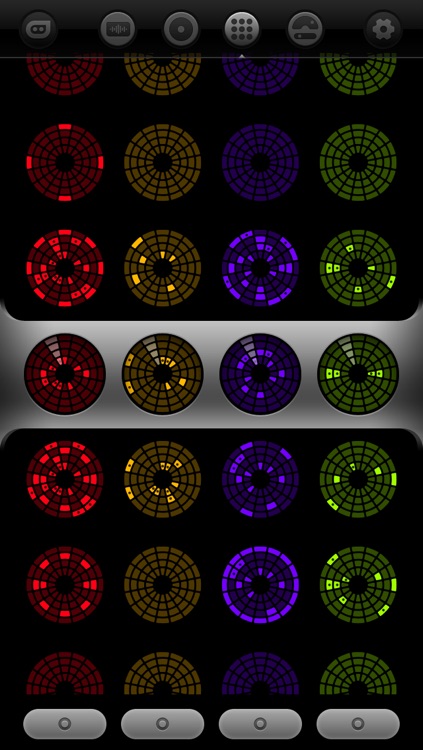
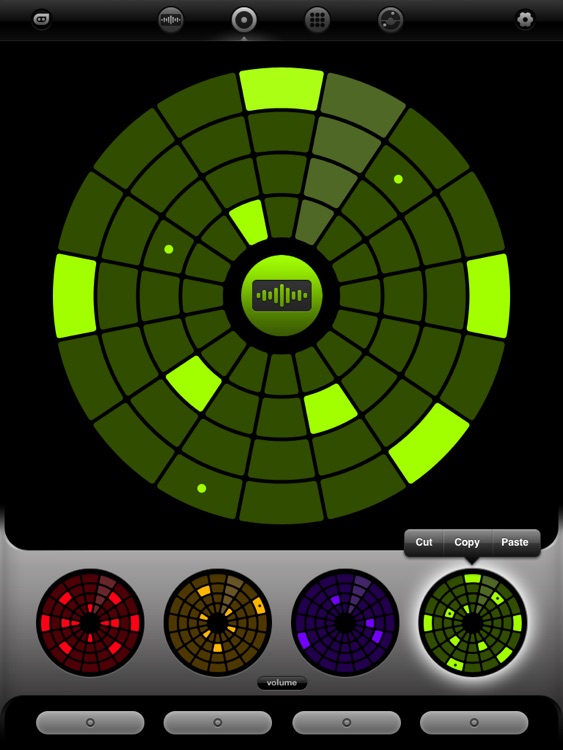
All you have to do is fill in large, colored wheels with different patterns. As the arms make their way around the wheels, they will turn those patterns into beats. Filling in the wheels is as simple as dragging your finger across them or tapping them. The app includes four wheel types, a wheel matrix that allows you to quickly switch between patterns, and the ability to save and load different projects via Dropbox or iTunes File Sharing.

Loopseque
iPad
Loopseque

Loopseque

Casual Underground

Turn patterns into awesome beats with this music app.

FREE ($5.99) For a limited time FREE ($5.99) For a limited time
Why we picked this?

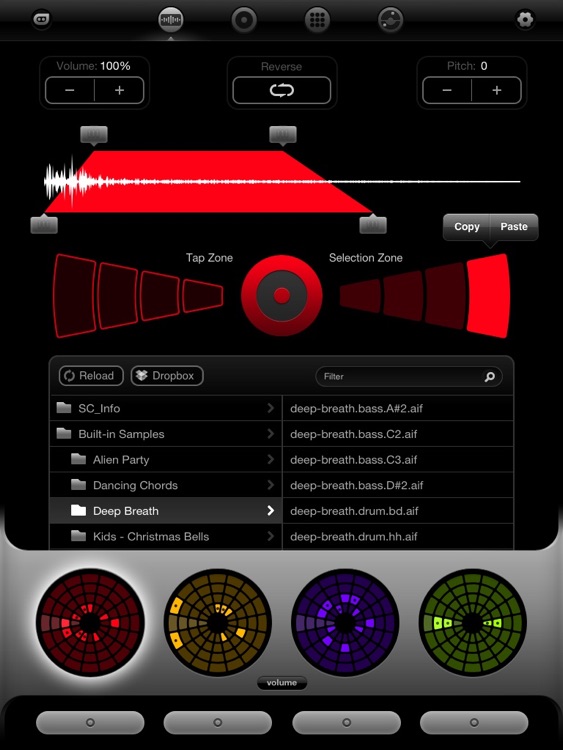
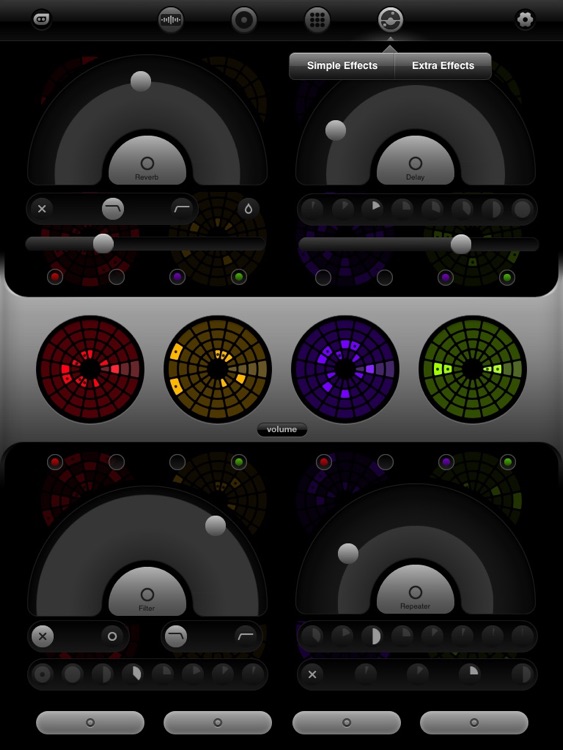
All you have to do is fill in large, colored wheels with different patterns. As the arms make their way around the wheels, they will turn those patterns into beats. Filling in the wheels is as simple as dragging your finger across them or tapping them. The app includes four wheel types, a wheel matrix that allows you to quickly switch between patterns, and the ability to save and load different projects via Dropbox or iTunes File Sharing.

Suru : To Do List & Notes
iPhone
Suru : To Do List & Notes

Suru : To Do List & Notes

Esoteric Development

Organize all of life’s tasks and projects with this colorful productivity app.

FREE ($1.99) For a limited time FREE ($1.99) For a limited time
Why we picked this?

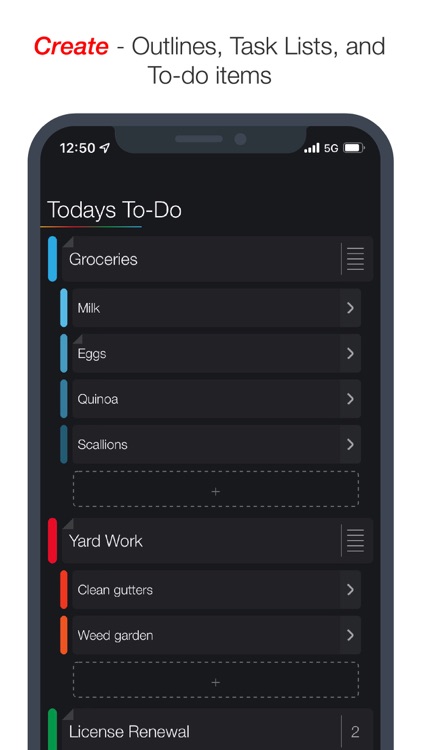
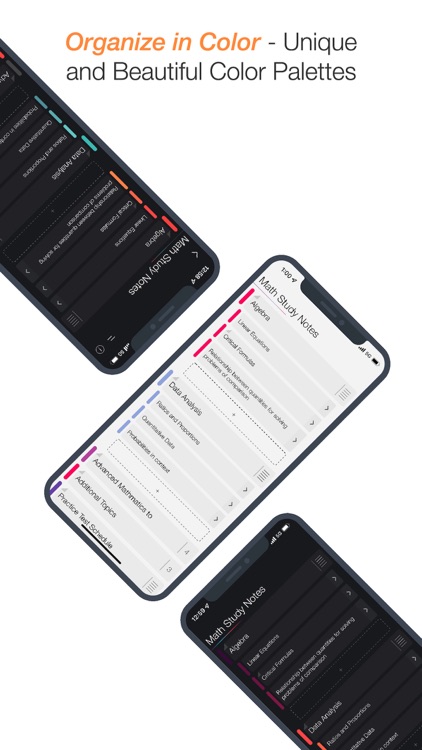
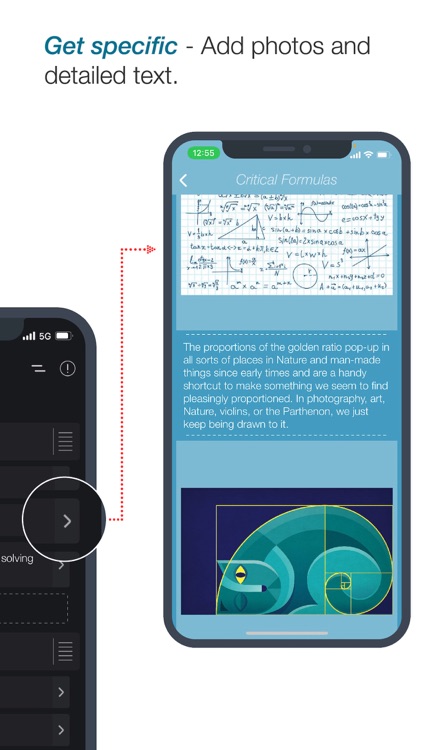
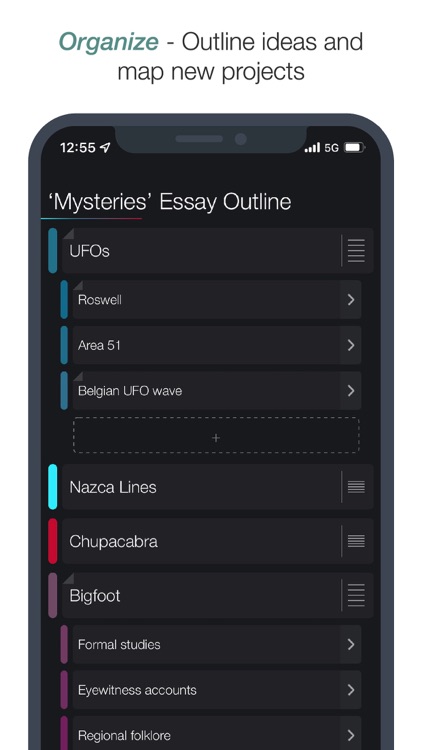
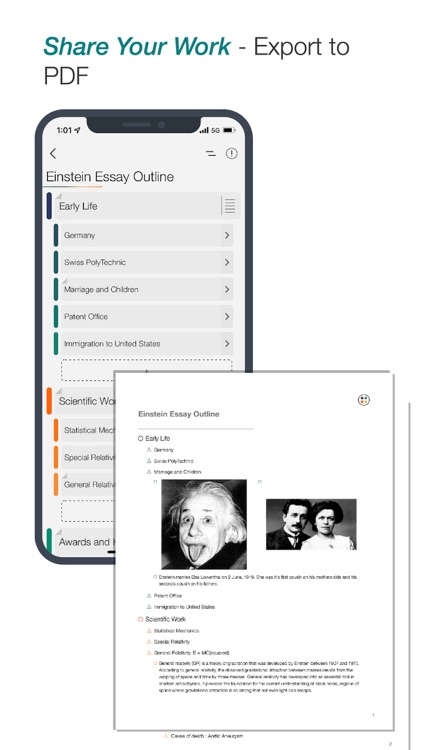
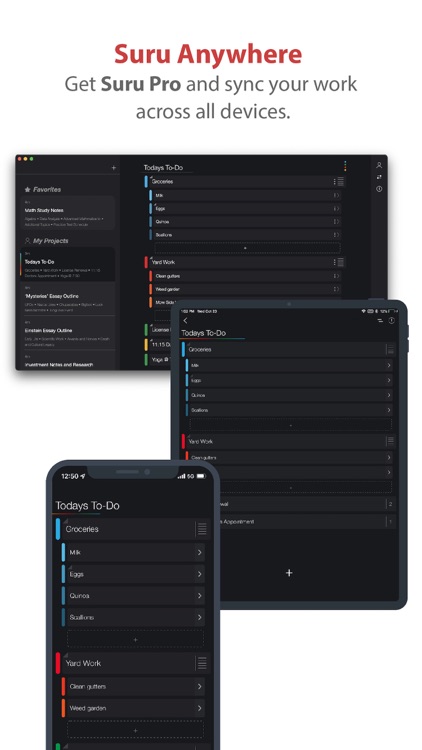
Before getting to work on creating your tasks, you’ll want to choose from one of the seven color palettes. You’re then able to add task lists that can be broken down into sub-tasks. Each sub-task is able to include a detailed description accompanied by a photo. Task lists can take on one of four different colors, which you can choose with a left to right swipe. You’re also able to set reminders with the same swipe. Swipe the opposite way to mark a task as complete or delete it. The app also includes the ability to export your work as a beautifully formatted PDF.

Turner
iPhone
iPad
Turner

Turner

WEI YAO

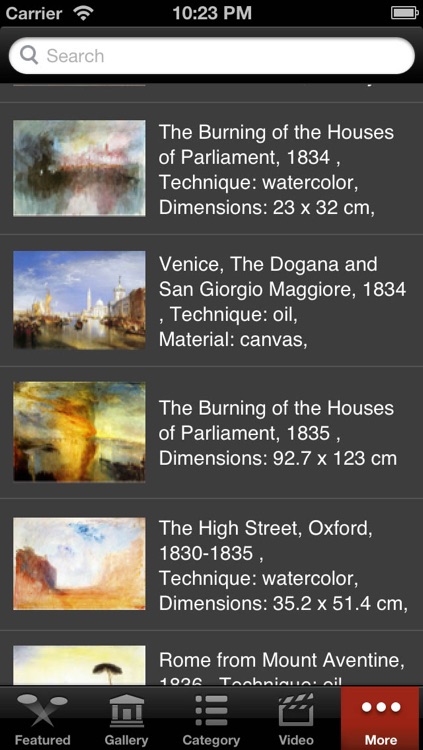
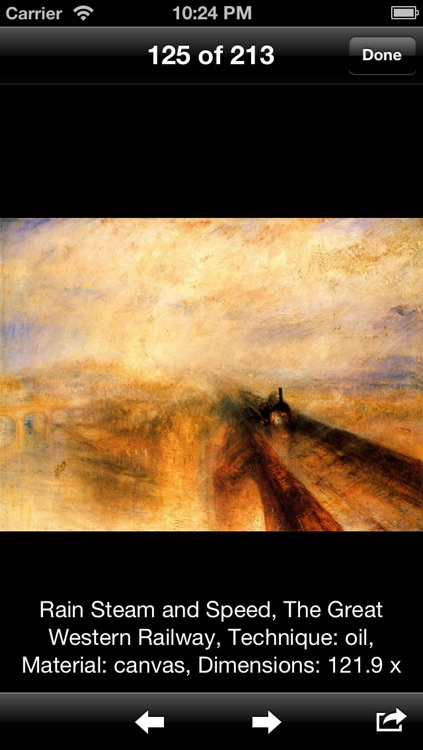
Browse through a virtual gallery of Joseph Mallord William Turner’s work with this lifestyle app.

$0.99 $0.99
Why we picked this?

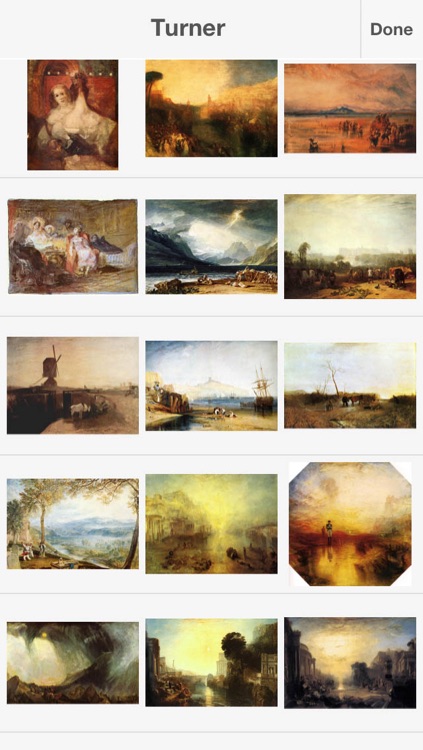
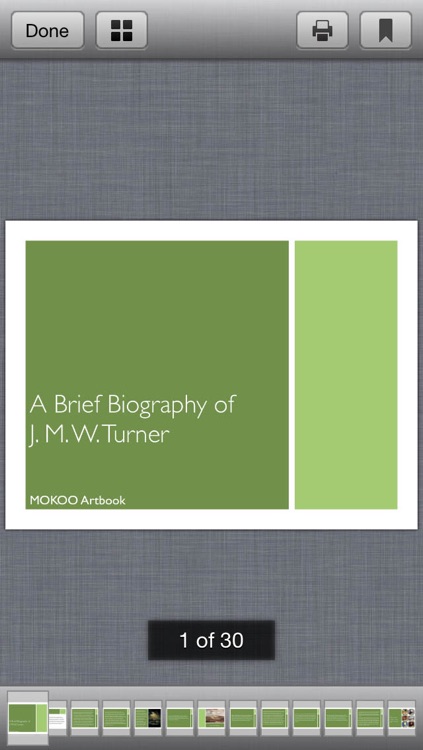
Upon first launch, the app will need a moment to generate thumbnails for the hundreds upon hundreds of included pieces of art. You can then swipe through the scrolling list of thumbnails, search for specific works of art by keyword, or break them down by category. Each piece is presented in HD, allowing you to zoom way in without losing detail. The app also includes the ability to save and share artwork, links to videos, and a brief biography.

Currency+ (Currency Converter)
iPhone
iPad
Currency+ (Currency Converter)

Currency+ (Currency Converter)

James Spencer

Always know what you’re paying no matter where you’re traveling with this easy to use currency converter.

$1.99 $1.99
Why we picked this?

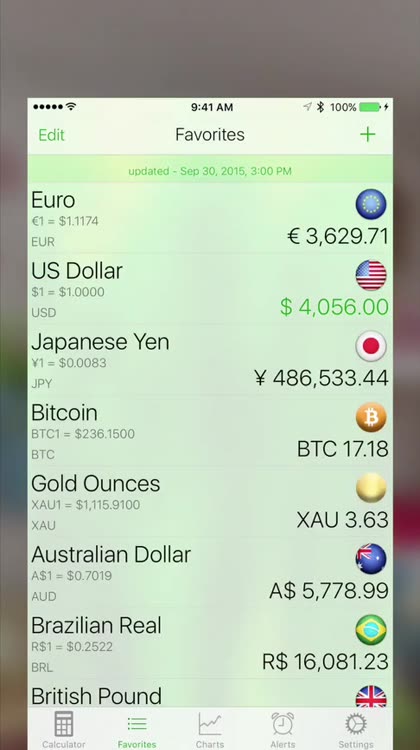
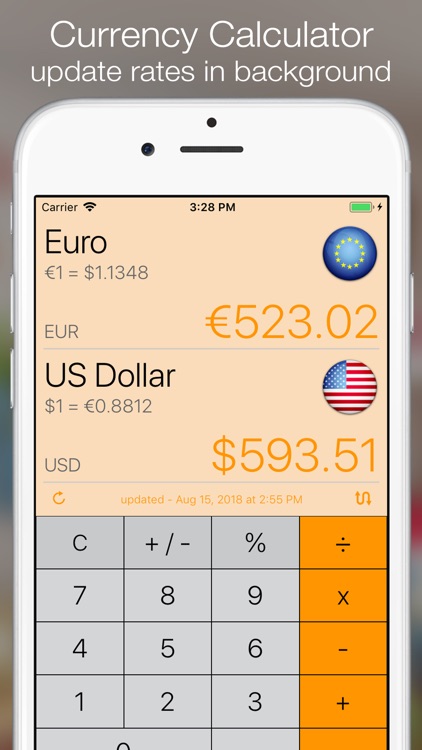
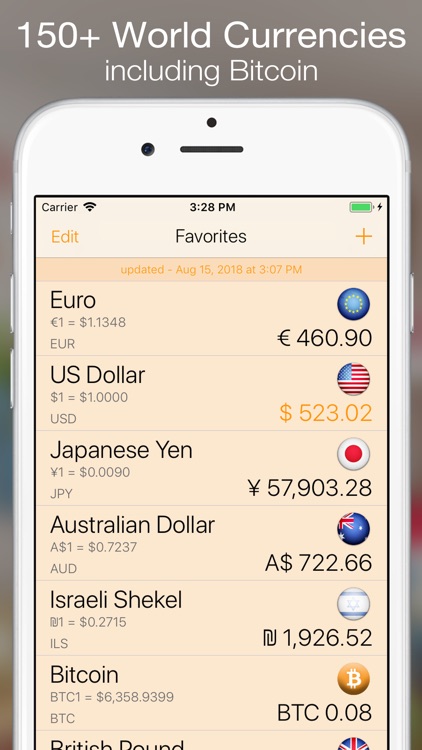
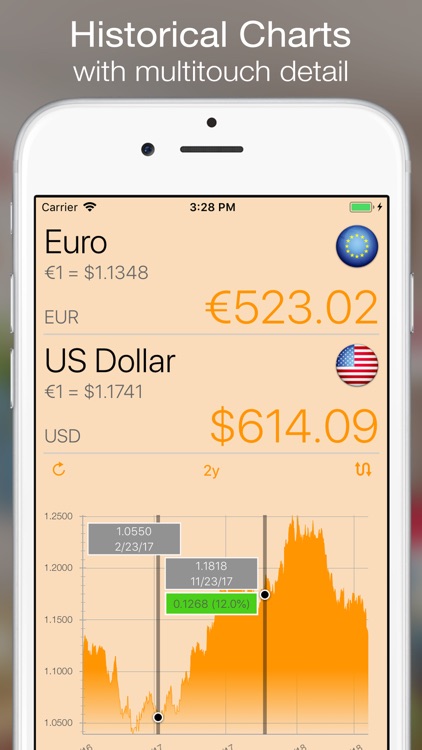
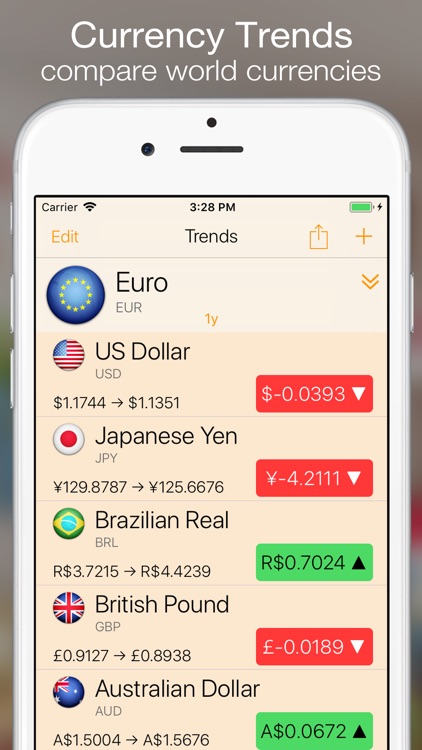
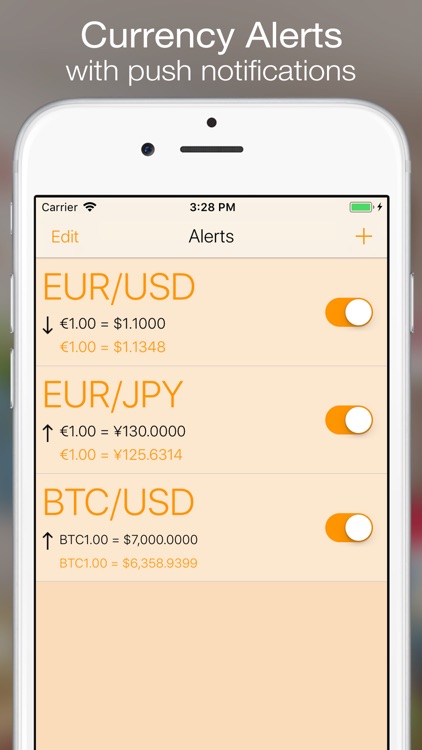
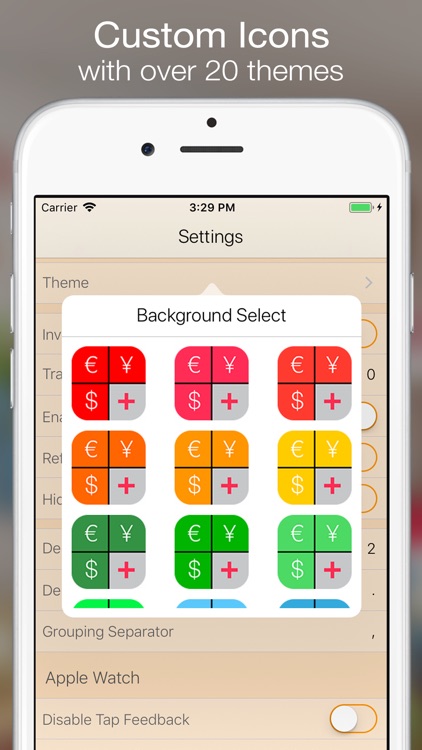
Just tap on the fields at the top of the screen to select the two currencies you want to convert. Then use the built-in calculator to convert your currencies in real-time. The app supports more than 150 world currencies, precious metals, and bit coin, which are all updated in the background. Currency calculations can be inverted, and you’re able to edit your calculator tape. The app also includes historical charts, currency alerts, and 22 themes to choose from.

HeartRate+ Coherence
iPhone
HeartRate+ Coherence

HeartRate+ Coherence

SoftArea srl

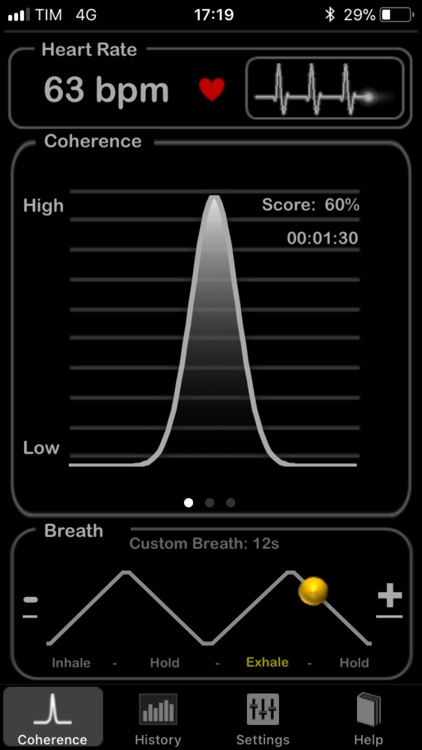
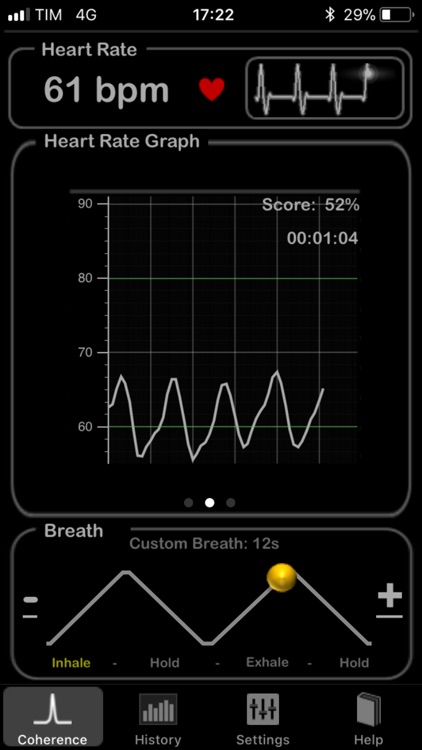
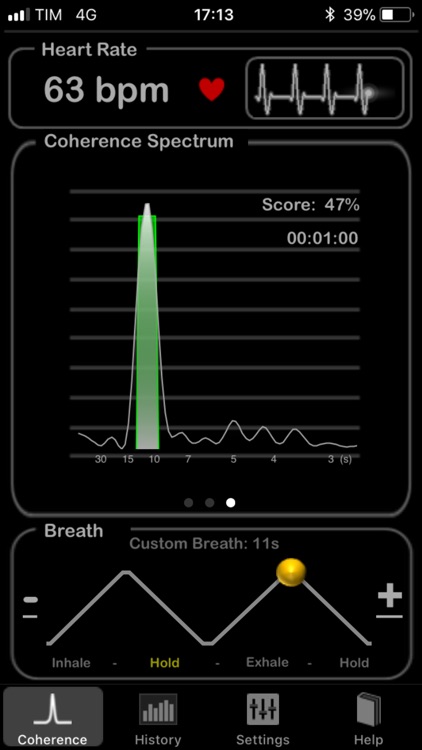
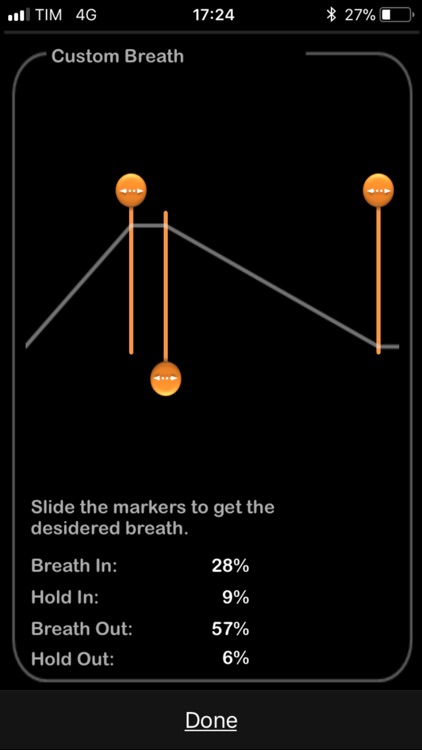
Monitor your heart rate while receiving guided breathing sessions with this health app.

$3.99 $3.99
Why we picked this?

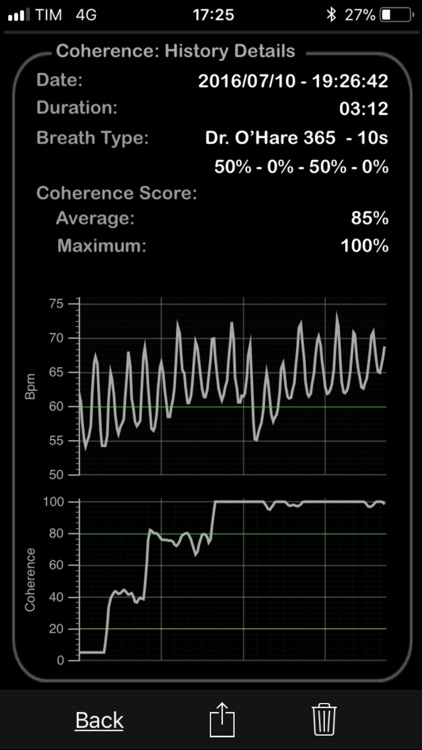
Tap the start button at the top of the screen and place your finger over your iDevice's camera and LED flash. The app will begin to measure your heart rate and display your coherence. Follow the yellow dot at the bottom of the screen to see when to breath, hold your breath, and exhale. The app will provide you with detailed history as well, which can be shared via Facebook, Twitter, or email. An additional Coherence Spectrum mode is available via in-app purchase.