



You are using an outdated browser. Please upgrade your browser to improve your experience.

Apps That
Went Free on
2014-05-14

Visually organize your life with Klaser. We also have a writing app that allows you to edit your text with swipes, and an all-in-one calculator that doubles as a powerful learning tool.

Klaser - Stuff Organizer
iPhone
Klaser - Stuff Organizer

Klaser - Stuff Organizer

Tomasz Chwilowicz

A super handy visual organizer.
FREE ($2.99) For a limited time FREE ($2.99) For a limited time
Why we picked this?

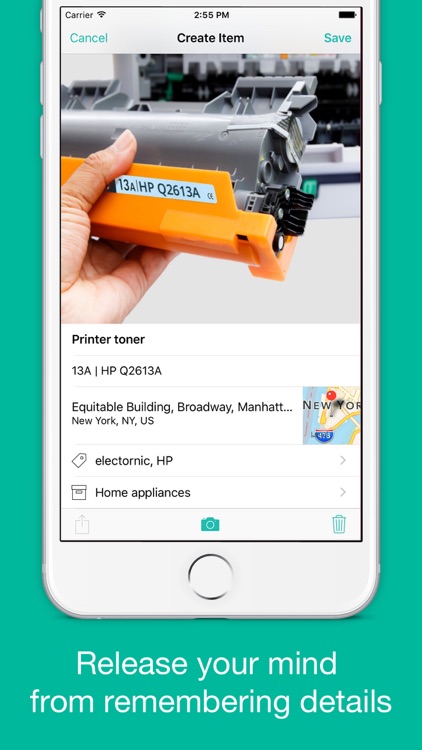
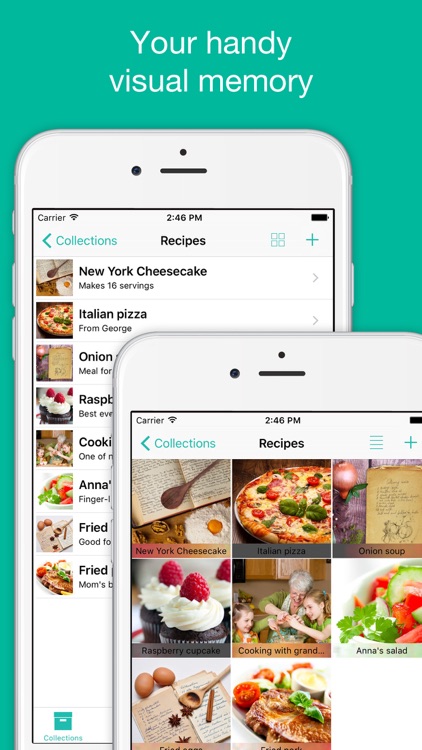
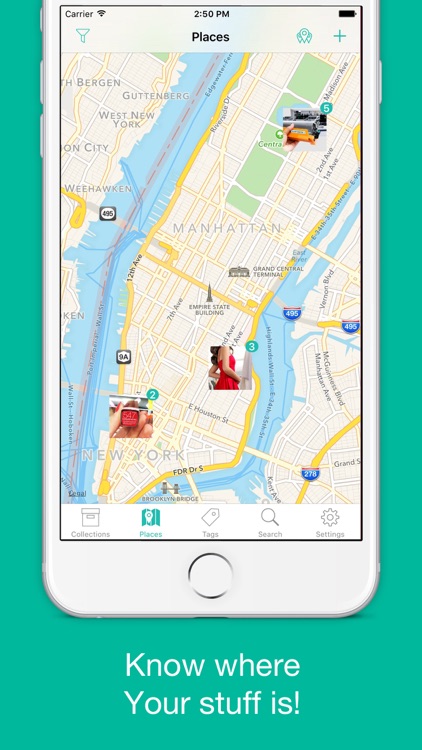
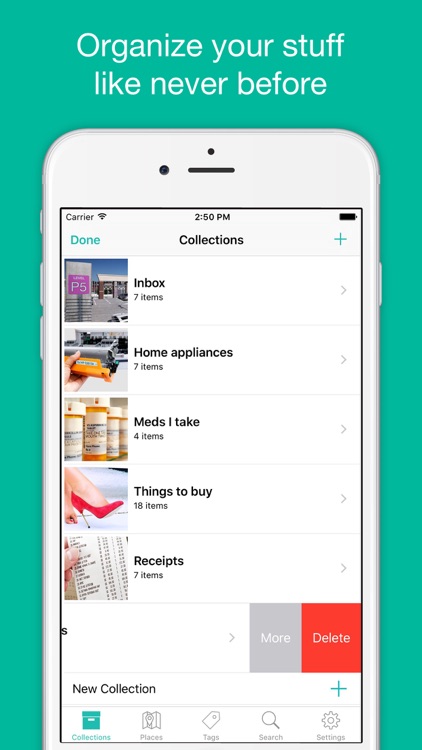
You’re able to create separate collections for different areas of your life like home, work, and travel. Then whenever you need to remember something important or catalog an object, add it by naming it, providing a description, tagging it, and then snapping a photo of it. Items in your collections can be displayed in list form or as thumbnails. You’re also able to view them all on a map, search for them by keywords, or view related items by tag.
Platforms Unlimited
iPhone
iPad
Platforms Unlimited

Platforms Unlimited

XperimentalZ Games

Get ready for the platforming challenge of your life in Platforms Unlimited.

FREE ($0.99) For a limited time FREE ($0.99) For a limited time
Why we picked this?

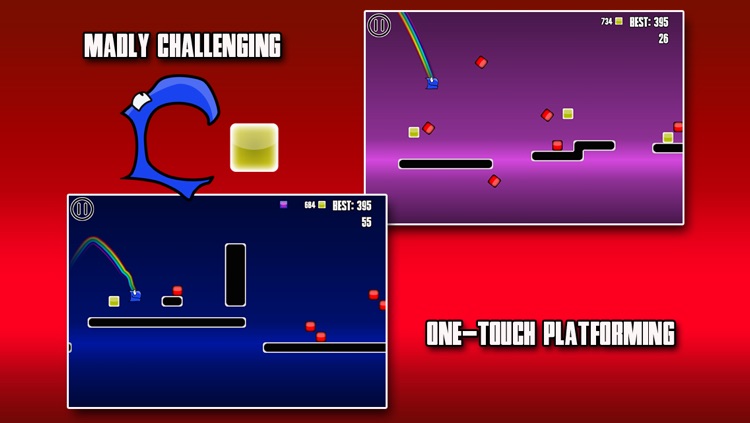
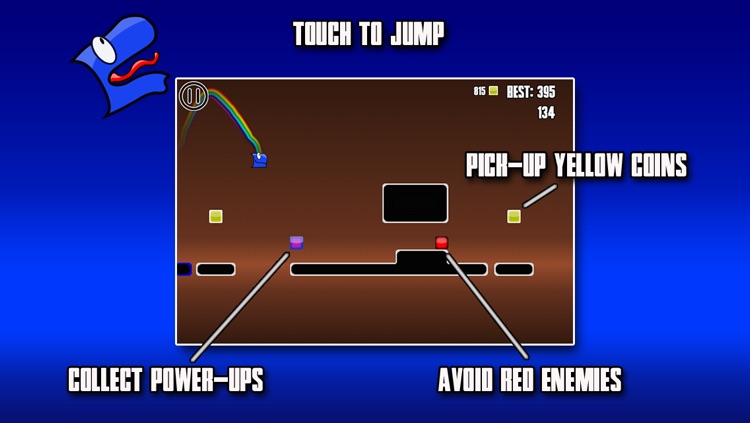
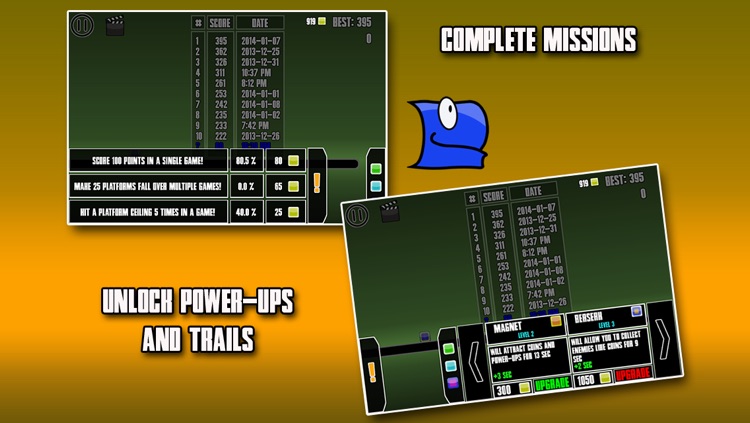
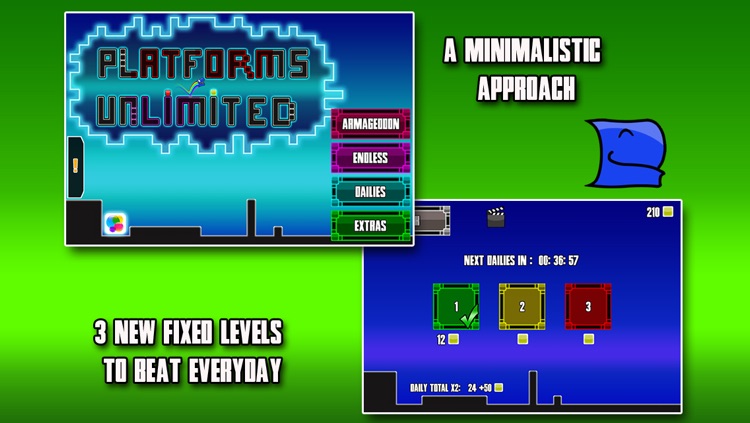
Touch the screen to get your little blue dude sliding across the platform. Tap the screen to perform a short jump or tap and hold to jump farther. Do everything in your power to avoid the red enemies while collecting coins and bonuses to move up the leaderboards. The game includes two modes, procedurally generated levels, loads of missions to complete, and achievements and leaderboards via Game Center.

Planit Planner
iPhone
Planit Planner

Planit Planner

Justin Martin

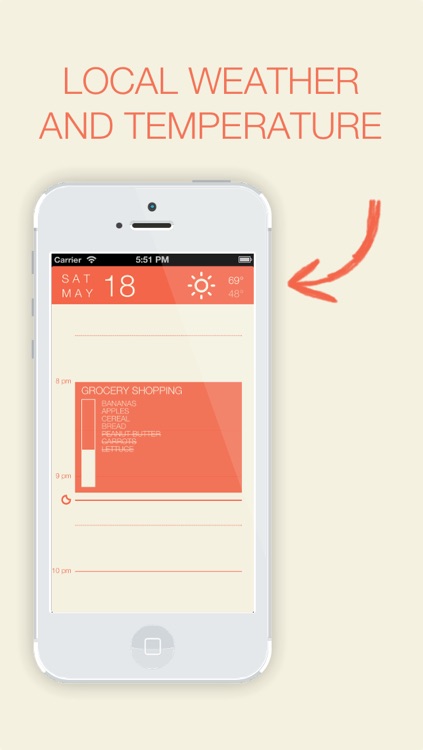
This productivity app allows you to attach tasks to your daily events.

FREE ($0.99) For a limited time FREE ($0.99) For a limited time
Why we picked this?

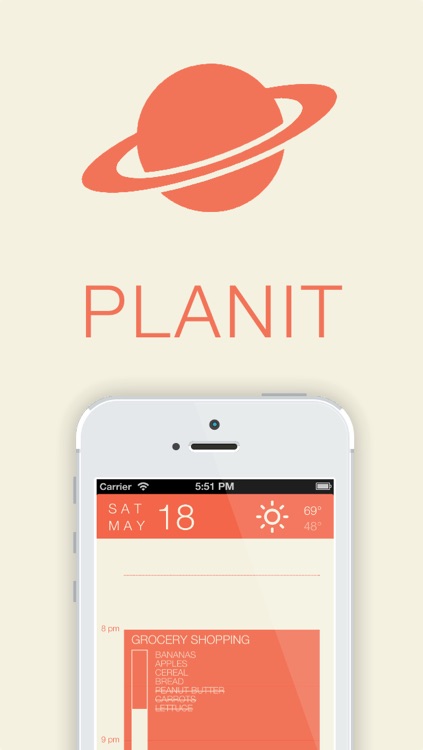
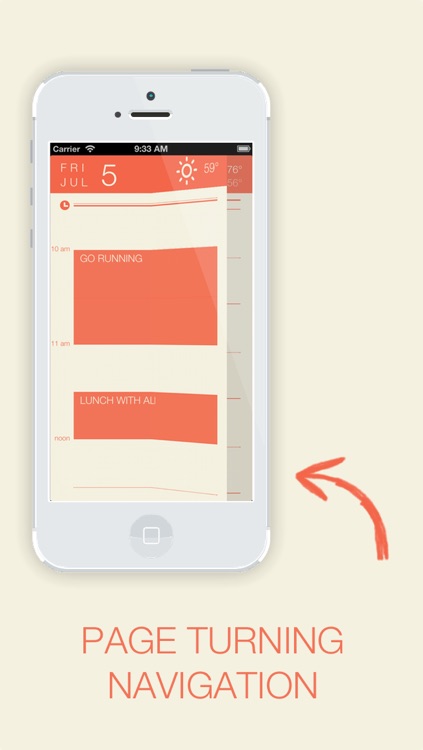
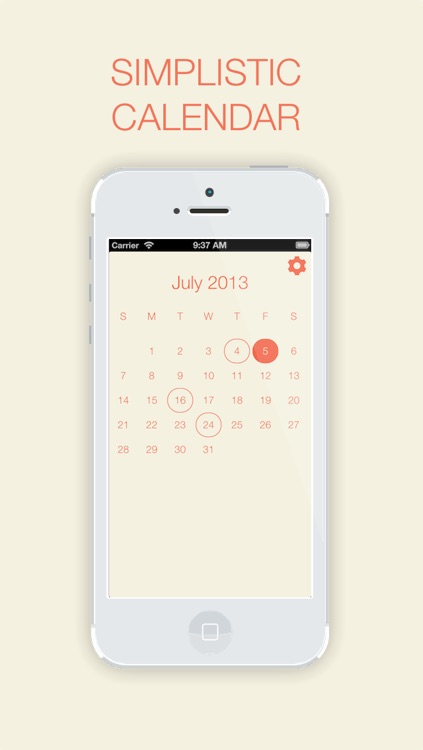
To add an event to Planit Planner, just tap and hold your finger on the screen. You can then title your event, adjust its duration, attach an alarm, and attach multiple tasks. On the main screen you’ll see a blocked out portion for your new event along with all of its included tasks. As you work your way through the tasks, a progress bar will fill up and your completed tasks will be crossed out. You’re able to access a calendar view and all of Planit Planner’s additional settings with a pinch gesture. The app also includes eight color themes to choose from.

Math 42
iPhone
iPad
Math 42

Math 42

Chegg, Inc.

An all-in-one calculator that doubles as a learning tool.

FREE ($0.99) For a limited time FREE ($0.99) For a limited time
Why we picked this?

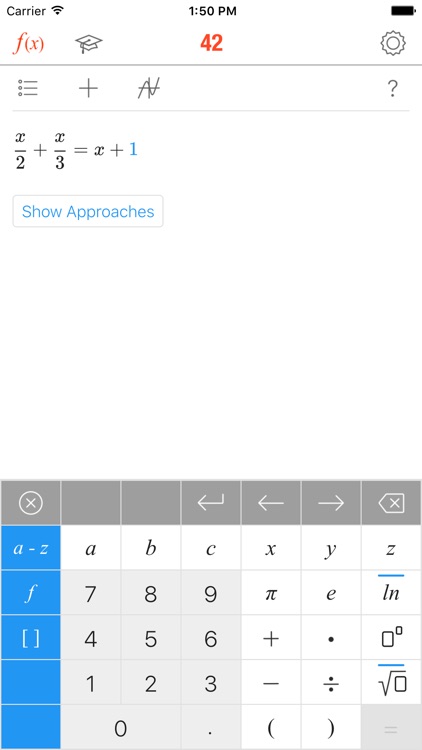
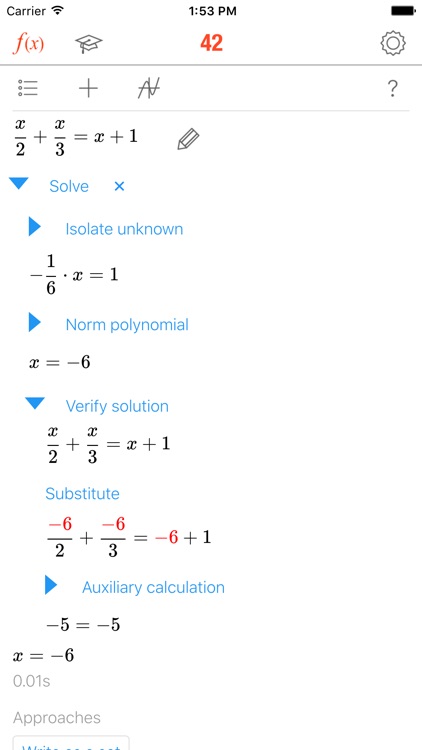
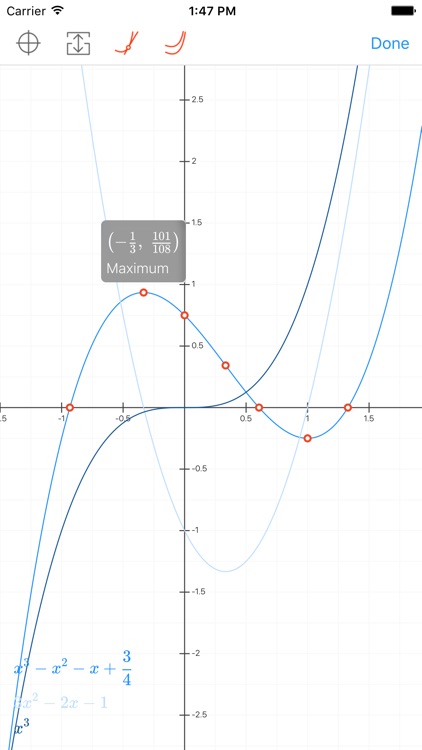
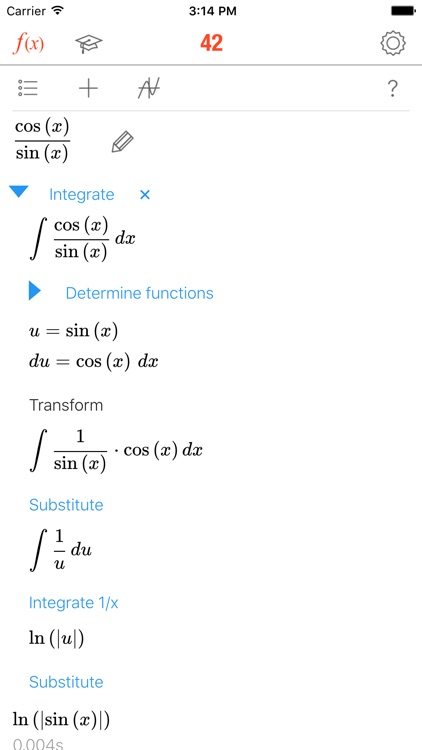
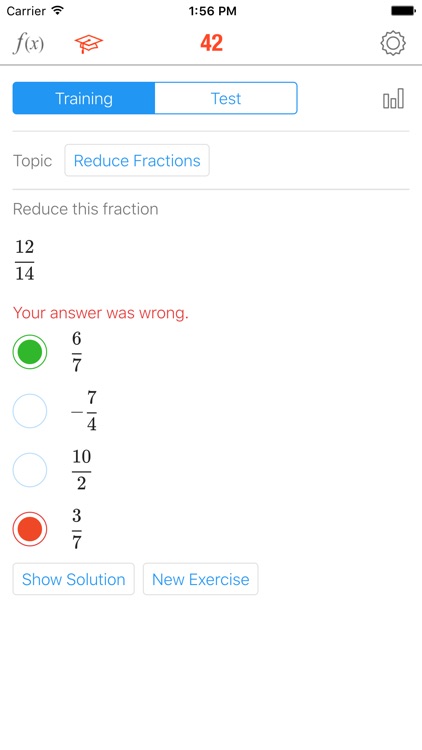
Math 42 allows you to input any type of problem, including those with variables and parameters, without complicated commands. You’re then able to see how a problem can be solved using different paths with just one tap. Math 42 provides detailed explanations for every step and every notion, so you’ll actually learn something instead of just getting the answer. The app also includes a training mode, more than 380 exercises per topic and level, test evaluations and statistics, and the ability to share problems and their step-by-step answers.

Pixel and Parker
iPhone
iPad
Pixel and Parker

Pixel and Parker

Little 10 Robot

A storybook adventure game for kids of all ages to enjoy.

$2.99 $2.99
Why we picked this?

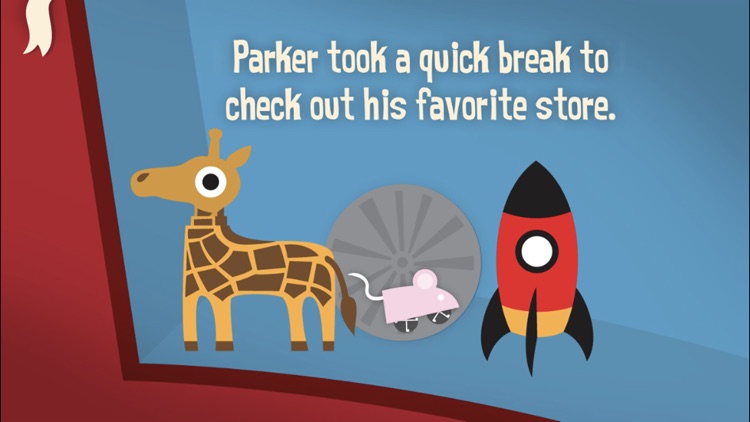
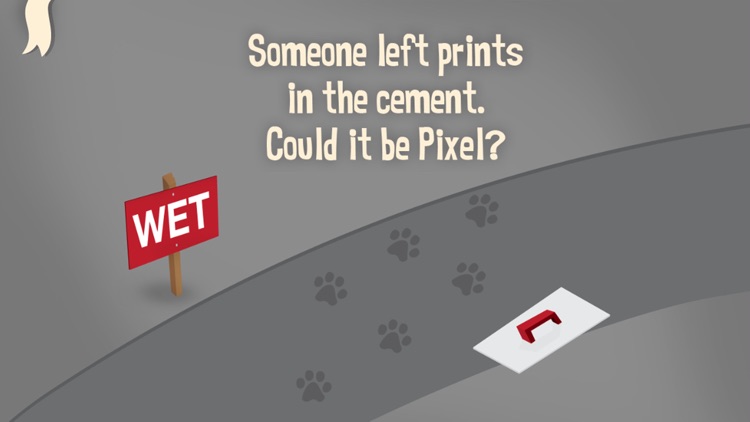
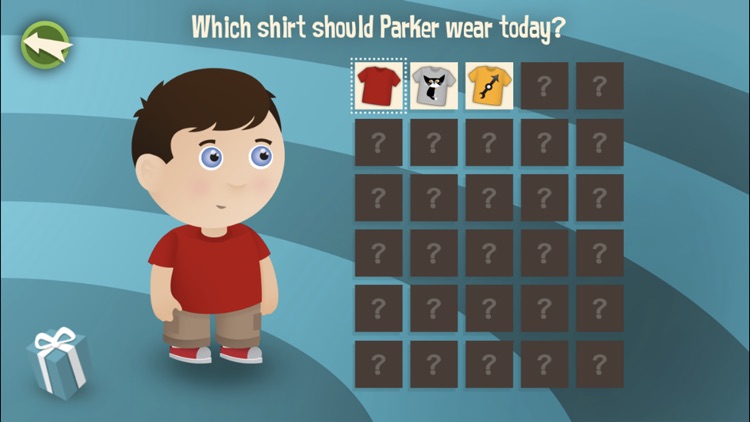
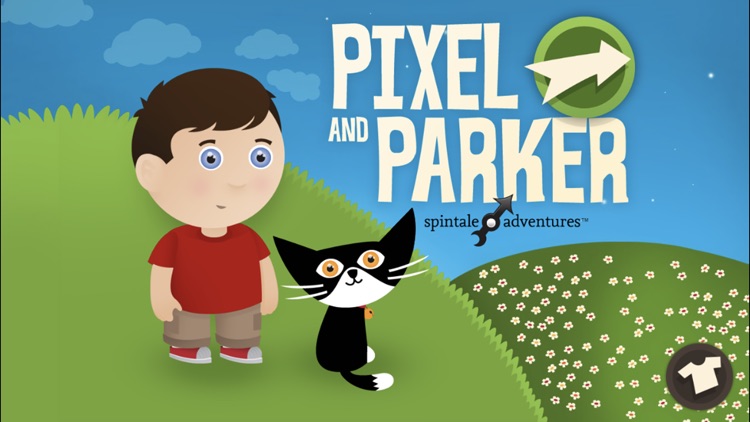
Part book and part board game, Pixel and Parker will never tell the same tale twice. As your child works their way through this fun story about friendship, they will have the opportunity to spin the wheel and take their adventure along a new path. The app includes 30 interactive surprises, and 30 t-shirts that can be unlocked to change Parker’s look.

SwipeType - Keyboard Shortcuts
iPhone
SwipeType - Keyboard Shortcuts

SwipeType - Keyboard Shortcuts

Akhil Tolani

Swipe to edit text with this productivity app.

$0.99 $0.99
Why we picked this?

You’re able to use SwipeType to compose everything from basic messages to entire documents. What really makes SwipeType handy is its text editing shortcuts. Simply place your finger on the spacebar and swipe to specific keys to perform actions like text selection, cut, copy, paste, undo, redo, and much more. A list of actions is available in case you forget which key does what. When you’ve finished writing, you’re able quickly move your text to Twitter, Facebook, Messages, Google, email, or your clipboard via built-in links. The app also includes live character counts, and more than 50 custom fonts and colors.