






iPhone
Splittr - Expense Splitting
RWichmann GmbH
Split up bills between you and your friends with Splittr.


Why we picked this?
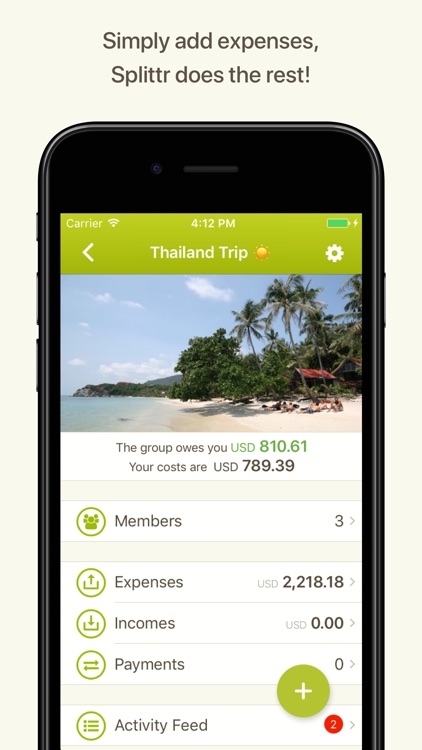
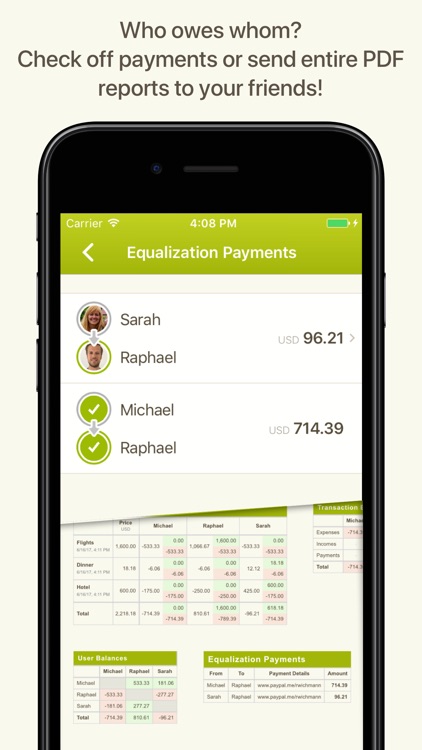
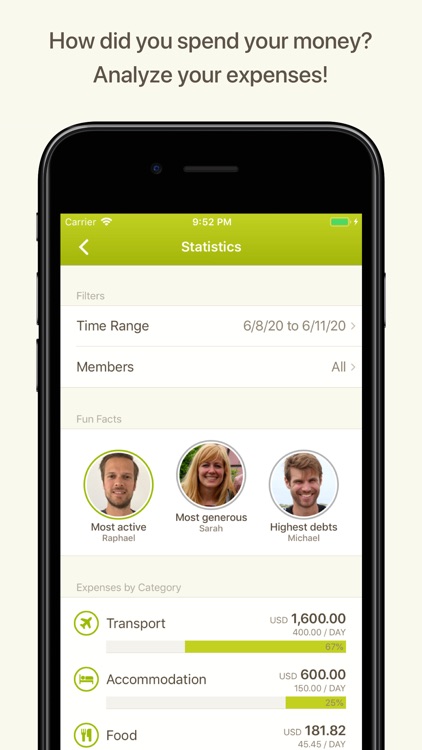
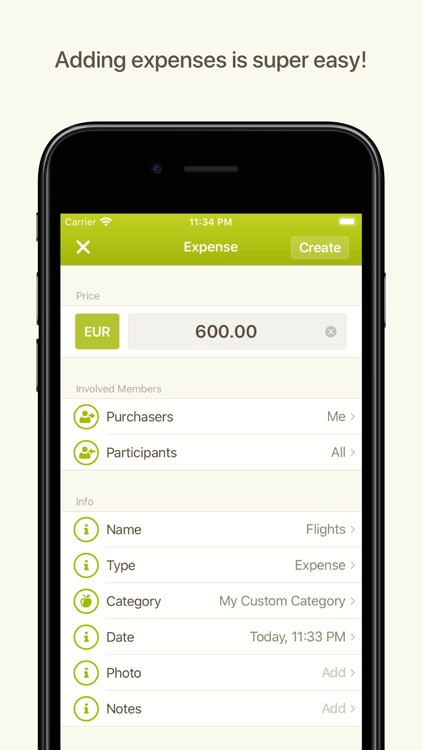
Start off by creating a new activity to track. Then select a currency and add names of those who are participating. You’re able to create custom names or just import them from your contacts. You’re then able to add expenses to your new activity as you go and the app will tell you who is next to pay and who needs to pay what to whom. When the activity is complete, Splittr will generate a report that can be emailed to the participants. The app also includes the ability to track multiple activities at once, mix currencies, and split expenses unevenly.