




You are using an outdated browser. Please upgrade your browser to improve your experience.

Apps That
Went Free on
2014-08-07

Unleash your creative side with Autodesk’s powerful art creation app, SketchBook Pro. We also have a Wild West-themed arcade game, and an app that allows you to turn your photos into graffiti.

Graffiti Me!
iPhone
iPad
Graffiti Me!

Graffiti Me!

Bluebear Technologies Ltd.

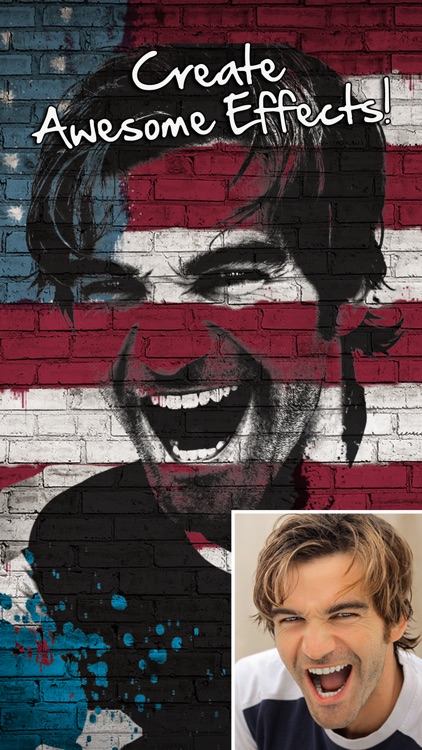
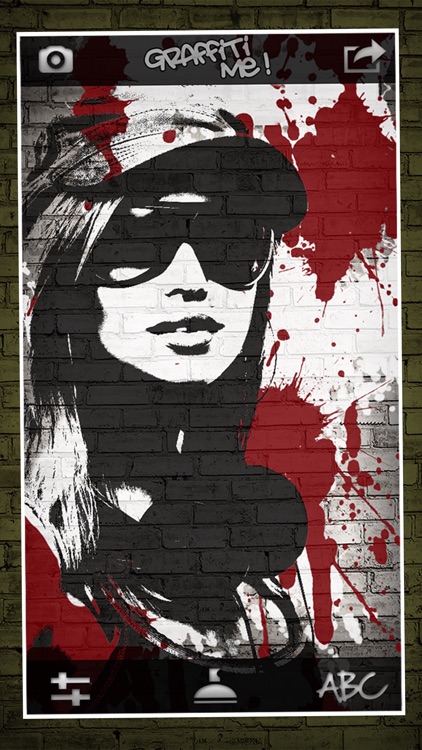
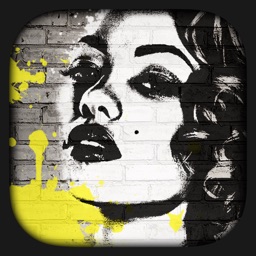
Allows you to turn your favorite photos into awesome works of graffiti art.

FREE ($0.99) For a limited time FREE ($0.99) For a limited time
Why we picked this?

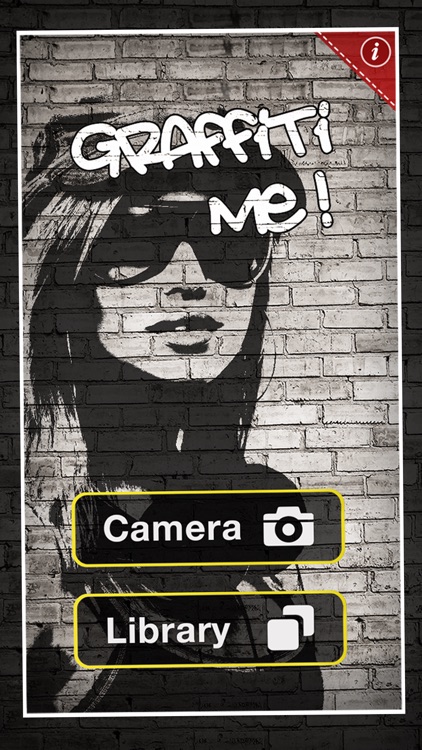
After picking a photo from your library or a snapping a new one within the app, you're able to scale and position it on the wall. The moment your fingers leave the screen, your photo will be turned into graffiti. You can then adjust parameters, change filters, freely paint on the wall, and even tag your work. When everything looks in order, you can share your work of art via Facebook, Twitter, or email.
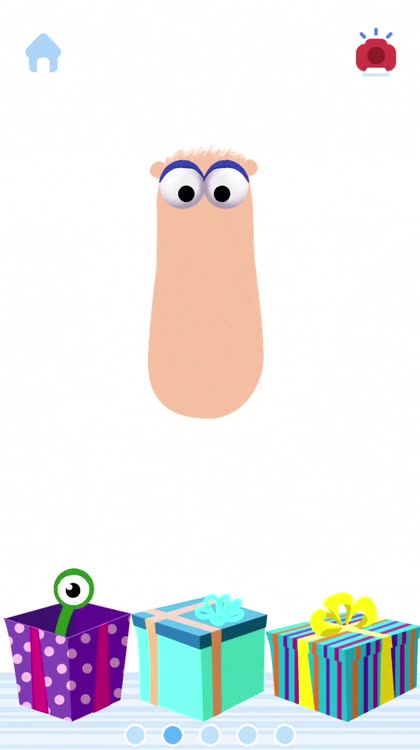
Monki Animal Builder - Language Learning for Kids and Toddlers
iPhone
iPad
Monki Animal Builder - Language Learning for Kids and Toddlers

Monki Animal Builder - Language Learning for Kids and Toddlers

Monkimun Inc

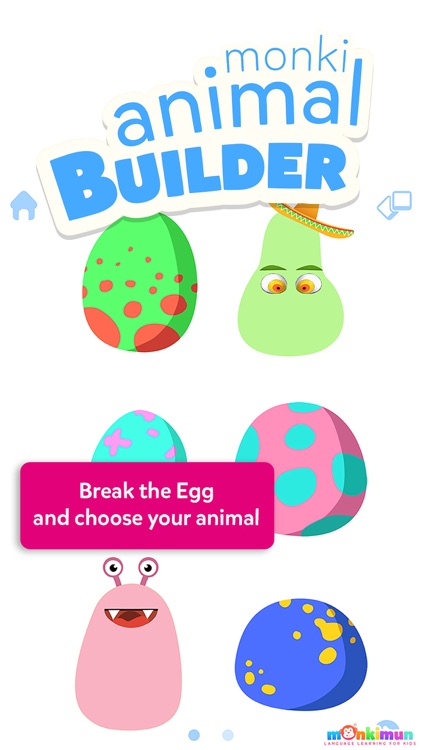
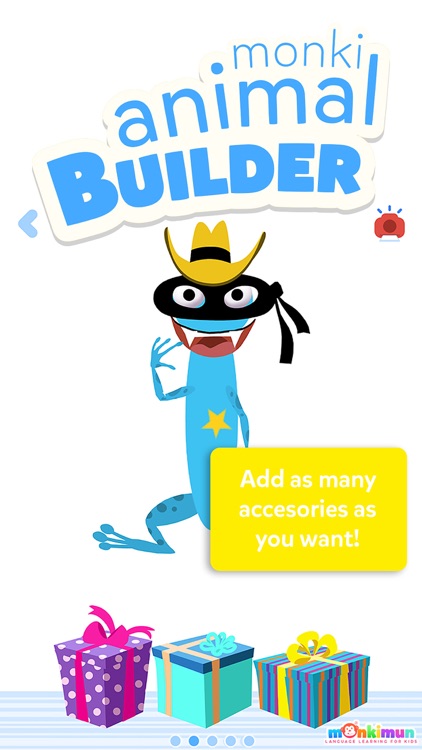
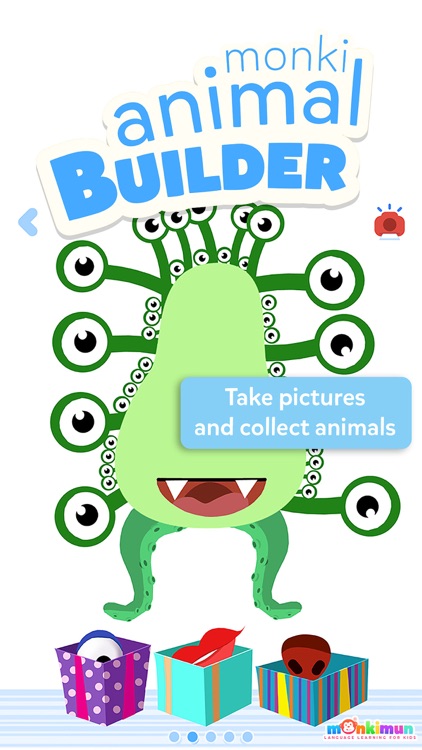
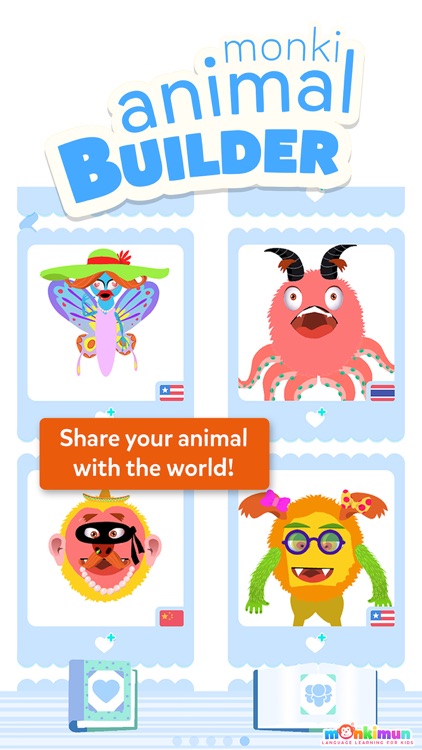
Your child can get really creative with this entertainment app.

FREE ($1.99) For a limited time FREE ($1.99) For a limited time
Why we picked this?

They’re able to choose a character by cracking one of the six eggs. They’re then able to paint the body of their creatures and start adding parts by pulling them out of packages. Each part is animated, bringing their little creature to life. The app includes more than 30 body parts, over 60 animations, 15 accessories, and 90 audio tracks.

MIXIMAL
iPhone
iPad
MIXIMAL

MIXIMAL

YATATOY

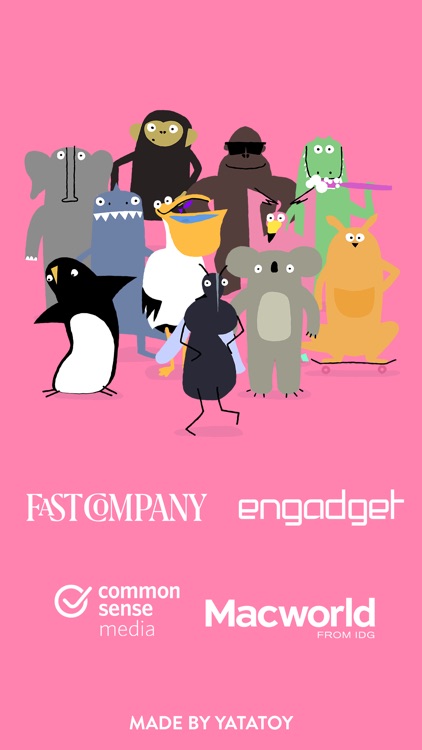
Another adorable and entertaining educational app from the team that brought you Drawnimal.

$4.99 $4.99
Why we picked this?

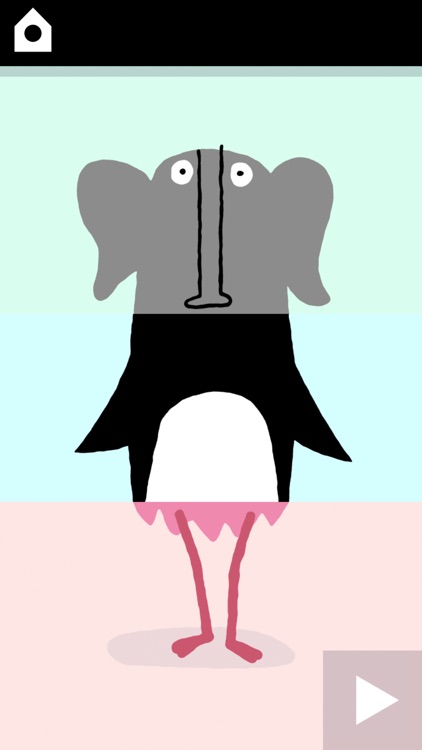
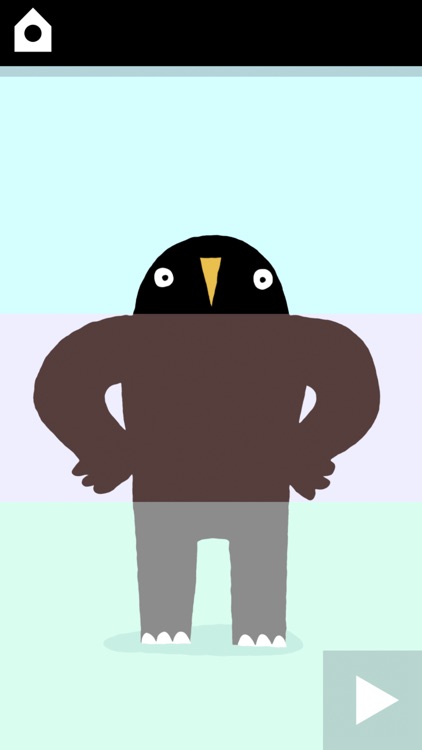
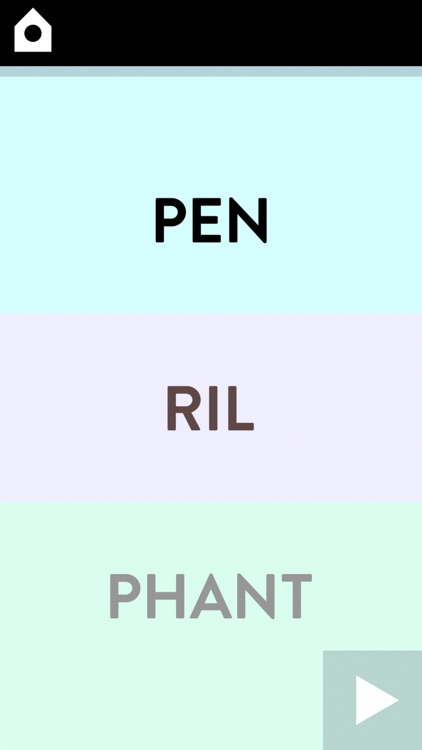
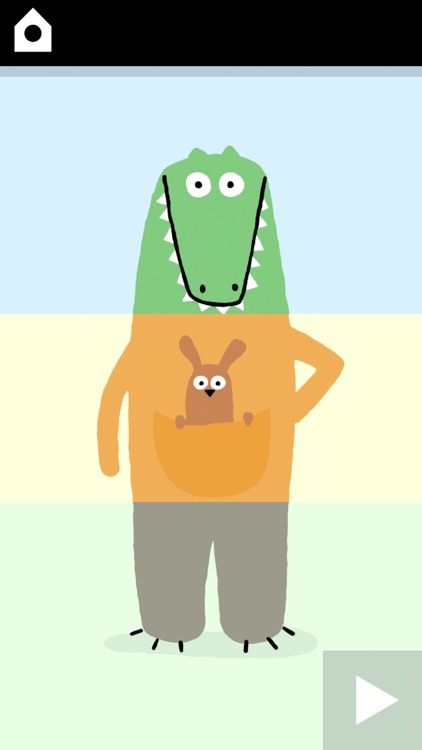
Miximal is based on those flip books from your childhood. The idea is to mix and match the head, torso, and feet of different animals to come up with unique creations. Your child is able to simply swipe across the screen to change each part. They can tap on each part to see the goofy animations. They’re also able to tap the play button in the bottom right corner of the screen to hear syllables from each animal’s name combined.

Ready Steady Play
iPhone
iPad
Ready Steady Play

Ready Steady Play

Cowboy Games

The follow-up title to the smash hit arcade game, Ready Steady Bang.

$2.99 $2.99
Why we picked this?

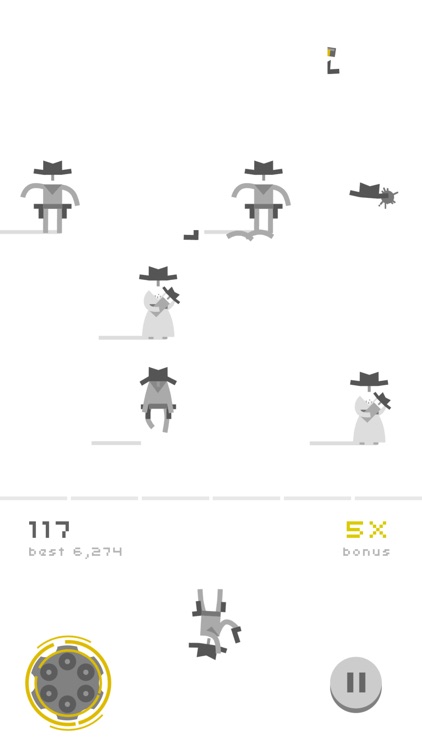
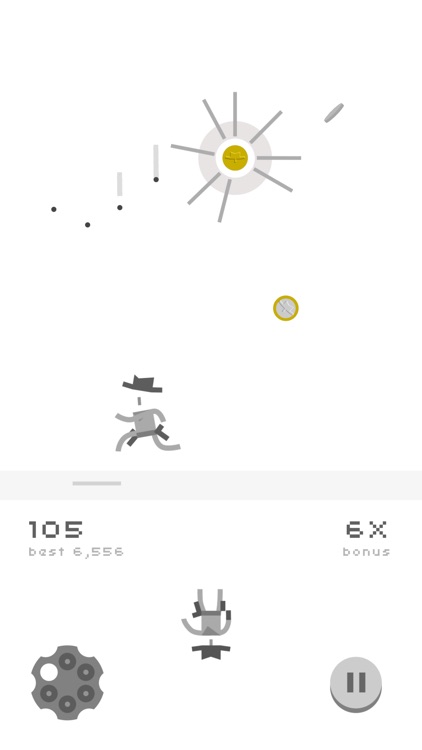
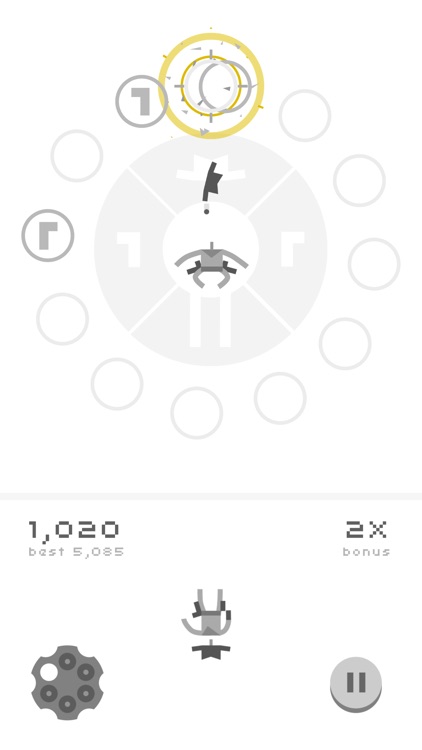
Ready Steady Play is a collection of three Wild West-themed mini-games starring a cowboy and his trusty hobby horse. Each game is easy to learn, but impossible to master. Shooting Gallery has you trying to take down bandits without hitting the innocent civilians. Hobby Hurdles has you riding your horse across a treacherous canyon for as long as possible. Finally, Coin Shooter has you trying to keep the coins up in the air for as long as possible by shooting them. Ready Steady Play also includes achievements and leaderboards via Game Center.

SketchBook Pro for iPad
iPad
SketchBook Pro for iPad

SketchBook Pro for iPad

Autodesk Inc.

Unleash your creative side by drawing and painting on a digital canvas with SketchBook Pro.

$4.99 $4.99
Why we picked this?

The app utilizes the same engine as the SketchBook Pro desktop software, allowing you to create beautiful works of art with fluid strokes. The entire screen is your canvas, with all of the tools being hidden within the pop-up menu at the bottom of the screen. You’re able to choose from more than 100 preset brushes, and you can zoom in on your canvas up to 2,500 percent using common gestures. The app also includes the ability to customize brushes, synthetic pressure sensitivity, iCloud support, undo and redo, and layer support.

SketchBook Mobile
iPhone
SketchBook Mobile

SketchBook Mobile

Autodesk Inc.

Unleash your creative side by drawing and painting on a digital canvas with SketchBook Mobile.

$1.99 $1.99
Why we picked this?

The app utilizes the same engine as the SketchBook Pro desktop software, allowing you to create beautiful works of art with fluid strokes. The entire screen is your canvas, with all of the tools being hidden within the pop-up menu at the bottom of the screen. You’re able to choose from more than 65 preset brushes, and you can zoom in on your canvas up to 2,500 percent using common gestures. The app also includes the ability to customize brushes, synthetic pressure sensitivity, iCloud support, undo and redo, and layer support.

MOVIST
iPhone
iPad
MOVIST

MOVIST

LINITIX

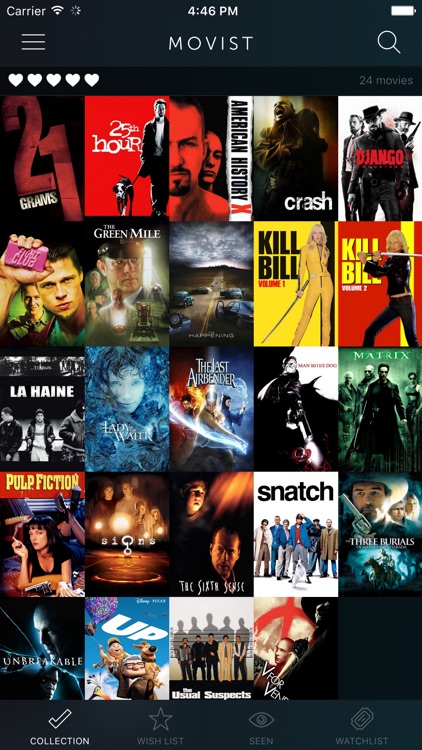
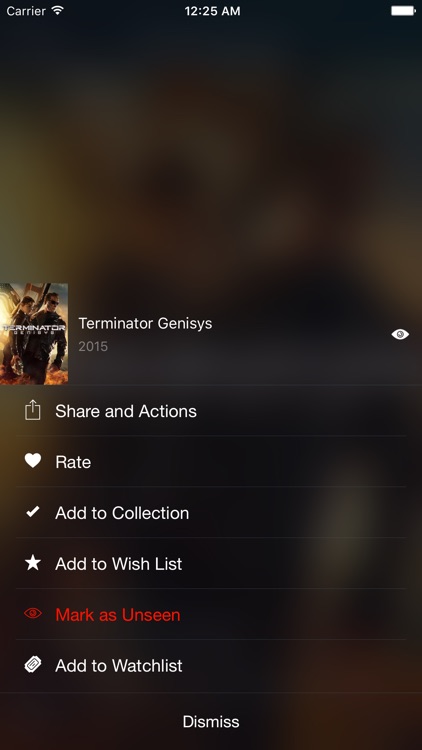
Manage the movies you own and those you want with Movist.

$1.99 $1.99
Why we picked this?

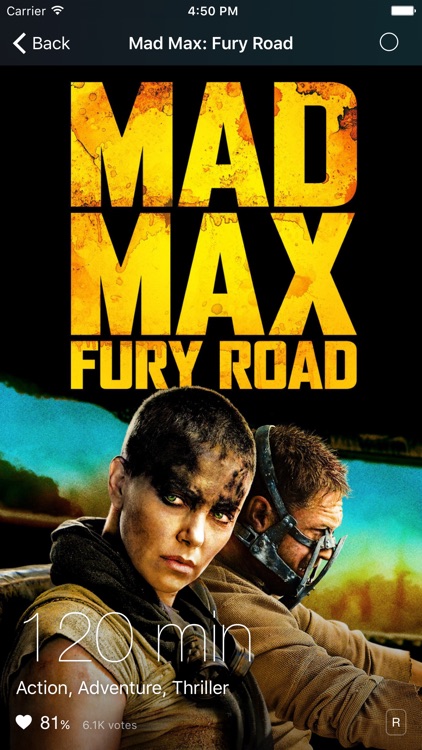
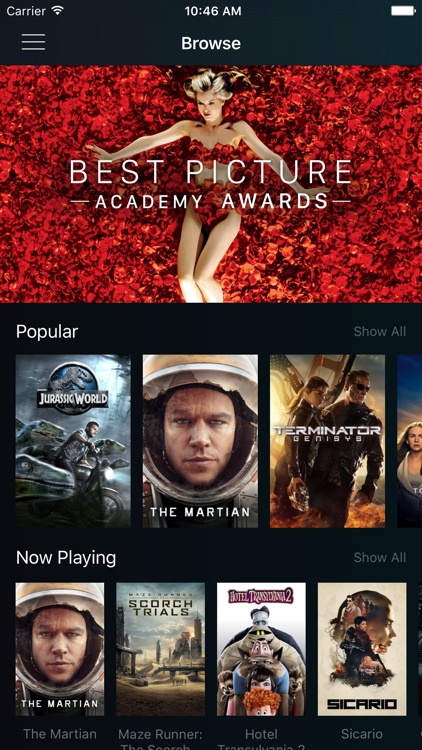
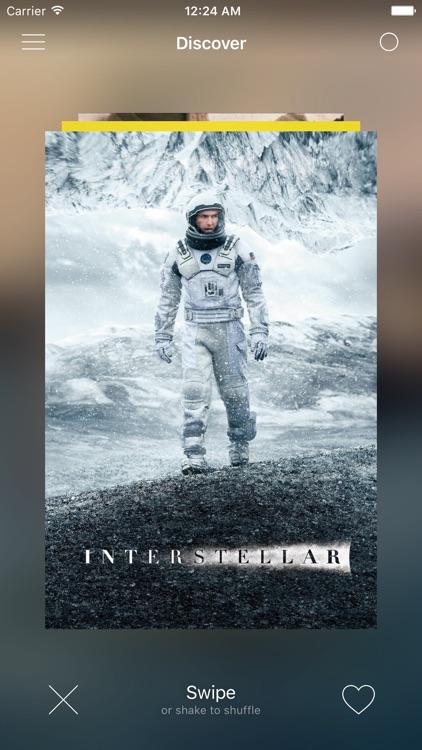
Just type in the title of the movie you want to find and Movist will track it down. Tap on the appropriate listing to view the movie’s poster, running time, genre, synopsis, release date, cast and crew, and trailer. You can then add the movie to your collection or your wish list. The app also includes a link to the movie in iTunes if available, the ability to sync your collection across multiple devices, and the ability to brag about your collection via Facebook, Twitter, or email.