



You are using an outdated browser. Please upgrade your browser to improve your experience.

Apps That
Went Free on
2014-08-10

Put your mind and body at ease with Relaxtopia. We also have an endless distance game that has you slaying beasts with elemental powers, and an app that will help you stick to a weekly budget.

T-Rex Hates
iPhone
iPad
T-Rex Hates

T-Rex Hates

Anastasiia Markacheva

Travel through space and time to find out what T-Rex Hates the most in this arcade game.

FREE ($0.99) For a limited time FREE ($0.99) For a limited time
Why we picked this?

As T-Rex runs through each environment, it’s up to you to time his jumps in order to avoid the many different obstacles set out before him. You’re able to tap and hold your finger on the screen to adjust the height of your jumps. The meter on the right side of the screen will indicate if you hit the sweet spot. Hop on top of the heads of humans to collect skulls and improve T-Rex’s abilities. The game also includes multiple epochs to travel through, and achievements and leaderboards via Game Center.

Get-O PRO
iPhone
iPad
Get-O PRO

Get-O PRO

Dzigne Sistemas e Tecnologia LTDA ME

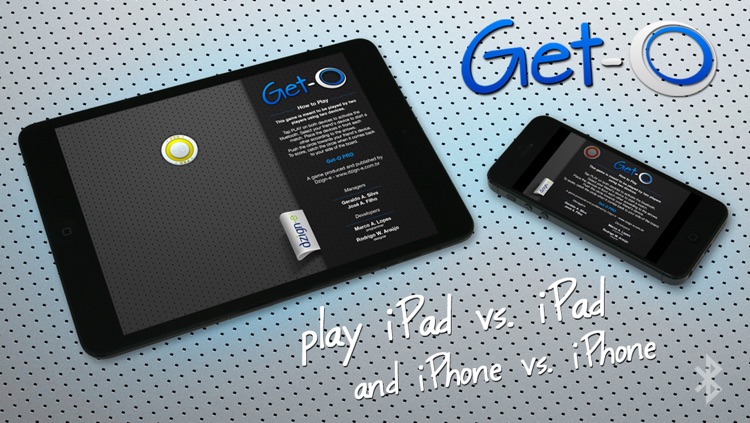
Get the O before your opponent does in this local multiplayer game.

FREE ($0.99) For a limited time FREE ($0.99) For a limited time
Why we picked this?

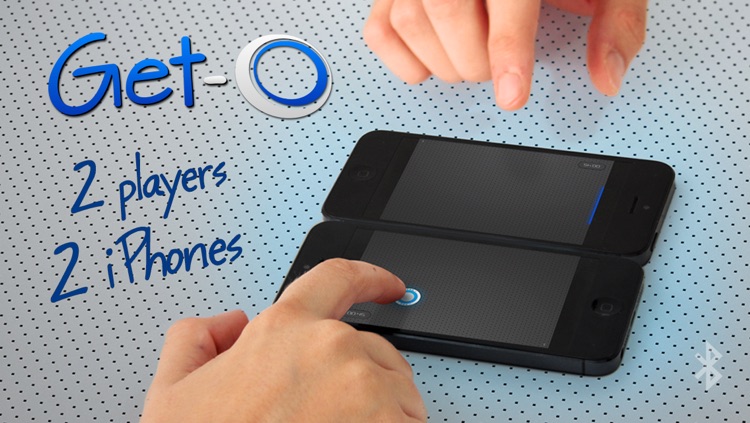
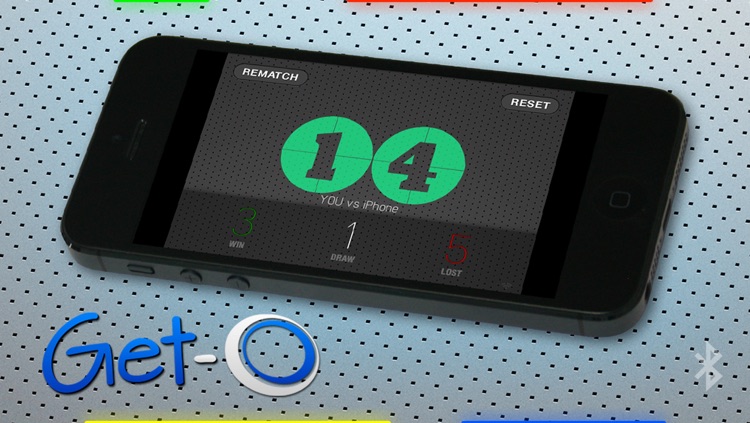
All you need to play Get-O Pro is a friend and two iDevices. You’ll need to pair the two iDevices via Bluetooth to get things started. You then have 60 seconds to fling the O to your opponent’s side of the screen and catch it when it comes back to your side. If you miss it or your opponent grabs it first, you won’t score and they will have possession of the O. Sensor zones will also appear at random, which can change up the gameplay by speeding up or slowing down the O or awarding or stealing points. At the end of each game you’ll see how you stack up against your opponent.

Weekly Budget - An Easy Way to Save Money
iPhone
Weekly Budget - An Easy Way to Save Money

Weekly Budget - An Easy Way to Save Money

Cheolseung Jeon

This simple but effective finance app will help you stick to a weekly budget.

$0.99 $0.99
Why we picked this?

You’ll first want to determine a weekly budget amount and when your week starts. You’ll then see your total on the main screen and how much you have left. Every time you spend some money, choose a category and input the amount. If you find yourself with a little extra income, you can add to your budget mid-week. The app also includes the ability to rollover your amount from week to week, edit categories, export data, and have your balance shown as an icon badge.

myFilm SLR-like
iPhone
myFilm SLR-like

myFilm SLR-like

bbcddc

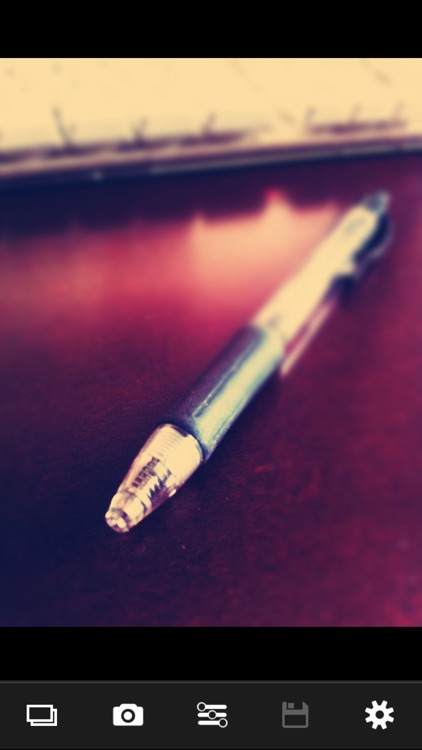
Turn your photos into works of art with myFilm.

$0.99 $0.99
Why we picked this?

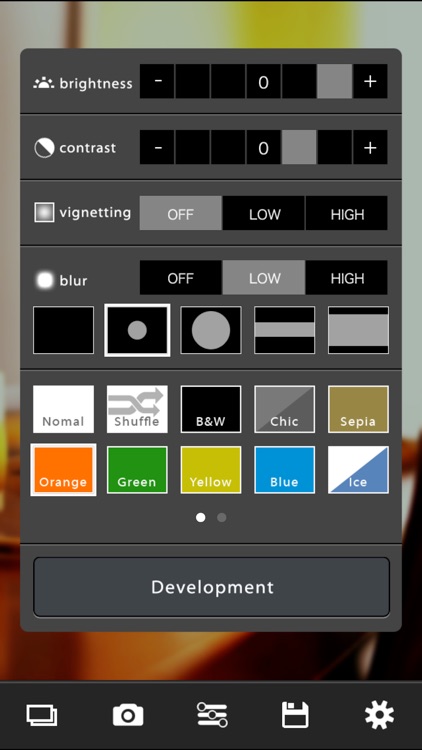
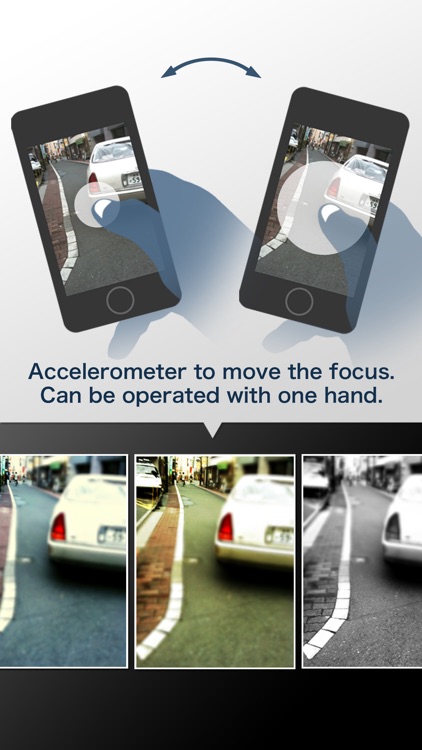
The app is meant to help you make your photos look like they were taken with a single-lens reflex or toy camera. You’re able to import any photo from your library or capture a new one from within the app. Then choose from the 18 different color filters, adjust the contrast, and adjust the brightness. You’re also able to add two different levels of vignette and five types of blur. The blur options allow you to give your photos that miniaturized effect. Then develop your photo and watch it transform. You’re able to save your final creation to your library or share it via Twitter or email.

Dark Guardians
iPhone
iPad
Dark Guardians

Dark Guardians

Mathieu Akita

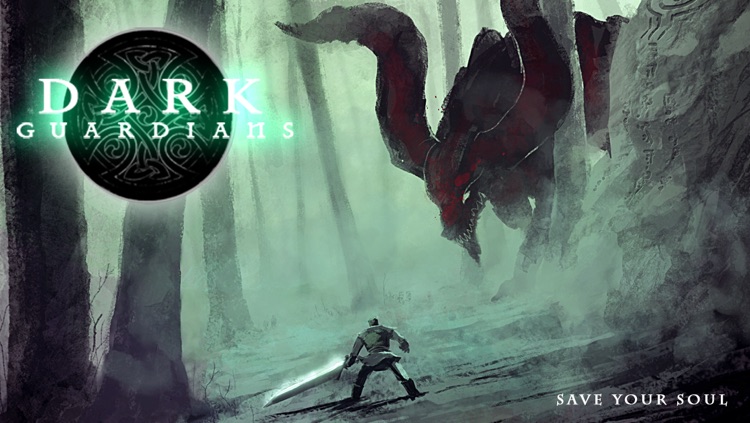
Travel across mystical lands and fight the monsters of darkness in this endless distance game.

$0.99 $0.99
Why we picked this?

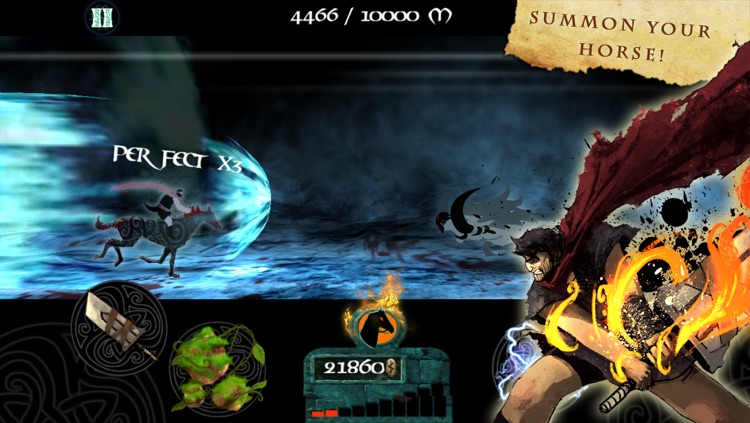
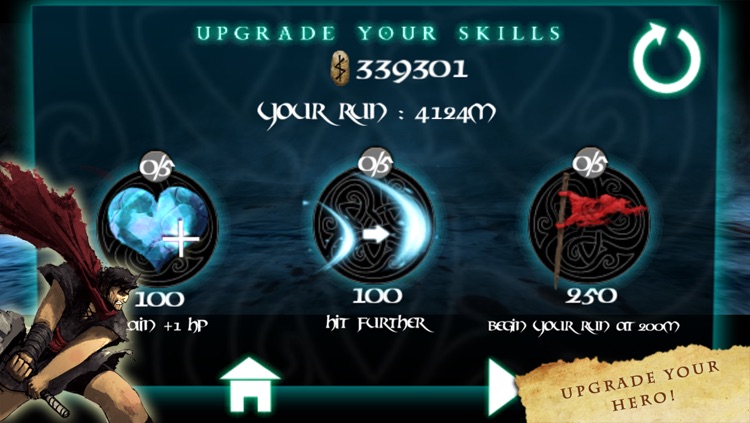
Your enemies will approach from the right side of the screen. It’s up to you to determine which elemental power to use simply by looking at their color in order to dispose of them. As you progress your enemies will come in greater numbers, so you must memorize the elemental power pattern at the bottom of the screen and have your tapping fingers at the ready in order to survive. The game includes original music by Valentin Lafort, the ability to upgrade your guardian, and achievements and leaderboards via Game Center.
Shtickers - Animated stickers for iMessages
iPhone
iPad
Shtickers - Animated stickers for iMessages

Shtickers - Animated stickers for iMessages

Apps4Life

Get your message across in style using animated stickers with Shtickers.

$0.99 $0.99
Why we picked this?

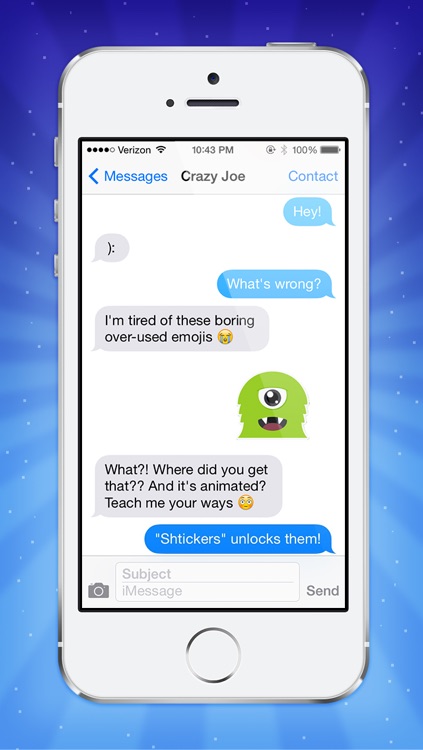
Shtickers has eight categories to choose from. You’re able to tap on any sticker to get a better look at it and its animation. If it’s the one you want to use, tap the big green ”Send” button and you will be brought to a compose screen where you can enter your recipient. Additionally, you can copy and paste the sticker into Messages manually. Shtickers has a total of 80 animated stickers.