

You are using an outdated browser. Please upgrade your browser to improve your experience.

Apps That
Went Free on
2014-08-11

Wake up to the voice of a crazy and hilarious AI with Carrot Alarm. We also have an app that will help you get into shape, and a powerful file manager.

Cambush - Motion Detector Video Camera - Surveillance, Detection, Security, Spy Cam App
iPhone
iPad
Cambush - Motion Detector Video Camera - Surveillance, Detection, Security, Spy Cam App

Cambush - Motion Detector Video Camera - Surveillance, Detection, Security, Spy Cam App

Code Cartel LLC

Find out who has been handling your iDevice when you’re not around with Cambush.

$4.99 $4.99
Why we picked this?

Before leaving your iDevice unattended, choose a resolution, adjust the sensitivity, and set a timer delay for how long you want Cambush to record. Then whenever Cambush detects movement, it will record from either the front- or back-facing camera. There’s even a power saving mode that lets you record undetected with just a black screen. You can also have Cambush activate an alarm when motion is detected or surprise your friends with a Rick Roll.
Pickle - Smart Clipper (WEB IMAGE, GIF & SCREENSHOT) for iPad
iPad
Pickle - Smart Clipper (WEB IMAGE, GIF & SCREENSHOT) for iPad

Pickle - Smart Clipper (WEB IMAGE, GIF & SCREENSHOT) for iPad

ThirtyFive Inc.

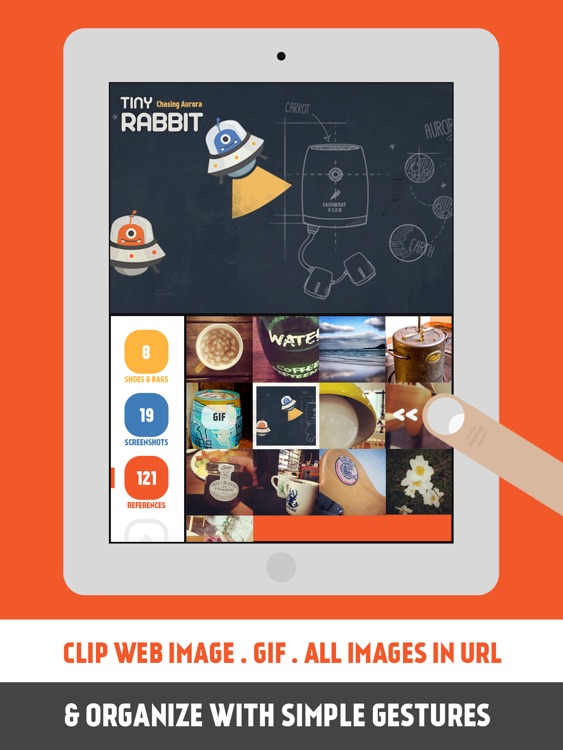
Clip images and GIFs from any website with this beautifully designed productivity app.

$2.99 $2.99
Why we picked this?

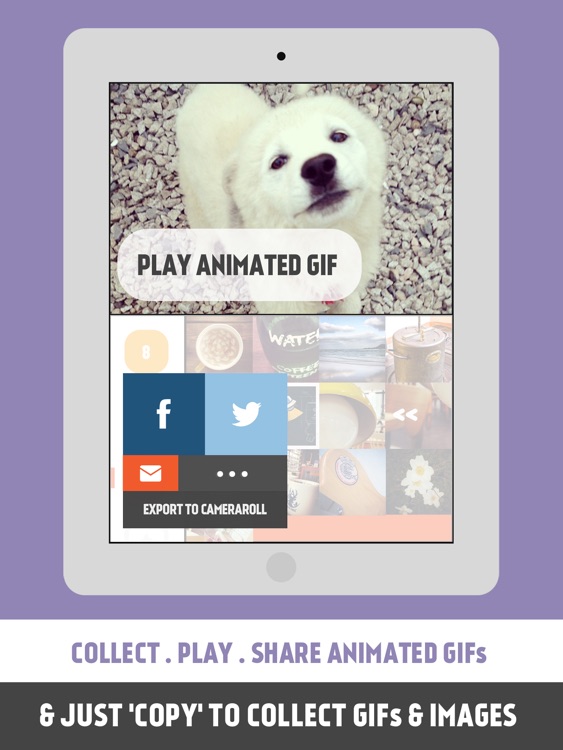
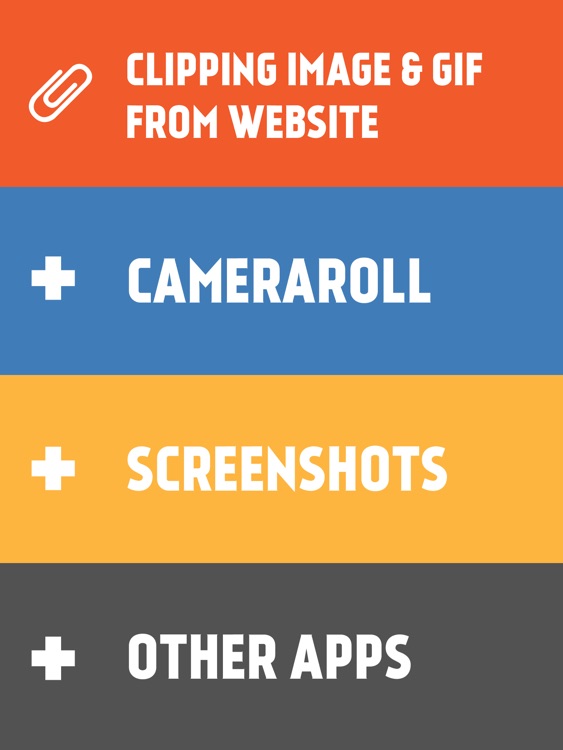
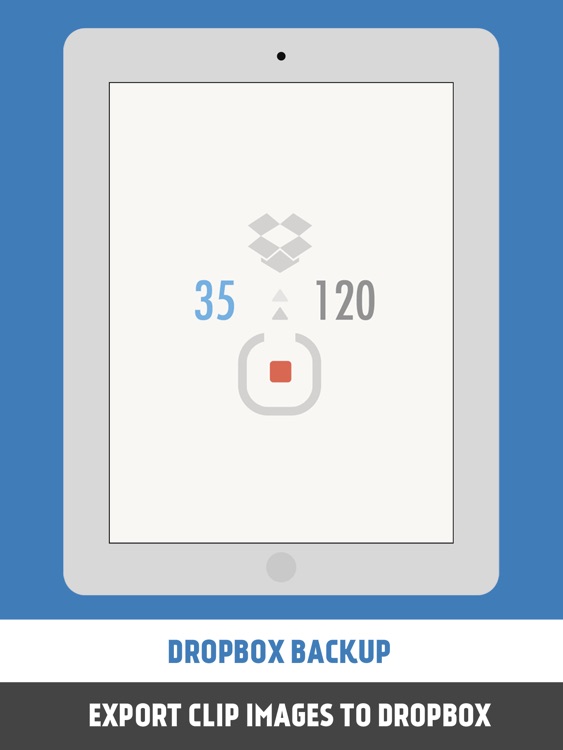
To clip an image or GIF from a website, you'll first need to launch Pickle. You can then head to Safari and copy the image, GIF, or URL, which will automatically place it into Pickle. If you choose to copy a URL, Pickle will automatically pull every single image and GIF from the website. You can then arrange your captured content within lists by selecting one and swiping right to left. Swipe left to right over an image or GIF to share or delete it. Pickle includes 10 list colors to choose from, the ability to edit and rearrange lists, and Dropbox support.

Sworkit Pro - Custom Workout "Exercise Playlist" App for Body Area Workouts from Abs to Legs
iPhone
iPad
Sworkit Pro - Custom Workout "Exercise Playlist" App for Body Area Workouts from Abs to Legs

Sworkit Pro - Custom Workout "Exercise Playlist" App for Body Area Workouts from Abs to Legs

Nexercise

Work your body into shape with daily circuit training workouts and yoga with Sworkit Pro.

$3.99 $3.99
Why we picked this?

Whether you only have five minutes or a good hour to work on your health, Sworkit Pro will help you get it done. You’re able to select from nine different workouts, each of which focus on a different part of the body. Then select how long you intend to work out and get right to it. Each exercise includes visual and audio cues, and you’re able to add to the time spent on the exercise on the fly. You’re also able to create and save multiple custom workouts in order to focus on multiple parts of the body. The app includes progress tracking, rewards, and the ability to create reminders.

USB Disk Pro for iPhone
iPhone
USB Disk Pro for iPhone

USB Disk Pro for iPhone

Imesart S.a.r.l.

Turn your iDevice into a full featured portable disk drive with this utility app.

$49.99 $49.99
Why we picked this?

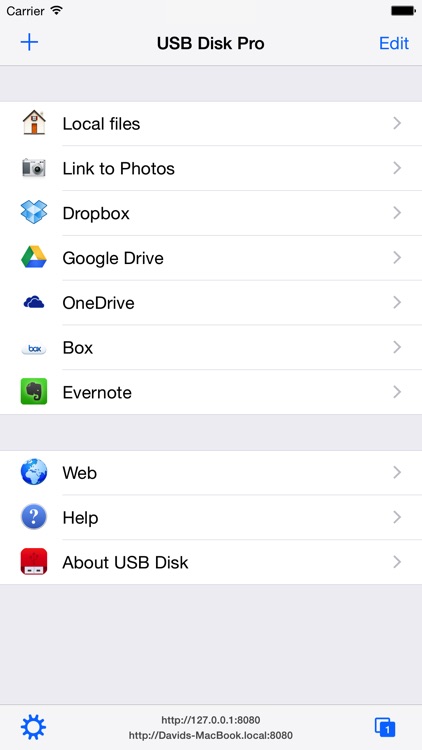
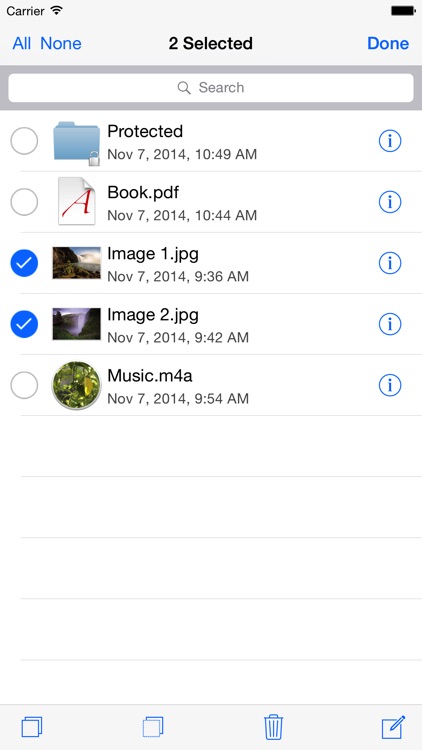
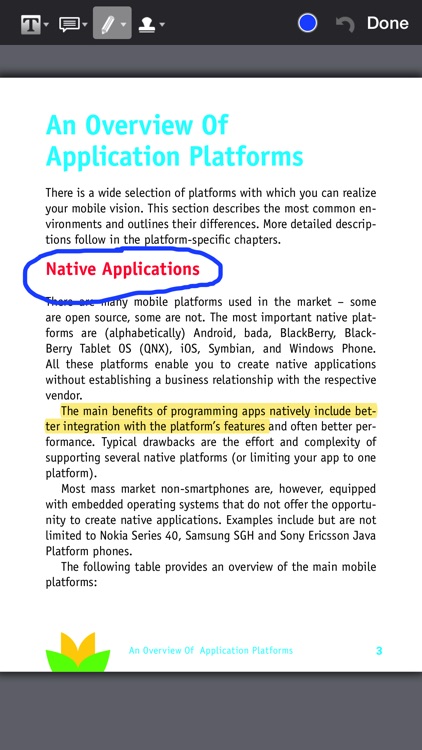
It allows you to transfer files to and from all of the popular cloud services like Dropbox, Google Drive, SkyDrive, and Evernote. You’re also able to move files around using Wi-Fi or iTunes File Sharing. USB Disk Pro is able to read a variety of file formats including PDF, Office, iWork, MP3, M4V, and much more. Your files can be organized within folders, encrypted, and edited as well. The app includes TV-out support, a full screen file viewer, a built-in web browser, and a wide selection of sorting options.

CARROT Alarm - Talking Alarm Clock
iPhone
iPad
CARROT Alarm - Talking Alarm Clock

CARROT Alarm - Talking Alarm Clock

Grailr LLC

A talking alarm clock app from the creators of Carrot Fit and Carrot To-Do.

$2.99 $2.99
Why we picked this?

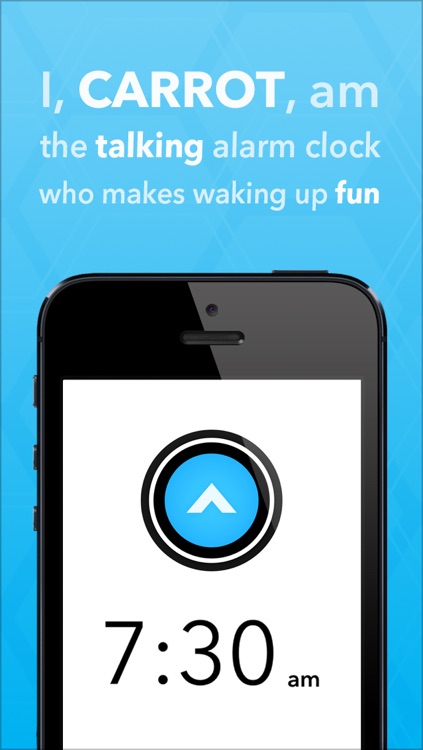
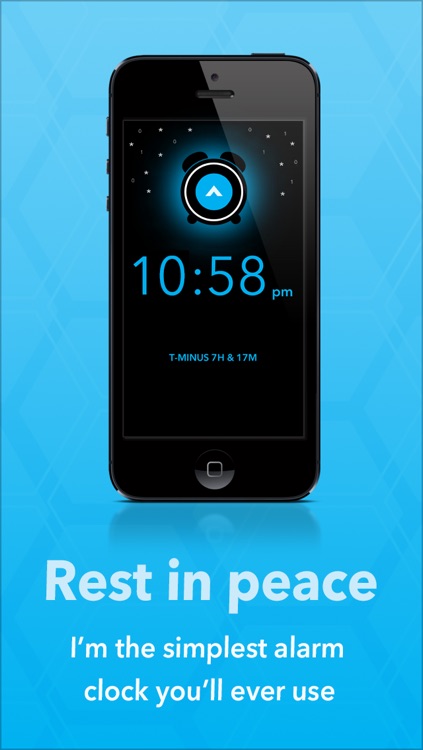
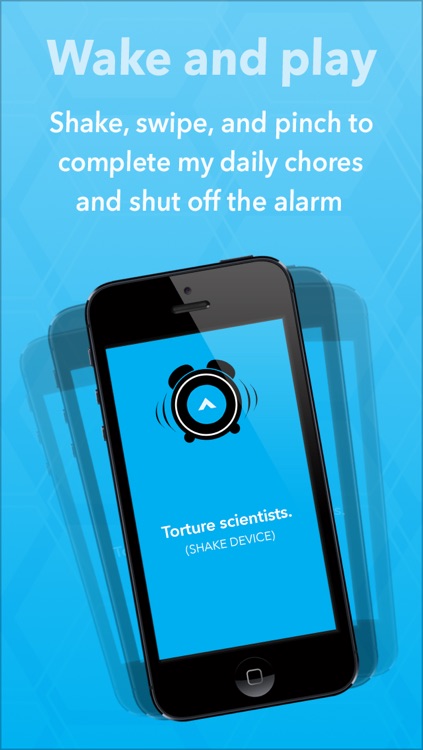
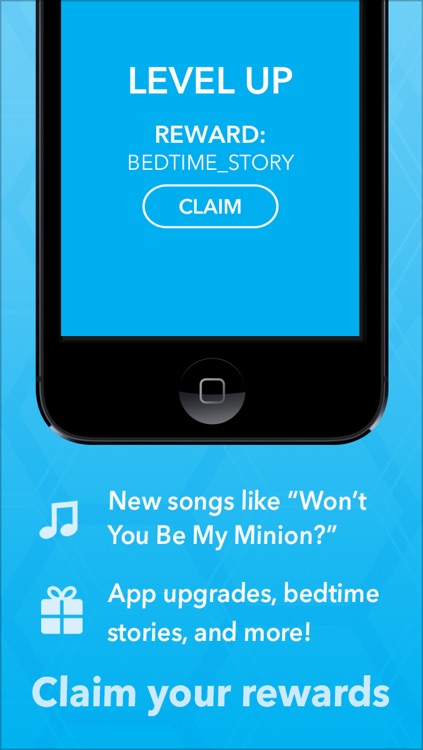
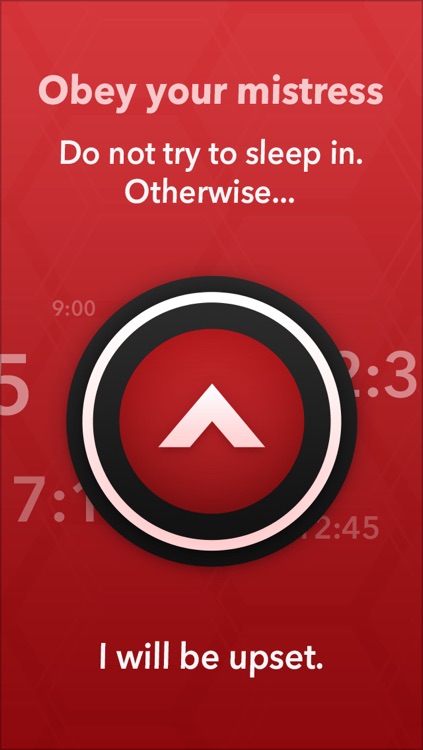
Carrot is a crazy and hilarious AI that wants nothing more than to help you get out of bed in the morning with a smile on your face. To get her up and running, simply swipe up or down to choose a time and then drag her to the right to activate your alarm. When it’s time to wake up in the morning, you’ll hear a mix of songs and witty spoken dialogue. In order to get Carrot off your back, you’ll have to perform a few goofy chores like shaking your iDevice to clean out cages and flipping it over to mix a deadly neurotoxin. Fail to do so and Carrot will get really angry, and you don’t want to see her when she’s angry. The app also includes hundreds of rewards to earn, iCloud support, 30 alarm tones, and Carrot To-Do integration.