
You are using an outdated browser. Please upgrade your browser to improve your experience.

Apps That
Went Free on
2014-08-14

Continue your post-apocalyptic journey to save the princess in Epoch 2. We also have a magical photo editing app for iPad, and a business app that allows you to take control of your PDF files.

Tilt!
iPhone
Tilt!

Tilt!

Peter Edmonston

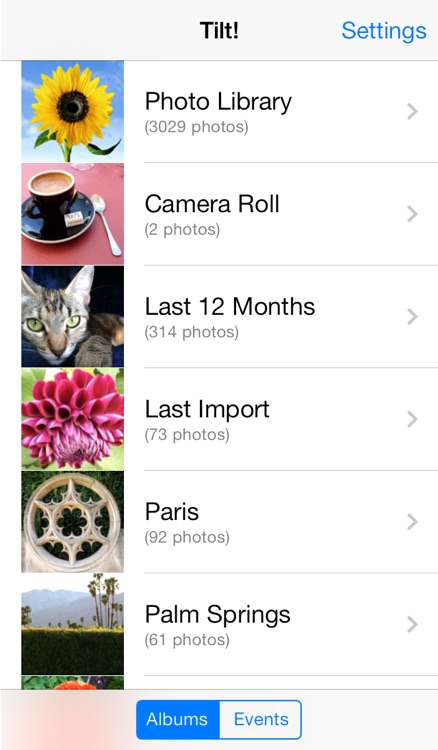
Tilt your way through your photo albums with Tilt!
FREE ($0.99) For a limited time FREE ($0.99) For a limited time
Why we picked this?

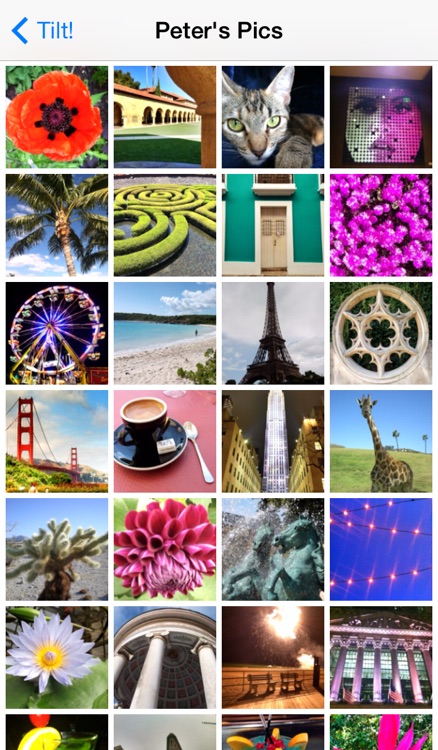
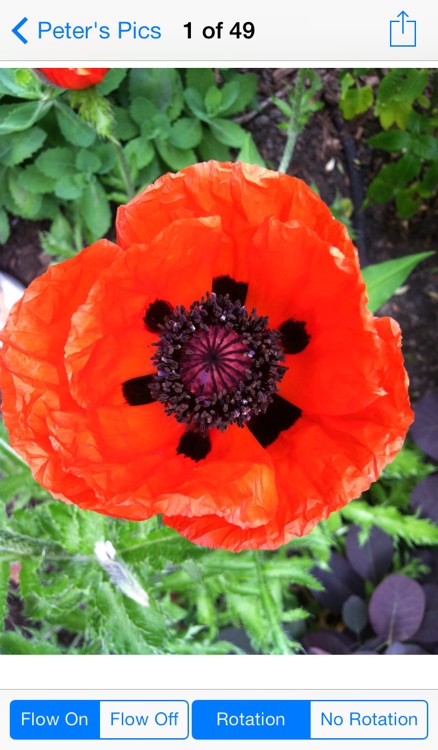
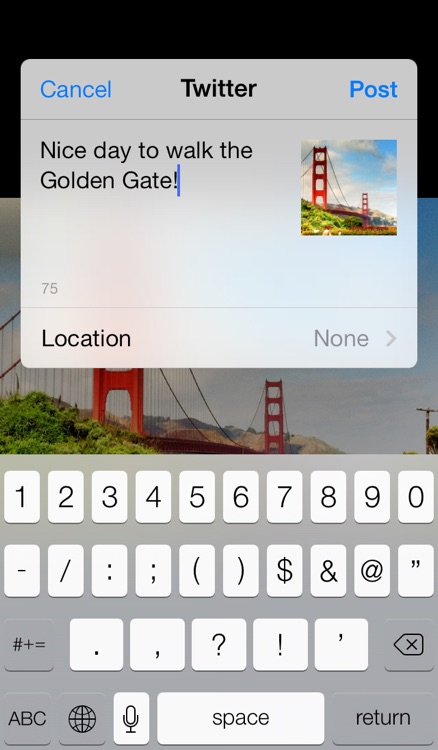
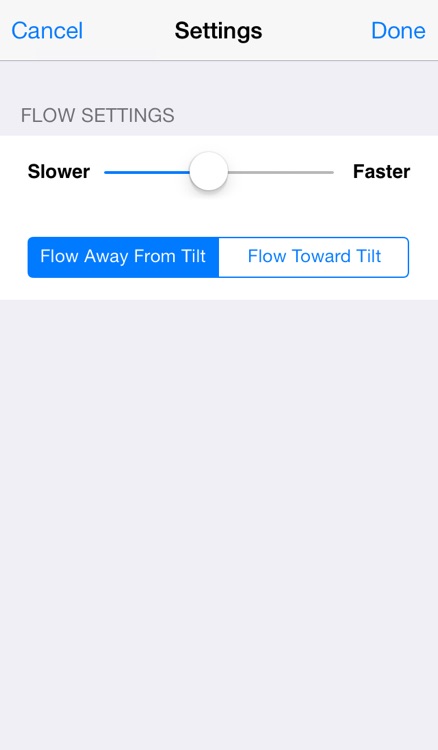
You must first allow Tilt! to access your entire photo library. Then simply tilt your iDevice to scroll through your photos. The further you tilt, the faster it will scroll. You’re able to browse through your photos in landscape or portrait orientation. Tap on a photo to bring up flowing, rotating, and sharing options. You can also pinch to zoom and swipe to scroll through photos one at a time.
Zitrr Camera
iPhone
Zitrr Camera

Zitrr Camera

Zitrr Studios

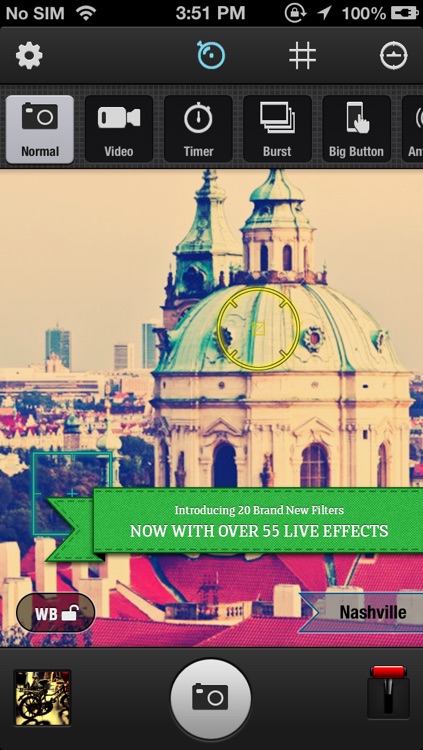
An all-in-one camera app for the photographer in the family.

FREE ($0.99) For a limited time FREE ($0.99) For a limited time
Why we picked this?

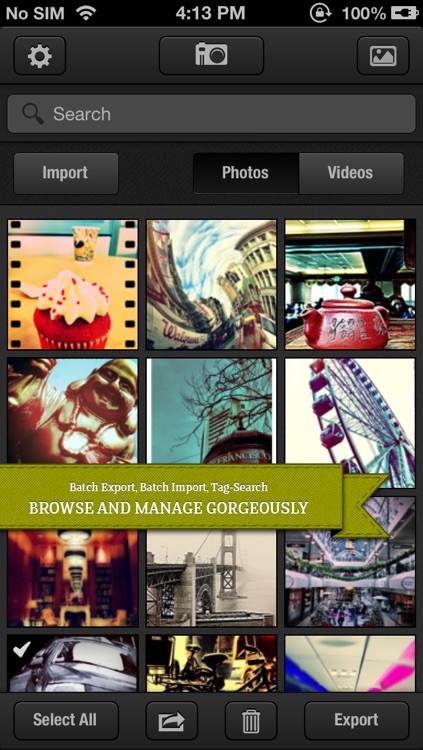
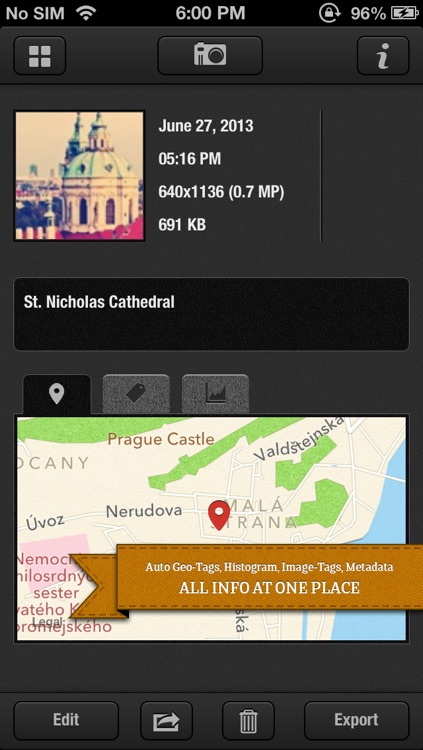
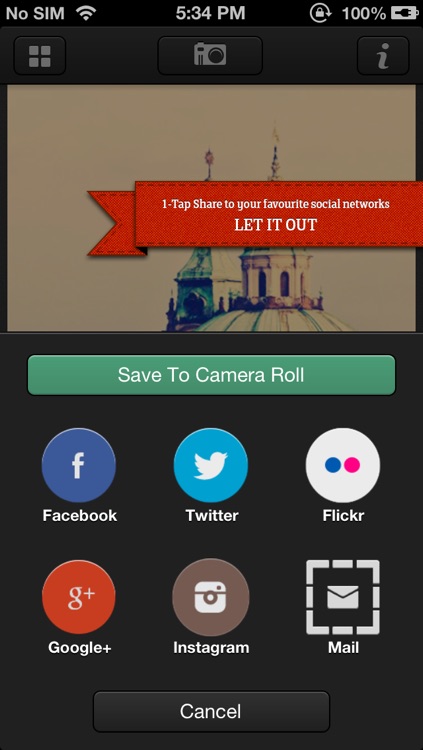
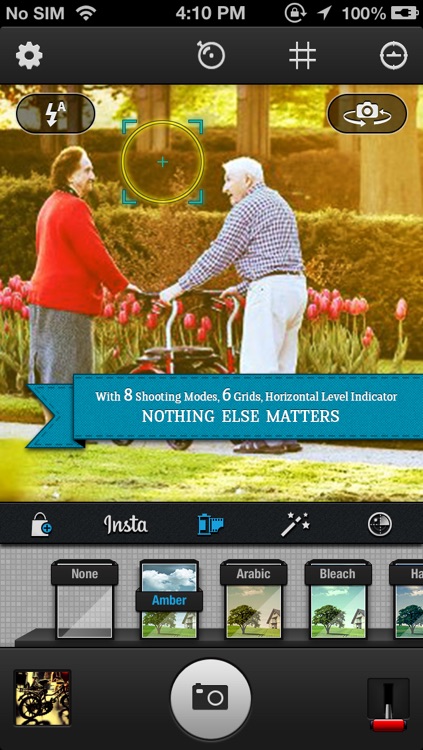
It offers a variety of shooting features like burst, big button, and anti-shake to help you capture that perfect photo or video. You can then apply different filters, effects, and lenses to give your photo a whole new look. You're able to share your unique creations via Facebook, Twitter, Tumblr, Flickr, YouTube, or Google+, or you can save them to Dropbox. The app includes a total of eight shooting modes, and 55 live effects and filters.

TouchRetouch for Tablet
iPad
TouchRetouch for Tablet

TouchRetouch for Tablet

ADVA Soft GmbH

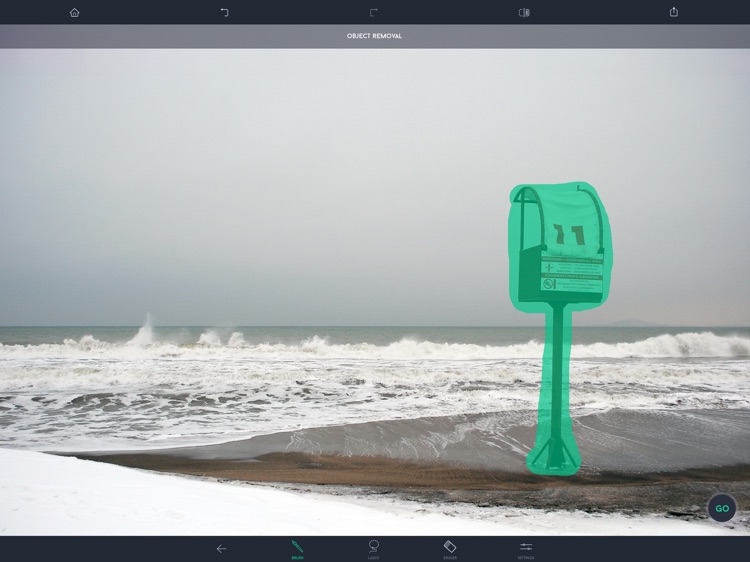
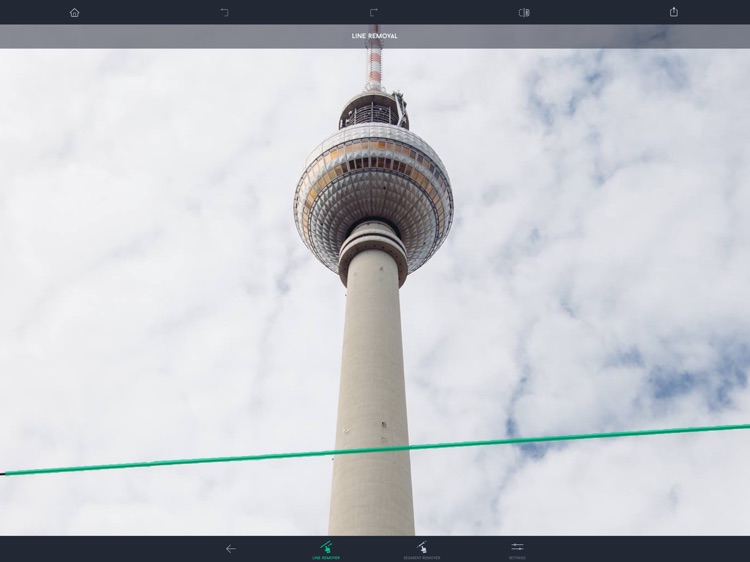
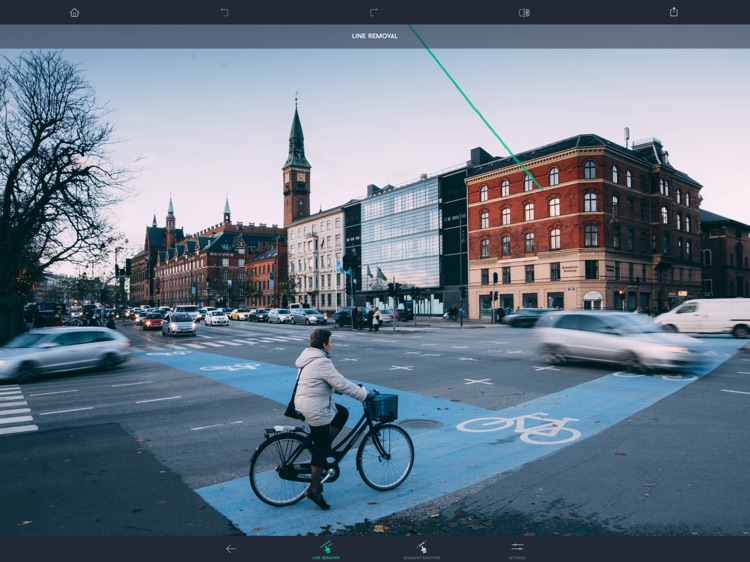
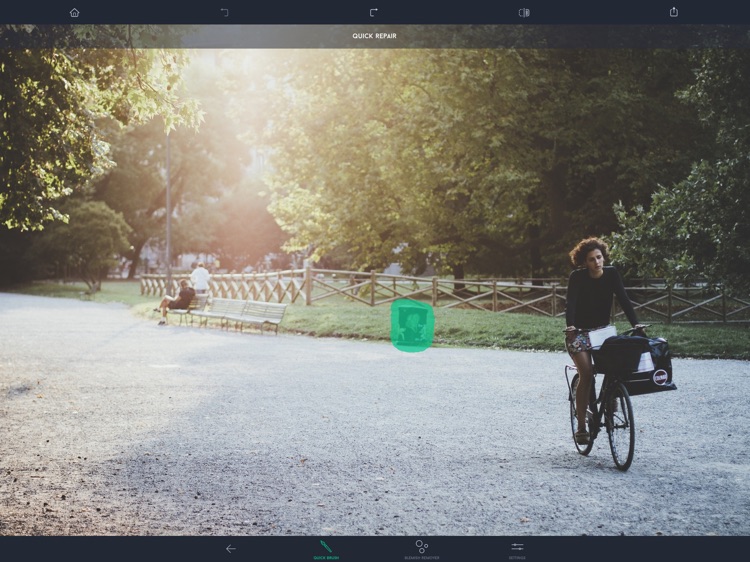
Remove unwanted objects from your photos with the magical TouchRetouch HD.

$1.99 $1.99
Why we picked this?

Before you do anything, take a look at the two tutorial videos included within the app to ensure you get the best possible results. You can import any photo from your library or snap a new one from within the app. Then outline the unwanted object in your photo using the lasso tool. A small preview window will pop up, allowing you to get a closer look at where you’re tracing. You’re also able to fill in areas you missed with the paintbrush tool. When everything looks just right, tap the “Start” button in the toolbar at the bottom of the screen and let TouchRetouch HD perform its magic. If you’re happy with the results, save your new creation to your photo library. The app also includes the ability to adjust your brush and eraser size, undo and redo, and the ability to clone regions of the photo.

EPOCH.2
iPhone
iPad
EPOCH.2

EPOCH.2

Uppercut Games Pty Limited

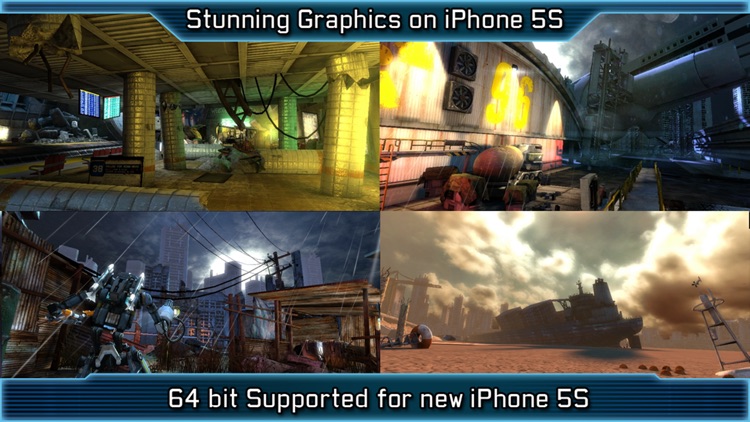
Continue your post-apocalyptic journey to save the princess in Epoch 2.

$0.99 $0.99
Why we picked this?

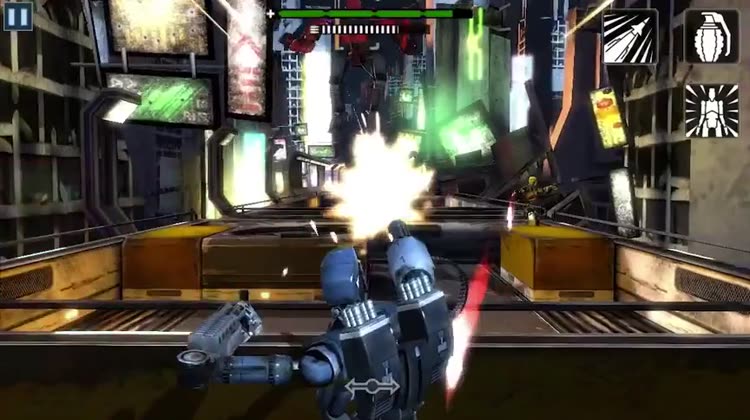
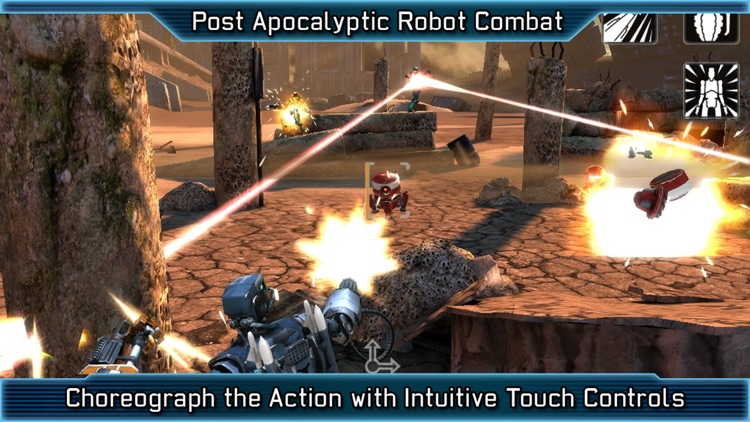
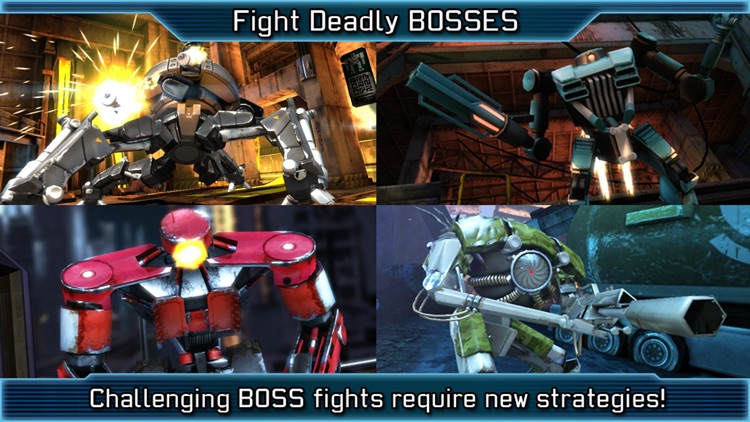
Like the original game, you must take down your enemies by making split-second tactical decisions via intuitive swipe gestures. For example, you’re able to swipe down to take cover, swipe left and right to dodge enemy fire, and tap on your targets to lock on to and fire upon them. This time around, however, your character has some new tricks up his sleeve like the ability to slow down time and pick off enemies with head shots. You can also utilize the pieces torn from your fallen foes to upgrade your character with new weapons, armor, and boosters. The game includes amazing visuals powered by the Unreal Engine 3, a single-player campaign, an arena mode, and achievements and leaderboards via Game Center.

14px | Ultra fast-paced platformer
iPhone
iPad
14px | Ultra fast-paced platformer

14px | Ultra fast-paced platformer

Robert Allison

14px is pure platforming goodness.

$0.99 $0.99
Why we picked this?

Your job is to try and guide the little black ball through 80 super challenging levels as quickly as possible. On your way through each level you’ll want to grab all of the orbs and save your friends in order to earn a perfect rating. You’re able to double-jump through the air if necessary, and you can climb walls by tapping furiously. The game also includes an online lever editor, and achievements and leaderboards via Game Center.

Scanner with OCR (Optical Character Recognition) - Document Scan to PDF, Email and word & Translation
iPhone
iPad
Scanner with OCR (Optical Character Recognition) - Document Scan to PDF, Email and word & Translation

Scanner with OCR (Optical Character Recognition) - Document Scan to PDF, Email and word & Translation

SwissMadeApps

Extract text from your photos with this powerful productivity app.

$2.99 $2.99
Why we picked this?

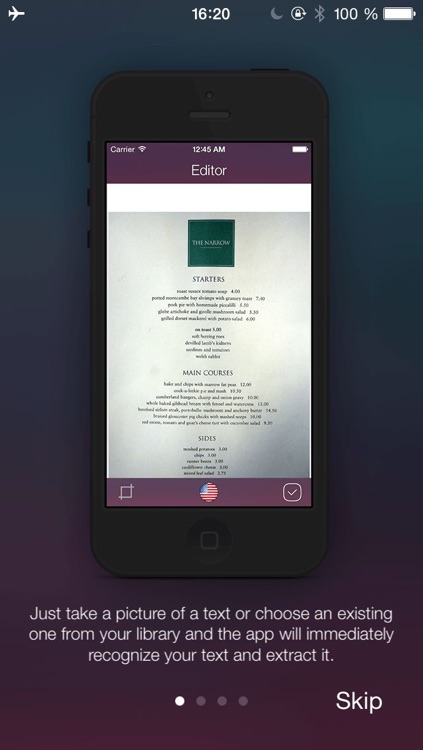
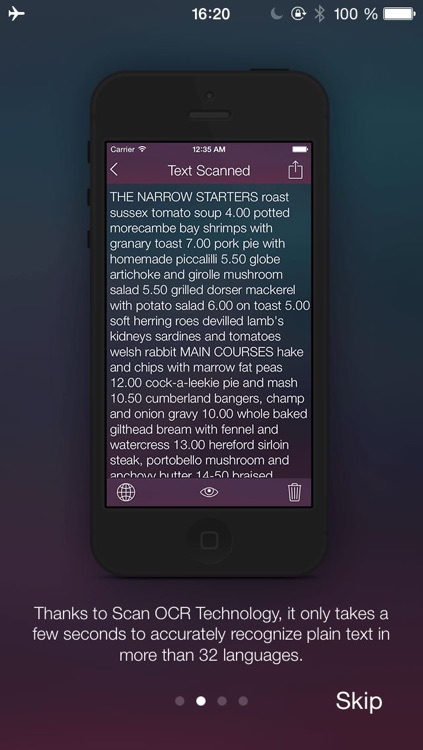
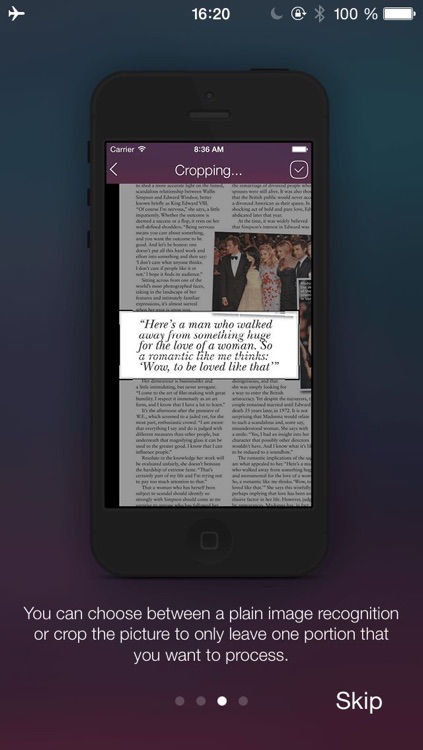
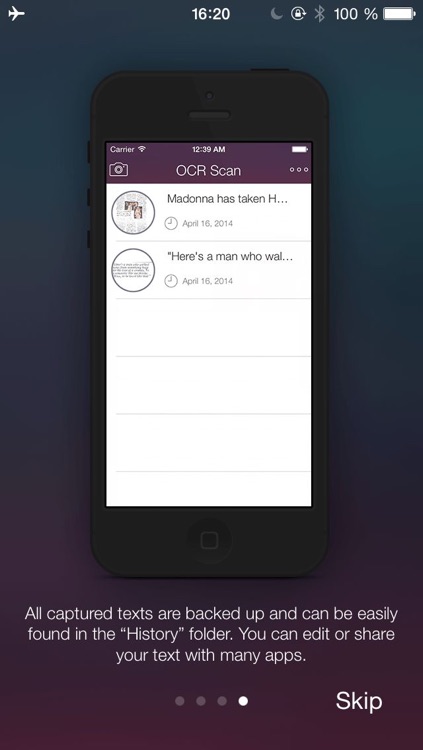
Just snap a photo with text you want to extract or import one from your library. It will take only seconds for the app to accurately recognize plain text in your chosen language. You’re then able to edit the extracted text and share it via email, Messages, Facebook, Twitter, Dropbox, and much more. The app keeps a running history of your scanned text and the photos you have taken, so they will always be available at your fingertips. It also includes the ability to crop photos, and more than 32 languages to choose from. An additional translation option is available via in-app purchase.

PDF PROvider
iPhone
iPad
PDF PROvider

PDF PROvider

Darsoft Inc.

Show those PDFs who's boss with this powerful business app.

$7.99 $7.99
Why we picked this?

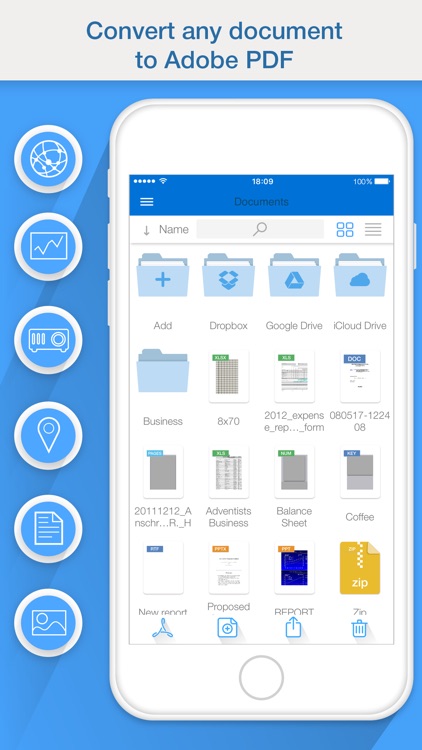
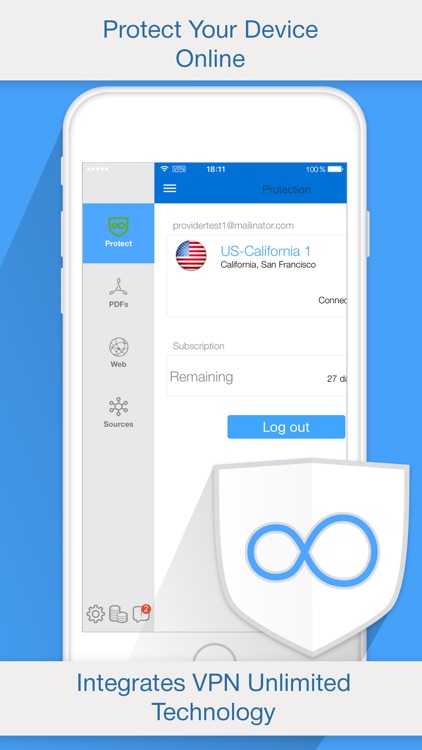
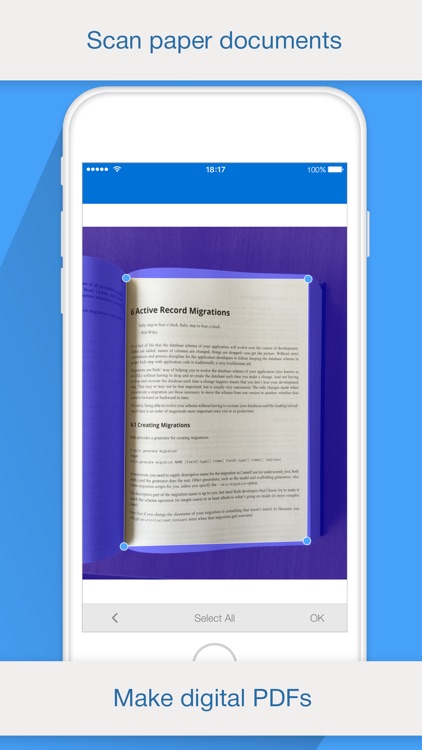
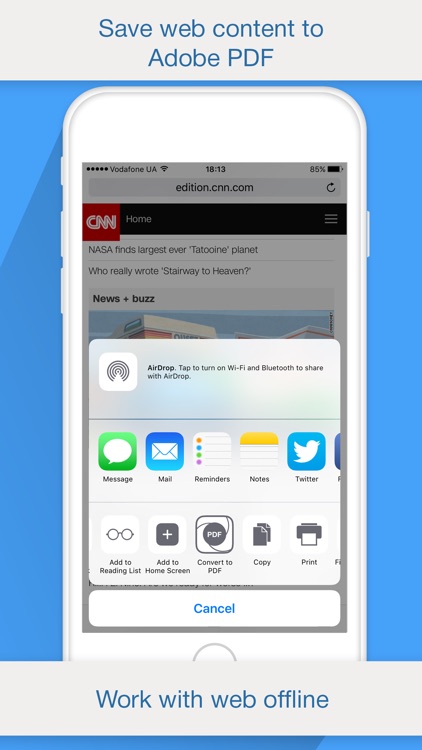
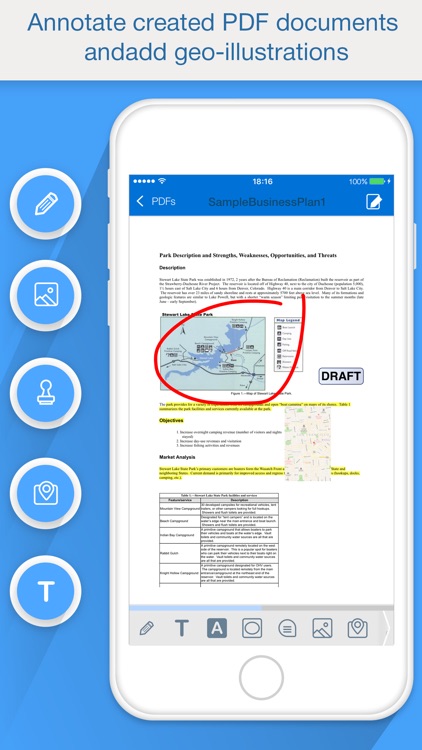
You're able to view, convert, merge, edit, and manage all of your PDFs while on the go with ease. You can also turn almost anything into a PDF with a single tap, including photos, clipboard text, web pages, maps, contacts, and Pages, Numbers, Keynote, Word, Excel, and PowerPoint files. Attach notes, highlight text, insert stamps, and draw right on top of your PDFs before sharing them via email or Dropbox. The app also includes the ability to manage files with folders, and import files via iTunes File Sharing, Box.net, Dropbox, and Mobile Safari.