



You are using an outdated browser. Please upgrade your browser to improve your experience.

Apps That
Went Free on
2014-08-17

Work your body into shape with today’s AppBump featured app, Fitness Point Pro. We also have an app that allows you to fuze multiple photos together, and an offline world map.

MAPS.ME: Offline Maps, GPS Nav
iPhone
iPad
MAPS.ME: Offline Maps, GPS Nav

MAPS.ME: Offline Maps, GPS Nav

Convexity Holdings AG

Always know where you’re going even without an internet connection with MAPS.ME.

FREE ($4.99) For a limited time FREE ($4.99) For a limited time
Why we picked this?

The app allows you to download entire country maps and store them offline so you can access them anytime, anywhere. If you don’t want to download an entire country, simply tap on the map to select a state or province and then zoom in. You’ll be given the option to download only parts of the map. Once you have your destination, you’re able to search for points of interest and bookmark locations to access over and over again. MAPS.ME includes 345 countries and islands, millions of points of interest, the ability to share your location, an auto-follow mode, and the ability to export and import bookmarks.


Milo & Me
iPhone
iPad
Milo & Me

Milo & Me

Jason Nowak

Help Milo track down his lost dog in this unique adventure game.

FREE ($0.99) For a limited time FREE ($0.99) For a limited time
Why we picked this?

You’re able to guide Milo around the map simply by placing your finger on the ground. Milo will follow it wherever it goes. You must then flick, drag, tap, and pinch your way through puzzles and around dangerous enemies to rescue poor Cody the dog. Along your journey you’ll come across power-ups to give Milo a little boost, and you can collect beetles and pearls that can be spent to upgrade Milo’s abilities. Milo’s first adventure includes around two full hours of gameplay, with more to come in the future.

Photo Fuze
iPhone
iPad
Photo Fuze

Photo Fuze

Sprite Labs

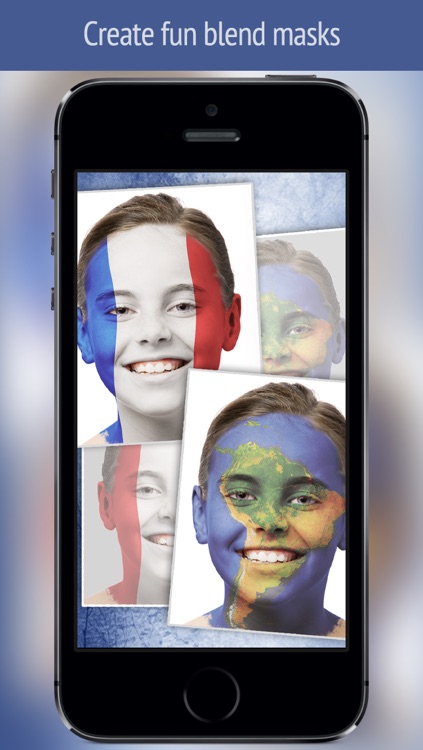
Combine two or more photos to create unique blends with Photo Fuze.

$1.99 $1.99
Why we picked this?

Start off by importing a main subject photo from your library, Facebook, Flickr, or the web, or you can take a new one from within the app. You’re able to crop it down and rotate it if necessary. You can then import or take multiple photos to act as textures or filters. Each new layer can be painted on instead of applying it to the entire piece. The app supports unlimited layers, so your only limit is your imagination. The app also includes undo and redo, and the ability to share your creations via Twitter, Facebook, Instagram, email, or AirDrop.

Compass++ Digital PRO - Get a great looking compass!
iPhone
iPad
Compass++ Digital PRO - Get a great looking compass!

Compass++ Digital PRO - Get a great looking compass!

OnDemandWorld

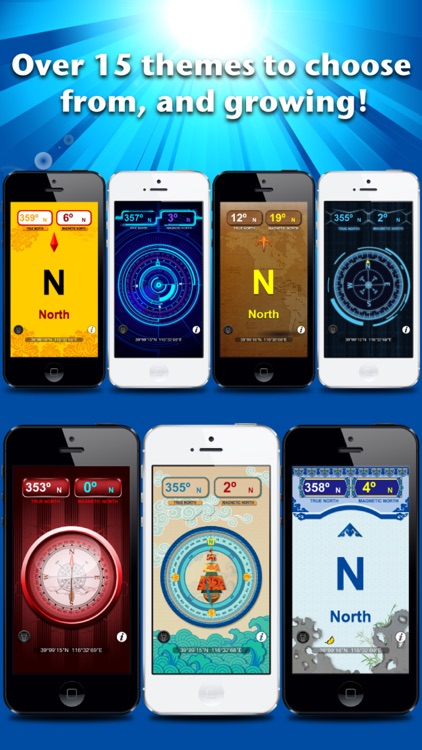
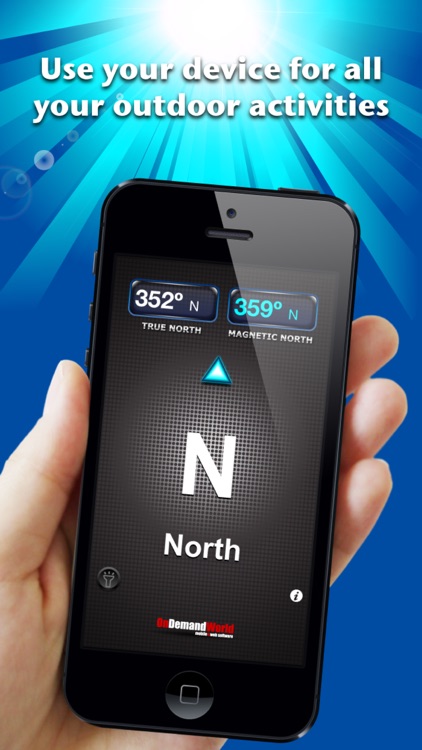
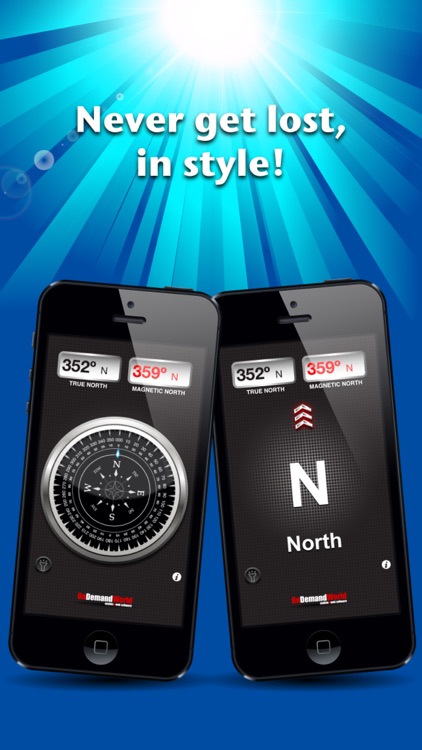
This navigation app will point you in the right direction.

$0.99 $0.99
Why we picked this?

It allows you to view true north coordinates, magnetic north coordinates, and the general direction you are heading all on the same screen. If you tap the middle of the screen, you’re able to jump to the compass view. You’re able to switch between the seven different themes by swiping left or right. The app also includes a built-in flashlight.

World History Atlas HD with 3D
iPhone
iPad
World History Atlas HD with 3D

World History Atlas HD with 3D

Tomorrow LLC

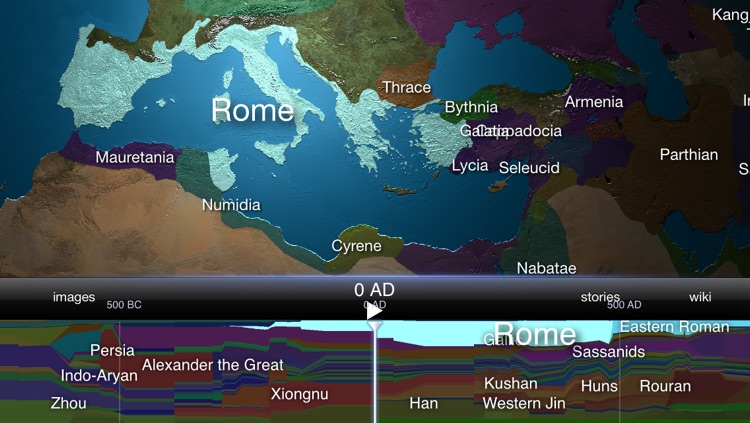
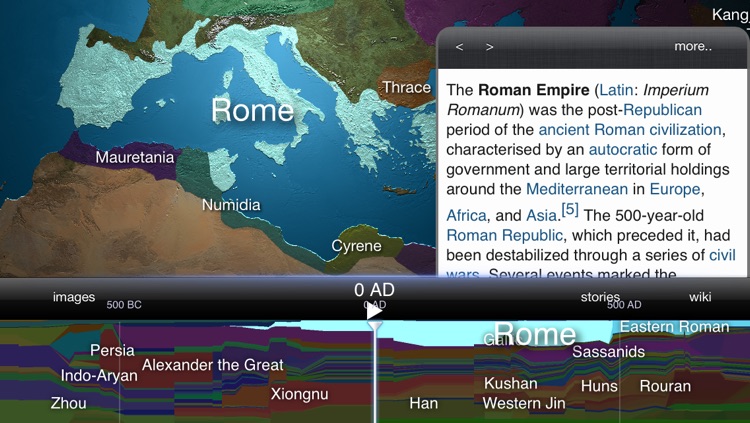
Spin the globe to learn world history with this reference app.

$4.99 $4.99
Why we picked this?

Swipe across the 3-D globe to make it spin, and tap on a country to select it. A timeline at the bottom of the screen allows you to move through history and see how the world has changed. The app also provides you with related images, events, and articles pulled from Wikipedia.