




You are using an outdated browser. Please upgrade your browser to improve your experience.

Apps That
Went Free on
2014-08-18

Record your life with Tag Journal. We also have a rich text processor, and an app that will help you get your to-do list under control.

Stky
iPhone
Stky

Stky

Dave Feldman

Get your to-do list under control with this productivity app.
FREE ($0.99) For a limited time FREE ($0.99) For a limited time
Why we picked this?

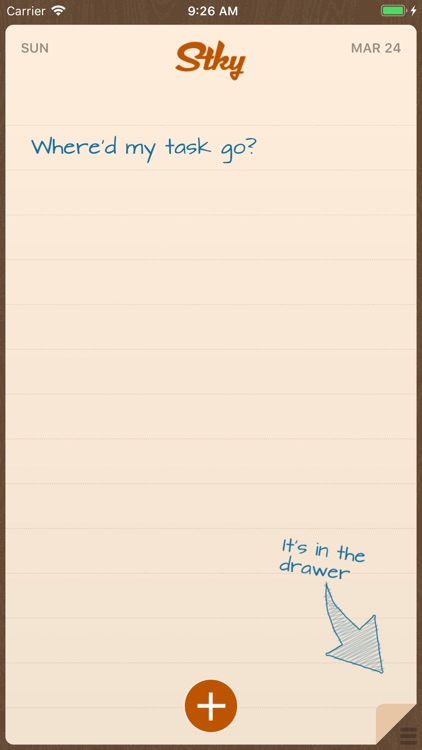
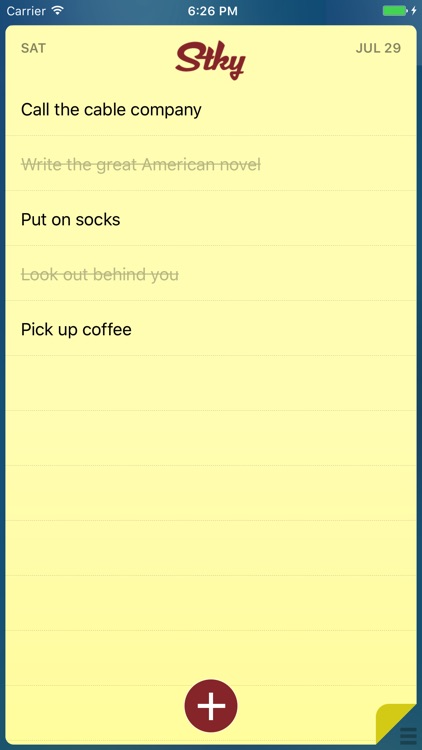
You're able to add as many tasks as you like to your drawer. The tasks you want to complete for the day can then be added to the main sticky note with a tap. Then just check them off as you go. If you don't complete every last task, don't worry, you'll get a fresh start tomorrow with a blank sticky note. The app also includes the ability to import tasks from the native Reminders app, iCloud support, Siri support, icon badging, automatic backup, and the ability to set a time of day to clear your sticky note.
Smart Merge Pro
iPhone
iPad
Smart Merge Pro

Smart Merge Pro

Clear Tech Apps, Inc.

Keep your address book in order with this productivity app.

FREE ($1.99) For a limited time FREE ($1.99) For a limited time
Why we picked this?

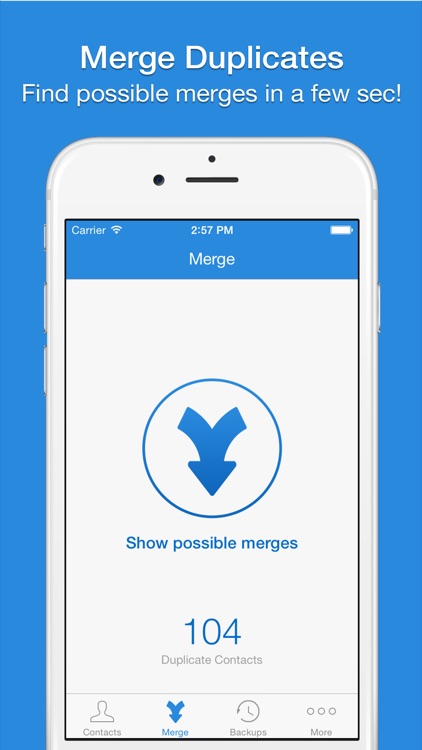
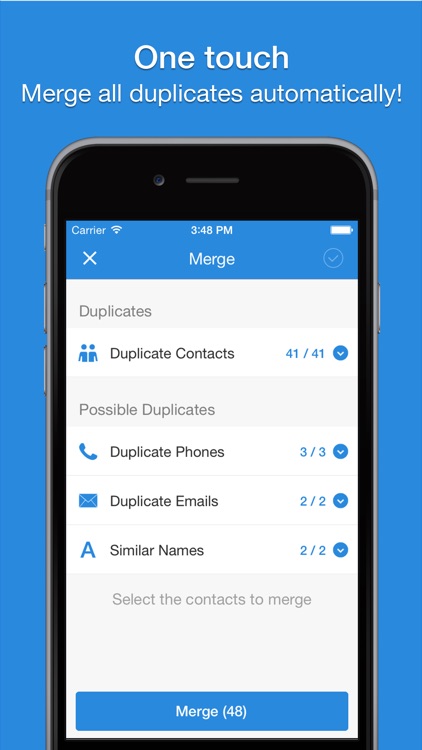
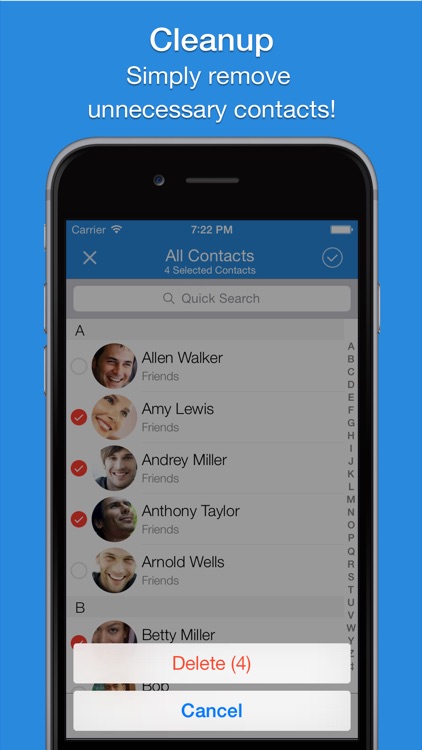
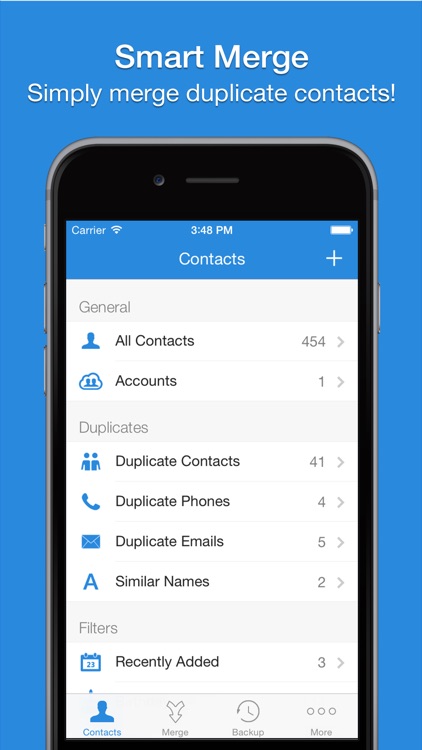
You must first provide the app with access to your contacts. Then make sure to backup your entire address book before looking for issues. The app is able to discover contacts with missing fields and those with duplicate names, email addresses, or phone numbers. You can manually choose those you want to fix or let Smart Merge have at it. The app also includes optional merge and backup reminders.

Tag Journal
iPhone
iPad
Tag Journal

Tag Journal

Word Magic Software

Record your life with Tag Journal.

$3.99 $3.99
Why we picked this?

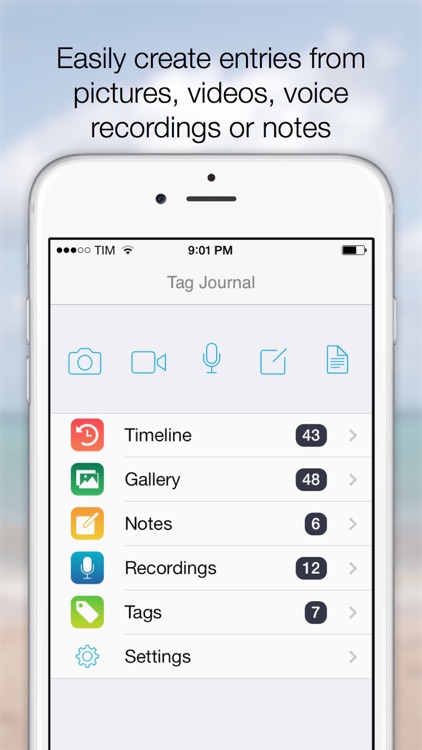
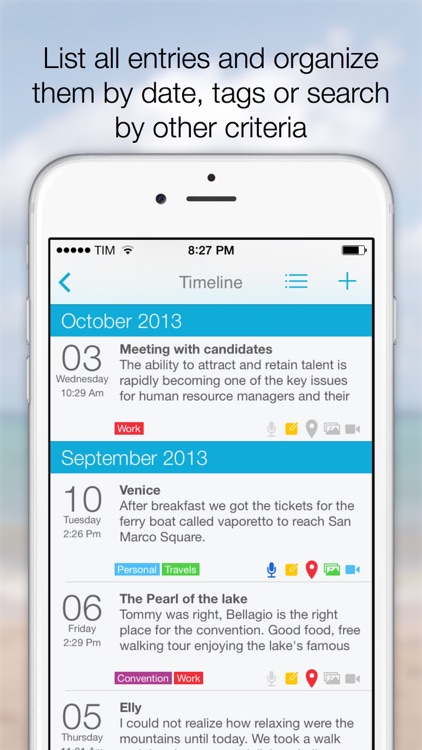
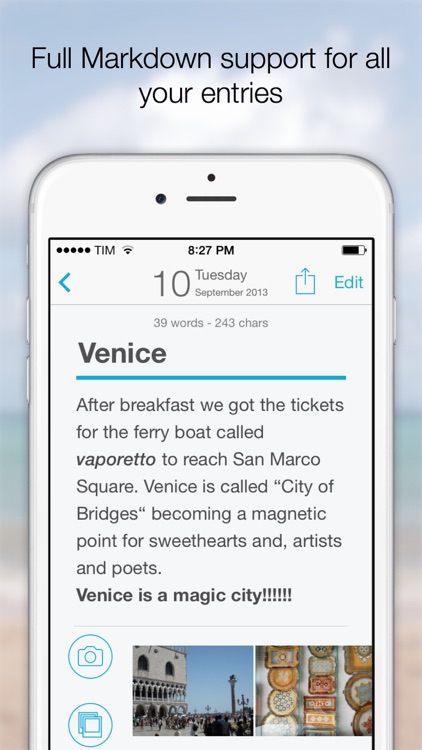
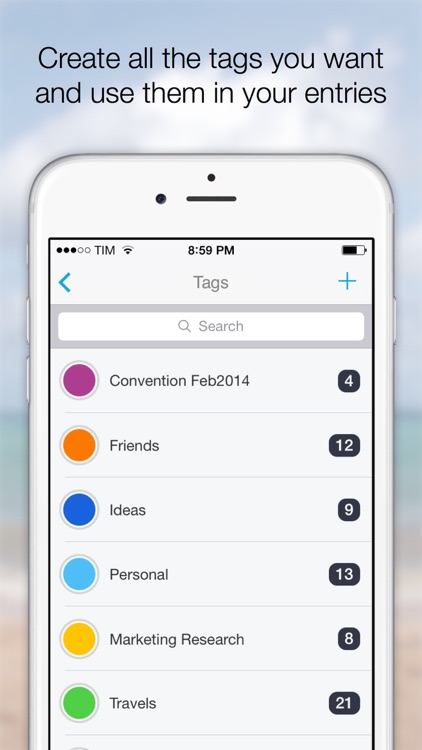
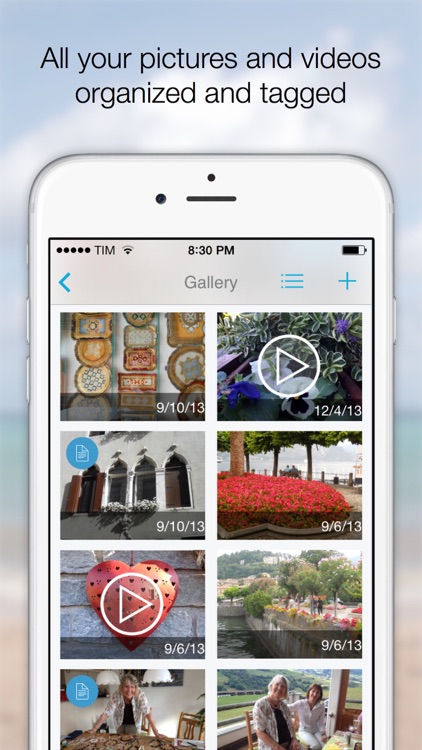
No matter if you’re a student, writer, or world traveler, Tag Journal will help you document your life events and thoughts. When creating a new entry for your journal, you’re able to attach location data, a photo, a short video, or audio. Each entry can be colored coded and tagged, and you’re able to attach entries to other entries or convert them at any time. All of your entries can be viewed on a single timeline, or you can filter them by category or tag. You’re also able to search for something specific by keyword or date. Journal entries can also be previewed in full-screen and shared via email, Facebook, Twitter, or Messages. The app includes iCloud support, a built-in browser, Markdown syntax highlighting, and undo and redo.

Matcha - Writing App & Text Processor
iPhone
iPad
Matcha - Writing App & Text Processor

Matcha - Writing App & Text Processor

InterAre, PT

Share your wisdom with this rich text processor.

$4.99 $4.99
Why we picked this?

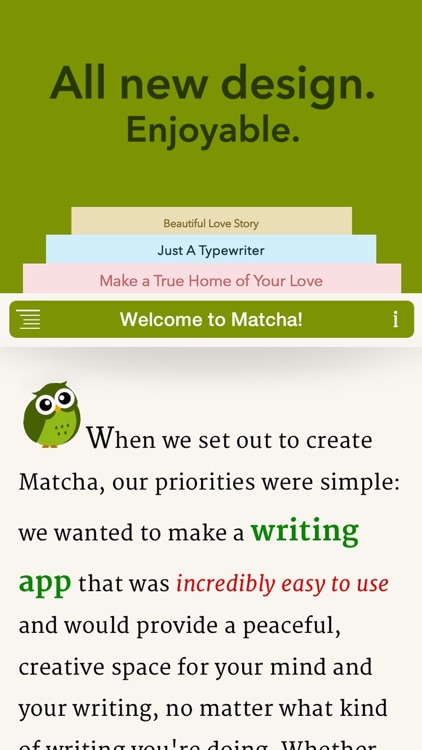
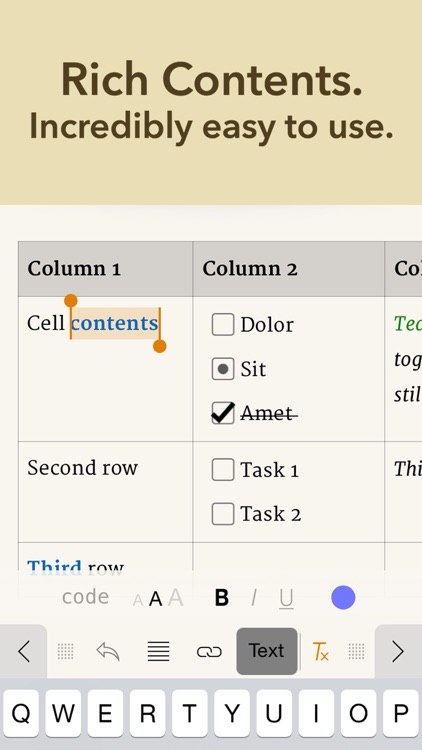
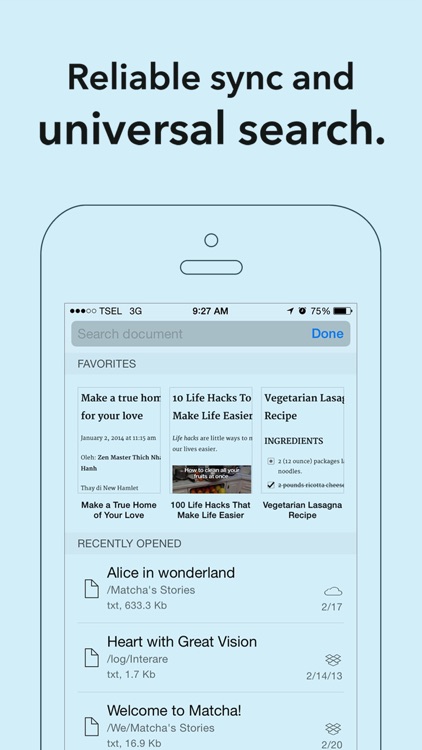
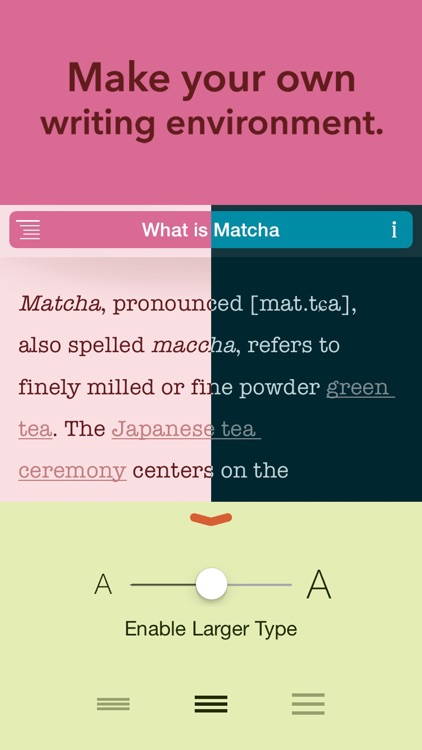
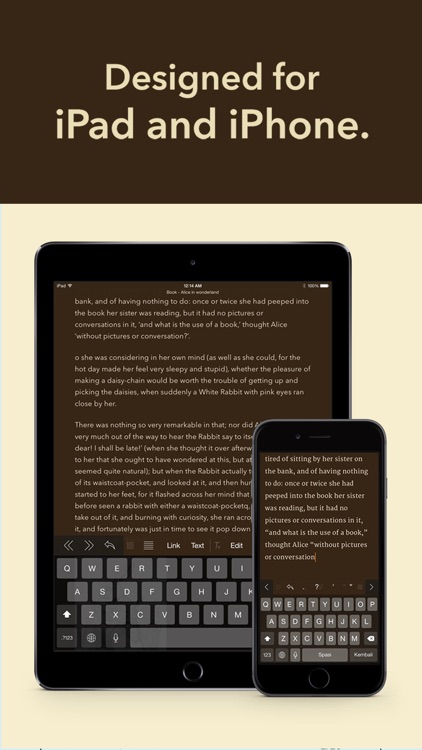
It allows you to write in plain or rich text formatting. Your documents can be structured with sections, headers, block quotes, tables, etc. They can also include multilevel lists, numbers, and checkmarks. The app includes five typefaces, 12 themes, full external keyboard support, full Markdown support, iCloud and Dropbox integration, and Fleksy keyboard, TextExpander, and LauncherPro integration.

Hipster CEO
iPhone
Hipster CEO

Hipster CEO

Getchoo Creations

Sharpen your entrepreneurial skills in this simulation game.

$0.99 $0.99
Why we picked this?

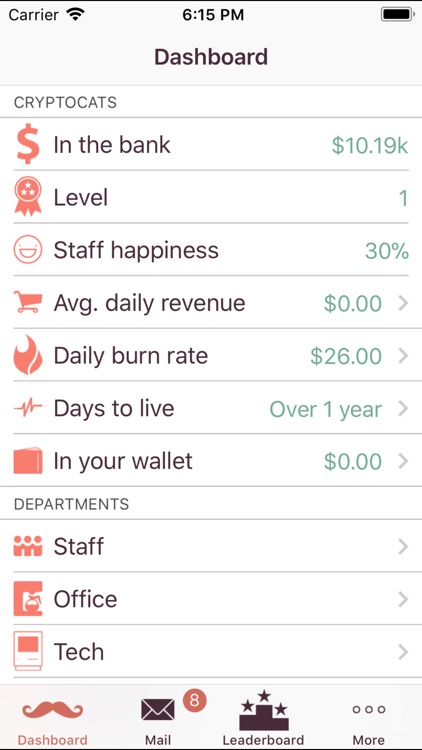
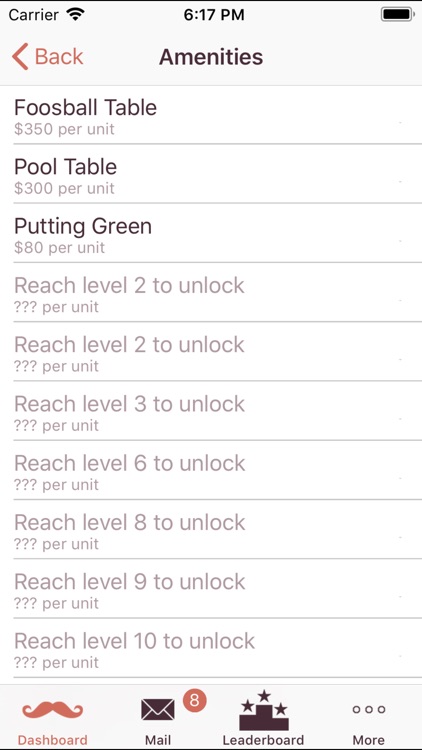
You must start out by selecting your product and your target audience. You’ll then be brought to the main dashboard where you can view all of your company’s stats. The dashboard also gives you access to your staff, office, and investments. You must hire only the best employees, assign tasks, and keep everyone happy by outfitting the offices with perks. When the time is right, you can sell your company for big bucks.

PDF Scanner - easily scan books and multipage documents to PDF
iPhone
iPad
PDF Scanner - easily scan books and multipage documents to PDF

PDF Scanner - easily scan books and multipage documents to PDF

Darsoft Inc.

Convert all of your physical documents into PDFs with this powerful utility app.

$2.99 $2.99
Why we picked this?

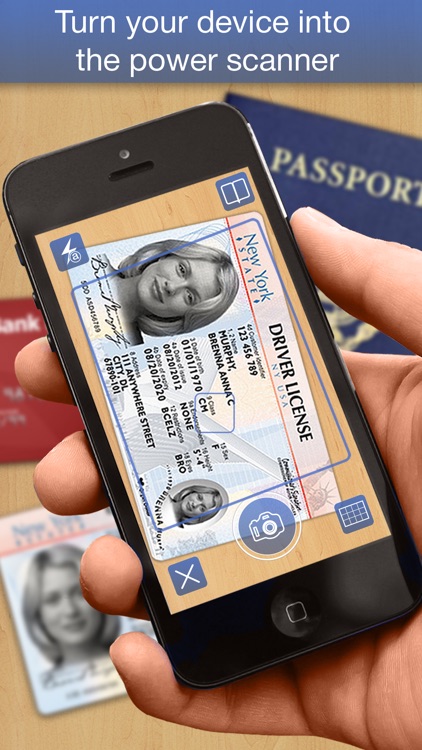
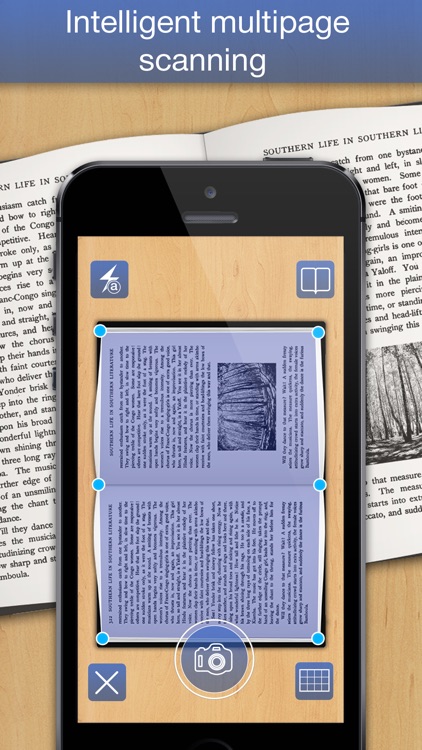
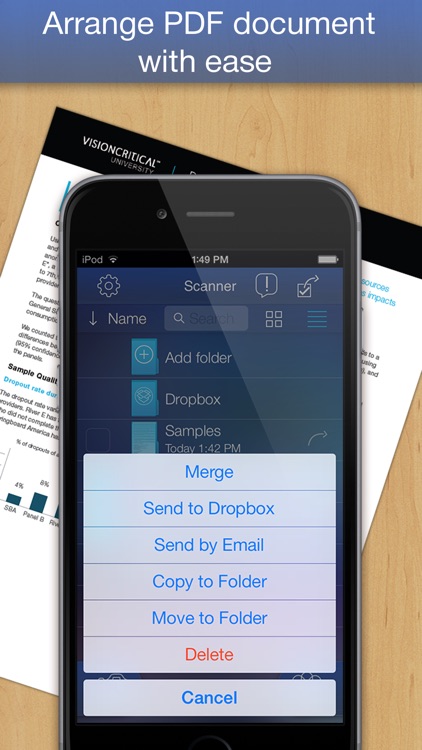
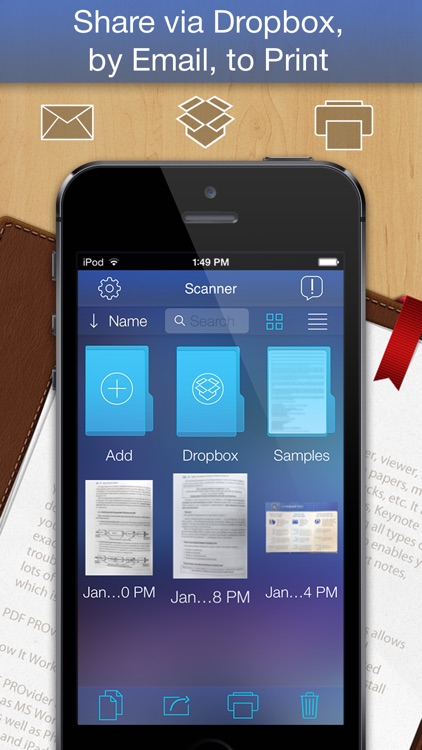
You’re able to scan receipts, invoices, letters, sketches, clippings, and much more in seconds or less. Just point your iDevice’s camera at whatever it is you want to capture and PDF Scanner will automatically discover the border. You’re able to capture single pages or multiple pages at a time. A grid view is also available to help you straighten things out. After you’ve captured your document, you’re able to manually crop it down if need be and change its composition. Then save your new PDF to your library, upload it to Dropbox, or share it via email. The app also includes the ability to sort, search, and organize documents within folders.