



You are using an outdated browser. Please upgrade your browser to improve your experience.

Apps That
Went Free on
2014-09-05

Get arrows going in the right direction in Local Aliens’ challenging puzzle game, Arrows XD. We also have an app that will help your little ones work on their number skills, and a productivity app that will help you build positive habits.

Arrows XD
iPhone
iPad
Arrows XD

Arrows XD

Local Aliens LLC

Get the arrows going in the right direction in this simple yet challenging puzzle game. The arrows all move on their own in whichever direction they’re pointing. It’s up to you to slide them around in order to get them into their corresponding orbs. This game is ideal for anyone who likes a good challenge without the pressure of a timer.

FREE ($0.99) For a limited time FREE ($0.99) For a limited time
Why we picked this?

There’s always something new lurking around every corner in Arrows XD, which is why we love it. Things start off a little slowly at first to allow you to get the hang of how to handle the arrows and predict where they will go. As you progress, all kinds of new elements are added, effectively mixing up the gameplay and really testing your puzzle solving abilities. The game is loaded with more than 100 futuristic levels and Game Center leaderboards so you can compete with friends.

If you like challenging puzzle games, you’ll want to check out Arrows XD. Most puzzles can only be solved in one way with a number of possibilities, so although there isn’t a timer, you’re going to be pushed to the point of breaking.

The gameplay can be so challenging at times that you may find yourself getting stuck on a level. If you don’t have the patience for such things, avoid this one. A solutions pack is available as an in-app purchase though, so there’s a little hope for you if you decide to go against our advice.
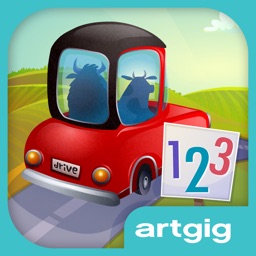
Drive About Numbers
iPhone
iPad
Drive About Numbers

Drive About Numbers

Artgig Studio

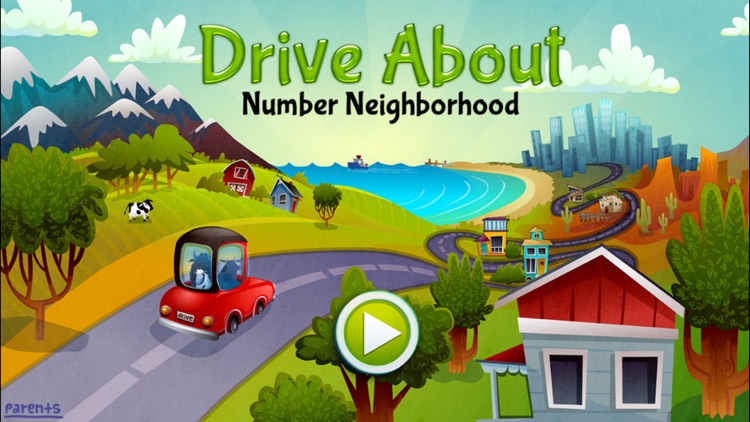
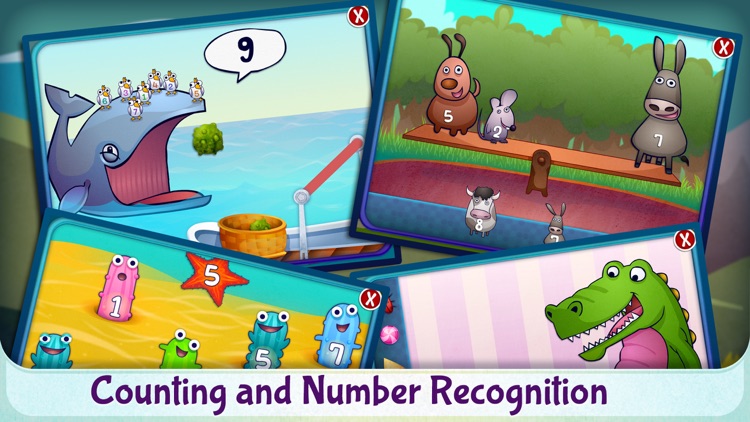
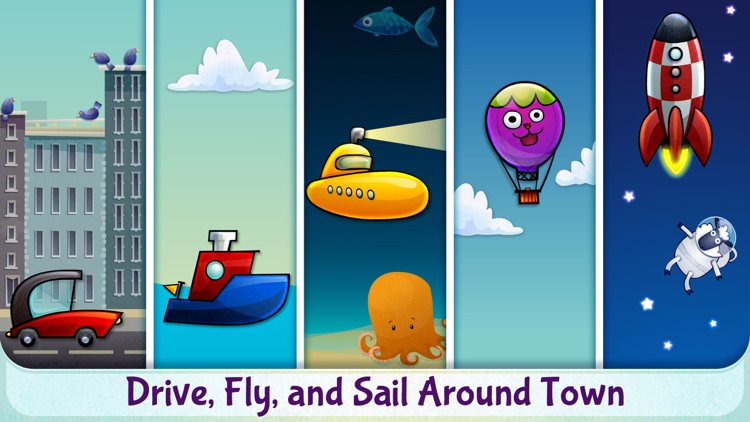
Drive, fly, and sail around Number Neighborhood in this educational game. It helps your child practice number identification and writing, counting, matching, and ordering. It’s great for parents looking to kickstart their young child’s ability to deal with numbers.

$2.99 $2.99
Why we picked this?

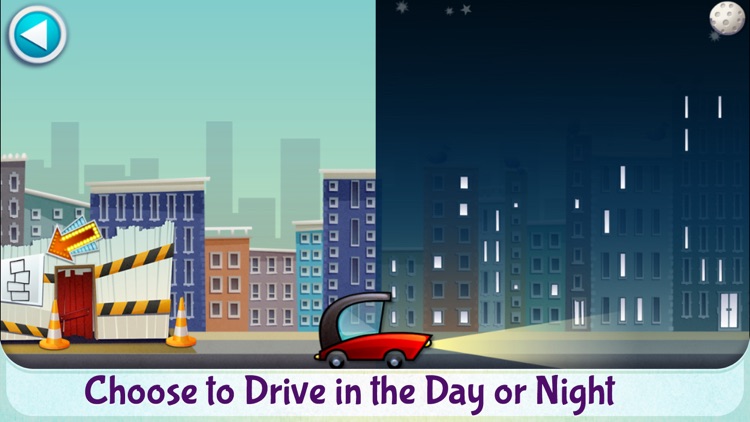
We included this app today because it’s nothing like all of the other apps featured. It’s highly interactive environment will keep your child hooked for hours on end. Half the fun is just driving, flying, and sailing around town to find mini-games to play. The mini-games themselves are highly engaging as well, requiring your child to control colorful little creatures to complete number exercises.

If your child is just starting to learn numbers, this is the app for them. It will help reinforce whatever they have already learned while building on their skills. It’s also just a lot of fun, so you might even want to join them in the Drive About.

If your child is older than five, this app really isn’t for them. The concepts are pretty basic, and wouldn’t be challenging enough for them.

My Story School eBook Maker
iPad
My Story School eBook Maker

My Story School eBook Maker

MY STORY, LLC

Your children get to create their very own books with My Story. They get to participate in the entire process including writing, illustrating, and narrating. The app is great for any parent looking to unleash their child’s creative side.

$8.99 $8.99
Why we picked this?

We think this app is great because it guides your child through every step of the creation process. They won’t be left wondering how to spell words or what to do next. Every single part of their book can be personalized with hand drawings, photos, and their own text and voice overs. What makes My Story even cooler for your children is that after they are done creating their book, they can add it right to the iBooks library.

If your child needs more outlets for their creativity, you’ll want to download this app for them. It’s a really rich experience with no limits on ways they can create content. It’s also great for the entire family since it supports multiple profiles.

If your child is too young and has a difficult time staying committed to projects, this probably isn’t the app for them.

Daily Insist
iPhone
Daily Insist

Daily Insist

Bang

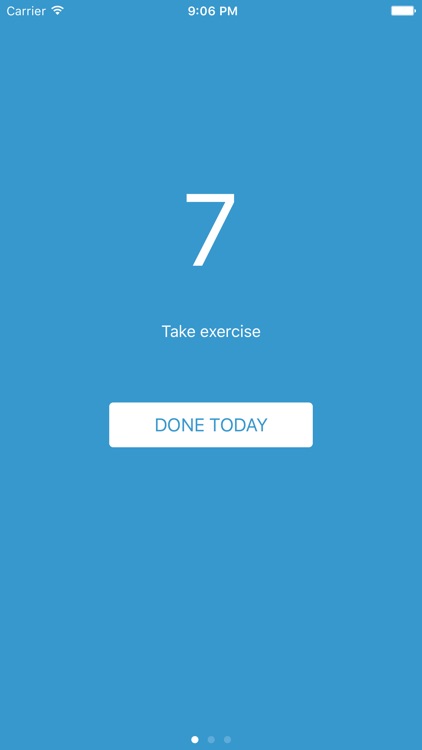
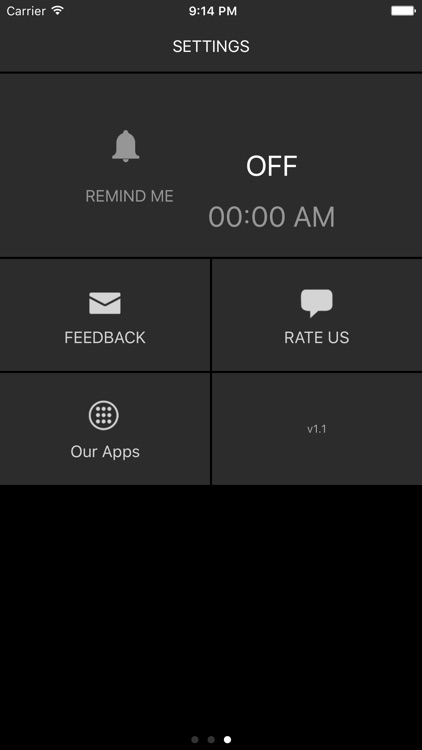
Build up positive habits with this productivity app. It allows you to focus on a task you want to complete everyday and helps ensure you actually do. It’s perfect for anyone who constantly puts off tasks. You know who you are.

$0.99 $0.99
Why we picked this?

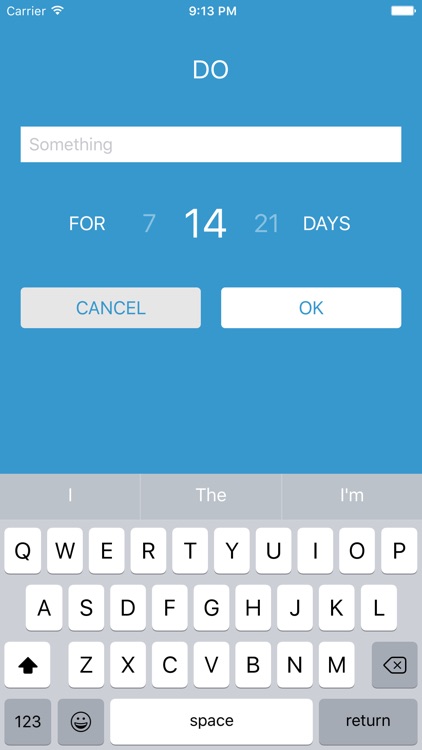
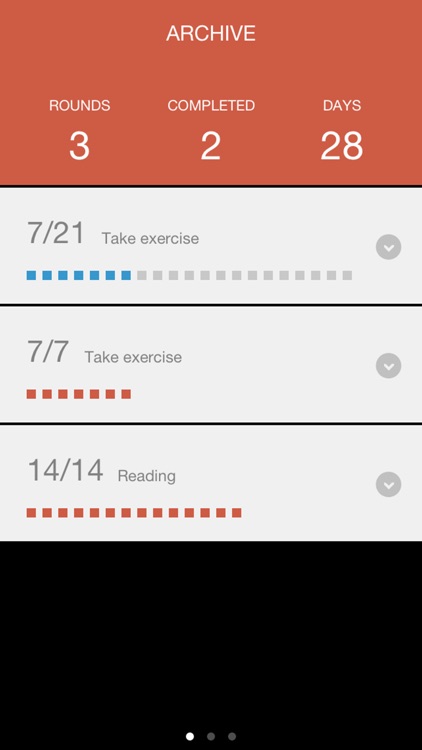
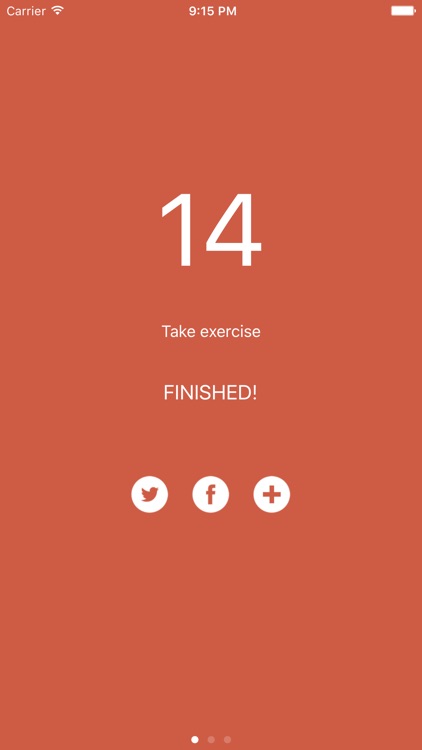
We really like Daily Insist because its simplicity helps you stay focused. All you have to do is enter one task you want to complete everyday. That’s not too difficult, right? You’ll also need to set a duration of seven, 14, or 21 days. Then just check in each day to complete that task until the days are up. Keep in mind that you absolutely must not miss a day, otherwise you will have to start all over.

If you find yourself always putting off simple but necessary tasks, Daily Insist is for you. It’s a great way to ensure you spend time doing the things you’ve always meant to, like reading a great novel or going for a daily run.

Daily Insist is not a task manager. It’s not meant for long lists of non-recurring tasks and chores, so if that’s what you’re looking for, look elsewhere.

Collage Maker : Photos Mixer & Creator
iPhone
Collage Maker : Photos Mixer & Creator

Collage Maker : Photos Mixer & Creator

SUNWOONG JANG

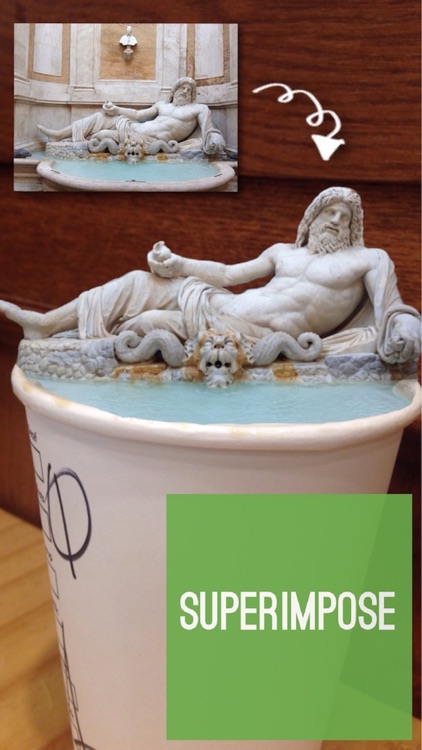
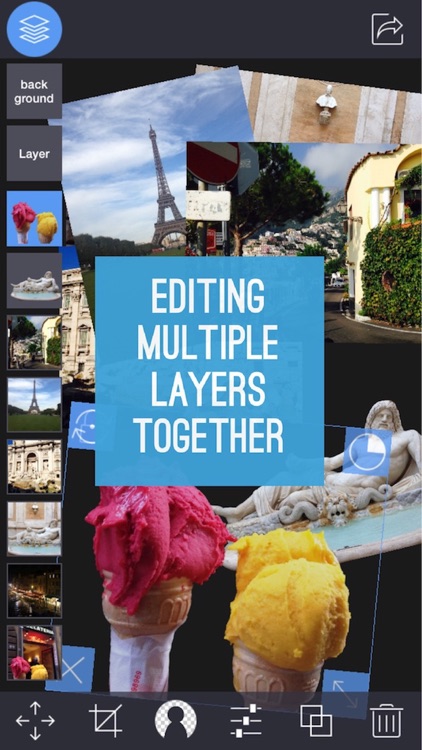
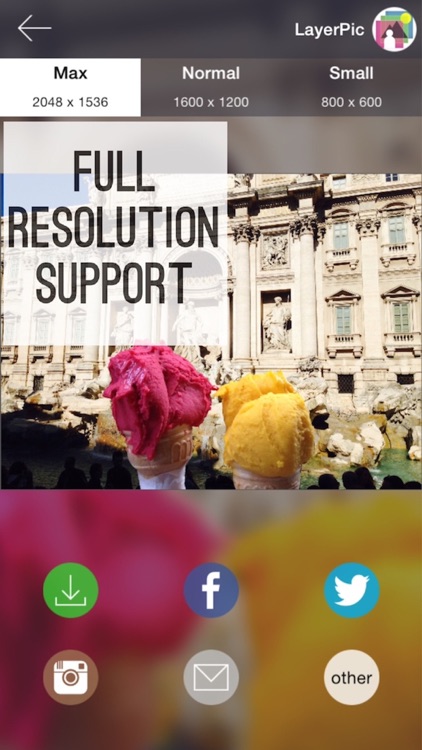
Create superimposed or juxtaposed photos in a snap with Layer Pic. You’re able to import photos from your library or take new ones, and then flip, rotate, resize, crop, and layer them however you please. It’s great for anyone looking to create fun mashups or collages.

$1.99 $1.99
Why we picked this?

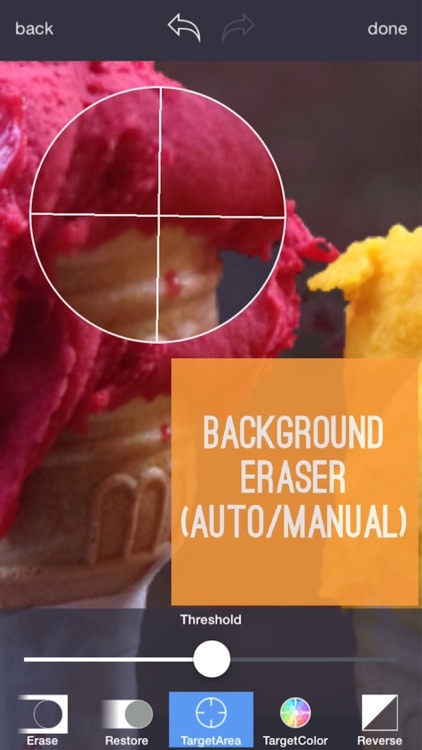
Apps that allow you to superimpose photos are usually cumbersome, but not Layer Pic. That’s what makes it so great. You’re able to choose batches of photos at once instead of repeating the process over and over. Then tap to select each photo you want to work on. Buttons around each photo allow you to perform basic operations like resizing and rotating. A menu bar across the bottom allows you to perform the rest of your editing like erasing swaths of photos and locking them into place.

Want to put your siblings head on the body of cat or move the Statue of Liberty into your backyard? Then this is the app for you. You’re able to utilize as many layers of photos as you want to create something truly unique and share it with the world.

Layer Pic is all about, well, layering photos, so expect to spend some time messing around. If you’re more of the get in, get out kind of photographer, this isn’t the app for you.

Spanish Words and Kids Puzzles
iPad
Spanish Words and Kids Puzzles

Spanish Words and Kids Puzzles

Read 'n' Learn

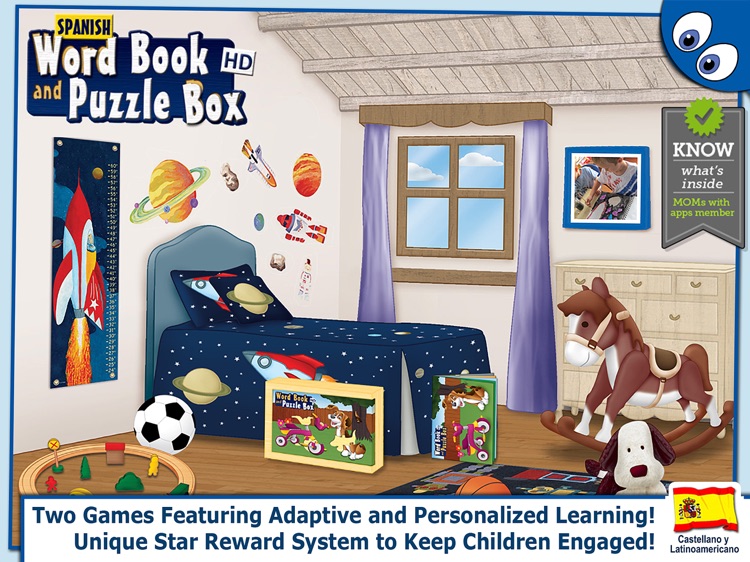
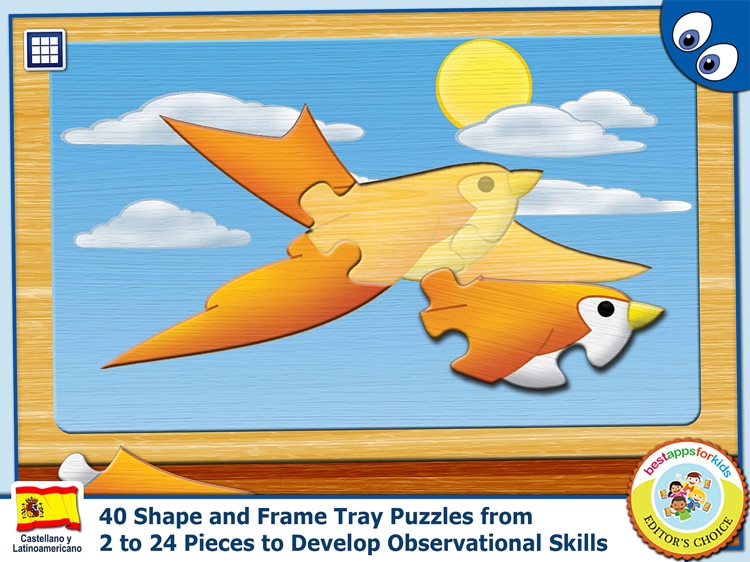
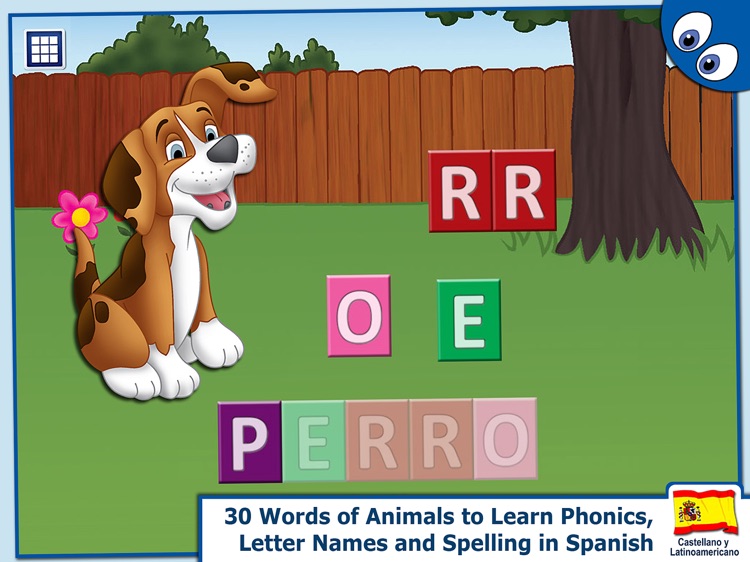
This educational game will help your child learn Spanish through synthetic phonics. They will be presented with an animal and its name in Spanish, and they must tap and drag letters into their correct places to complete the puzzle. Spanish First Words Book is ideal for any parent that wants their child to start learning a second language early on.

$3.99 $3.99
Why we picked this?

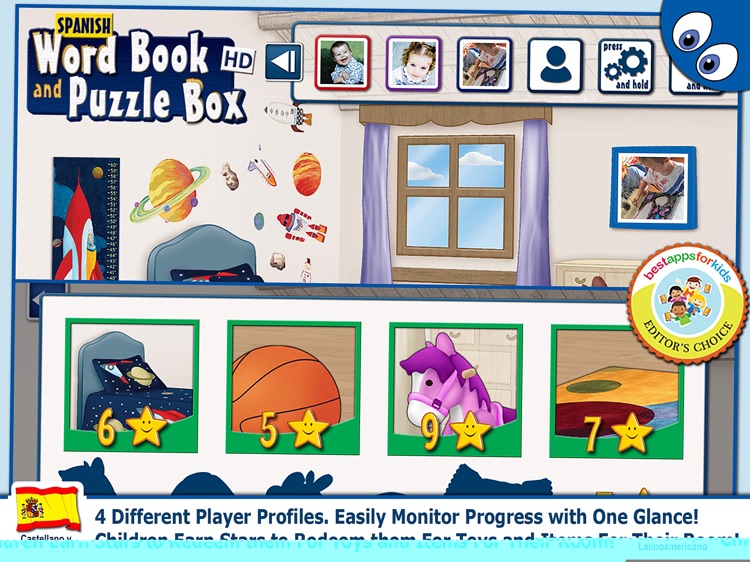
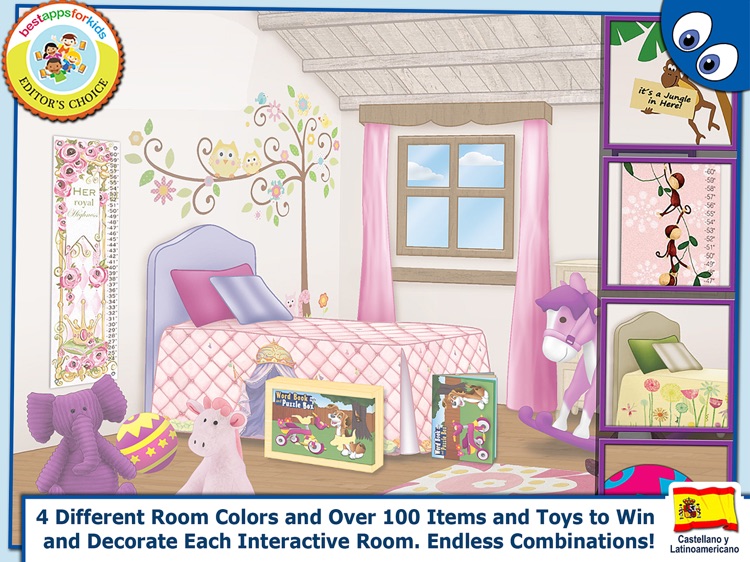
We really like Spanish First Words Book because of its reward system. It provides your child with a sense of accomplishment for properly completing puzzles and learning new words. Your child will earn stars for each level passed, which can be used to decorate their own personal digital bedroom. It’s also loaded with shape and frame tray puzzles for when your child needs a little break from learning new words.

If you want your child, or children, to learn Castilian or Latin American Spanish at an early age, this is the app for you. It supports multiple user profiles that can be customized in a variety of ways, making it perfect for the entire family or even a classroom.

If you’re worried about in-app purchases, you’ll want to avoid Spanish First Words. Additional puzzle packs are readily available for purchase, and even thought they have a parental lock on them, it may not be easy telling your child no over and over when they see what else is available.