
You are using an outdated browser. Please upgrade your browser to improve your experience.

Apps That
Went Free on
2014-09-07

Take control of your alarm without every touching it with SpeakToSnooze. We also have an app that will help your child become a Cursive Writing Wizard, and an app that allows you to see how long it has been since you’ve done something amazing.

Wonderputt - GameClub
iPad
Wonderputt - GameClub

Wonderputt - GameClub

GameClub

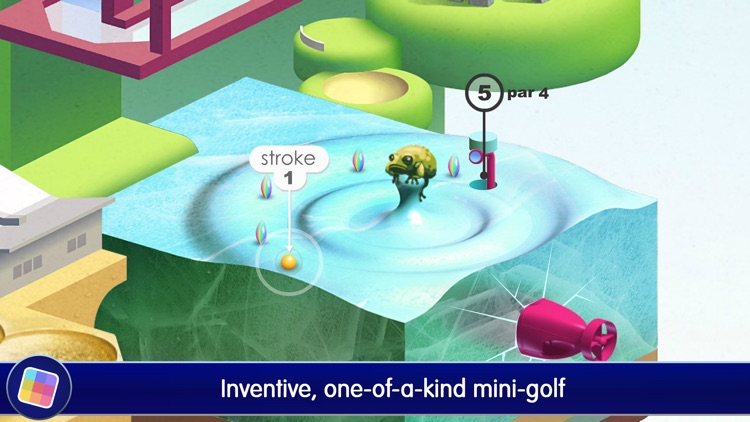
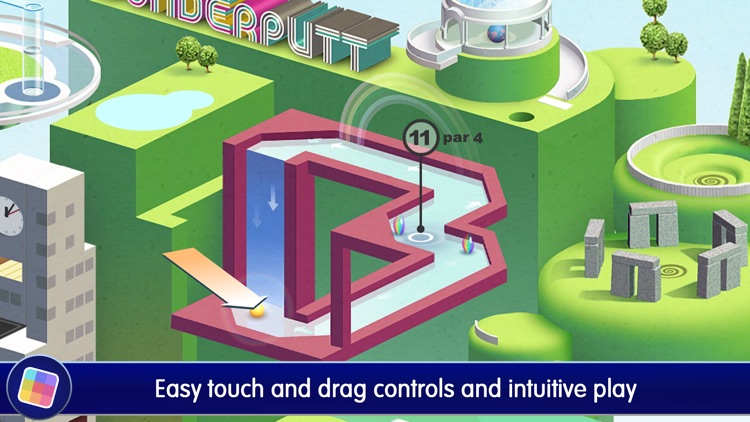
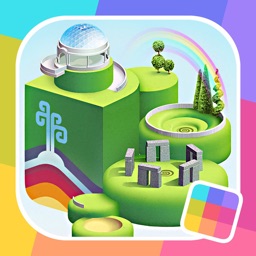
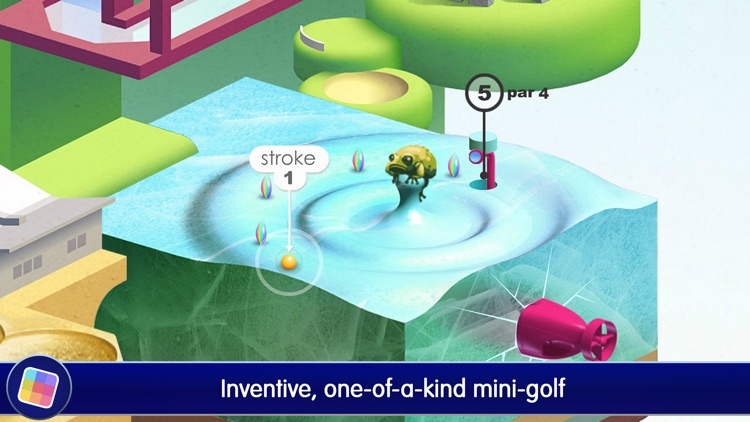
Prepare to be blown away by this visually stunning sports game for iPad. You must putt your way through 18 challenging holes in a transforming world. This beautiful game is for golfers and general sports fans alike.

FREE ($0.99) For a limited time FREE ($0.99) For a limited time
Why we picked this?

We had to share Wonderputt with you because our eyes shouldn’t be the only ones that get to see it. It’s one stunning putting course! All you have to do is tap and drag your finger away from the ball to set the power and angle of your shot, and then release to fire. Once you eventually sink the putt, your environment will unravel and reconstruct to create a new one. With enough practice you’ll be able to unlock the Wonder Mode, earn every last achievement, and climb the Game Center leaderboards.

If you have eyeballs, you will love this game. Seriously. Just look at it.

For the price of free, it’s hard not to recommend this beauty to anyone and everyone, but it is a little low on content. There’s only a single world to play through, so if you don’t want to be left wanting once you complete all 18 holes, you could probably avoid downloading Wonderputt.
Recur! The Reverse To-Do List
iPhone
Recur! The Reverse To-Do List

Recur! The Reverse To-Do List

Grailr LLC

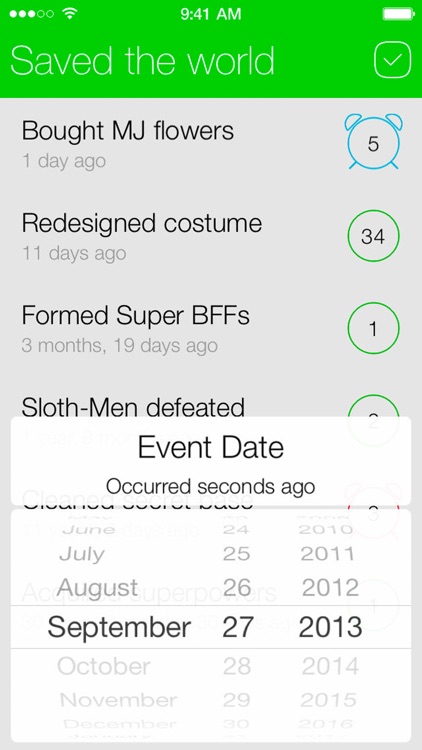
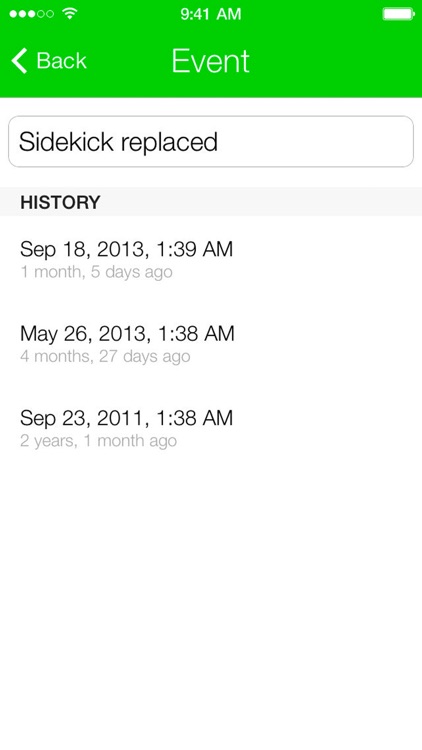
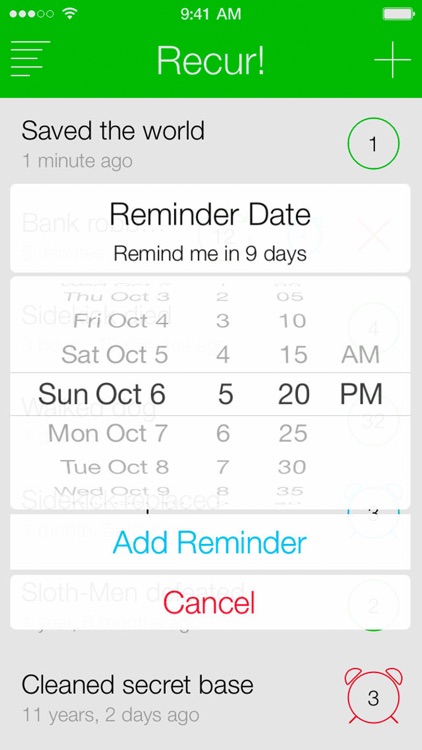
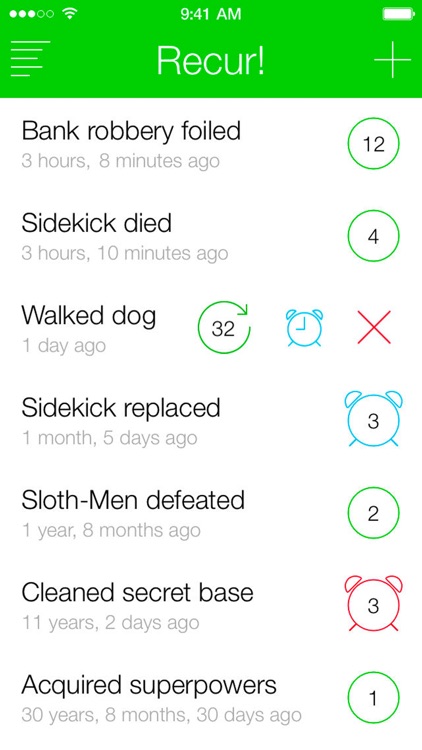
See how long it has been since the last time you’ve done something amazing with this productivity app. Recur is a reverse to-do list that allows you to see how much time has passed since a specific event. It’s great for those looking to keep track of everything from the mundane to the extraordinary.

FREE ($1.99) For a limited time FREE ($1.99) For a limited time
Why we picked this?

Recur couldn’t possibly be any easier to use or any more useful. For each event you add, you’ll see how many minutes, seconds, days, weeks, and months have gone by since the last time you’ve participated in it. If you find yourself participating in the event again, swipe left to right across it to reset the timer and add to the count. You’re also able to view a running history of all of the times the you’ve participated in the event, set a reminder to do it again, and edit it.

If you enjoy the simplicity and style of Grailr’s other apps like Carrot Alarm, and Carrot Fit, you’re going to love Recur. Just like their other apps, Recur serves a very specific purpose while adding a little bit of extra visual flair and charm.

If you already have a productivity app that allows you to see how long it has been since an event has occurred, Recur doesn’t add all that much to the formula. If you’re satisfied with what you have, stick with it.

SpeakToSnooze Alarm Clock Pro
iPhone
SpeakToSnooze Alarm Clock Pro

SpeakToSnooze Alarm Clock Pro

j labs

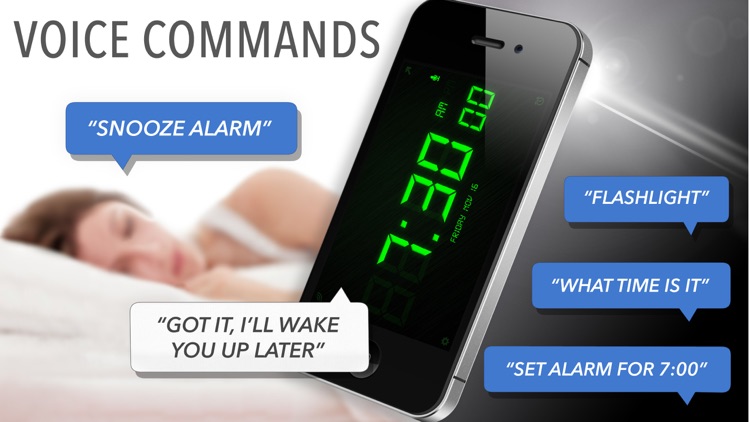
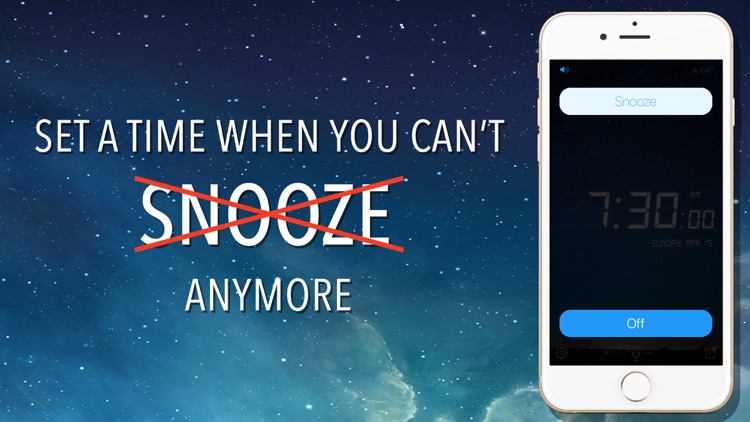
Take control of your alarm without ever laying a finger on your iDevice with SpeakToSnooze Pro. It’s the perfect app for anyone that has trouble cracking open their eyelids in the morning.

$1.99 $1.99
Why we picked this?

SpeakToSnooze does one thing and does it well: It actually listens to you! You’re able to create multiple alarms just with the sound of your voice. You’re also able to ask for the time so you don’t have to look over at your iDevice and say “Flashlight” to see in the dark. If you’re the kind of person that mashes that snooze button you can set a “I have to get up by” time, which disables the snooze and plays a diabolically annoying sound to ensure you get up.

If you think hands-free is the way to be, this is your alarm clock app. All of the voice commands are useful and practical, so you won’t be left searching for the right thing to say.

If you need to keep the audio level down in your home or apartment, SpeakToSnooze is probably not the app for you. I mean, you don’t want to wake up the kids, the dogs, and your significant other by constantly yelling at your iDevice, do you?

Bibo, the little monster
iPad
Bibo, the little monster

Bibo, the little monster

Vasiliy Poryagin

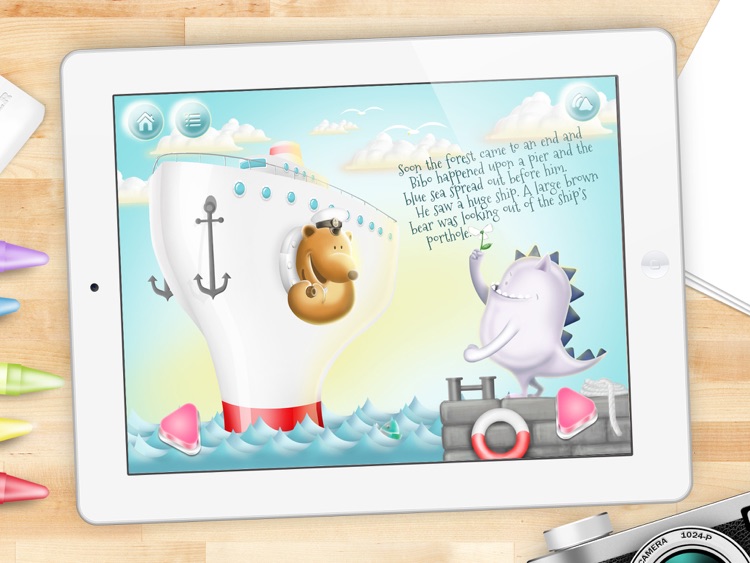
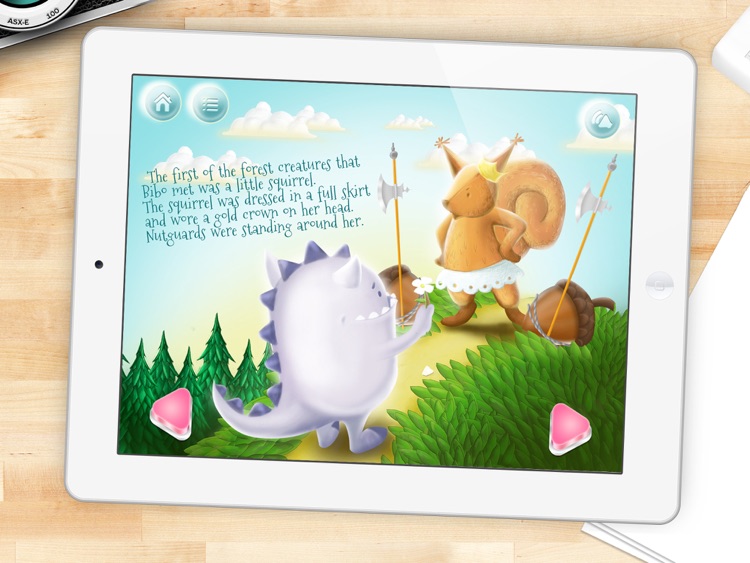
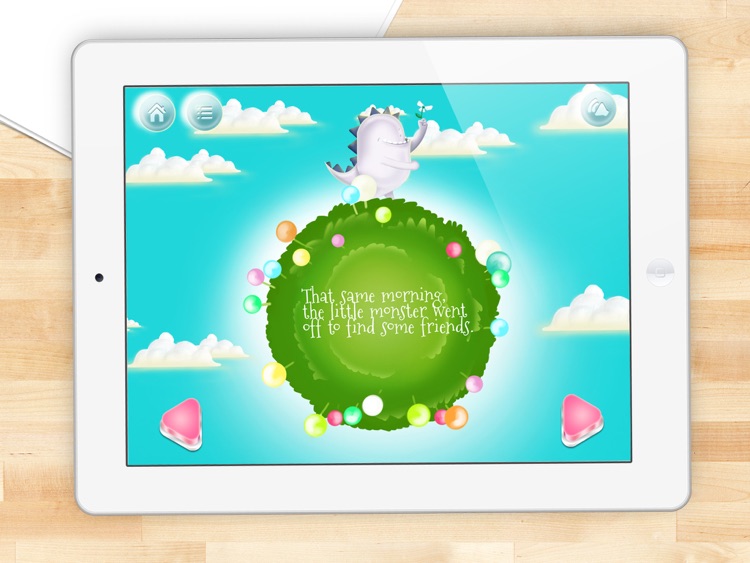
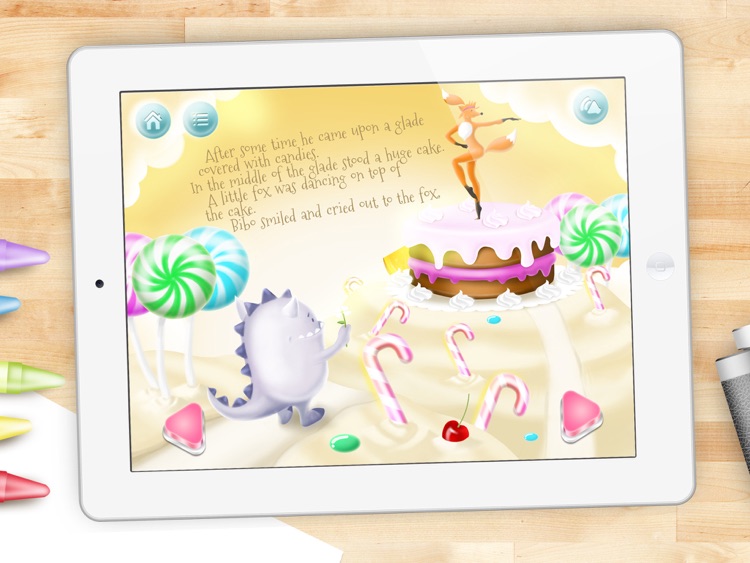
An original storybook about friendship. It follows a little monster named Bibo who mysteriously finds himself in an ordinary forest among the wild animals. The interactive storybook is great for teaching your little one to be kind to others.

$2.99 $2.99
Why we picked this?

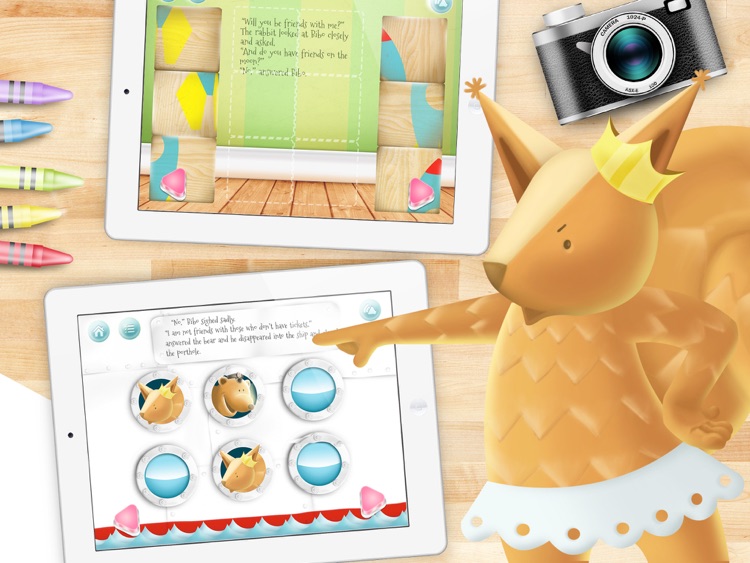
This animated storybook is so colorful, no child will be able to resist it. Your child can enjoy the story all on their own or follow along with the professional narration. Each page is filled with interactive items to discover and colorful animations. There are even a handful of pages filled with coloring activities, puzzles, and memory games.

This interactive storybook is intended for children ages one through seven, so if your child falls within that range, you have no reason not to download Bibo. It’s charming, colorful, and even a little educational.

If your child is older than seven years of age, Bibo really isn’t intended for them. It simply won’t keep your child engaged.

CamBlast - Photo Editor
iPhone
CamBlast - Photo Editor

CamBlast - Photo Editor

RoadRocks

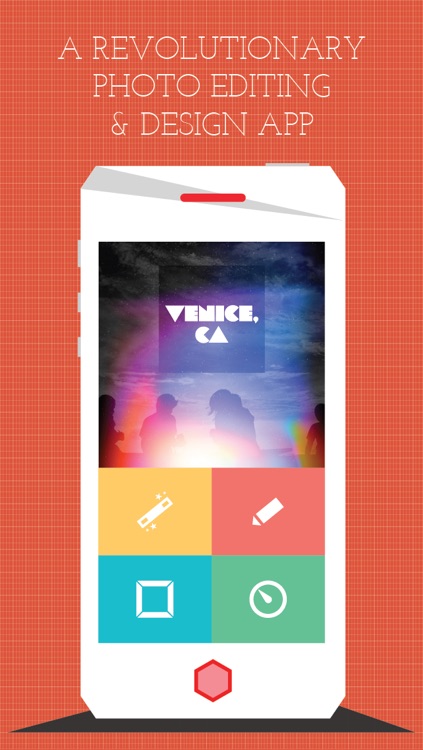
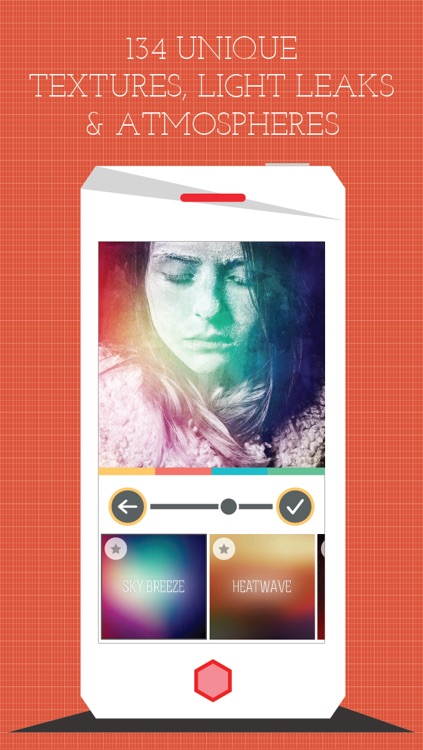
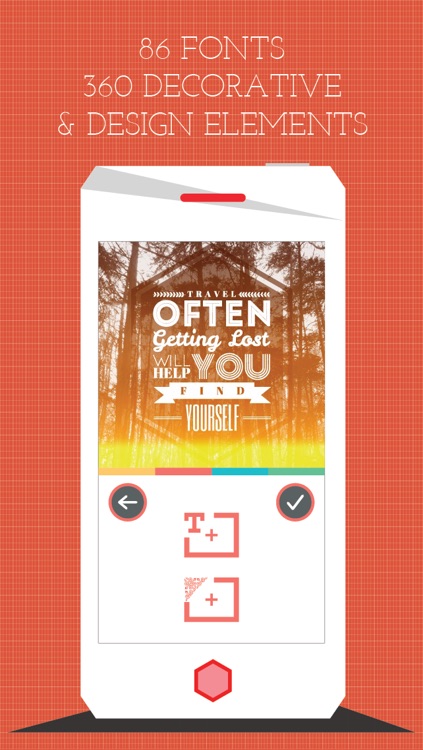
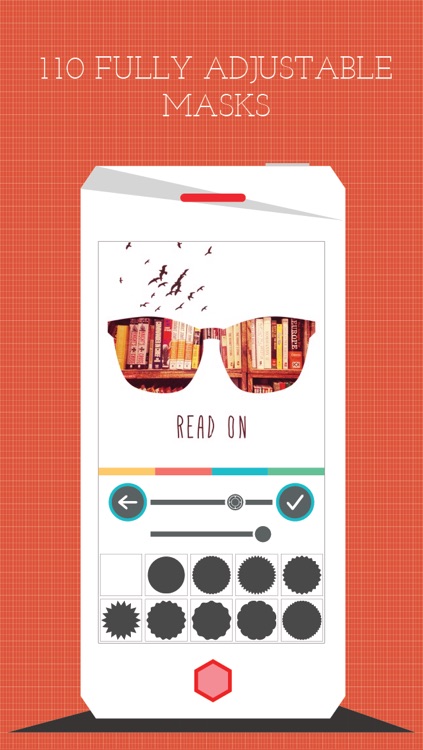
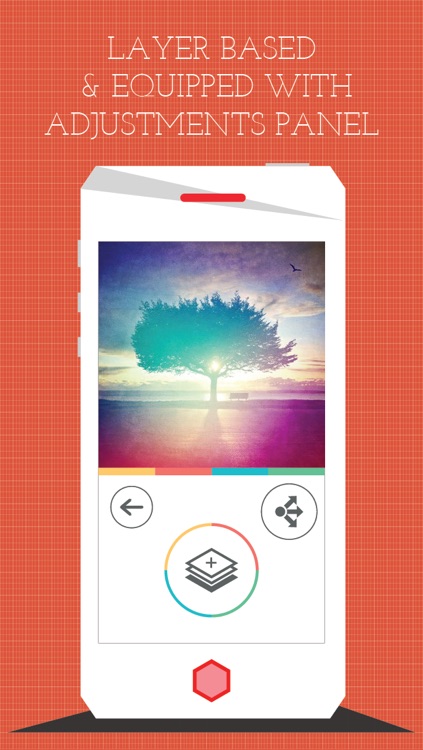
An all-in-one tool for editing and personalizing your favorite photos in mere seconds. CamBlast is for those who want to do a little bit of everything to their photos.

$1.99 $1.99
Why we picked this?

With CamBlast, every option is only a tap away. You’re able to put layer upon layer of filters, textures, decorative elements, and text on your photos with very little effort. When applying a new layer, CamBlast takes you through a simple step-by-step process, ensuring that you’re at least able to see every last frame, font, color, and filter option before finalizing your project. CamBlast has a whole lot of options for you as well, with 134 textures, 86 fonts, and 360 design elements.

If your current photography app of choice is lacking, this is the app for you. CamBlast is loaded with content and different editing options, ensuring that it will be the last photography app you ever have to download.

If you like to keep things simple with your photo-taking and editing, you’ll probably need to find something else. CamBlast’s many options will simply get in your way.

Cursive Writing Wizard -School
iPhone
iPad
Cursive Writing Wizard -School

Cursive Writing Wizard -School

Pierre Abel

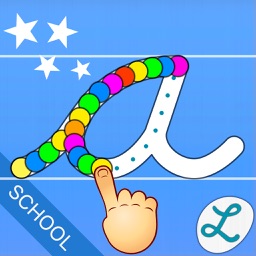
Your child will become a cursive writing wizard after spending some time with this fun educational app. The app is the ideal app for parents and teachers looking to teach their children the long lost art of cursive writing.

$9.99 $9.99
Why we picked this?

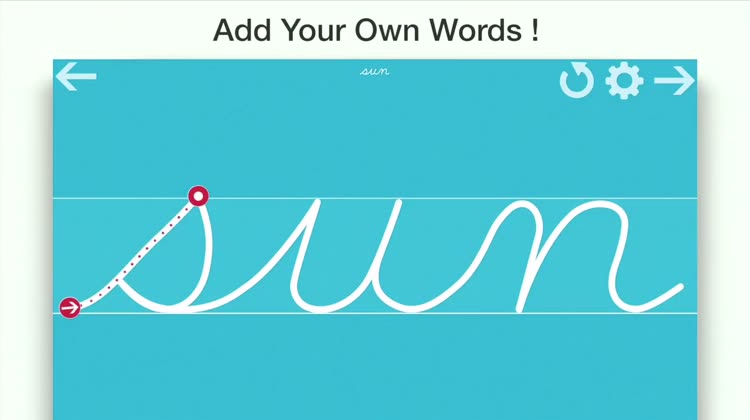
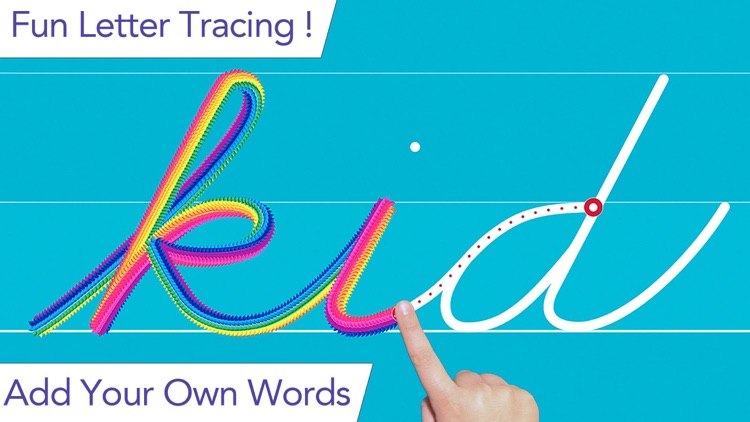
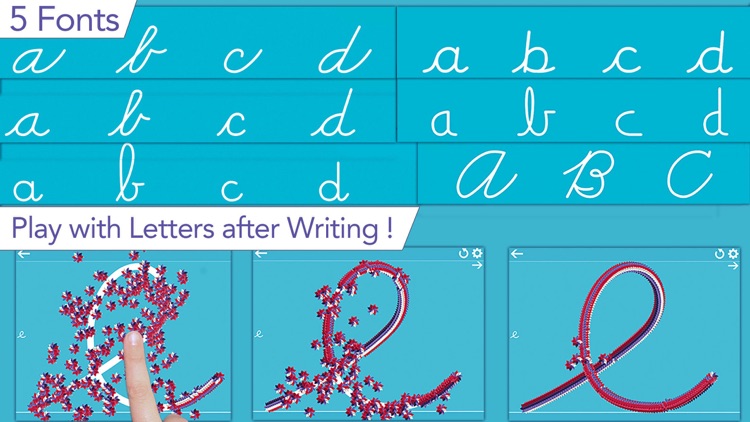
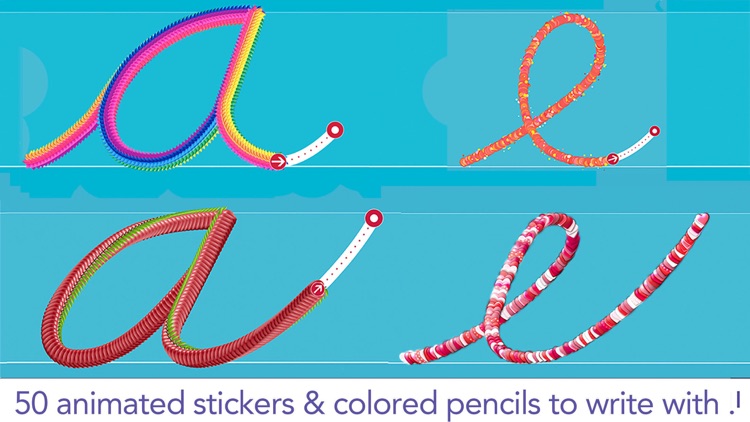
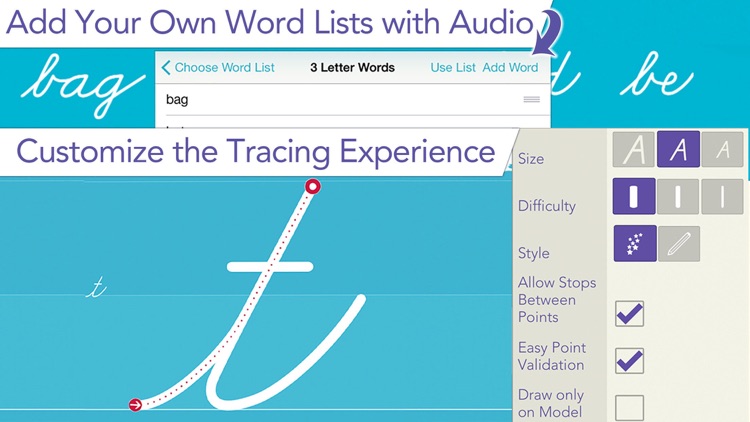
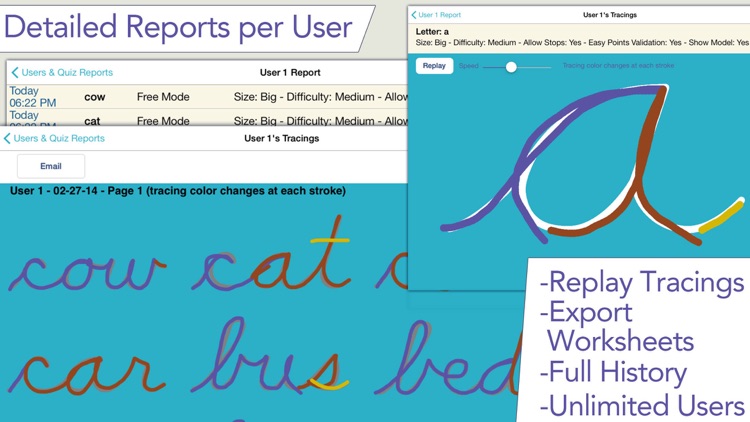
Cursive Writing Wizard keeps things simple by requiring your child to trace letters, numbers, and shapes instead of having them perform the lessons freehand. When they properly complete the trace, the letter, number, or shape will burst with colors and animations that can be interacted with. You’re also able to create your own set of word lists and have your child trace them. The app includes upper and lowercase letters, three fonts to choose from, and multiple user support.

If you actually want your child to learn cursive writing, download this app right now. It’s not a gimmick. It works. They will have their cursive memorized in no time.

If your child is three years of age or younger, you’ll want to wait on downloading this one. There’s not much more for them to do here other than trace letters, numbers, and shapes, and doing so requires a bit of dexterity.