





WEB To PDF
Convert any webpage into a PDF with this convenient utility app. It’s perfect for anyone that needs to capture and annotate content from the web.
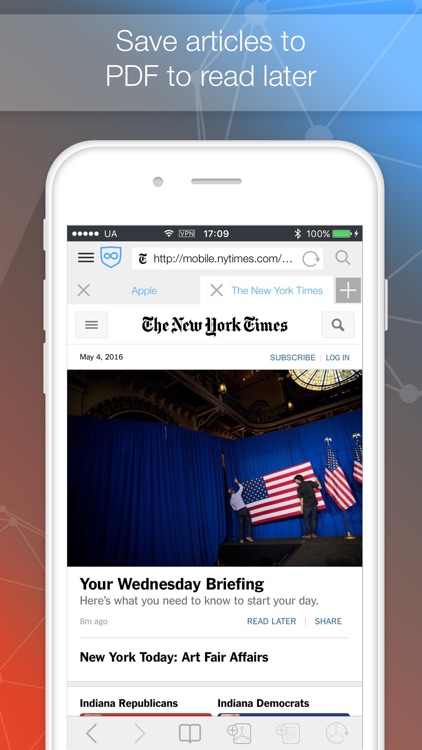
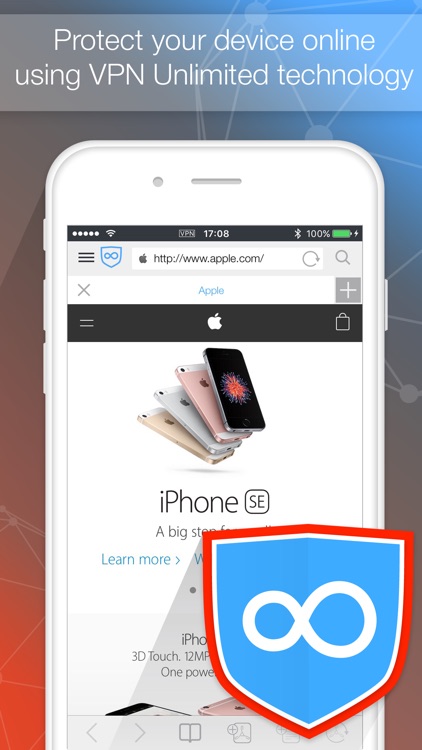
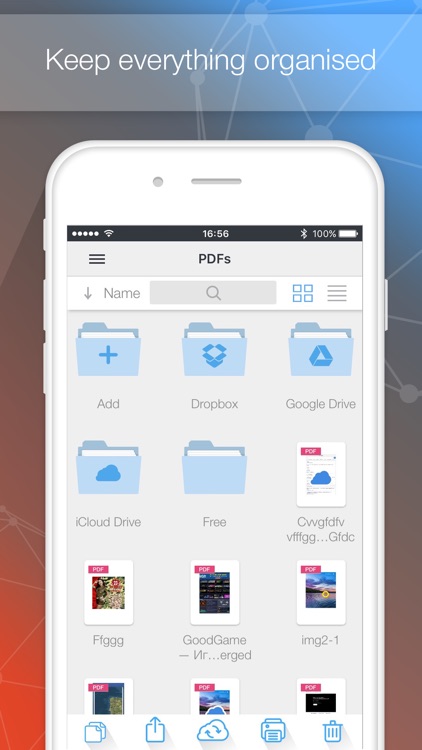
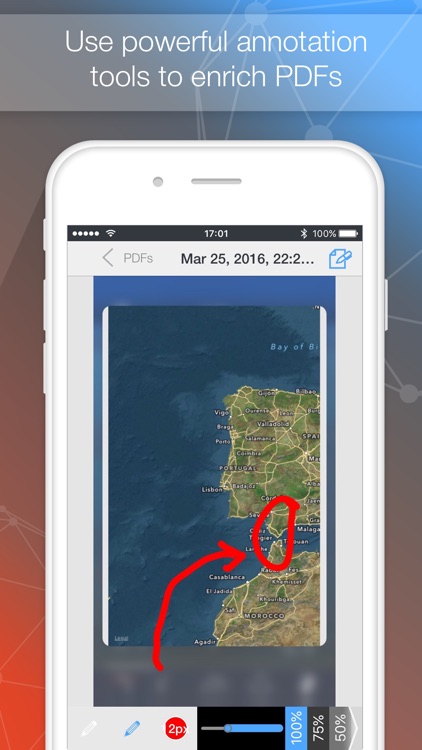
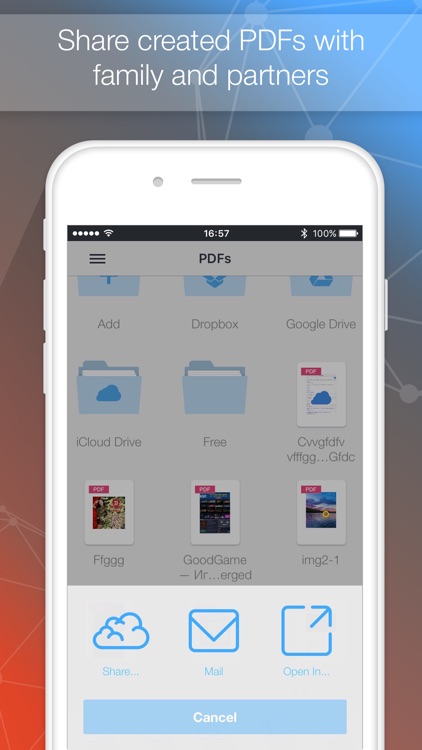
Web To PDF couldn’t be easier to use. Just point the built-in browser at any page and tap the add PDF button in the bottom right corner of the screen. Web To PDF will need a brief moment to convert the page and automatically place it into the files folder. You can then make changes to the PDF by adding text notes, highlighting text, or drawing over the top of it. PDFs can be shared via email, Dropbox, or iTunes File Sharing.
If you deal with a lot of web content, Web To PDF will definitely come in handy at some point. You’re able to store as many files as you want and come back to them as necessary.
Web To PDF offers three editing tools, but for some reason lacks the option to crop captured files down. If you don’t want to be dealing with entire pages all of the time, you may want to look elsewhere for a PDF converter.