



You are using an outdated browser. Please upgrade your browser to improve your experience.

Apps That
Went Free on
2014-10-03

Search for numbers in a cluster and highlight them to create an image in Numerity. We also have an app that allows you to add effects and captions to your photos, and an app that will help you make quick work of conversions.

Super Heavy Sword
iPhone
iPad
Super Heavy Sword

Super Heavy Sword

ashley jackson

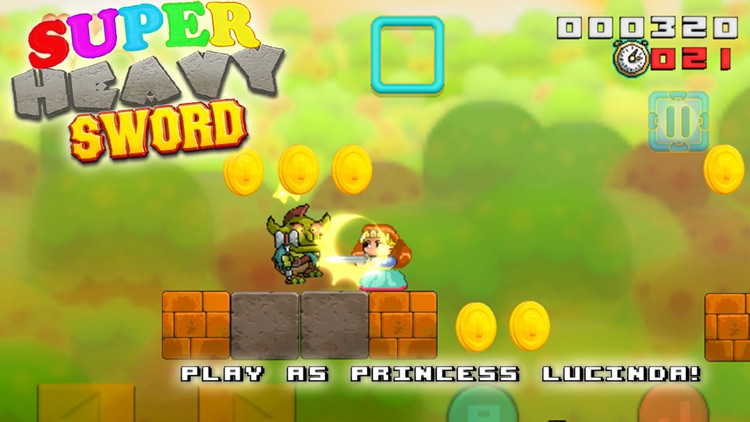
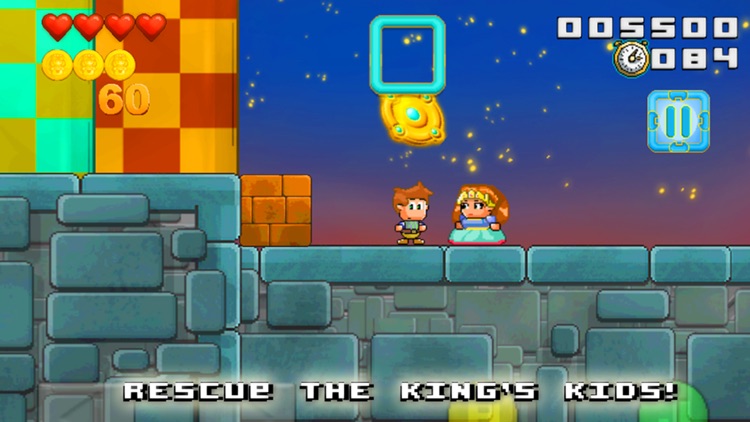
Take control of Pike or Lucinda and head out on an adventure to rescue the king’s five children in this colorful platformer.

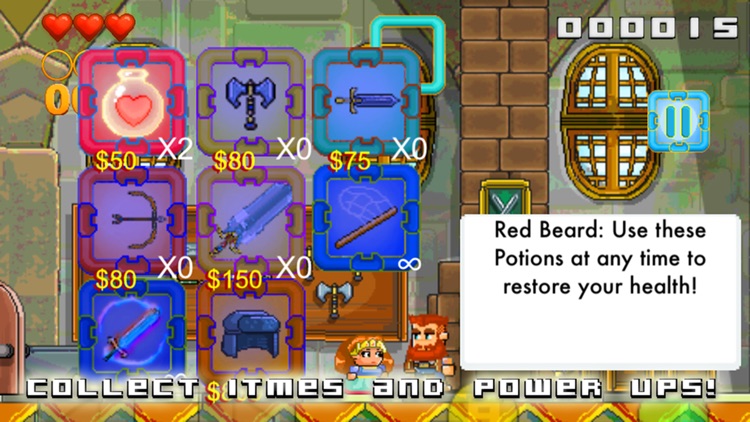
Super Heavy Sword is perfect for fan’s of Mario-style games.

FREE ($0.99) For a limited time FREE ($0.99) For a limited time
Why we picked this?

There’s a little bit of everything in Super Heavy Sword. You get to explore massive worlds, swing swords, fire arrows, throw bombs, and bounce off of the heads of your enemies. Your character can also perform some neat tricks like ground pounds, wall kicks, and summersaults. On top of all of that, you’re asked to track down 64 medallions, 30 lost paintings, and 18 bugs. Oh, and don’t forget about the king’s five children!

If you like platformers, you’ll want to check out Super Heavy Sword today. It’s loaded with content that will keep you busy for hours upon hours.

Super Heavy Sword can feel a bit generic at times and the controls aren’t as tight as we would like, so if you’re not absolutely in need of another platformer for your iDevice, you can skip this one.


Numerity - Find images in numbers
iPhone
iPad
Numerity - Find images in numbers

Numerity - Find images in numbers

Zedarus Entertainment Ltd.

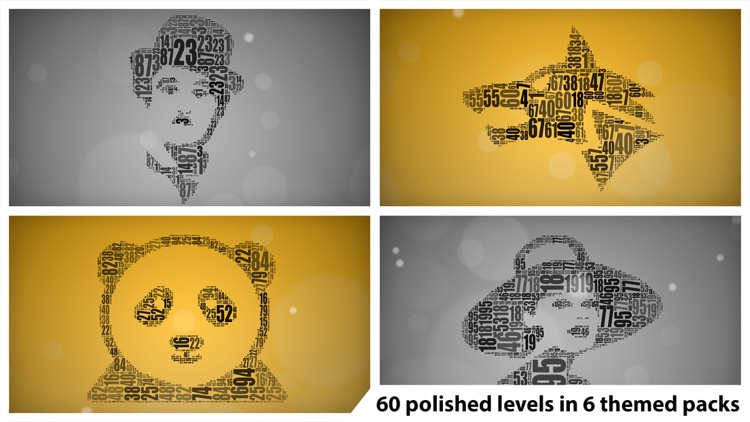
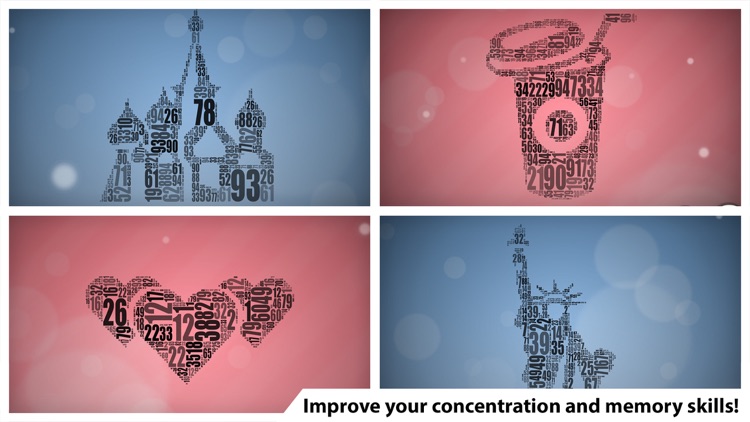
Discover and highlight numbers until they form an image in this puzzle game.

If you enjoyed Blueprint 3D from the same developer, you’re going to love Numerity.

$0.99 $0.99
Why we picked this?

Numerity is about as relaxing of a puzzle game as you’ll find in the App Store. You’re asked to find numbers within a cluster as quickly as possible in order to form an image. You can get a closer look at the cluster using the usual pinch to zoom gestures. Hints are available, but they will cost you. The game includes five theme packs, 50 levels, and iCloud support.

If casual is your thing, this is your game. Numerity has an enchanting soundtrack to go along with its clean and minimalistic design.

If you’re not into seek and find games, Numerity won’t do much to change that. It’s a relatively slow paced game that won’t exactly get your heart rate up.

Typic - Text on Photos
iPhone
iPad
Typic - Text on Photos

Typic - Text on Photos

Hi Mom S.A.S

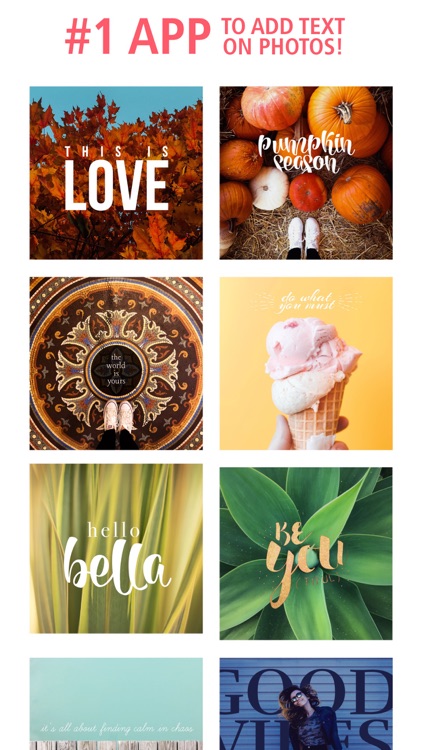
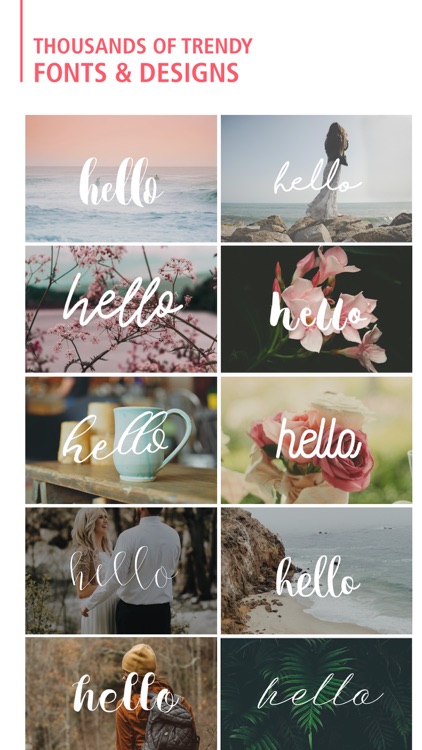
Add a little flare to your favorite photos with this effects and captioning app.

Typic+ is ideal for anyone that wants to do more than share stock photos.

$2.99 $2.99
Why we picked this?

Typic+ allows you to do a little bit of everything. After importing a photo from your library or snapping a new one, Typic+ will take you step-by-step through the editing process. Along the way you will be able to apply filters, caption your photo with different fonts and colors, and add a frame and other design elements. Typic+ is loaded with content, but you can get even more fonts, design elements and frames via in-app purchase.

If you need a way to personalize your photos, Typic+ will do the trick. It makes it so easy to add text, filters, and frames, you’ll wonder why you didn’t download it sooner.

If you absolutely despise in-app purchases, Typic+ isn’t for you. It certainly has enough content to satisfy most iPhoneographers, but the idea of not having all of the content unlocked upon download may just be too much for you to handle.

Convertr : Unit & Currency Converter
iPhone
iPad
Convertr : Unit & Currency Converter

Convertr : Unit & Currency Converter

ReasonX, Inc.

Convert units and currencies in a snap with Convertr.

This utility app is for anyone that needs to convert quickly and often.

$0.99 $0.99
Why we picked this?

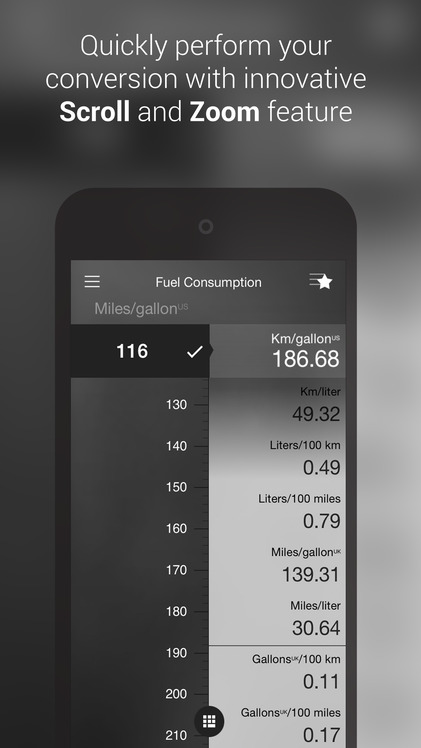
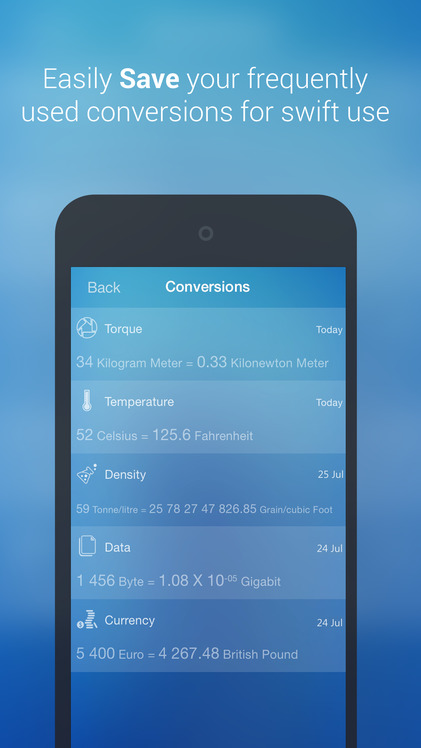
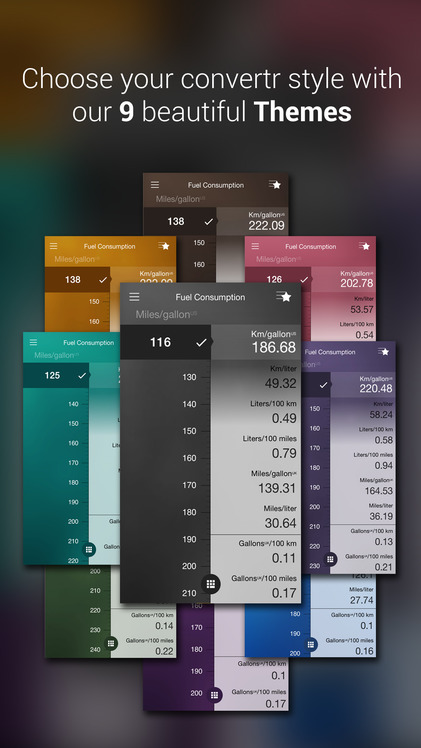
Convertr’s unique interface sets it apart from every other conversion app in the App Store. It’s based on trying to get you to your desired conversion in as few taps and swipes as possible. You’re able to browse through a list of conversion categories and units, or you can search for something specific. After selecting two units, just swipe to see their conversions in real-time. Convertr will display your recent conversion history, and you can save frequent conversions for quick access later on. The app includes a total of 11 categories, and nine themes to choose from.

If Siri isn’t cutting for your conversion needs, check out Convertr today. It remembers all of your favorite and most recent conversions, allowing you to get in and get out.

Convertr’s interface is truly unique, which also means it takes some time getting used to. If you don’t have the time, skip it.