




You are using an outdated browser. Please upgrade your browser to improve your experience.

Apps That
Went Free on
2014-10-26

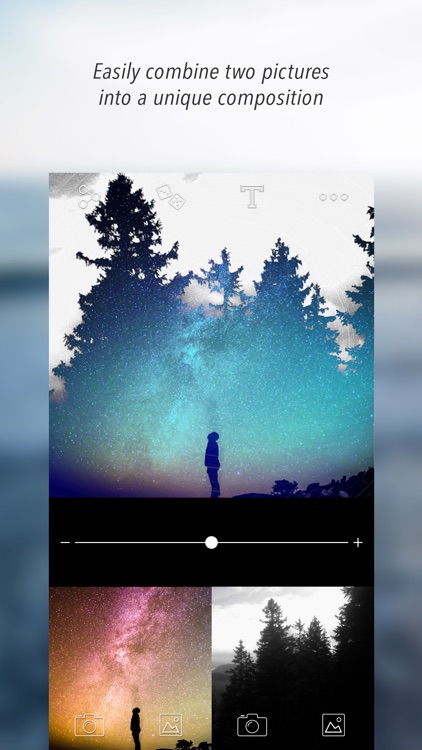
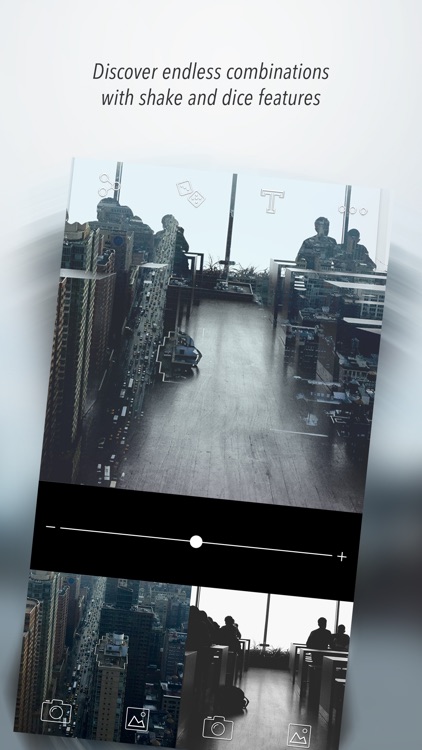
Create fantastic compositions with nothing but a shake with Diana Photo. We also have an intense arcade game, and an Instagram replacement.

DesignJot
iPad
DesignJot

DesignJot

Allen Communication Learning Services, Inc.

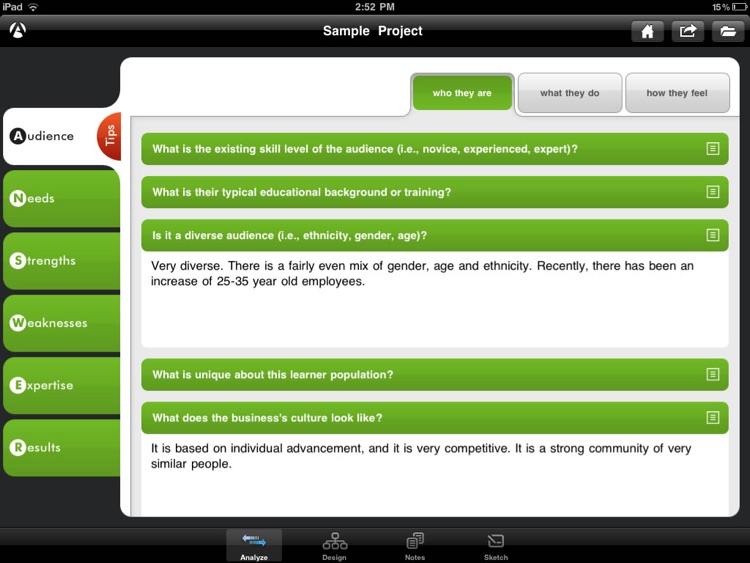
This productivity app will help you build better training programs.
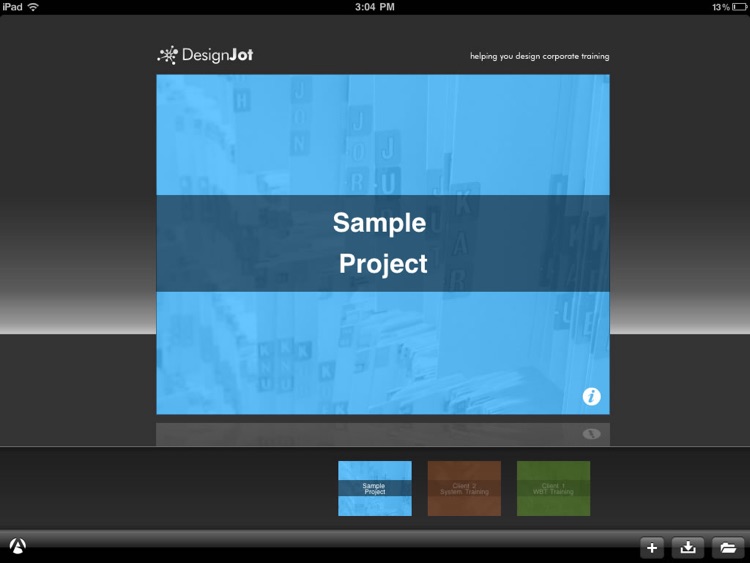
It’s perfect for instructional designers, trainers, and performance consultants.

FREE ($4.99) For a limited time FREE ($4.99) For a limited time
Why we picked this?

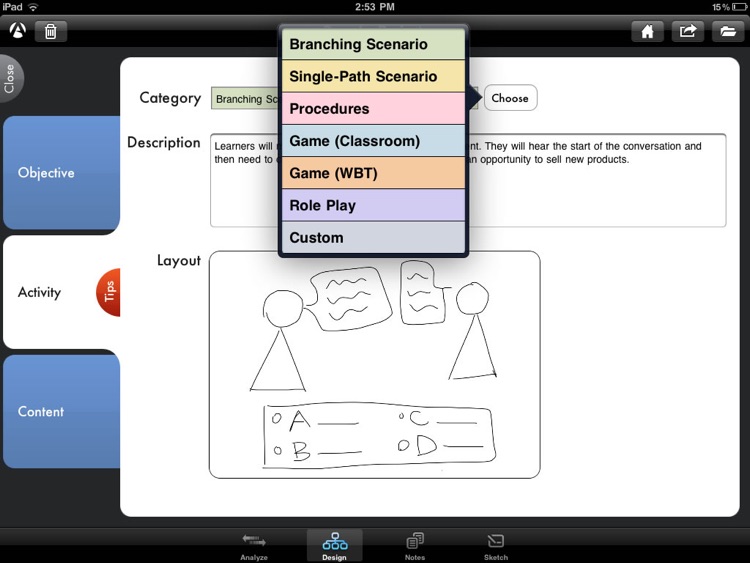
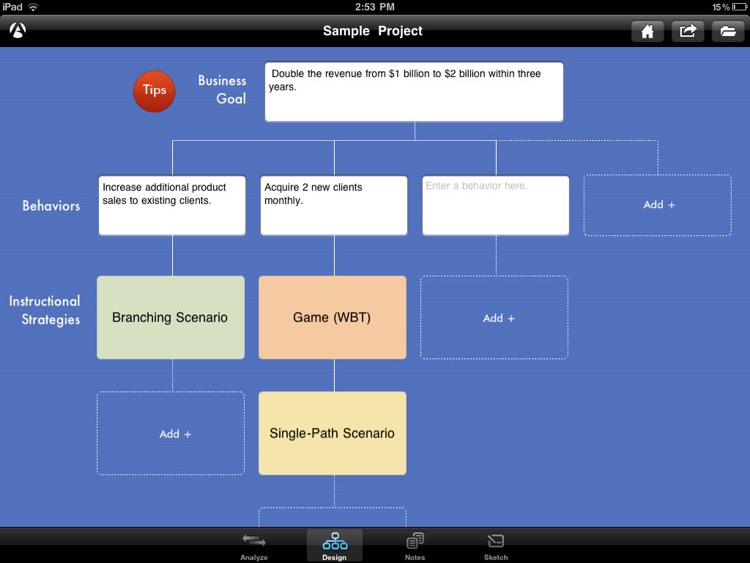
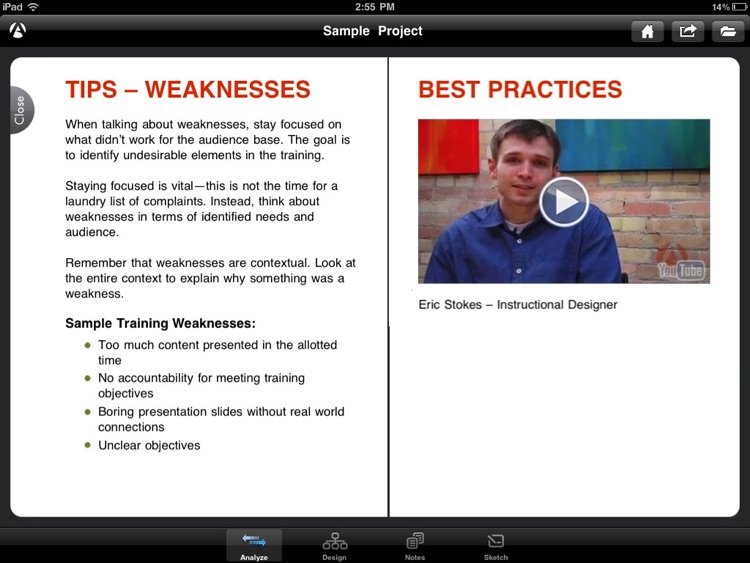
This is the training industry’s equivalent to the Swiss Army Knife. The app leverages ANSWER, Allen Communication’s rapid needs assessment methodology, to ensure that your instructional strategies align with your organization’s unique needs and opportunities. You’re able to create as many projects as necessary, and you can add additional questions to individualize your projects. DesignJot also allows you to build high-level design flowcharts, and jot down notes and sketch out ideas. Projects and flowcharts can be exported via email or iTunes File Sharing.

If your profession requires you to put together training programs, you need this app. It now includes a sample course for retail training, making it even more useful.

DesignJot serves a very specific purpose. If you don’t fit into the categories above, you won’t even know where to start with DesignJot.

Gramory
iPhone
Gramory

Gramory

Alex Cohen

Gramory allows you to experience Instagram in a whole new way.

It’s for Instagram users that want a better experience.

FREE ($3.99) For a limited time FREE ($3.99) For a limited time
Why we picked this?

Gramory is both beautiful and easy to use. You’re able to configure the grid view to show only the photos you want to see. Just swipe left to right to filter out photos. Tap on a photo to get a better look, where you can also like, favorite, and view more photos from that user. The app also allows you to search, save user and tag searches, change the size of the grid, follow and unfollow users, and even login using Touch ID.

If you are tired of the look of the official Instagram app, give Gramory a try. It’s an absolute treat to use, and offers the same functionality.

If you’re totally fine with using the official Instagram app, there’s no reason to waste time checking out Gramory. It does the exact same things.

1001 Attempts
iPhone
iPad
1001 Attempts

1001 Attempts

Everplay

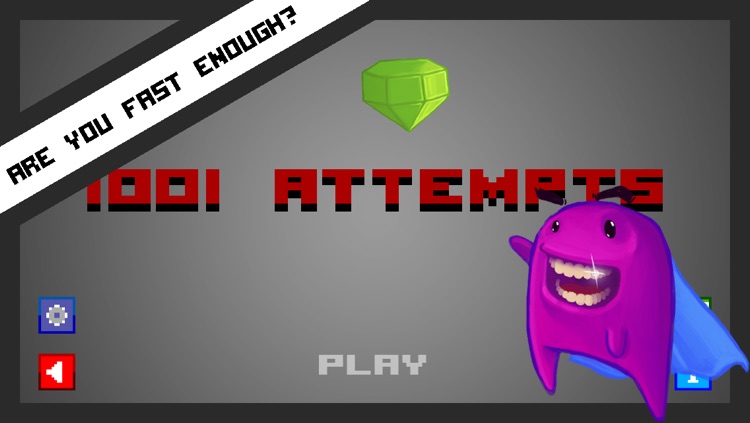
You’re going to flip out while playing this intense arcade game.

It’s for anyone who enjoys challenging pick-up-and-play games with pixel graphics.

FREE ($0.99) For a limited time FREE ($0.99) For a limited time
Why we picked this?

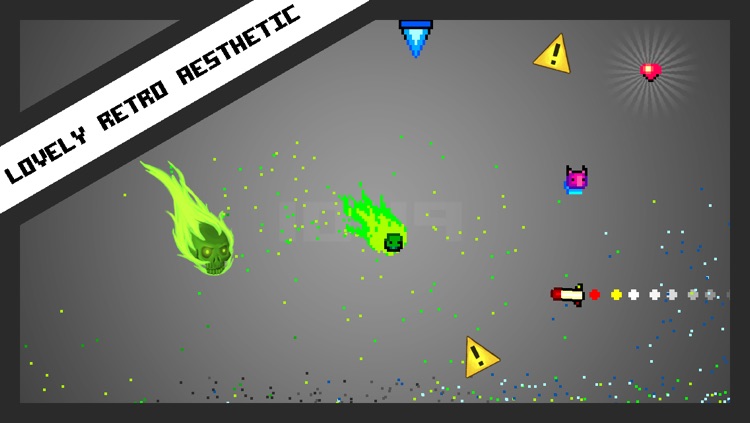
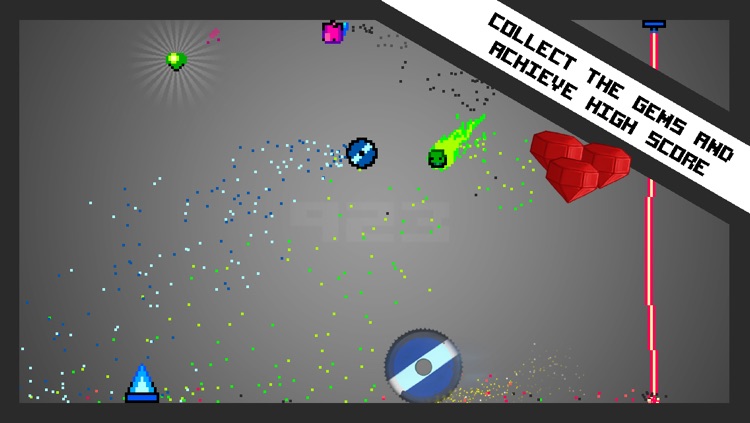
This is the classic “one more try” game. The concept is simple enough: Move right and left and jump to each side of the screen to avoid danger while collecting jewels. The difficulty, however, is surviving for more than a minute. Danger in 1001 Attempts comes in all shapes and sizes, and it moves quickly so you will have to as well. Find out how far you can climb the Game Center leaderboards.

If you’re fond of challenging arcade games, you’ve found one in 1001 Attempts. It has the look and feel of Super Crate Box, and it’s nearly as fun.

If your reflexes are poor, just skip 1001 Attempts. Your patience won’t even last a total of 10 attempts.

Diana Photo
iPhone
Diana Photo

Diana Photo

STETTINER GAMES & MORE

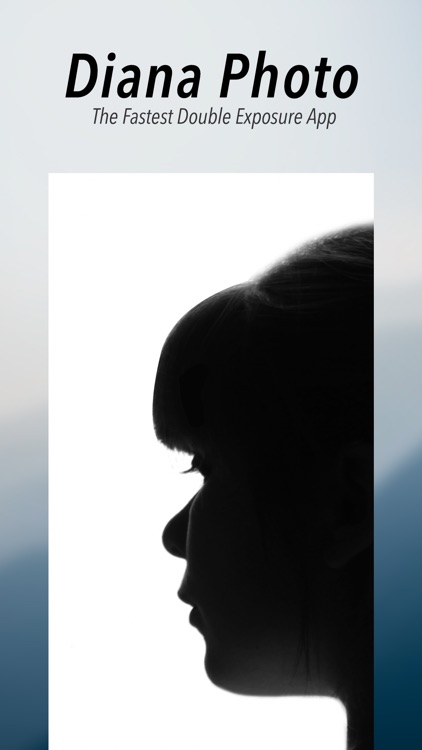
A photography app that allows you to create fantastic compositions with nothing but a shake.

It’s a great addition to any iPhoneographer’s collection.

$1.99 $1.99
Why we picked this?

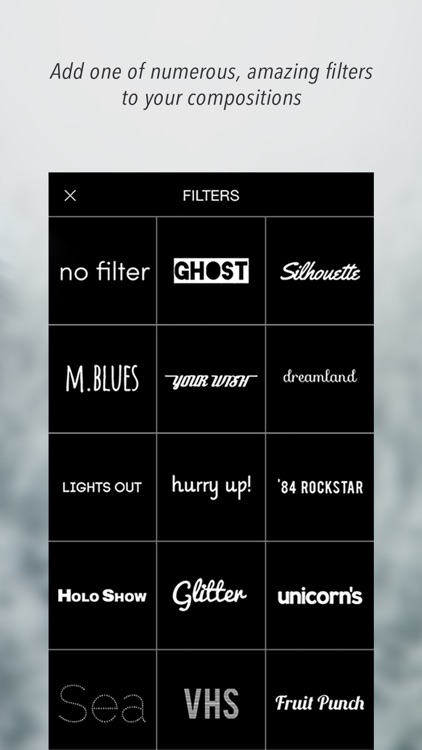
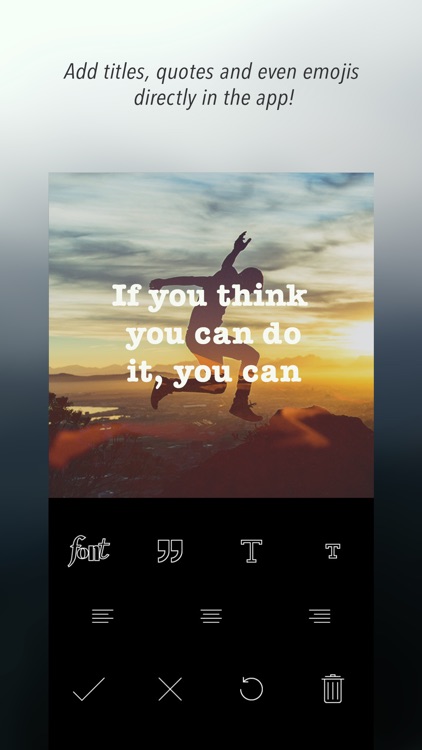
The best part about Diana Photo is that it’s relatively hands-off. All you have to do is take a bunch of great photos to populate your camera roll. Then shake your iDevice and see what Diana Photo is able to come up with. The app will layer two randomly chosen photos to create a composition and apply a random filter. You can also manually select your photos and a filter if you have something in mind. Text can be placed over the top of your final creation before sharing it via Facebook, Twitter, Instagram, Messages, or email.

If you like photography apps that are relatively hands-off, Diana Photo is perfect for you. Just a shake will provide you with some great results.

If you like to fiddle with your photos, Diana Photo probably isn’t ideal. It takes the reigns for most of the process.

Glass effecT
iPhone
iPad
Glass effecT

Glass effecT

PDJ Apps

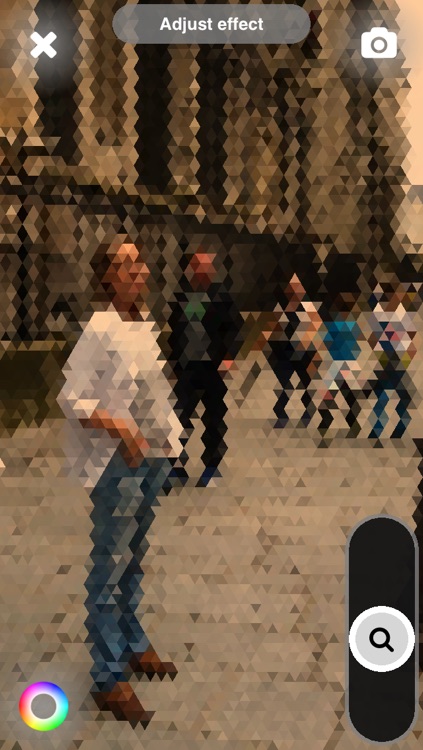
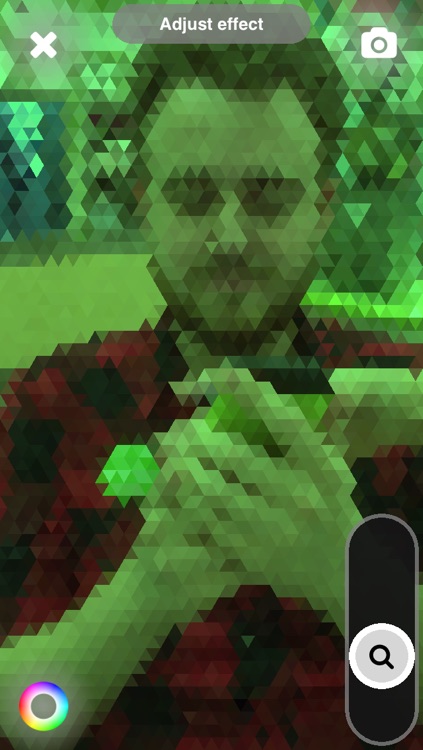
Add a textured glass effect to your favorite photos with Glass effecT.

It’s for anyone who wants to have fun with their photos.

$0.99 $0.99
Why we picked this?

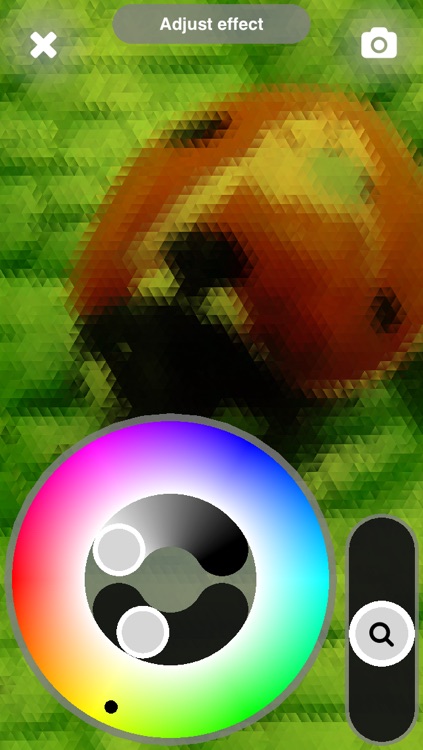
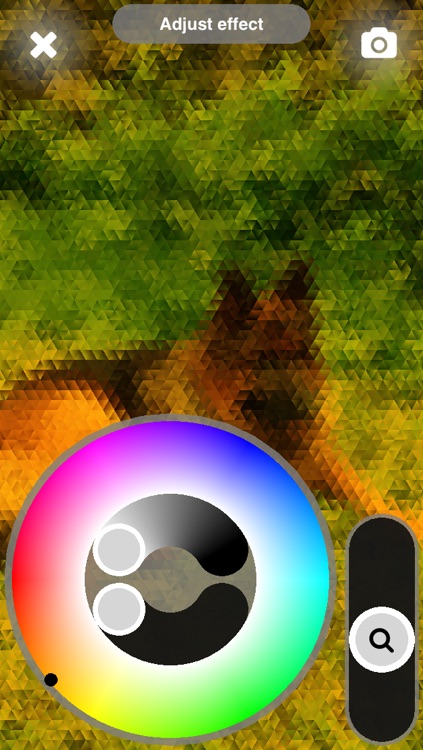
Glass effecT is about as straightforward as photography apps come. You’re able to load any photo from your library or snap a new one from within the app. Then crop the image down and apply the glass effect. You can adjust the intensity of the effect via a slider on the bottom right side of the screen, and change the color via a wheel on the bottom left.

If you need yet another way to change up your photos, look no further. Glass effecT’s texture looks great on any photo.

Glass effecT does one thing and does it well. If you don’t have anymore room in your photography folder, however, it’s probably safe to skip this one today.

Frugi - Home Budget
iPhone
iPad
Frugi - Home Budget

Frugi - Home Budget

Iman Ghasempour

Find out where all of your money is going with this finance app.

It’s ideal for anyone who needs to stick to a budget.

$3.99 $3.99
Why we picked this?

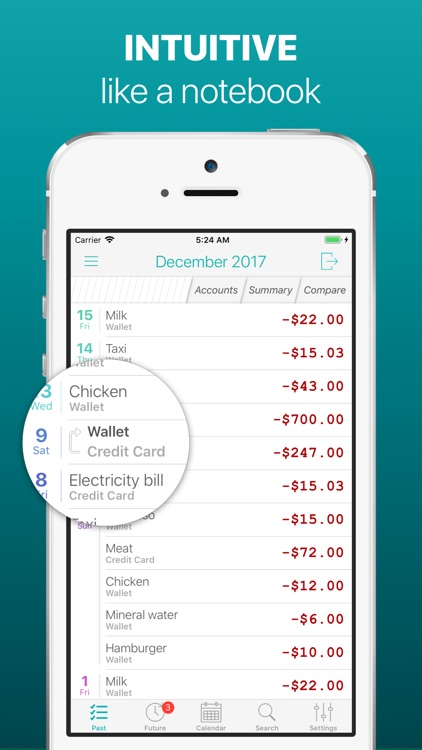
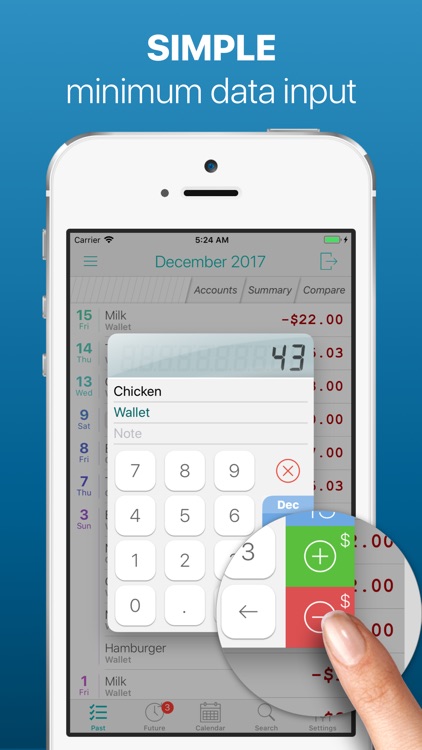
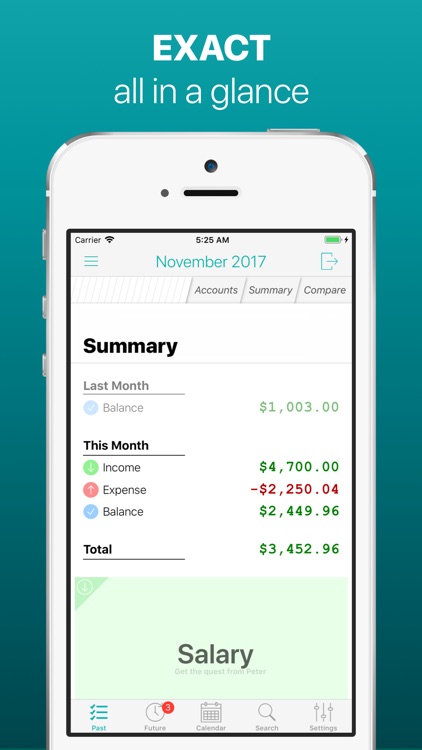
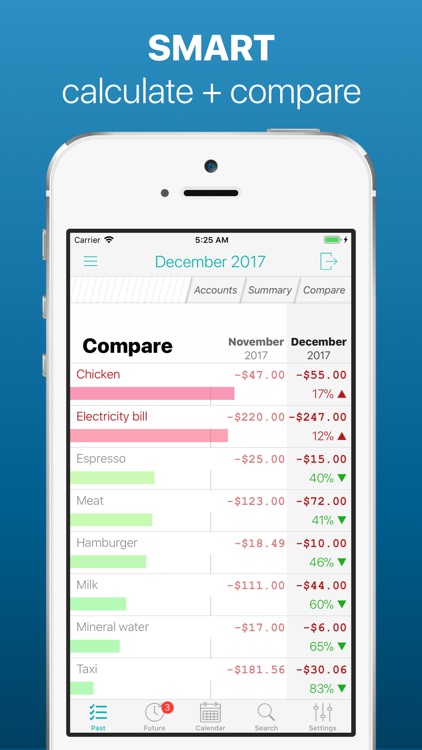
Frugi makes it easy to record transactions. Just swipe down to add or subtract from your total balance. You’re able to attach a category to each transaction and select a date if necessary. All of your transactions will be calculated automatically and presented in list form. Transactions can be removed with a right to left swipe, and you can move them to a future date with a double tap. The app also includes the ability to manage multiple accounts, and a calendar view.

If you’re always having trouble with your finances, check out Frugi today. Thanks to the ability to create custom categories and tag your transactions, you’ll always know where your money is going.

If you have recurring transactions, you’re going to need a different app. The developers have overlooked this handy feature.