



You are using an outdated browser. Please upgrade your browser to improve your experience.

Apps That
Went Free on
2014-11-17

Record your thoughts and ideas with today’s AppsGoneFree collection. Momento will help you start and stick to journaling. Imagination Box will allow you to create anything. Pocket Lists will allow you to get your holiday shopping list going.

Momento Classic
iPhone
Momento Classic

Momento Classic

d3i Ltd

A journaling app that can tap into your social networks to create a complete timeline of your life.

Momento is perfect for anyone who struggles to find the time to keep a journal.

FREE ($2.99) For a limited time FREE ($2.99) For a limited time
Why we picked this?

Starting a journal, let alone keeping one, can be quite the task. Sometimes it’s just difficult to frame your thoughts. That’s where Momento comes in. It allows you to create entries using your thoughts, activities, and photos, and then combines them with your social network feeds to create a complete journal. All of your entries are presented in a timeline view sorted by date, but you can tag entries, search text, and rate moments to filter out content. The app also includes Touch ID integration, allowing you to protect your personal thoughts with your fingerprint.

If you have always had trouble keeping a journal, give Momento a try. It does a marvelous job getting you started by allowing you to tap into your social network feeds.

If you want to sync your journal entries between your iPhone and iPad, you’re out of luck. Not only does Momento not support iCloud, it’s also not enhanced for iPad.

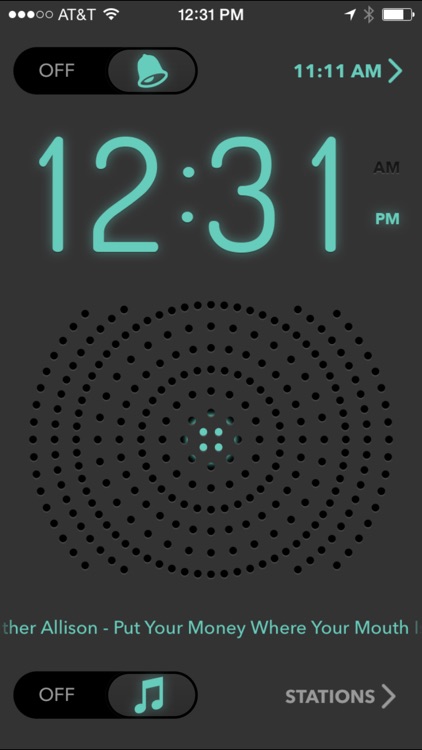
Alarm Clock Radio - Music Player
iPhone
iPad
Alarm Clock Radio - Music Player

Alarm Clock Radio - Music Player

Raizlabs Corporation

Turn your iDevice into a clock radio with Alarm Clock Radio.

It’s ideal for anyone who plugs their iDevice in near their bed.

FREE ($1.99) For a limited time FREE ($1.99) For a limited time
Why we picked this?

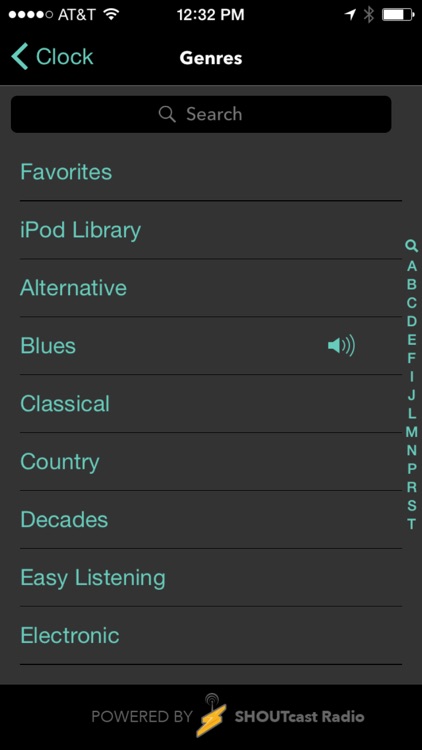
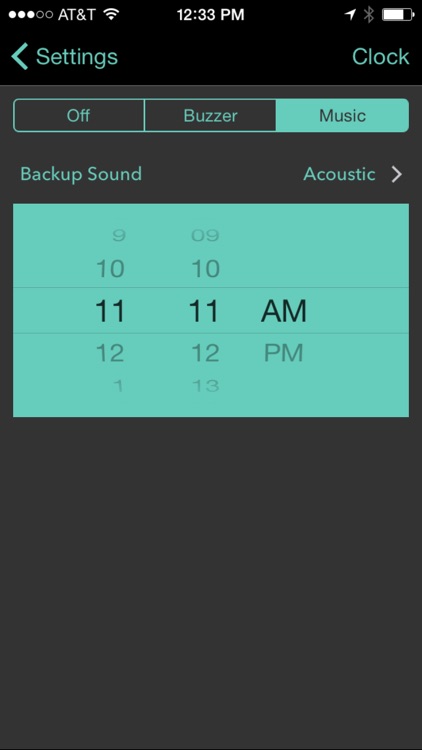
Alarm Clock Radio is all about clean design and simplicity. It features a single clock face that clearly displays the time and radio station. It also looks great in both portrait and landscape orientations. You’re able to select from more than 25,000 stations including oldies, classical, R&B, blues, and even police scanners. The radio stations can be played at night and include a sleep timer, and you can wake up to them by setting them as your alarm clock.

If you have always wanted a beside clock radio, this is your app. Stations can be favorited for quick access, and you can even stream them to any AirPlay device.

If you like loads of options in your alarm clocks, you’re going to have to look elsewhere. It only has one clock face, which isn’t customizable at all.

Pocket Lists 1
iPhone
iPad
Pocket Lists 1

Pocket Lists 1

1312

A powerful task manager that will have no problem replacing the stock Reminders app on your iDevice.

It’s ideal for anyone who is ready to start creating holiday shopping lists.

FREE ($3.99) For a limited time FREE ($3.99) For a limited time
Why we picked this?

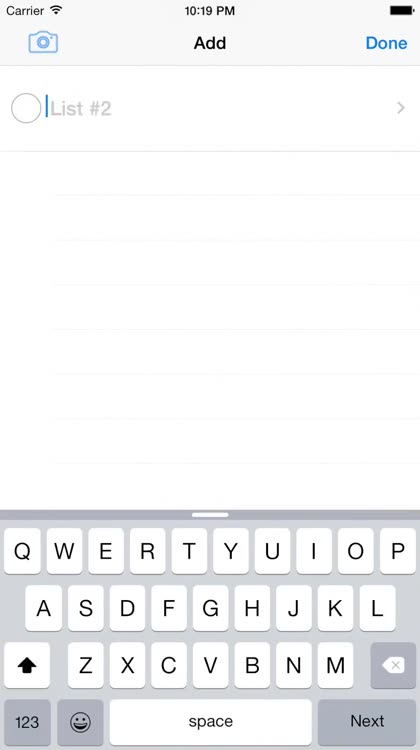
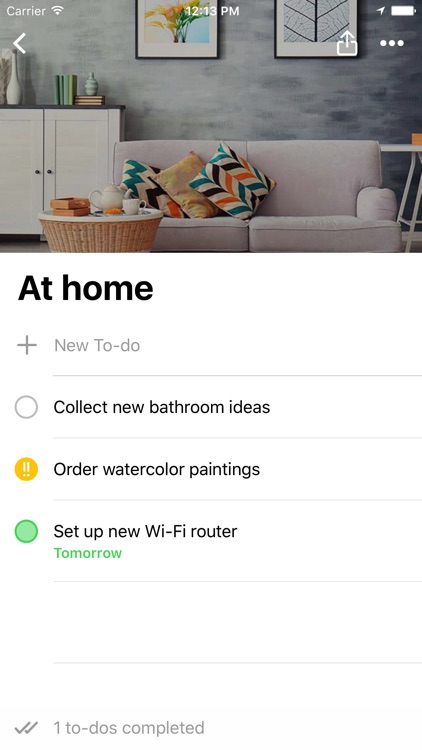
Pocket Lists isn’t your everyday task manager. Sure, it includes everything you’d expect from one, like the ability to attach priority levels to tasks, due dates, notes, unique icons, and location-based notifications. What makes its special, however, are its power-user features like the ability to understand due dates and priority levels from inputted text, built-in OCR, calendar syncing, and list collaboration.

If you’ve been looking for a task manager that can replace Reminders, this is the one. It can be as basic or as complicated as you want.

For an app that’s pretty customizable, it is a bit odd that users aren’t allowed to adjust the font, font size, or font color. If you have a concern regarding readability, this probably isn’t the app for you.

Imagination Box - creative fun with play dough colors, shapes, numbers and letters
iPad
Imagination Box - creative fun with play dough colors, shapes, numbers and letters

Imagination Box - creative fun with play dough colors, shapes, numbers and letters

Software Smoothie

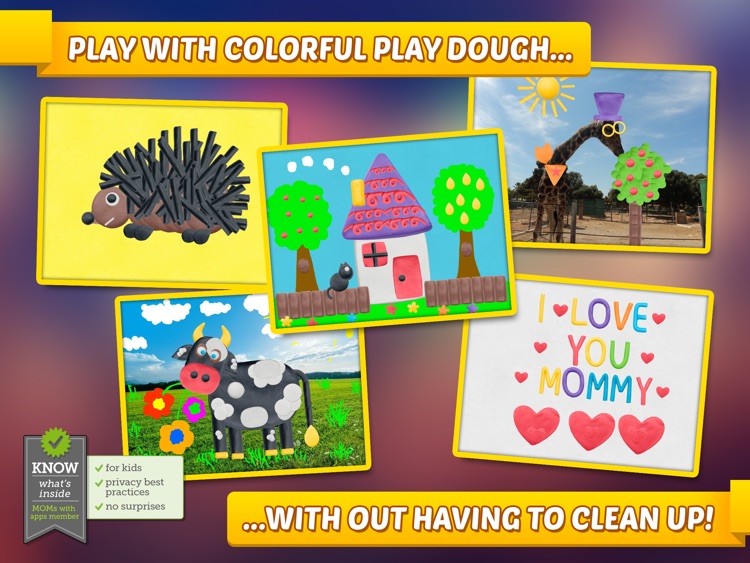
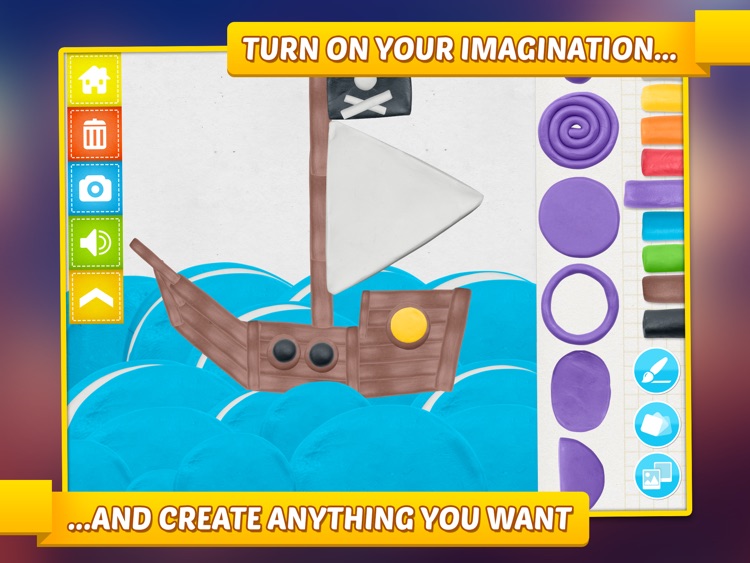
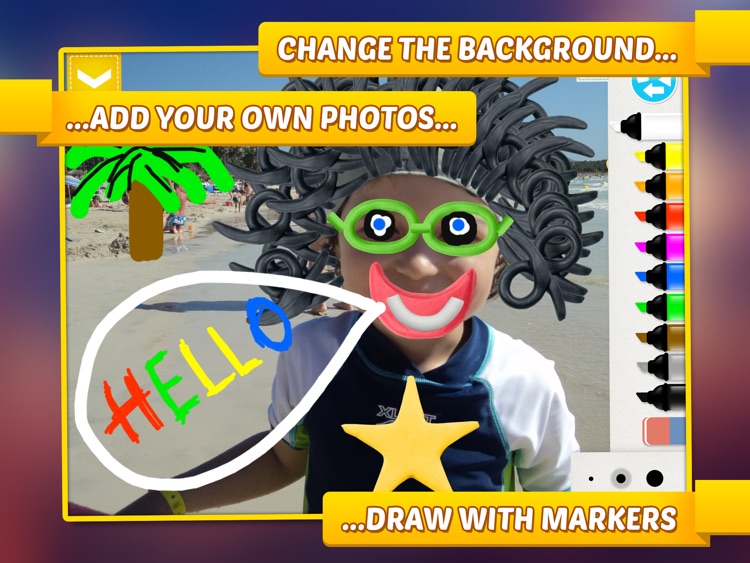
Crack open the Imagination Box and draw, color, and sculpt to create anything you want.

It’s great for any parent that wants to unleash their child’s creative side.

$2.99 $2.99
Why we picked this?

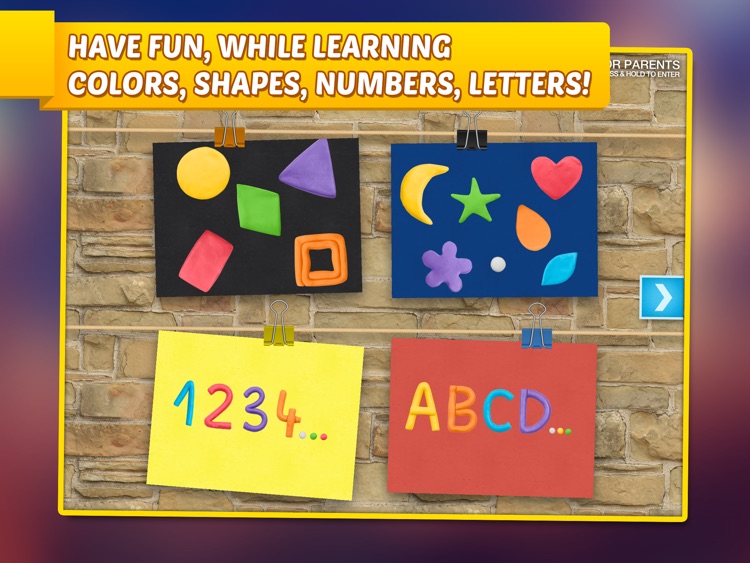
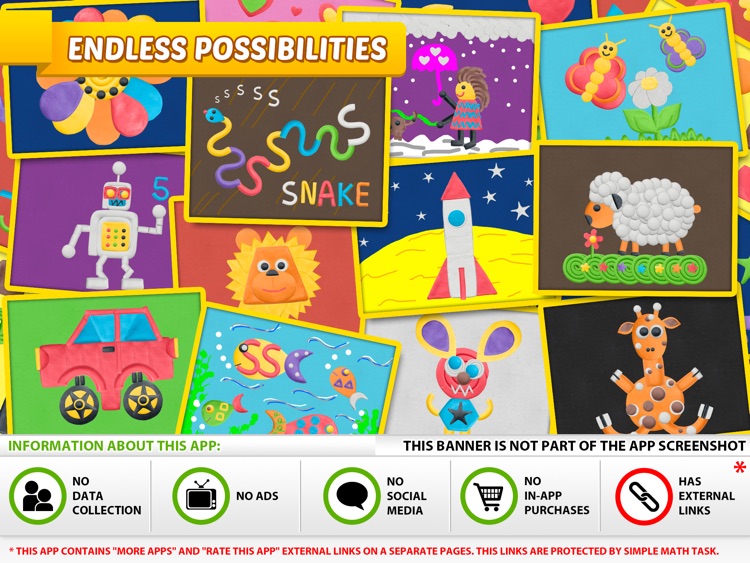
The best thing about Imagination Box is that it’s entirely open-ended. Your child can pick from 12 background styles and colors, or they can import a photo from your iPad’s library. Imagination Box includes a whopping 62 different pieces of play dough, including shapes, numbers, and letters, to place anywhere on the canvas. Each piece can be rotated, resized, flipped, and colored. It’s not just about play dough though, as your child can draw anything they want on the canvas using 10 colorful markers.

If you have a child with a big imagination, Imagination Box is a must download. It’s totally free of in-app purchases and outside links to social networks, and doesn’t collect any personal information. This way you can rest assured your child is in a fun and safe environment.

Without any rules or direction, Imagination Box obviously isn’t for every child. If you have a very young child, you will either need to skip this one or assist them in the creation process.

Translate Photo - OCR Camera Scanner & Translator
iPhone
iPad
Translate Photo - OCR Camera Scanner & Translator

Translate Photo - OCR Camera Scanner & Translator

Volgan Shpitz

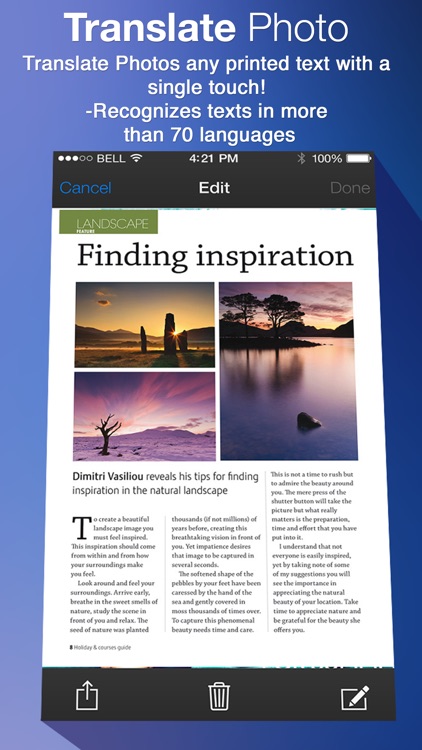
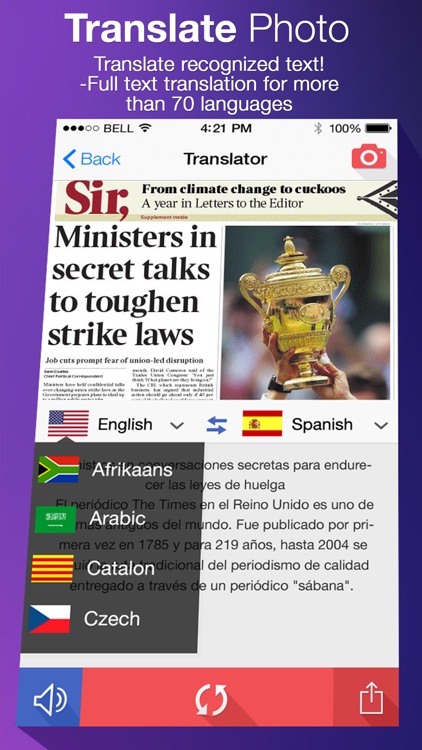
Recognize and extract text from a variety of sources with Translate Photo.

This app is great for anyone who finds themselves in need of converting images into editable text.

$4.99 $4.99
Why we picked this?

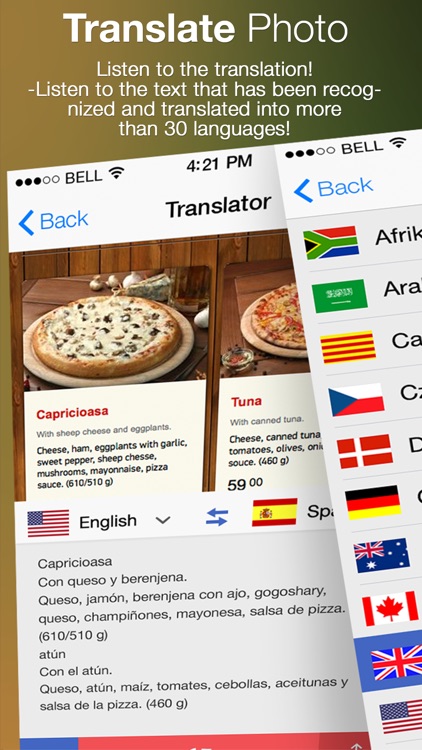
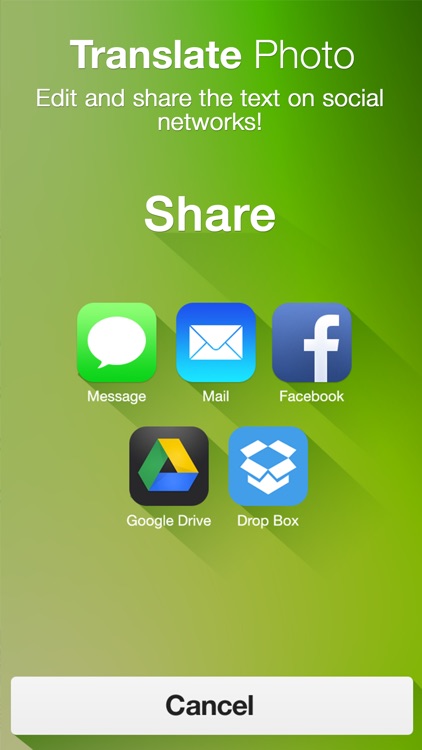
Translate Photo is one of the speediest and most accurate OCR apps we’ve tried. Point your camera at a paper document, recipe card, note, book page, or what have you and capture it. You can crop your photo down and enhance it to ensure that you get the best possible results. Then select a language and watch Translate Photo perform its magic. The extracted text can be edited, copied, saved, and shared.

If you don’t already have an OCR app on your iDevice, download Translate Photo today. Everyone everywhere should have an OCR app in case the need pops up, because it will.

If you have an older iDevice, especially an iPad, you aren’t going to have the most accurate results with Translate Photo.