

You are using an outdated browser. Please upgrade your browser to improve your experience.

Apps That
Went Free on
2014-11-25

We have apps for both work and play today. Relax your mind by creating music on a Paper Piano. Entertain your kids with Little House Decorator and Lochfoot. If you have work to do, PDF smart Convert will help you get it done.

System Activity Monitors
iPhone
System Activity Monitors

System Activity Monitors

Tekton Technologies (P) Ltd.

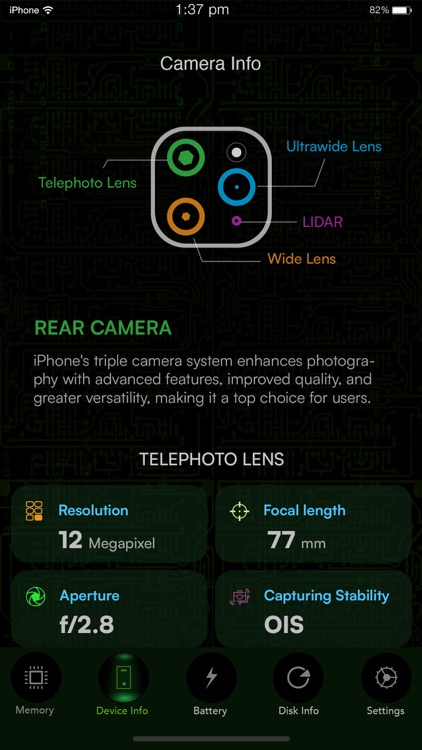
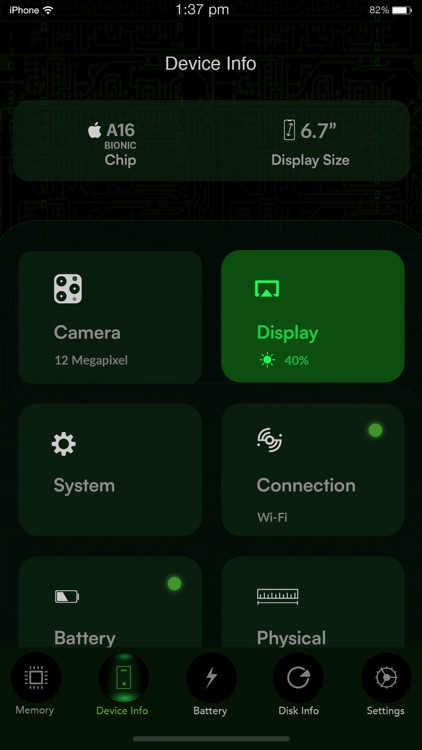
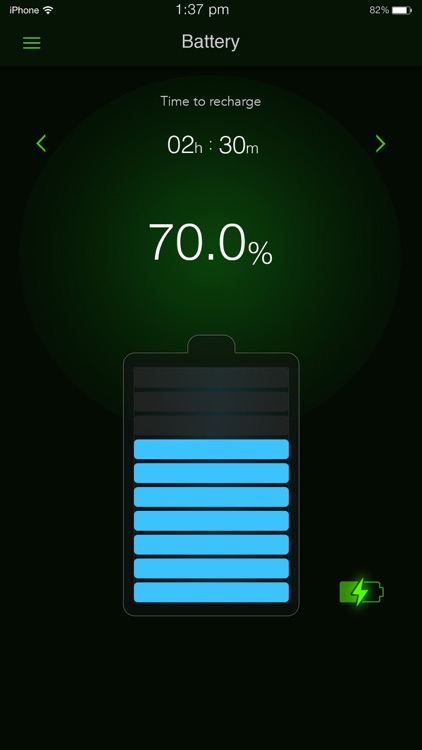
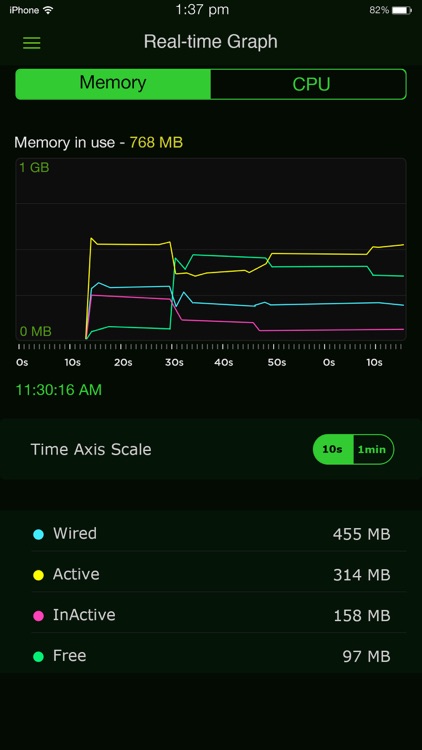
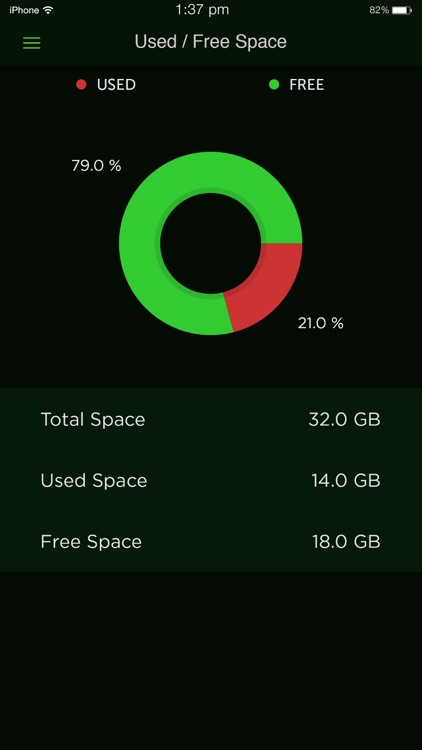
Keep a close eye on your iDevice's battery life, memory usage, storage space, and running processes with this utility app.
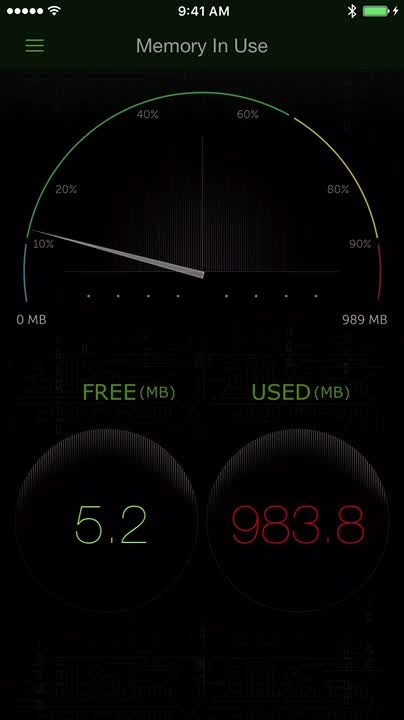
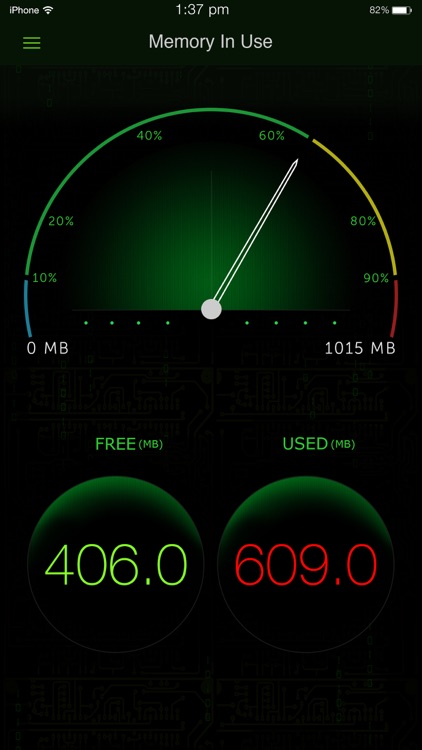
It’s ideal for anyone worried about the performance of their iDevice.

FREE ($0.99) For a limited time FREE ($0.99) For a limited time
Why we picked this?

System Monitor is one of the most comprehensive and accurate apps in the genre. You’re able to switch between views via tabs at the bottom of the screen. You’re also able to get a more detailed look at your memory and battery usage with a double-tap. The app also includes other detailed information like your IP address, MAC address, UDID, last boot time, and iOS version.

If you’re constantly thinking about your iDevice’s battery life and performance, let System Monitor ease your fears.

If you generally don’t trust apps like this, System Monitor will do nothing to change that.

Lochfoot
iPad
Lochfoot

Lochfoot

William Matthews

You and your monster-loving child can enjoy the tale of Lochfoot with this interactive reading experience.

It’s a great addition to any interactive storybook collection.

FREE ($0.99) For a limited time FREE ($0.99) For a limited time
Why we picked this?

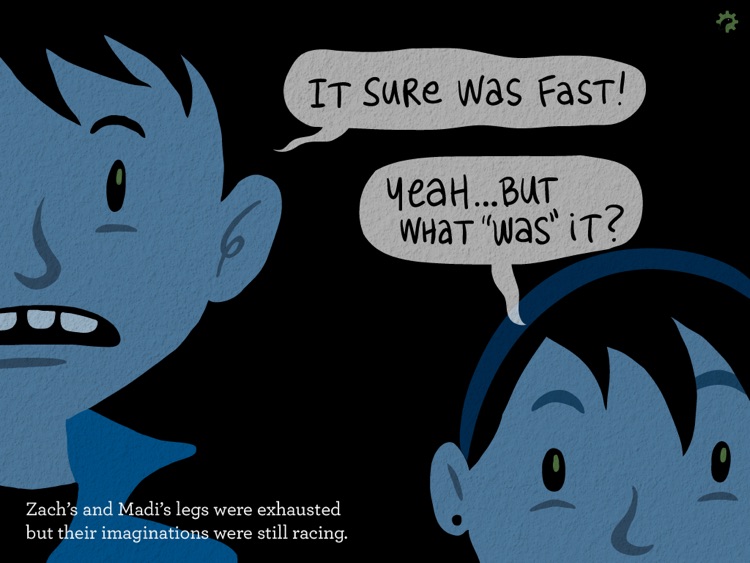
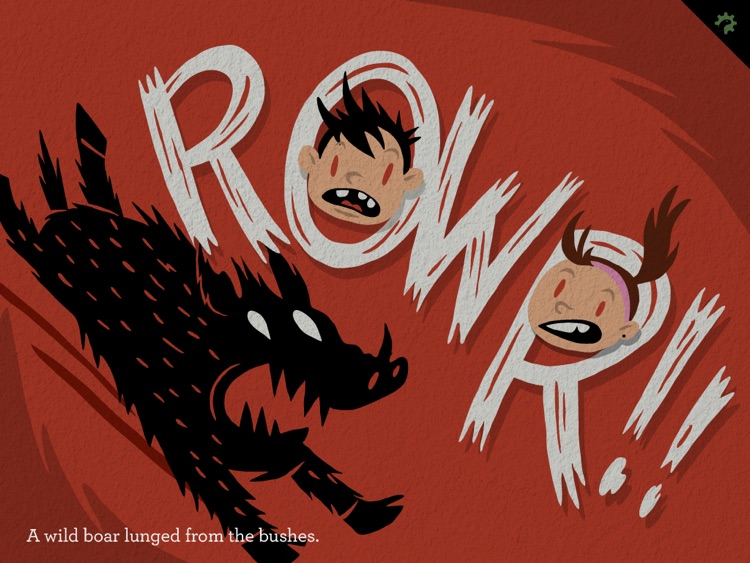
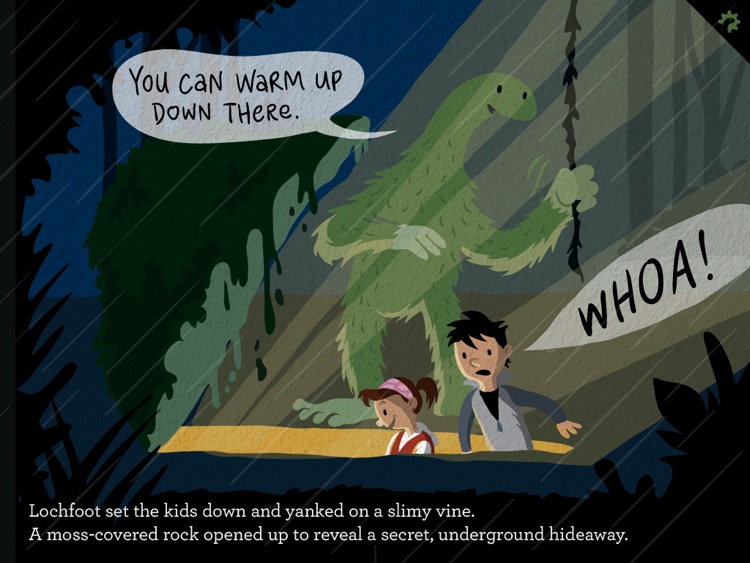
The story begins when two children wander away from their campsite and accidentally stumble upon the world’s most unlikely teenager. You and your child get to tag along as they head out on an adventure of a lifetime with Lochfoot. The app includes 26 pages of content, which are filled with rich illustrations, music, and sound effects. You’re able to follow along with the narrator or simply experience the tale together with your child.

If your child enjoys reading, they’re going to love the tale of Lochfoot. This isn’t a mere port of a hardcover book. It was designed exclusively for the iPad to provide a rich interactive experience.

If your child’s age is outside of the four to eight range, you’ll want to skip this one. It’s simply not intended for them.

Quick Alarm: Nightstand Clock
iPhone
iPad
Quick Alarm: Nightstand Clock

Quick Alarm: Nightstand Clock

Diesel Puppet Ltd

A beautifully simple alarm clock app.

It’s perfect for anyone who puts their iDevice on their nightstand.

$2.99 $2.99
Why we picked this?

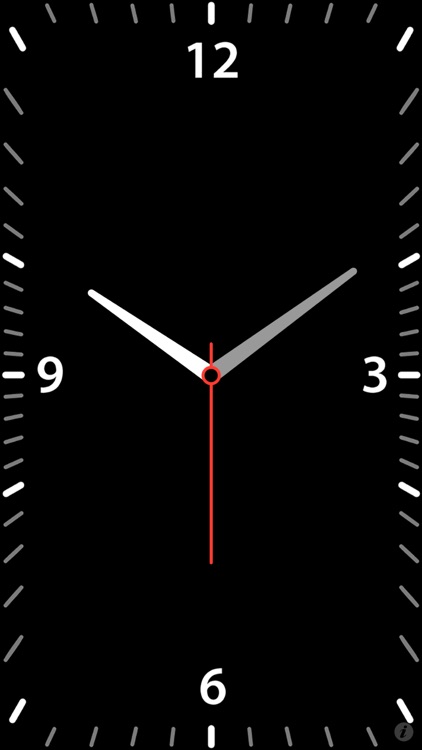
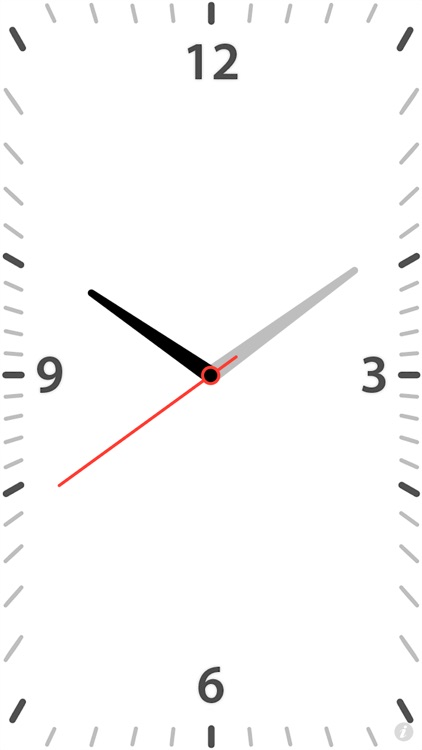
Quick Alarm’s crisp analog display makes reading the time and date easy even from a distance. You're able to choose from dark and light themes, and adjust the brightness with a vertical swipe. You're also able to create custom repeating alarms with 10 different sounds.

If you want to use your iDevice as a bedside alarm clock, Quick Alarm is a must download. It’s big and bold analog display won’t keep you up at night while also allowing you to easily spot it from across the room.

If you prefer to swap out themes and designs, you’re going to need a different alarm clock app. Quick Alarm is all about its single, beautiful analog design.

Paper Piano
iPhone
Paper Piano

Paper Piano

Gyorgyi Kerekes

Play the piano on your tabletop with this neat music app.

It’s for anyone who enjoys creating music.

$0.99 $0.99
Why we picked this?

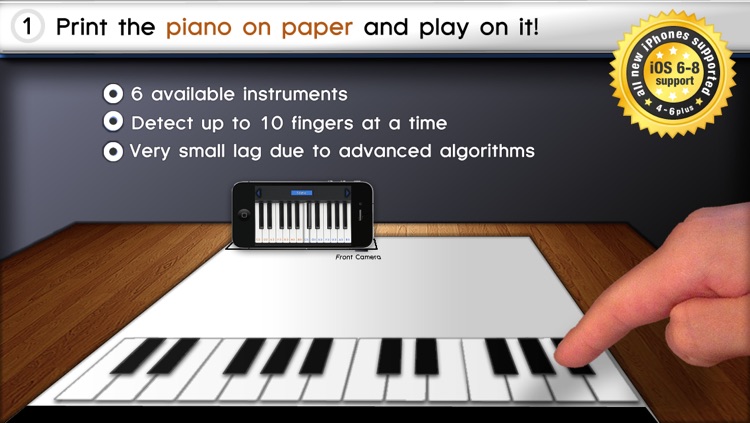
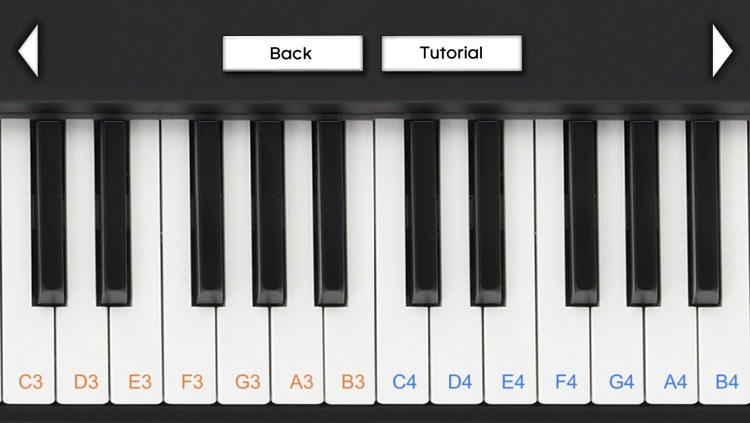
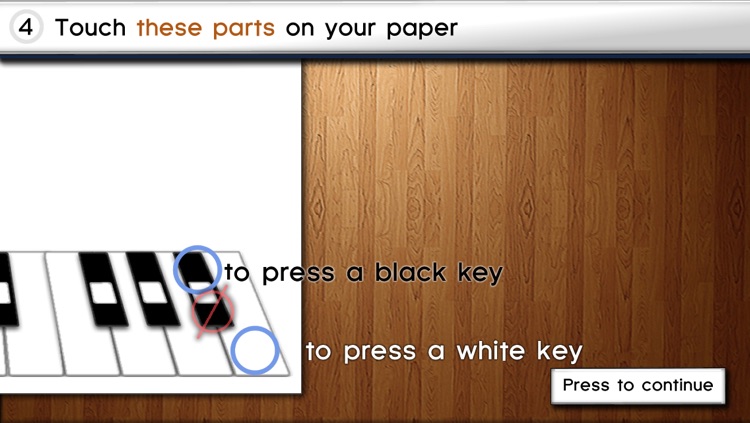
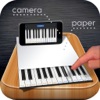
Now this is one innovative app. It allows you to play the piano and other instruments right on top of your table using only your iDevice and a piece of paper. You must first print off the PDF file by following the link from within the app. Then place your piece of paper down on a table and anchor it with a book or some tape, and set your iDevice up on its side with the front-facing camera towards the keys. Make sure not to have any direct light hitting the front-facing camera. The app will then be able to detect all 10 of your fingers as they hit the keys. You’re able to choose from six different instruments to play.

If you want to show off what your iDevice can do, download Paper Piano right now. It’s one of those apps that will simply delight.

If you don’t have an iDevice with a front facing camera, Paper Piano will not work. There’s no other way around it.

Little House Decorator - creative play for girls, boys and whole family
iPad
Little House Decorator - creative play for girls, boys and whole family

Little House Decorator - creative play for girls, boys and whole family

Sebastian Bachorzewski

A virtual doll house for your little ones.

It’s absolutely perfect for parents who need to entertain their children over the holiday break.

$4.99 $4.99
Why we picked this?

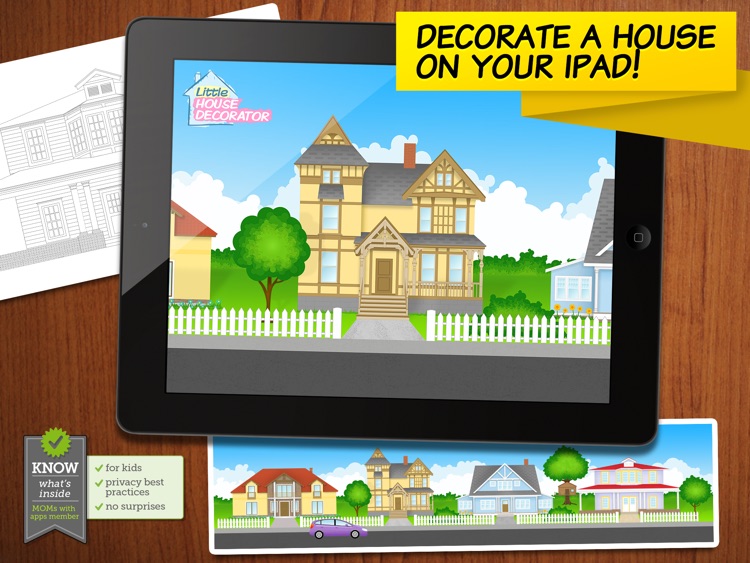
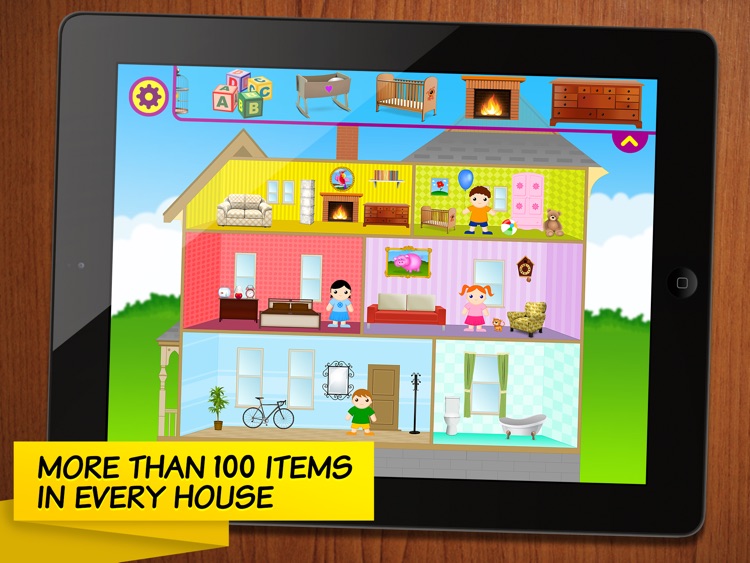
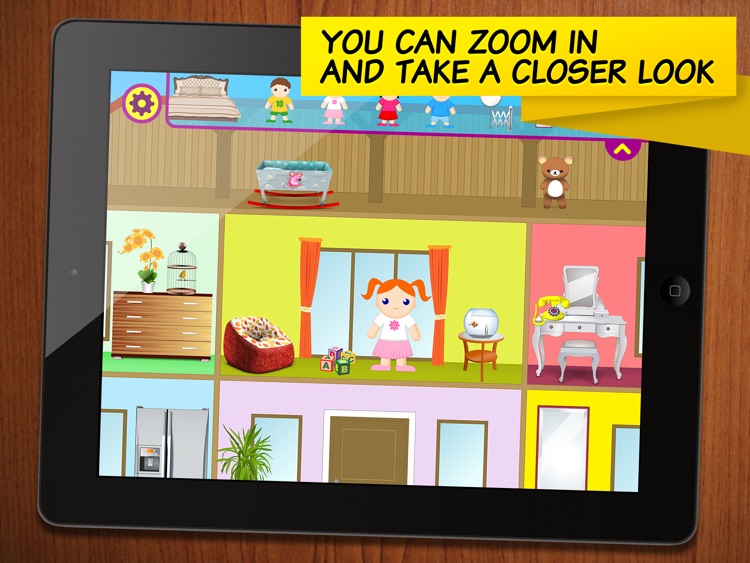
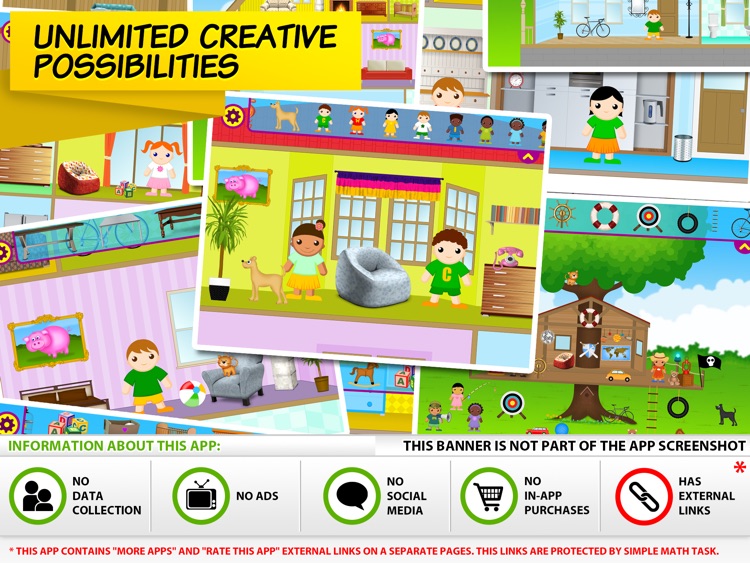
Little House Decorator will unleash your child’s creative side thanks to its open-ended gameplay. They're able to choose from four different house styles, including a tree house, before heading in to decorate. Each house can be outfitted with more than 100 different furniture items, decorations, and characters just by tapping and dragging them from the top of the screen into the scene. Your child can also snap a picture of their newly decorated house and share it with the family.

If your child enjoys designing, they’re going to love all of the elements in Little House Decorator. It’s even a lot of fun in groups, which makes it great for the holiday break when you’re entertaining family.

The app is suitable for all ages, but it’s really not meant for children over the age of eight.

PDF Smart Convert - PDF all your MS Office, iWork, Web Content, Clipboard and  Images
iPhone
iPad
PDF Smart Convert - PDF all your MS Office, iWork, Web Content, Clipboard and  Images

PDF Smart Convert - PDF all your MS Office, iWork, Web Content, Clipboard and Images

Kdan Mobile Software LTD

Turn almost anything into a PDF with this utility app.

It’s a very handy app for business professionals who frequently need content in PDF form.

$6.99 $6.99
Why we picked this?

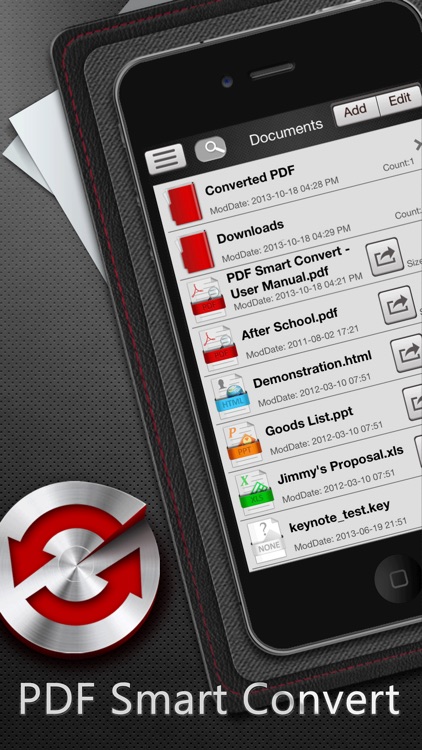
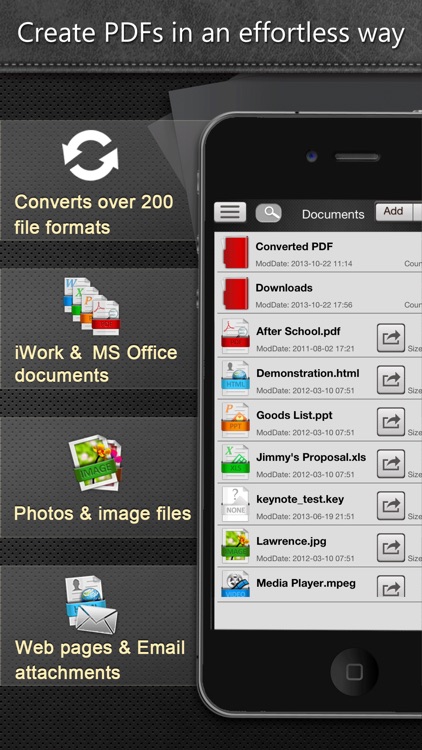
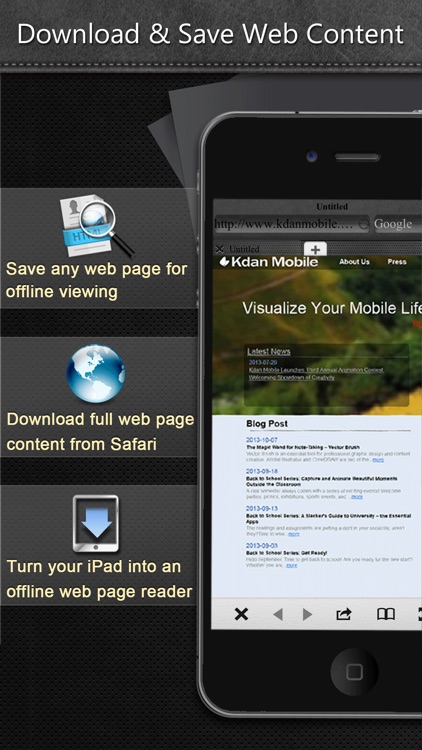
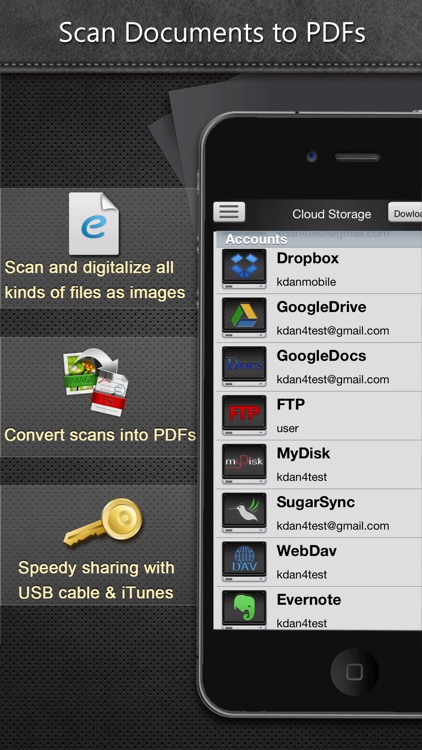
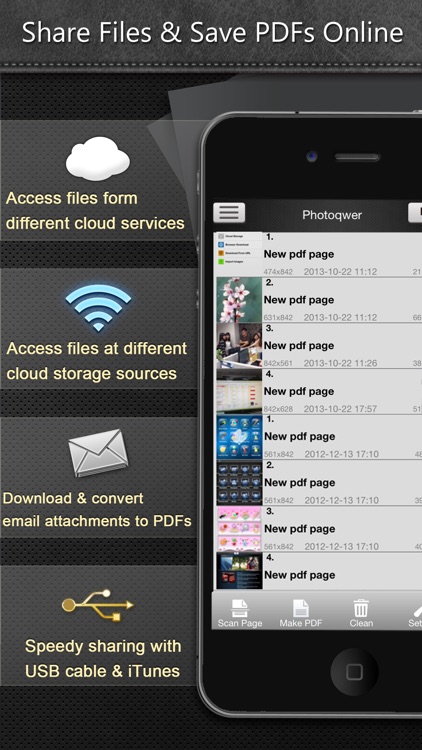
PDF Smart Convert supports more than 200 different file formats, allowing you to create PDFs from just about anything including clipboard content, web pages, photos, iWork documents, and MS Office documents. You’re even able to scan physical documents with your iDevice’s camera and turn them into PDFs. Your newly created PDFs can be managed and stored within folders, or sent off to your favorite cloud service. You’re also able to move files via email, Wi-Fi, or iTunes File Sharing.

If PDFs are your file of choice, download PDF Smart Convert today.

The only reason you shouldn’t install PDF Smart Convert today is if you don’t deal with PDFs. There aren’t any major drawbacks to note.