




You are using an outdated browser. Please upgrade your browser to improve your experience.

Apps That
Went Free on
2014-11-26

We have a collection of fun apps and games for you to enjoy over your holiday break. Pull out your iPad and play a game of Chinese Checkers with friends and family. Get some quiet time to yourself by trying to match Groops. We even have a calendar app that’s a ton of fun to scribble over.

Groops
iPhone
iPad
Groops

Groops

Torched Media

A challenging puzzle game that takes the match-three genre to a whole new level.
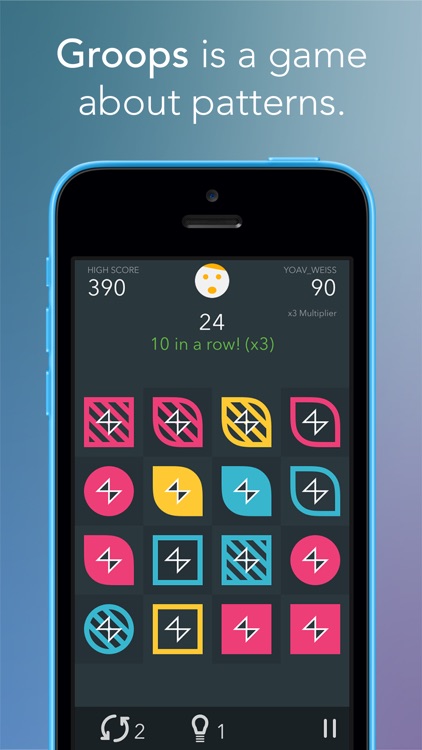
It’s for anyone is tired of the same old formula.

FREE ($0.99) For a limited time FREE ($0.99) For a limited time
Why we picked this?

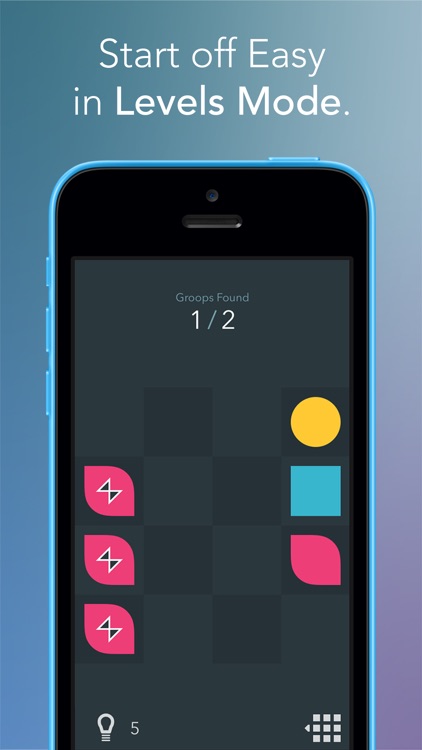
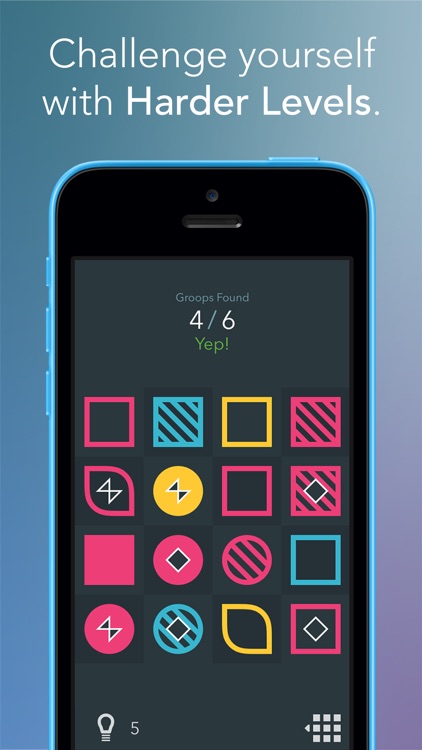
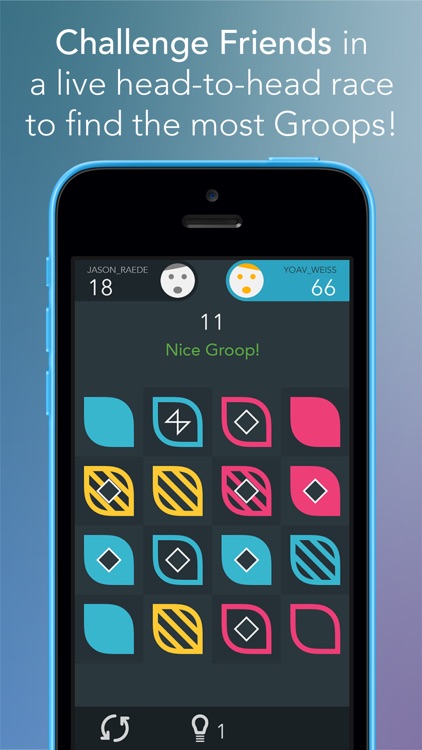
Like most games in the genre, Groops has you on the lookout for groups of three tiles. The big difference here is that tiles can either share the same attributes or be completely different. The other thing to keep in mind is that tiles don’t need to be adjacent to each other to be grouped together. Tiles have a total of four attributes with three options each, creating all kinds of matching possibilities. In the levels mode, you must find a specific amount of matches. In the time attack mode, you must simply move fast. The game includes three board sizes, more than 400 levels, online multiplayer, and achievements and leaderboards via Game Center.

If you enjoy casual games, you’re going to have a lot of fun with Groops. It’s familiar yet different, which is a good thing. Trust us.

Ok, so the gameplay mechanic can get some getting used to. If you’d rather stick to the match-three games you know and love, go ahead and do so.

Hack RUN
iPhone
iPad
Hack RUN

Hack RUN

i273, LLC

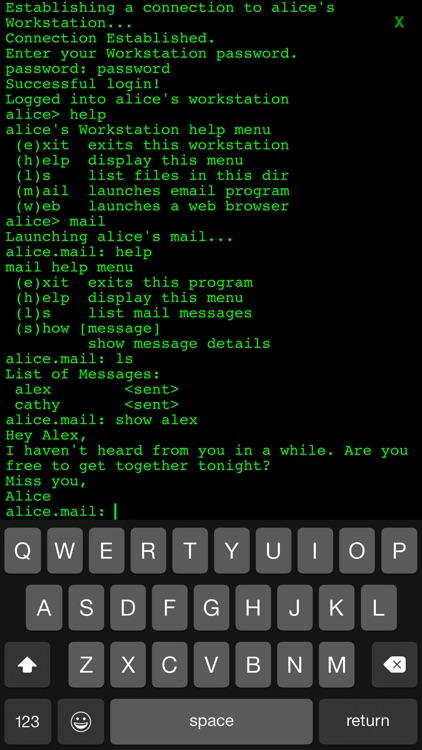
An adventure game that requires you to hack into a mysterious organization’s computer system to uncover their secrets.

It’s for those who have always wanted to be hackers and enjoy text-based games.

FREE ($1.99) For a limited time FREE ($1.99) For a limited time
Why we picked this?

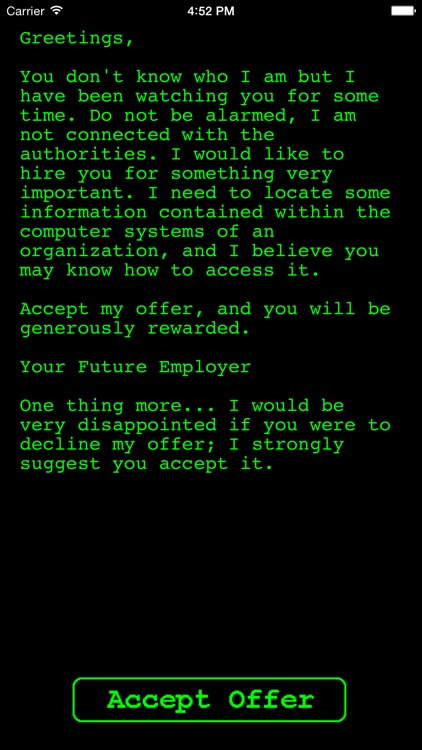
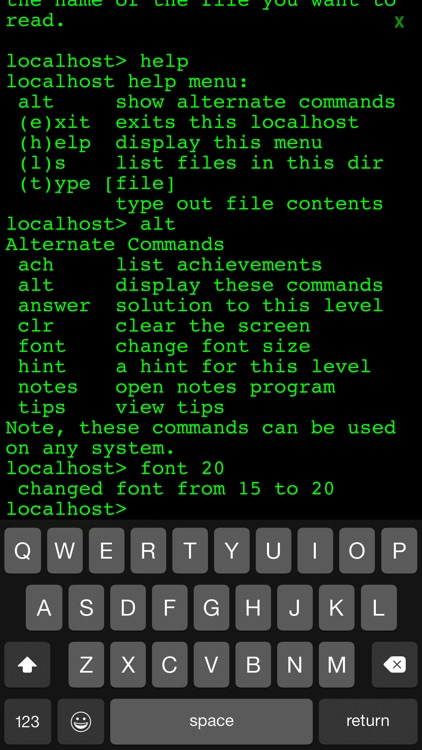
Hack Run is about as old school as you can get. You’re required to use command prompts to dig deeper into the system, and you’ll be rewarded for discovering new information. The game includes more than 50 levels, a list of your achievements, and tips and tricks in case you get stuck.

If you’re looking for a clever adventure game, this is it. Hack Run is actually a series of text-based games, so once you complete this one, make sure to check out its sequel and prequel.

Hack Run is entirely void of graphics. If games need flashy graphics to keep you engaged, you’re going to be bored playing Hack Run.

Chinese Checkers
iPhone
iPad
Chinese Checkers

Chinese Checkers

WildCard Classics Inc

The ultimate digital version of Chinese Checkers.

It’s the perfect board game for anyone looking to entertain this holiday season.

$1.99 $1.99
Why we picked this?

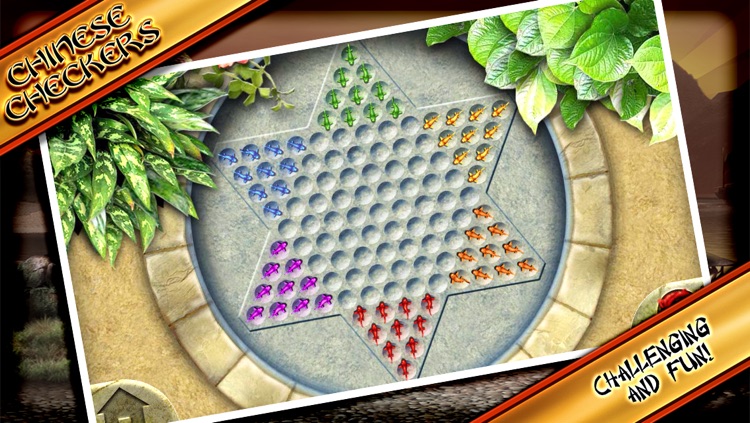
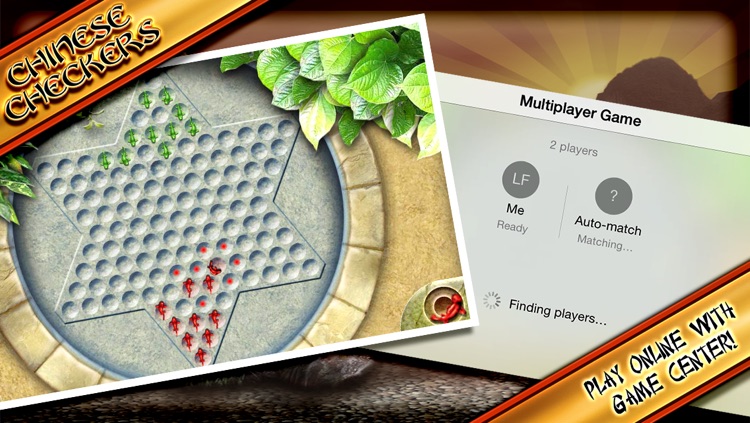
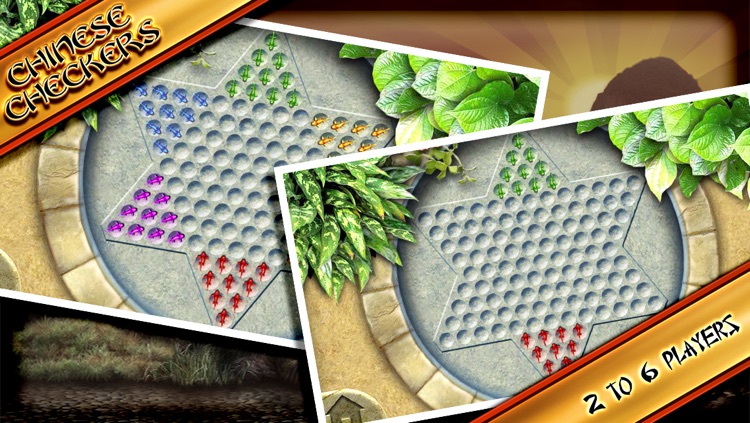
This is our favorite version of Chinese Checkers since there are so many ways to play. You’re able to choose from three different board styles and then guide your bugs or koi fish across the board to win. All of the usual rules apply, but in case you’re not overly familiar with the game, there is a training mode available. As for the ways to play, you can take on computer controlled opponents, play against friends on the same iDevice, play locally via Bluetooth, or head online and challenge friends via Game Center.

If you enjoy board games, you’re going to love taking Chinese Checkers with you wherever you go. The control mechanism is simple enough for even the youngest players to get the hang of, while the competitive AI will give even the best players a run for their money.

When played on smaller screens, like those found on the iPhone 4, the game just isn’t as fun. If you don’t have a larger screened iDevice, skip this one.

Draw Calendar
iPhone
iPad
Draw Calendar

Draw Calendar

Fishington Studios

A personalized calendar that allows you to record notes and events with handwritten text.

It’s for people who prefer scrawling all over paper calendars.

$2.99 $2.99
Why we picked this?

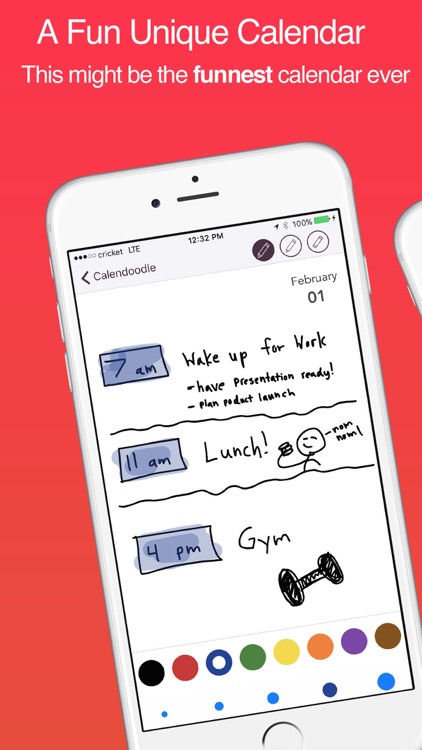
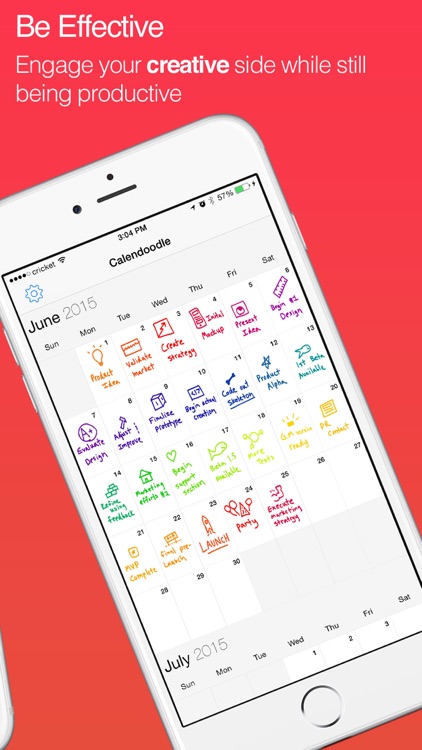
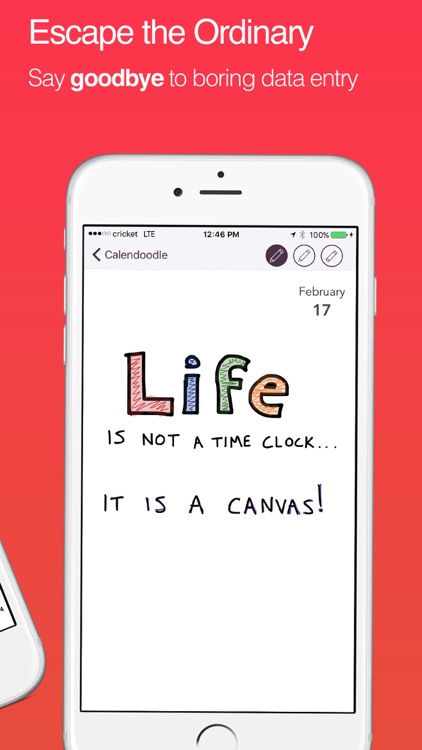
Sometimes the simplest things in life are the best, and Calendoodle takes that idea and runs with it. The idea is to use Calendoodle like you would those paper calendars that are always attached to your fridge. Just tap on any date to bring it into full view and start scribbling all over. You’re able to choose from three colors and three pencil sizes, but that’s about your only options. Simplicity is key here. Your scribbles appear on the monthly calendar just as you made them, allowing you to simply glance at dates to see what’s next.

If you prefer simplicity, this is the calendar app for you. It’s a no-frills way to keep track of the events in your life.

If you need options like push notifications and calendar syncing, this isn’t the app for you.

PDF PROvider
iPhone
iPad
PDF PROvider

PDF PROvider

Darsoft Inc.

A PDF processor for power users.

It’s ideal for business professionals who are constantly dealing with PDF files.

$7.99 $7.99
Why we picked this?

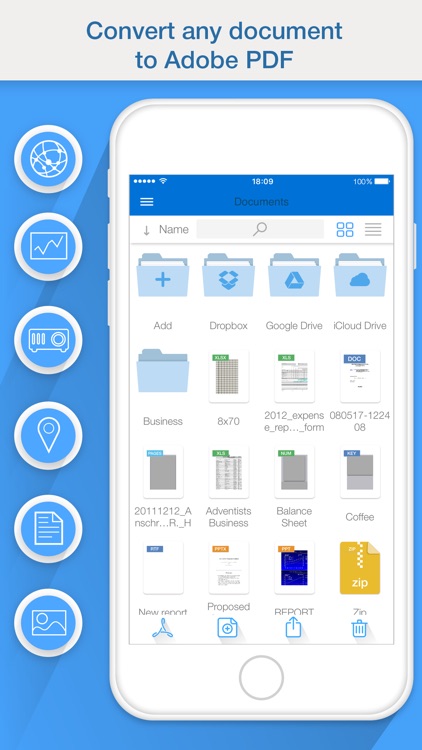
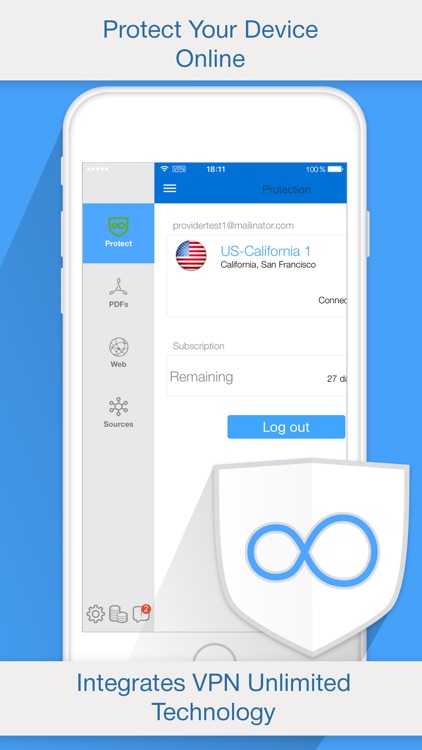
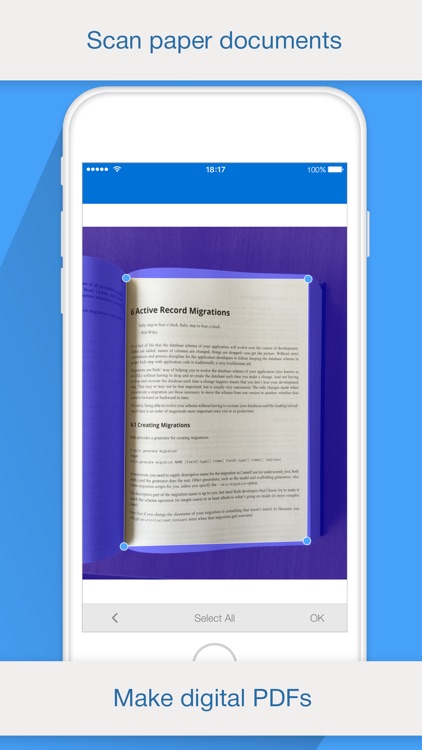
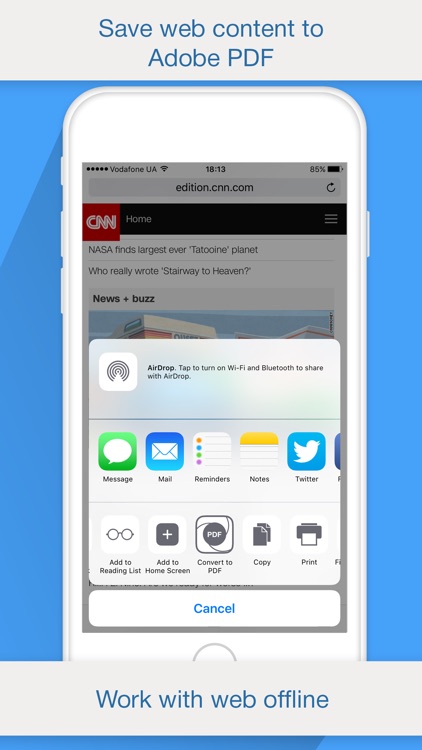
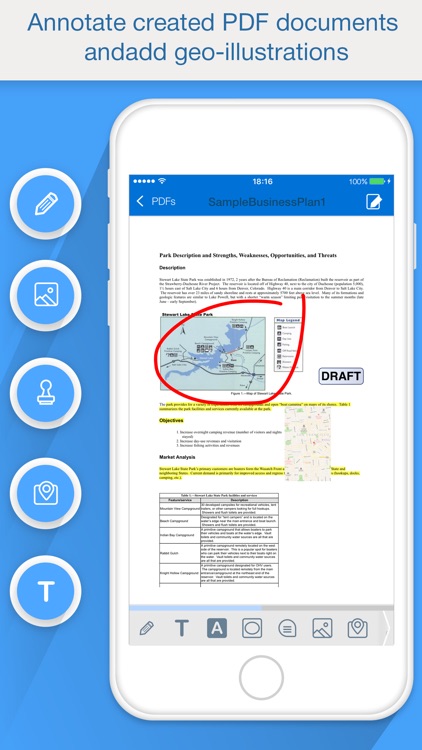
PDF PROvider can turn absolutely anything into a PDF. You're able to view, convert, merge, edit, and manage all of your PDFs while on the go with ease. You can also turn almost anything into a PDF with a single tap including physical documents, photos, clipboard text, web pages, maps, contacts, and Pages, Numbers, Keynote, Word, Excel, and PowerPoint files. Attach notes, highlight text, insert stamps, and draw right on top of your PDFs before sharing them via email or Dropbox. The app also includes the ability to manage files with folders, and import files via iTunes File Sharing, Box.net, Dropbox, and Mobile Safari.

Even if you rarely need things converted into PDFs, check out PDF PROvider. It has so many ways to convert and create PDFs, you’ll find a use for it.

PDF PROvider has a specific purpose, and if you have no need for that purpose, you have no need for the app.