




You are using an outdated browser. Please upgrade your browser to improve your experience.

Apps That
Went Free on
2014-12-12

It’s family fun day with AppsGoneFree! Everyone in the family can have their own custom keyboard with FancyKey. Get together and decorate a digital tree in Bogga Christmas Tree. Enjoy some holiday tunes with LeechTunes.

FancyKey - Customize your keyboard with cool Fonts, colorful Themes and beautiful Emoji Art
iPhone
iPad
FancyKey - Customize your keyboard with cool Fonts, colorful Themes and beautiful Emoji Art

FancyKey - Customize your keyboard with cool Fonts, colorful Themes and beautiful Emoji Art

Pinssible Labs

Spice up your keyboard and your text with FancyKey.

It’s ideal for iOS 8 users who want to stand out from the crowd.

FREE ($0.99) For a limited time FREE ($0.99) For a limited time
Why we picked this?

FancyKey is one of the most creative custom keyboards you’ll come across in the App Store. You’re able to choose from six built-in themes or create your own from scratch. While typing you can switch between 100 funky fonts and input pre-built Emoji art. It also features advanced auto-correct and auto-suggestions powered by Adaptxt Technology, so you shouldn’t make any more mistakes than usual. If you’re an iPhone 6 Plus owner, you’ll be happy to know there’s a one-handed mode and the ability to swipe to move the cursor around the screen. The best part is that the app is fully functional without full access to what you type.

If you’ve been looking for a new custom keyboard, stop right now and download FancyKey. It’s not just fancy, it’s a ton of fun!

If you don’t have iOS 8, this app isn’t supported.
Sharing with Duckie Deck
iPhone
iPad
Sharing with Duckie Deck

Sharing with Duckie Deck

Duckie Deck Development

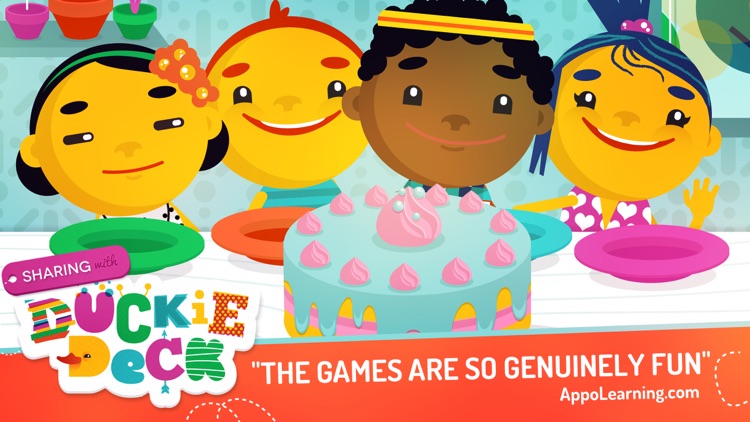
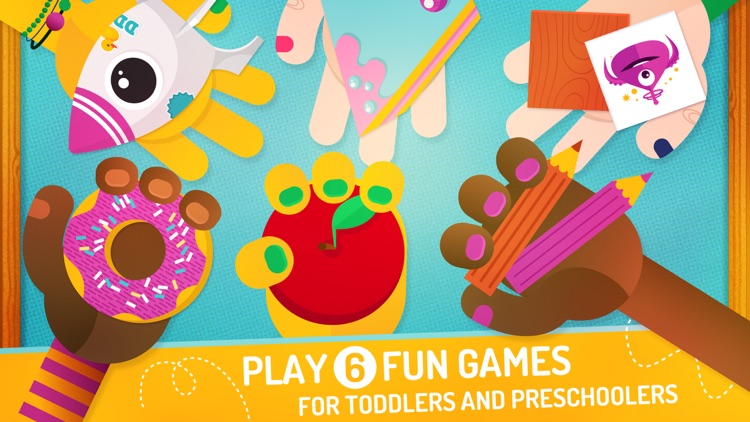
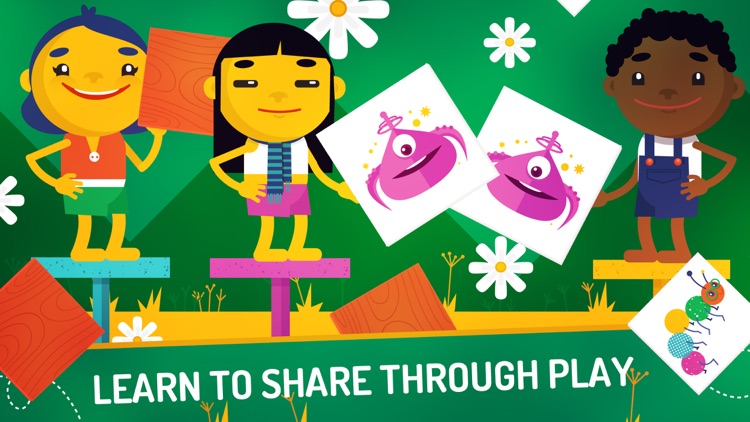
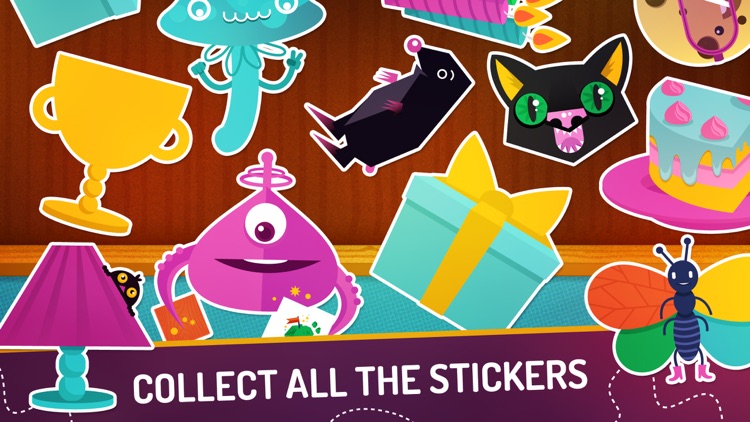
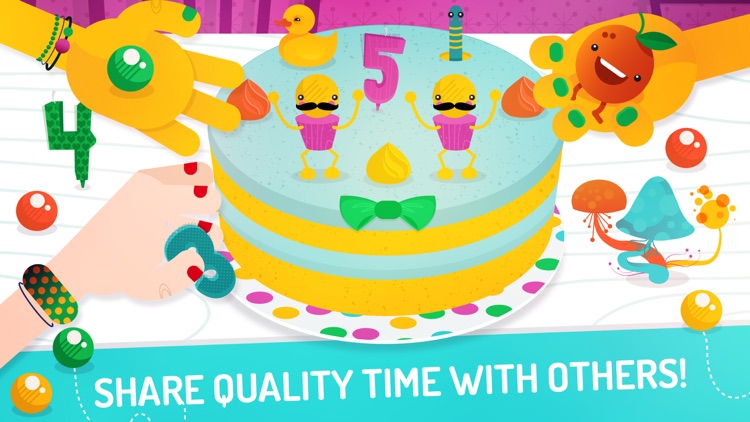
A collection of six fun preschool games that will teach your child the importance of sharing.

Sharing with Duckie Deck is ideal for children ages two through five.

$2.99 $2.99
Why we picked this?

All six games feature colorful characters, interactive elements to discover, and catchy sound effects to keep your child engaged. At the end of each game they’ll earn stickers that can be slapped on their personal wall. The app was designed for children ages two through five, and is completely free of ads, in-app purchases, and external links.

If you’re a parent or teacher who wants to encourage your children to share, this will help get the job done. It’s not just useful, it’s also a ton of fun!

The app has a specific age range in mind due to its content. If your child falls outside of the range, skip this one.

The Journey Down: Chapter One
iPhone
iPad
The Journey Down: Chapter One

The Journey Down: Chapter One

SkyGoblin

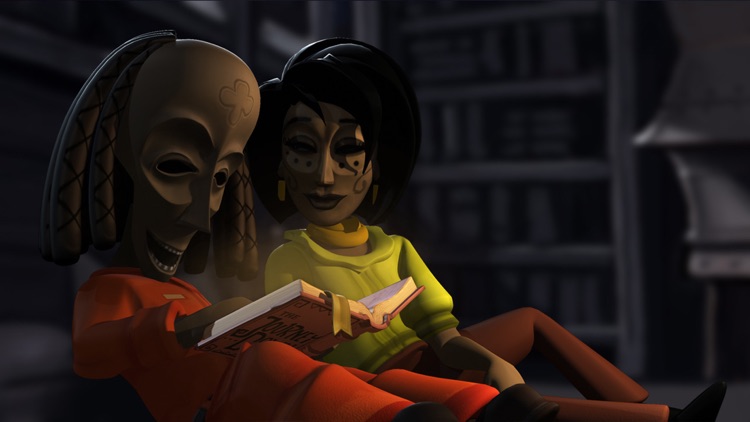
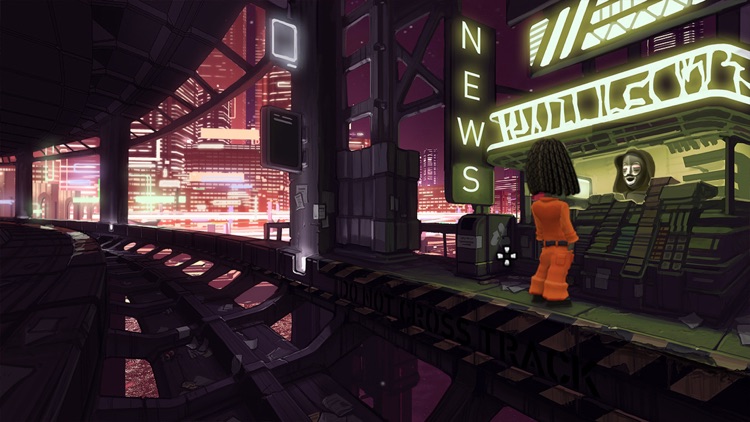
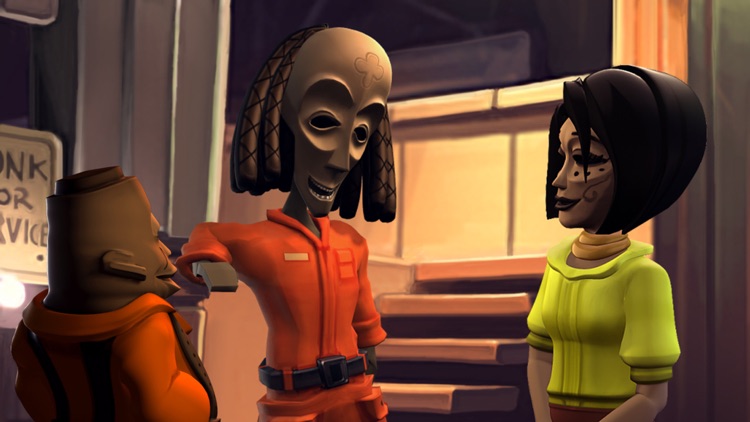
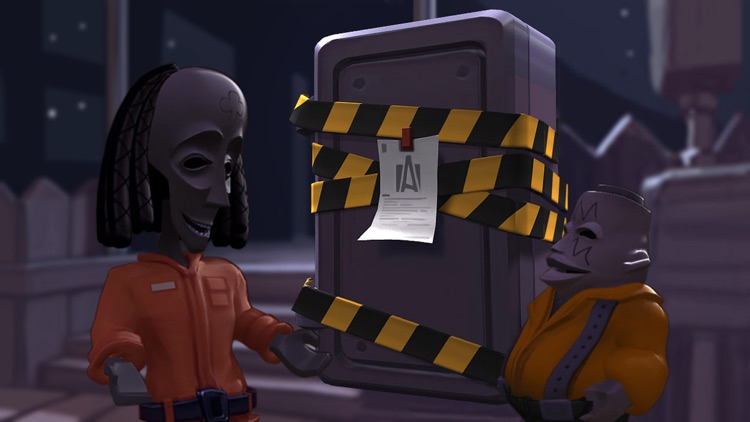
Follow along as Bwana and Kito try to uncover the fate of their long lost father, Captain Kaonandodo, in this point-and-click adventure game.

It’s ideal for gamers who enjoy twisting tales and jazzy music.

$4.99 $4.99
Why we picked this?

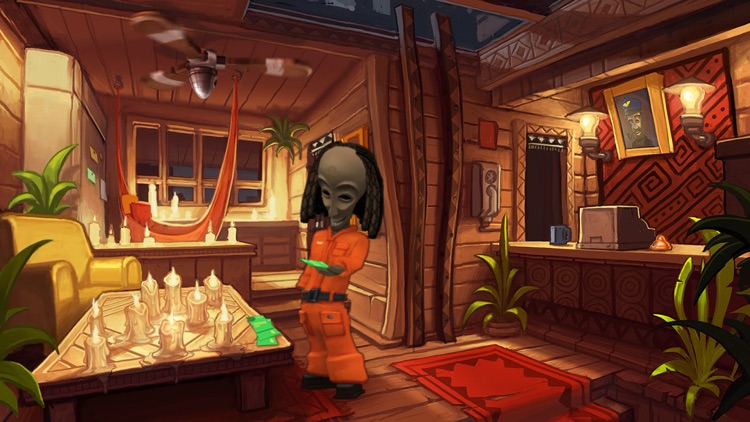
The Journey Down is more than a good story, it’s a work of art. It features gorgeous hand painted environments and a colorful cast of characters. You're able to interact with items on the screen in a variety of ways, and you can tap and drag your finger to reveal hot spots. Once you’ve completed the first leg of your journey, check out The Journey Down: Chapter Two!

If you enjoy classic point-and-click gameplay, you’re going to dig The Journey Down. It’s vibrant, well acted, and simply oozing with style.

The game has a very southern, jazzy vibe. If that’s not your thing, this isn’t your game.

Toca Hair Salon 2
iPhone
iPad
Toca Hair Salon 2

Toca Hair Salon 2

Toca Boca AB

Ready for round two? This highly interactive and rather amusing entertainment app allows your child to run their own Toca Hair Salon.

It’s the perfect app to unleash your child’s creative side.

$3.99 $3.99
Why we picked this?

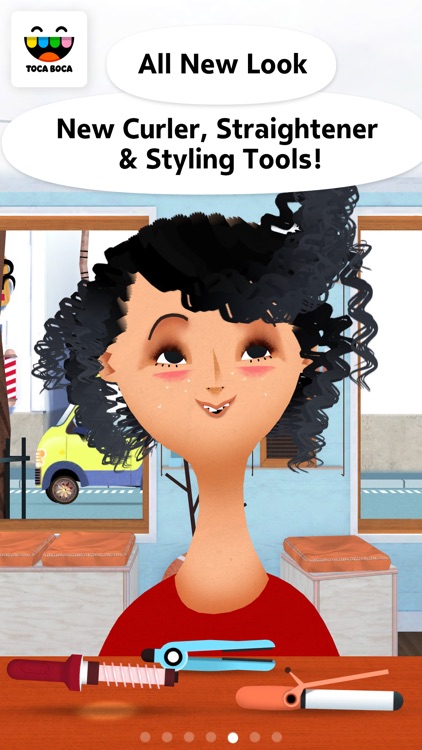
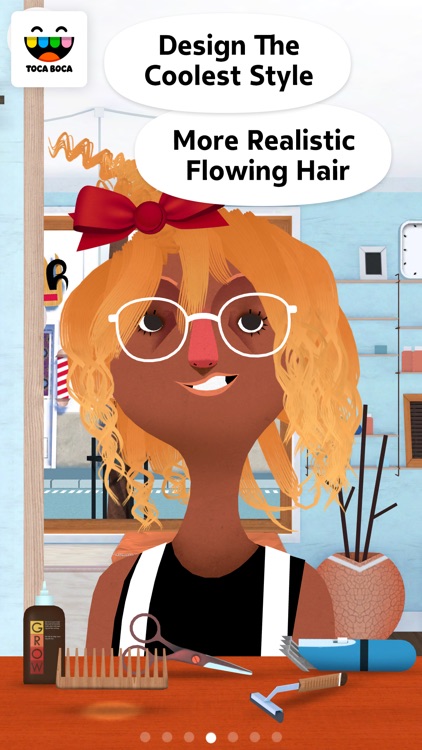
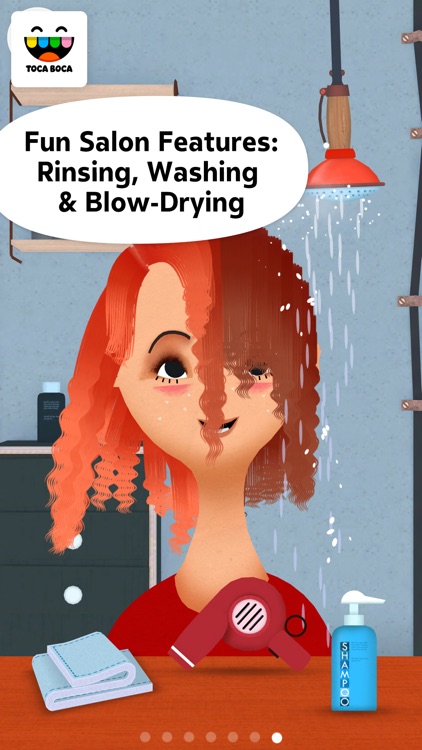
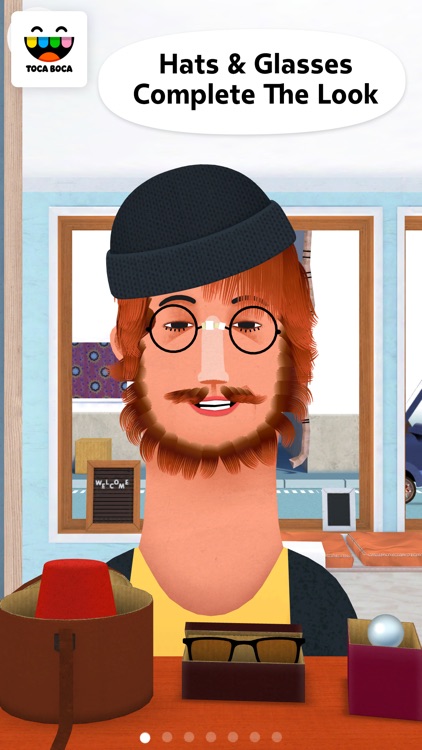
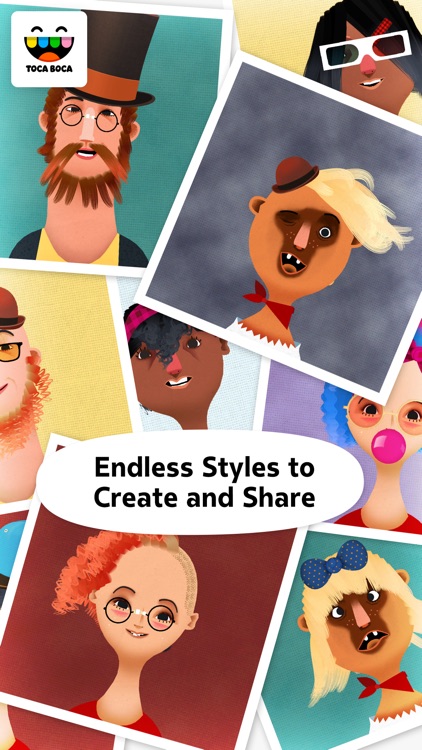
That hair! Toca Hair Salon 2 allows you and your child to create some of the wackiest hairstyles ever seen. Your child can choose from six adorable characters and give them brand new hairdos. As your child shampoos, combs, cuts, and colors hair, the character will react with funny faces and sounds. The app includes a wide variety of trimming and styling tools, 9 hair colors, loads of accessories to add, and the ability to take snapshots of their unique creations.

If your child loves to play with dolls, they’re going to have fun dressing up the characters in Toca Hair Salon.

Children under the age of four will have difficulties navigating the interface, so either join them or skip this one.

LeechTunes
iPhone
iPad
LeechTunes

LeechTunes

Leechbite Apps

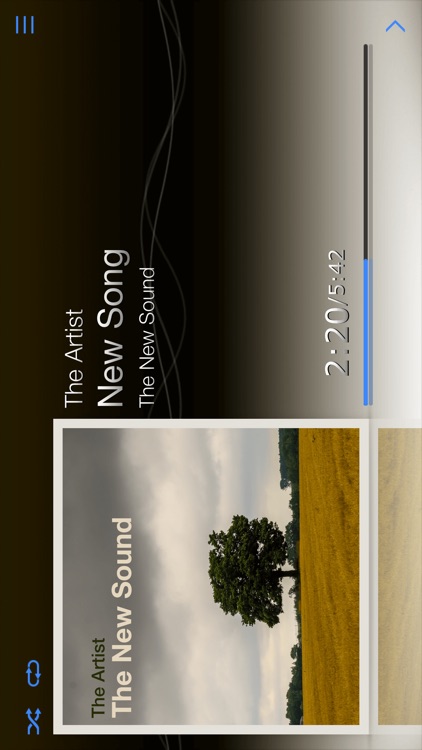
A highly customizable and gesture-driven music app.

It’s for anyone who has grown tired of the native music player in iOS.

$2.99 $2.99
Why we picked this?

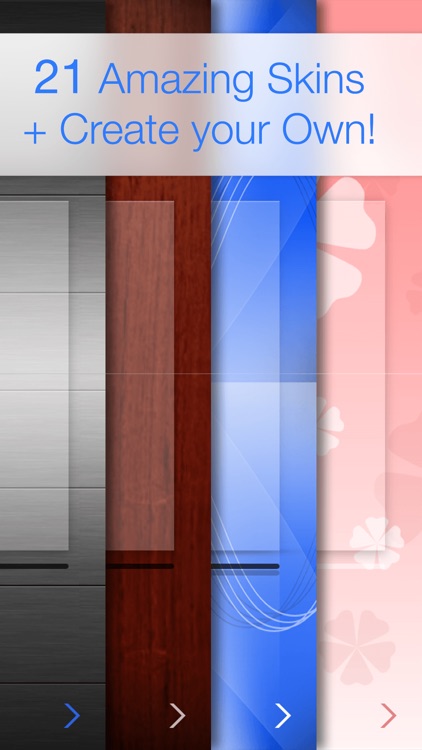
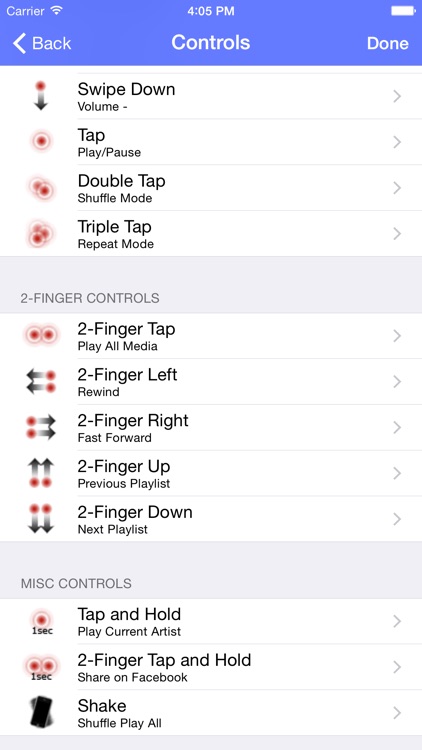
LeechTunes is simply beautiful. You’re able to select from 21 built-in skins and themes or make the app truly your own by utilizing a photo from your library as your background. The customizable gestures make it easy to control your music no matter if you’re in the car or on an outdoor adventure. The app also includes a sleep timer, the ability share what you’re listening to via your favorite social networks, landscape orientation support, and artist info.

Bogga Christmas Tree
iPhone
iPad
Bogga Christmas Tree

Bogga Christmas Tree

Boggatap

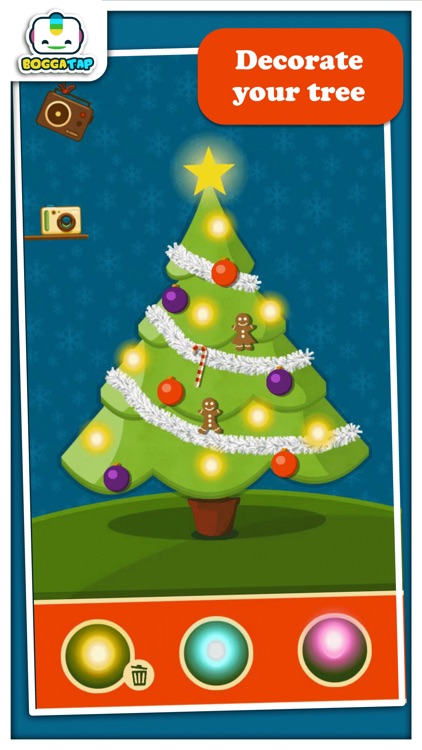
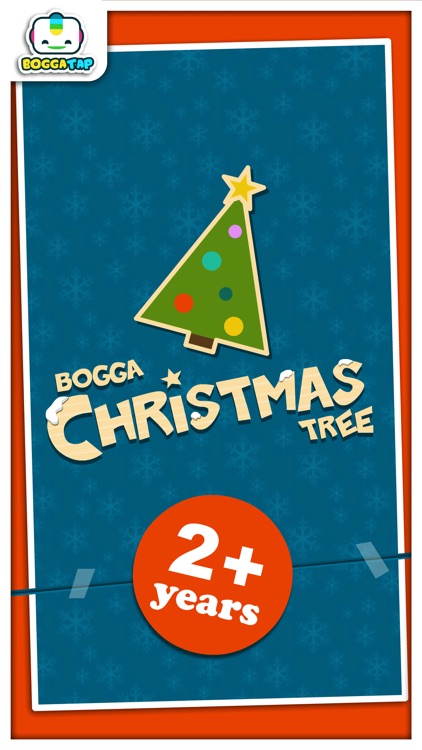
Grab the family and gather around your iDevice to decorate your own Bogga Christmas Tree!

It’s ideal for children who love to create.

$3.99 $3.99
Why we picked this?

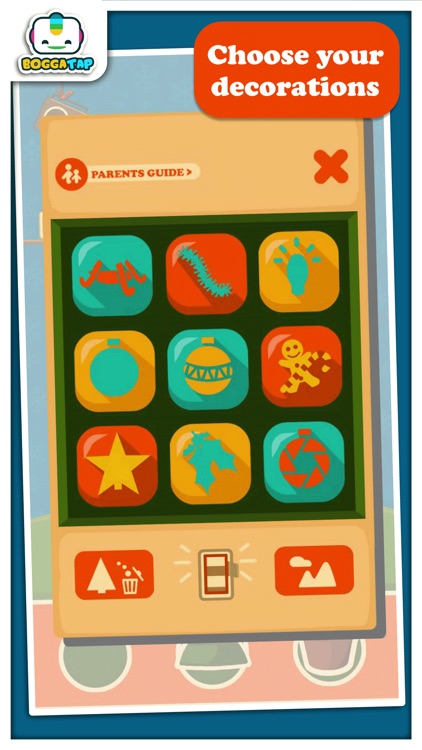
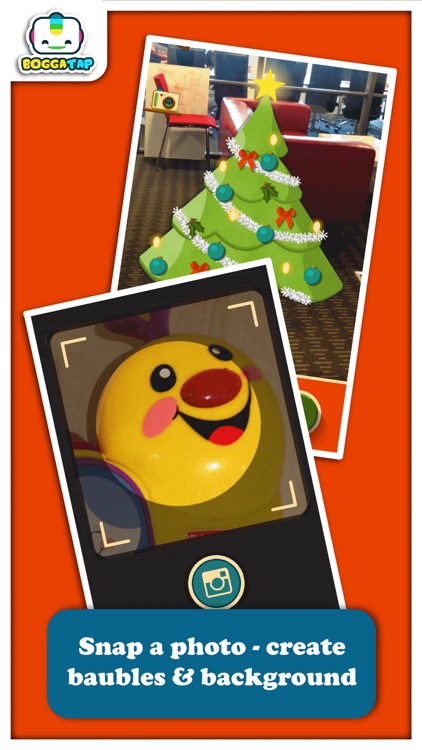
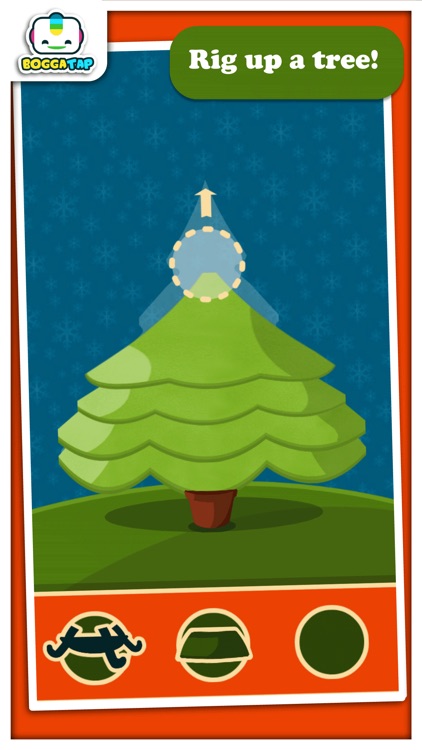
Bogga Christmas Tree will put you in a jolly good mood. Pick a base and then drop the tree on it. You’re able to decorate your tree with different garlands, ornaments, lights, balls, stars, and treats by tapping to place them. You’re also able to create your own custom ornaments and backgrounds using your iDevice’s camera. When you’re all finished decorating, snap a photo of your tree and share it to spread some holiday cheer!

If you’re feeling festive, download Bogga Christmas Tree today. It’s all of the fun of setting up and decorating a tree without all of the hassle.

If you have children under the age of two, they won’t be able to handle the interface all by themselves.